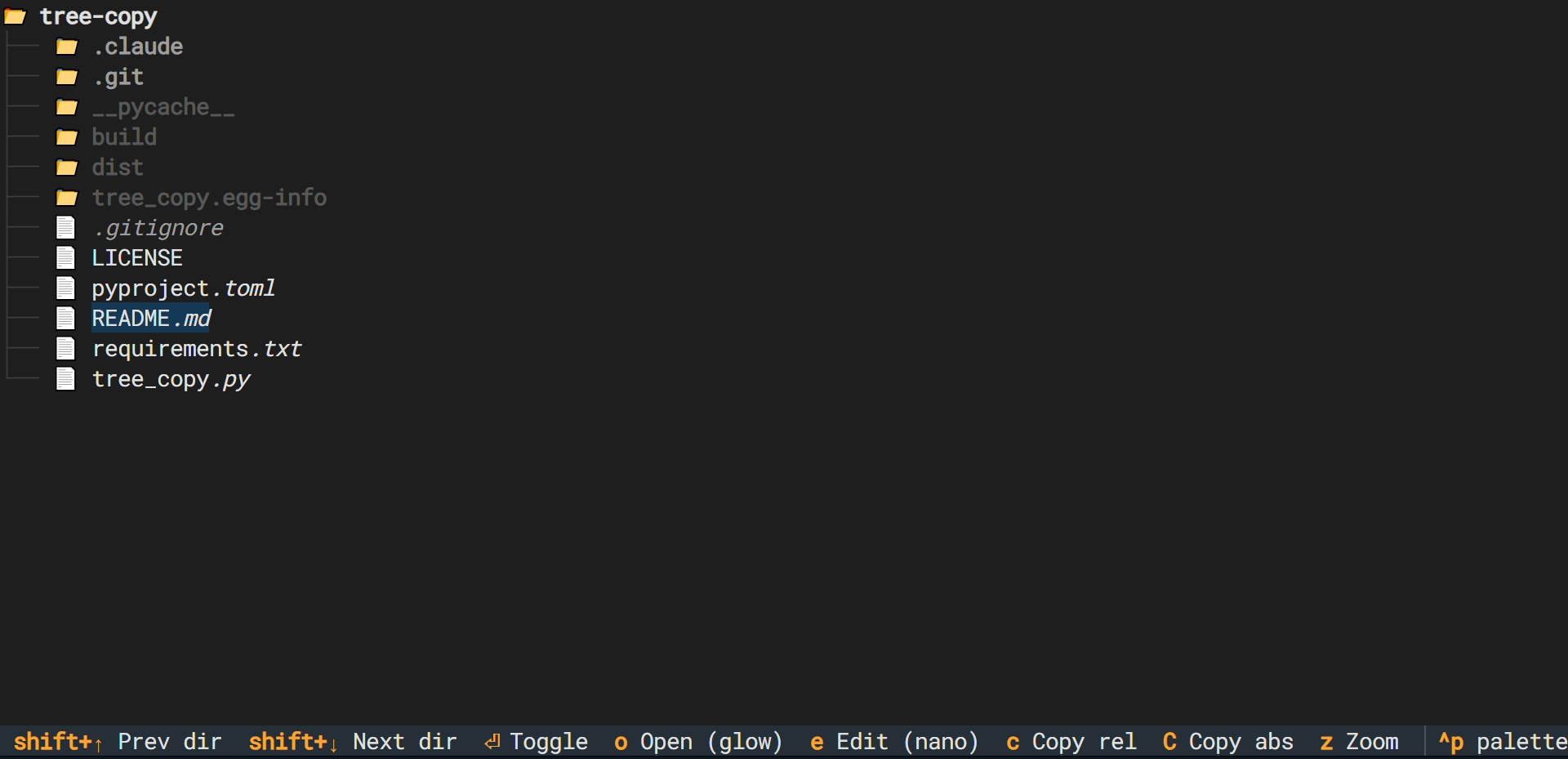




A keyboard-driven file tree sidebar for tmux, built with Textual.
Browse your project, jump between directories, copy paths, and preview files — without leaving the terminal.
- Navigate the file tree with arrow keys
- Jump between sibling directories with
Shift+↑/↓ - Copy relative or absolute paths to clipboard
- Preview files with glow (falls back to
less) - Edit files with
$TREE_COPY_EDITOR(falls back to nano → vi) - Root folder stays open (non-collapsible)
- Python 3.10+
- glow (optional, recommended for file preview — falls back to
less)
pip install tree-copyOr from source:
pip install .tree-copy [directory] # defaults to current directoryAs a togglable tmux sidebar, add to ~/.tmux.conf:
bind-key e run-shell " \
  PANE=$(tmux show-option -wqv @tree-copy-pane); \
  if [ -n \"$PANE\" ] && tmux list-panes -F '#{pane_id}' | grep -q \"^$PANE\$\"; then \
    tmux kill-pane -t \"$PANE\"; \
    tmux set-option -w @tree-copy-pane ''; \
  else \
    NEW_PANE=$(tmux split-window -hbP -l 35 -F '#{pane_id}' \"tree-copy '#{pane_current_path}'\"); \
    tmux set-option -w @tree-copy-pane \"$NEW_PANE\"; \
  fi"
prefix + e opens the sidebar; pressing it again closes it. State (expanded folders, cursor position) is saved automatically and restored on next open.
| Key | Action |
|---|---|
↑ / ↓ |
Navigate |
Shift+↑ / Shift+↓ |
Jump between sibling directories; moves to parent at bounds |
Enter / Space |
Toggle directory open/close |
o |
Preview file (glow if available, else less) |
e |
Edit file ($TREE_COPY_EDITOR, else nano, else vi) |
c |
Copy relative path to clipboard |
C |
Copy absolute path to clipboard |
q / Esc |
Quit |