Play an HLS or local video in lockstep with an Apple Core Haptics .ahap pattern — all with the native AVPlayerViewController controls (play/pause/seek/scrub). Includes a SwiftUI grid to launch multiple clips and simple CLI tools to convert a TSV/CSV timeline into AHAP.
I walk through working out how apple made there haptic F1 trailer

I walk through the entire approach — parsing .ahap, syncing to AVPlayer, drift correction, and edge cases.
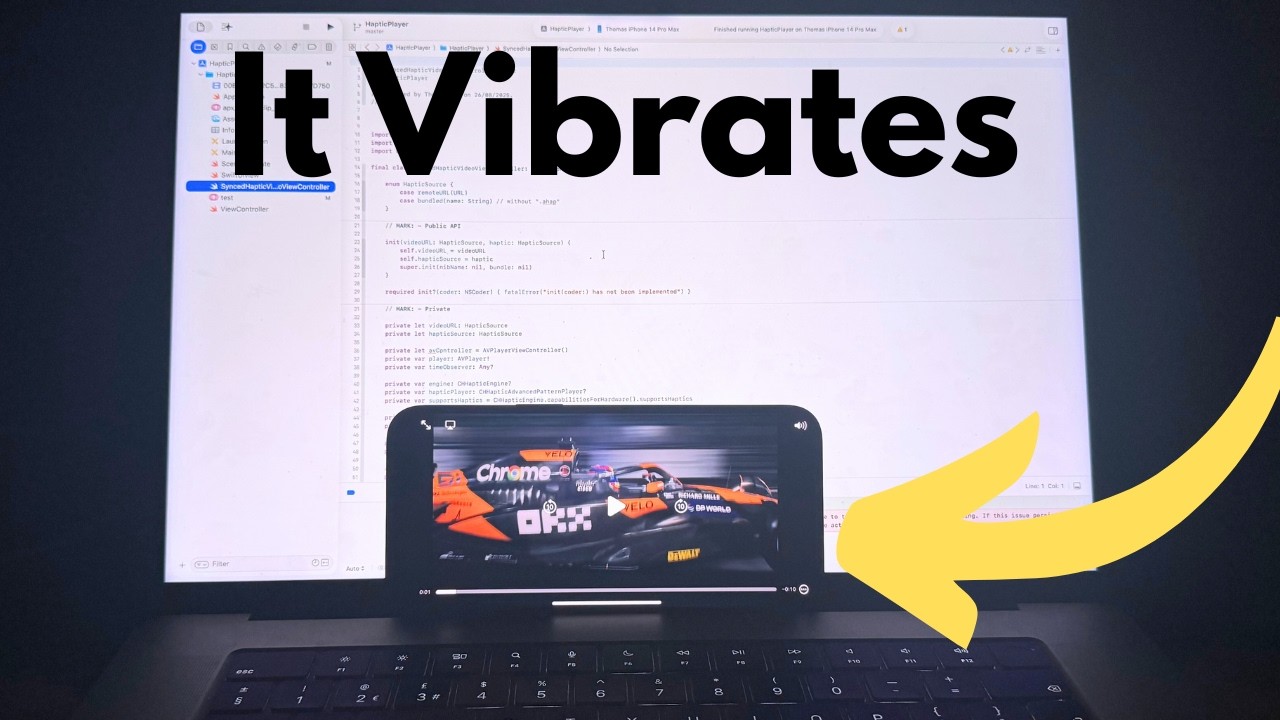
- ✅ Uses AVPlayerViewController’s built-in UI (no custom buttons)
- ✅ Syncs haptics on Play / Pause / Seek / Scrub / Time Jump / Stall / End
- ✅ Light periodic re-pin (defaults to ~300ms) to prevent drift
- ✅ Works with remote and bundled
.ahapfiles - ✅ SwiftUI grid to browse and launch clips
- ✅ Simple TSV/CSV → AHAP converters (PHP or Bash+awk+jq)
- iOS 14+ (iOS 15+ recommended)
- Real device (Simulator doesn’t do Core Haptics)
- Settings → Sounds & Haptics → System Haptics = ON
- HTTPS access for remote HLS/AHAP
- Clock of truth:
AVPlayertime - Haptics:
CHHapticEngine+CHHapticAdvancedPatternPlayer - Sync strategy:
- Mirror player state with:
player.timeControlStatus(play/pause/waiting)AVPlayerItemTimeJumped,AVPlayerItemPlaybackStalled,AVPlayerItemDidPlayToEndTime
- On each event: seek the haptics to
player.currentTime()and start/resume/pause to match - During playback: periodically re-pin haptics to the video time (tiny nudge, drift-free)
- Mirror player state with:
There’s no public haptic
currentTime. We don’t read a haptic playhead; we slave haptics to video time instead.
An .ahap is JSON with Version and a Pattern array of events/curves. Example:
{
  "Version": 1,
  "Pattern": [
    {
      "Event": {
        "EventType": "HapticContinuous",
        "Time": 2.0,
        "EventDuration": 1.0,
        "EventParameters": [
          { "ParameterID": "HapticIntensity", "ParameterValue": 0.6 },
          { "ParameterID": "HapticSharpness", "ParameterValue": 0.3 }
        ]
      }
    },
    {
      "ParameterCurve": {
        "ParameterID": "HapticIntensity",
        "Time": 2.0,
        "ParameterCurveControlPoints": [
          { "Time": 2.0, "ParameterValue": 0.2 },
          { "Time": 3.0, "ParameterValue": 0.9 }
        ]
      }
    }
  ]
}
HapticTransient = tap HapticContinuous + EventDuration = rumble All times in seconds; intensity/sharpness in 0…1.
I created the Haptic file in something called CuePoint, its not build for this but worked really well. I wrote some php to convert my output .txt to the needed json structure. Your millage may be different.
More info is needed here but it is a baseline, hope you enjoy.
Thomas Dye