English | Français

Write your document. Save. Your PDF appears. That's it.



Quick start • Templates • Profile • Build • Help • Commands • VS Code extension

You need to hand in a report, a CV, or a paper in LaTeX, and you'd rather spend your time writing than fighting with packages, compilers, and configuration.
LaTeX Forge is a small tool you install once. One command then creates a complete, ready-to-write document project: the folder structure, the styles, the bibliography setup, and a pre-configured VS Code workspace. Open it, type, save: the PDF rebuilds automatically in a side panel.
No LaTeX knowledge required to get started. And if you already live in a terminal, everything is scriptable.
# 1. install (one time)
pipx install latex-forge

# 2. check your machine and install what's missing (LaTeX, VS Code extensions)
latex-forge setup

# 3. create your first project
latex-forge create --name my-report --template project-report-en

# 4. open it and start writing
code my-report
What is pipx? (click if step 1 fails)
pipx installs Python command-line tools cleanly. If it's missing:
- macOS:
brew install pipx && pipx ensurepath - Windows:
py -m pip install --user pipx && py -m pipx ensurepath - Linux:
sudo apt install pipx && pipx ensurepath(or see pipx.pypa.io)
Then open a new terminal and run step 1 again. Python 3.10+ is required.
- One-command projects: complete folder structure, embedded styles, zero external dependencies
- Live PDF preview: generated projects are pre-wired for LaTeX Workshop: save in VS Code, see the PDF
- Terminal compilation:
latex-forge buildandlatex-forge watchwork without any editor, and missing packages are installed automatically - 80+ templates: CVs, theses, papers, posters, slides… installable from the gallery in one command, plus your own with
--engine - Your profile, auto-filled: set your name, email, and university once; every new project starts personalized
- Git-ready:
latex-forge create --gitinitializes a repository with the first commit - Submission-ready exports:
latex-forge exportbundles your sources and PDF into a clean ZIP - Environment doctor:
latex-forge setupinstalls the toolchain per OS;latex-forge diagnosetells you what's wrong - AI-friendly: every project ships an
AGENTS.mdbriefing so any AI assistant can contribute immediately - Cross-platform: macOS, Linux, Windows

Write on one side. See your document on the other. Every save refreshes the result.
Six templates are built in:
| Template | Language | Description |
|---|---|---|
blank |
English | Minimal document: title, one section, ready to grow |
project-report-en |
English | ISO/IEEE project report: requirements, architecture, testing, bibliography |
project-report-fr |
French | AFNOR/ISO project report: cahier des charges, architecture, tests, bibliographie |
research |
English | Two-column research article: related work, methodology, experiments, bibliography |
cv-en |
English | CV / résumé: education, experience, projects, skills |
cv-fr |
French | CV: formation, expérience, projets, compétences |
latex-forge list-templatesBrowse the template gallery with previews, then install any template in one command:
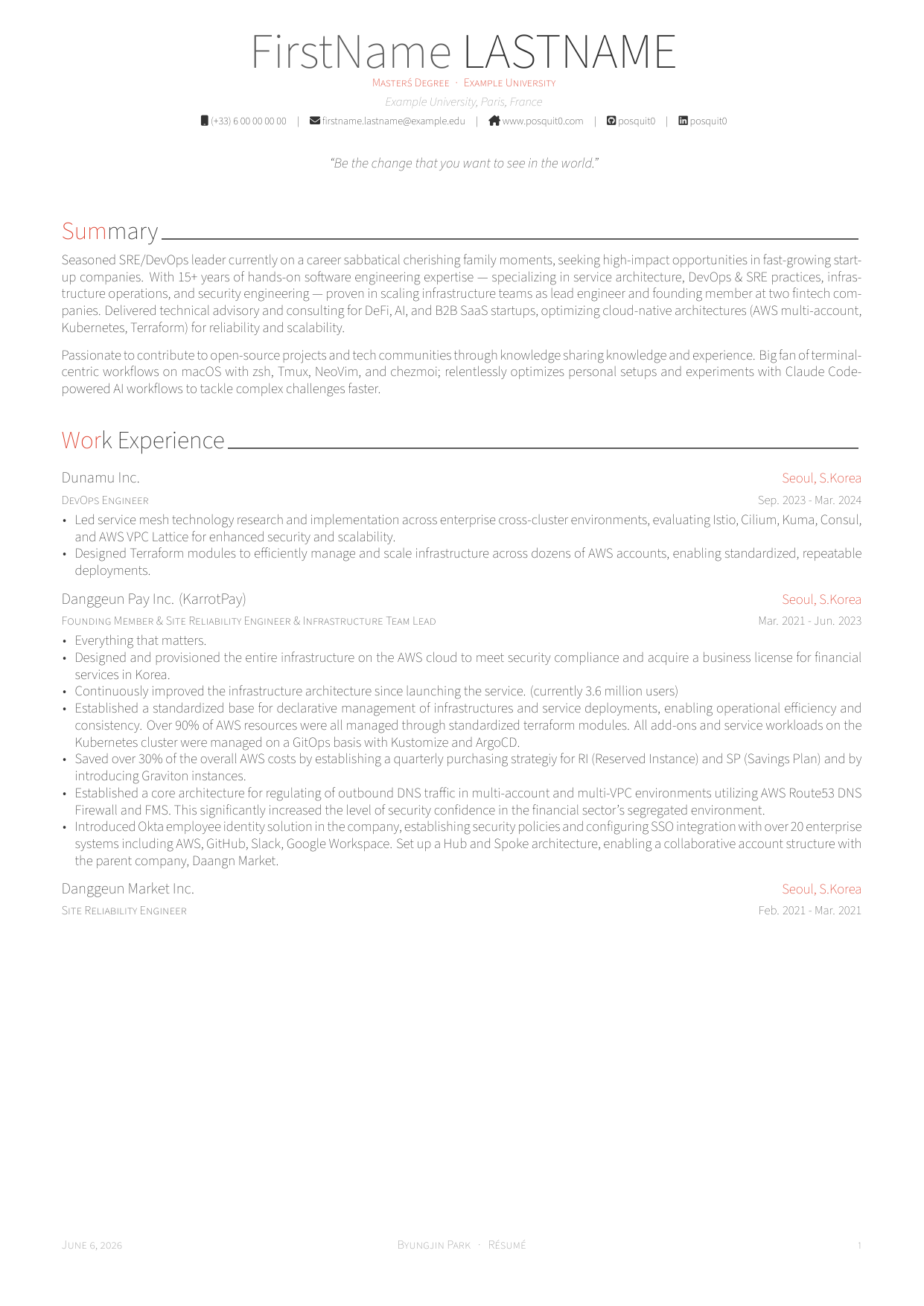
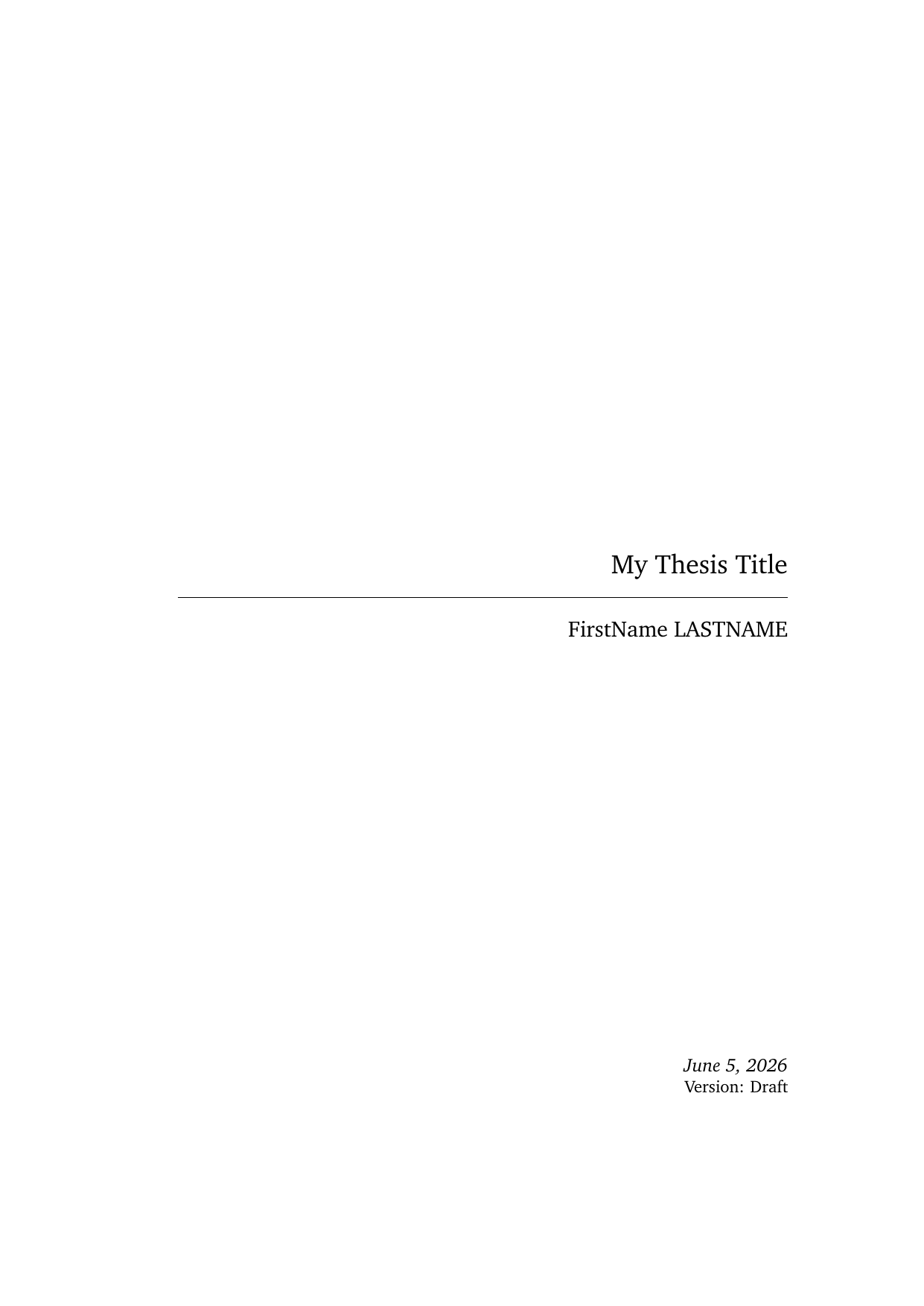
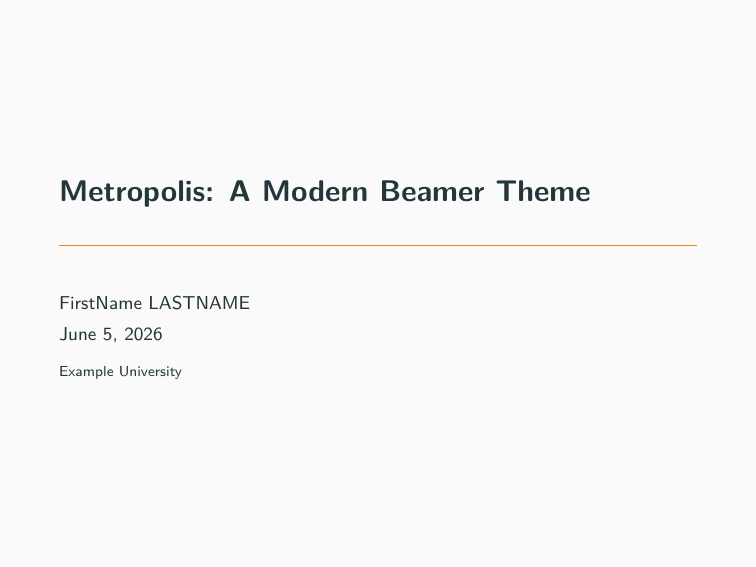
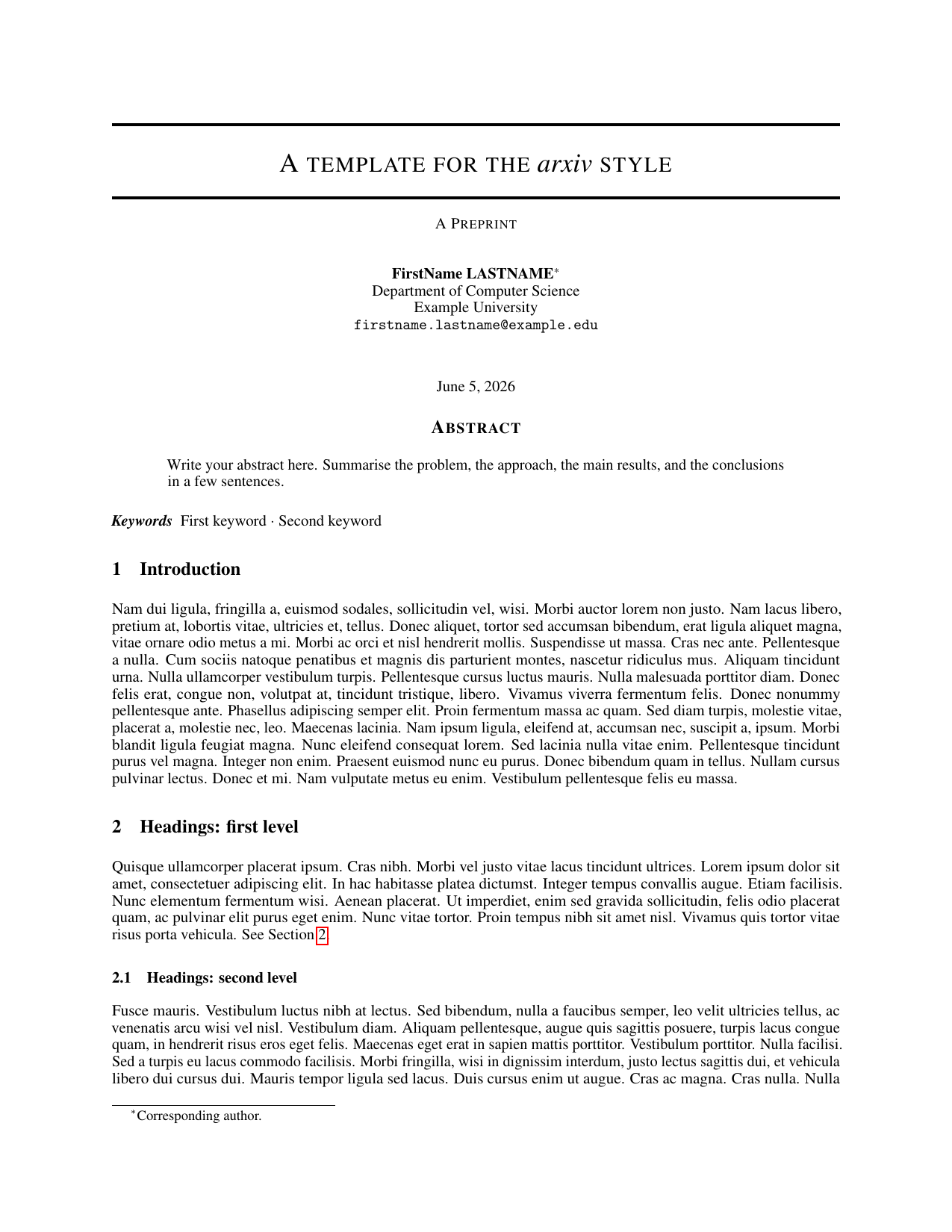
# install a template from the gallery
latex-forge template install https://github.com/thmsgo18/latex-forge-gallery/tree/main/templates/thesis/clean-thesis

# create a project from it
latex-forge create --template clean-thesis --name my-thesis

# manage installed templates
latex-forge template list
latex-forge template update          # pull new versions from the gallery
latex-forge template remove clean-thesis
You can also install your own templates from any GitHub repo, ZIP file, or local folder. The only requirement is a main.tex at the root:
latex-forge template install https://github.com/someone/their-template
latex-forge template install ~/my-templates/lab-notes --name lab-notes

# declare the LaTeX engine if the template doesn't already (pdflatex/xelatex/lualatex)
latex-forge template install https://github.com/someone/their-template --engine xelatex
See TEMPLATE_COMPATIBILITY.md for how to get profile auto-fill (name, email, university…) working with your own templates too.
Prefer clicking to typing? The VS Code extension has a built-in gallery browser with previews and one-click install.
Tell LaTeX Forge who you are once, and every new project is pre-filled with your name, email, university, and more:
latex-forge profile set      # interactive: name, email, phone, university…
latex-forge profile show
latex-forge profile clear
Works with the built-in templates and the gallery ones (CVs get your contact details, reports get your university and supervisor).
No VS Code? No problem.

latex-forge build            # compile once → build/<name>.pdf
latex-forge build --clean    # wipe build artifacts first
latex-forge watch            # recompile on every save (Ctrl+C to stop)
The right LaTeX engine is detected from the project itself: nothing to configure.
$ latex-forge create

Project name: my-report
Available templates:
  1. blank
  2. cv-en
  3. cv-fr
  4. project-report-en
  5. project-report-fr
  6. research
Choose a template [1-6]: 4
Create project in [/Users/alice/Desktop]:

Project created: /Users/alice/Desktop/my-report
Open project in VS Code? [y/N]
latex-forge create --name my-report --template project-report-en
latex-forge create --name my-paper --template research --output ~/Desktoplatex-forge rename old-name new-name # from the parent directory
latex-forge rename new-name # from inside the project# ~/.latex-forge.toml
default_template = "project-report-en"
default_output_dir = "~/Documents/projects"| Key | Description |
|---|---|
default_template |
Template used when --template is omitted |
default_output_dir |
Output directory used when --output is omitted |
Tab completion for commands, flags, and template names for bash (~/.bashrc) or zsh (~/.zshrc):
eval "$(latex-forge completion)"Open frontmatter/metadata.tex to set the title, authors, and course:
\newcommand{\reporttitle}{Audio Fingerprinting Study}
\newcommand{\coursename}{Machine Learning}

\resetauthors
\addauthor{Alice Martin}{}
\addauthor{Bob Durand}{}
Save the main .tex file: the PDF rebuilds instantly in VS Code (or run latex-forge build).
my-project/
├── my-project.tex            ← main file (named after the project)
├── frontmatter/
│   ├── metadata.tex          ← title, authors, course (start here)
│   └── toc.tex
├── sections/                 ← one .tex file per section
├── backmatter/               ← acknowledgements, appendices
├── bibliography/
│   └── references.bib
├── figures/  images/  assets/logos/
├── styles/packages/          ← embedded styles, no external dependency
├── .vscode/                  ← pre-configured for live PDF preview
├── GETTING_STARTED.md        ← guide for you
├── AGENTS.md                 ← briefing for AI assistants
└── .gitignore
The project is fully self-contained: it compiles, shares, and versions independently, with no dependency on this repository. Every project also ships AGENTS.md, a briefing that lets any AI assistant open the project cold and contribute correctly.
Start with the doctor, which checks everything and tells you what to fix:
latex-forge diagnose| Problem | Fix |
|---|---|
latex-forge: command not found |
Open a new terminal, or run pipx ensurepath |
| Nothing compiles / no PDF | latex-forge setup --install-tex installs LaTeX for your OS |
Package X not found |
tlmgr install X (TeX Live); MiKTeX installs it automatically |
| Compilation stuck | latex-forge build --clean, then try again |
| Something else | Open an issue with the output of latex-forge diagnose |
| Command | Description |
|---|---|
latex-forge create |
Create a project (interactive) |
latex-forge create --name N --template T --output DIR [--git] |
Create with explicit arguments, optionally with git init |
latex-forge build [DIR] [--clean] [--verbose] |
Compile to PDF with latexmk (auto-installs missing packages via tlmgr) |
latex-forge watch [DIR] |
Recompile on every save |
latex-forge export [DIR] [--output FILE] |
Bundle sources + PDF into a clean ZIP for submission |
latex-forge rename [OLD] NEW |
Rename a project (folder + main file + artifacts) |
latex-forge list-templates |
List available templates |
latex-forge template install SOURCE [--name N] [--force] [--engine E] |
Install a template (GitHub URL, ZIP, local path) |
latex-forge template list [--json] |
List built-in and installed templates |
latex-forge template update [NAME] [--json] |
Update installed gallery templates |
latex-forge template remove NAME |
Remove an installed template |
latex-forge profile set / show / clear |
Manage your auto-fill profile |
latex-forge setup [--check-only] [--install-tex] |
Check / set up the environment |
latex-forge diagnose [--json] |
Environment health check |
latex-forge completion [--shell SHELL] |
Print shell completion code |
latex-forge --version |
Show version |
Each project is self-contained, so you can version it independently:
cd my-project
git init && git add . && git commit -m "Initial report"See CONTRIBUTING.md. The demo GIFs are generated with vhs: ./docs/demo/record.sh.
- latex-forge-vscode: do everything from VS Code: create projects, browse the gallery with previews, one-click template install (no terminal needed)
- latex-forge-gallery: the curated template gallery (80+ templates) and its browsable website
- latex-forge-skill: a Claude skill that drives the whole workflow from a conversation: scaffold, write, build and export documents
Made by thmsgo18