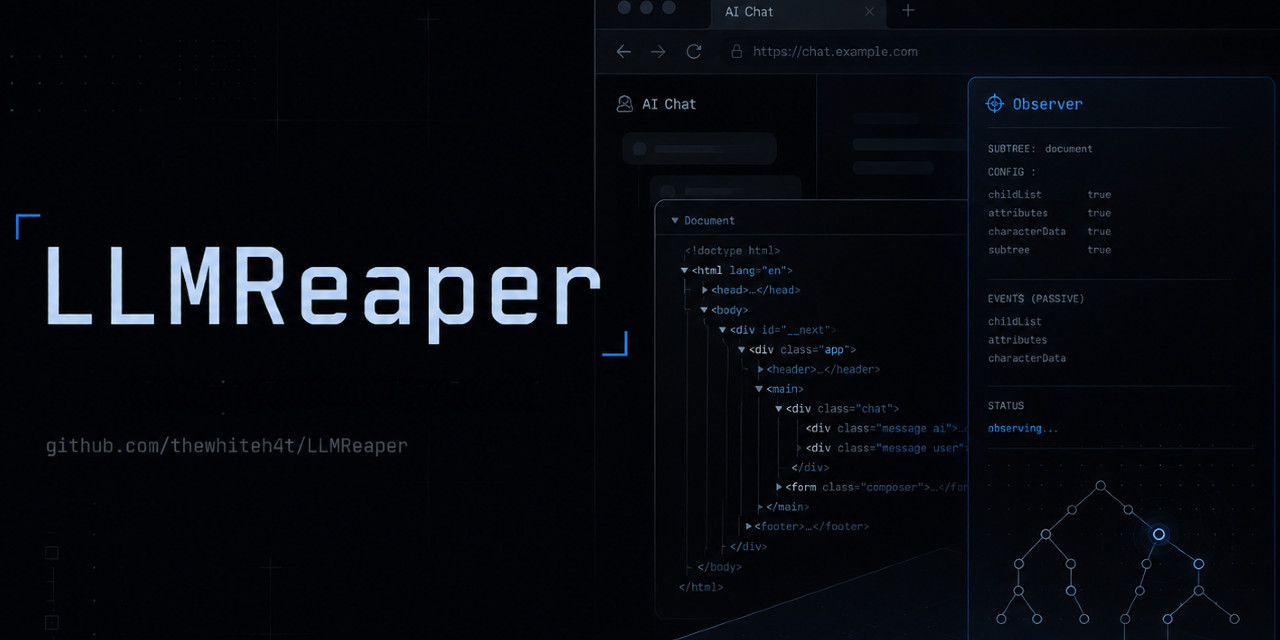
Passive LLM Conversation Capture & Sensitive Data Exposure Research
Chromium MV3 Extension • Real-Time DOM Capture • Secret Detection • FastAPI Backend
Warning
This project is provided strictly for security research, educational use, and defensive awareness purposes. Unauthorized deployment against systems, users, or environments without explicit permission may violate local laws, regulations, organizational policies, or terms of service.
LLMReaper is a proof-of-concept security research demonstrating how browser extensions with standard DOM access can silently observe, capture, and scan AI platform conversations for accidentally exposed sensitive data without any special permissions, network interception, or privilege escalation.
Threat actors constantly upload malicious browser extensions mimicking the real thing and social engineer users on a large scale.
Note
Detailed blogpost : https://thewhiteh4t.github.io/blog/ai-chat-llmreaper/
- An unpacked chrome extension is provided which shows the social engineering aspect as well as the conversation capture.
- In chrome we can enable dev mode and load unpacked extensions.
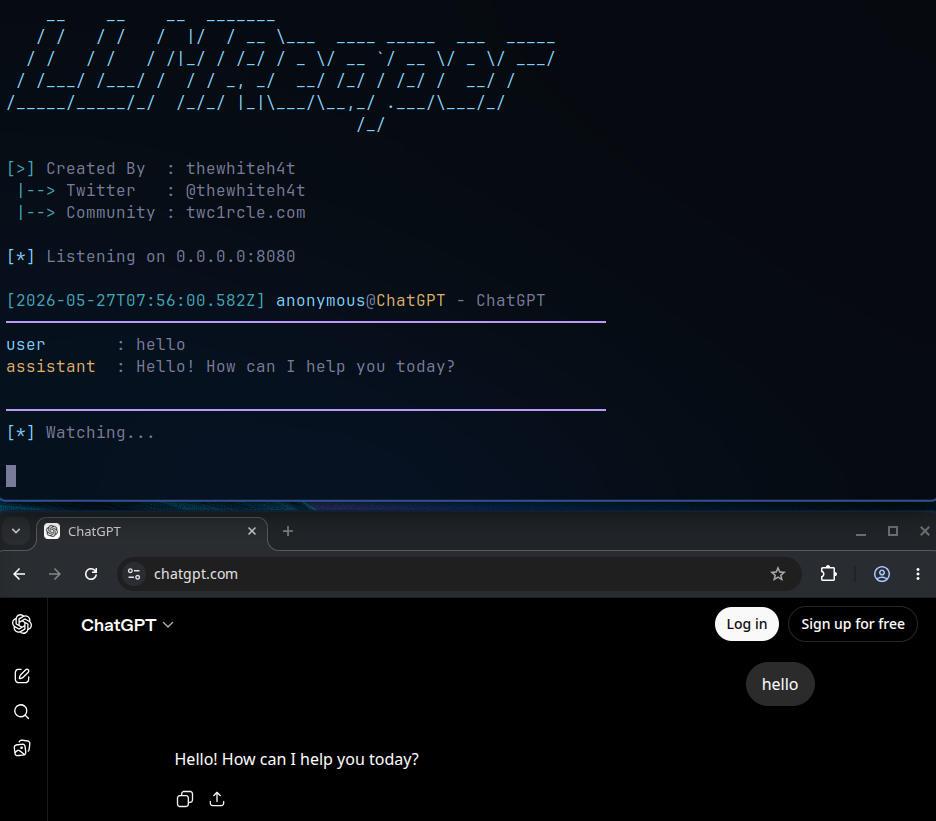
- After loading the extension we can simply switch to any of the supported platforms and begin talking
- The extension will capture the chat in real time and will send it the backend
- A set of regex matches are used to find secrets from the conversation
| Platform | Status |
|---|---|
| ChatGPT | ✅ Supported |
| Claude | ✅ Supported |
| Gemini | ✅ Supported |
The backend detection engine scans for:
- API Keys — OpenAI, Anthropic, AWS, GCP, Azure, GitHub, Stripe, Twilio, and more
- Authentication Tokens — JWTs, Bearer tokens, OAuth tokens, session cookies
- Cloud Credentials — AWS access key IDs, secret keys, GCP service account keys
- Secrets and Passwords — Common patterns in environment variables and config files
- PII — Email addresses, phone numbers, SSNs, credit card patterns
- Connection Strings — Database URIs, JDBC strings, Redis/MongoDB connection strings
sudo pacman -S python-fastapi python-uvicornsudo apt install python3-fastapi python3-uvicornpip install fastapi uvicorn- Chrome -> Three dot menu -> Extensions -> Manage extensions
- Turn on developer mode
- Load unpacked extension -> Select LLMReaper/chrome_ext directory
cd LLMReaper

python3 LLMReaper.py
Created by Lohitya Pushkar (thewhiteh4t)