
A Flutter package that creates an animation of a flipping card.
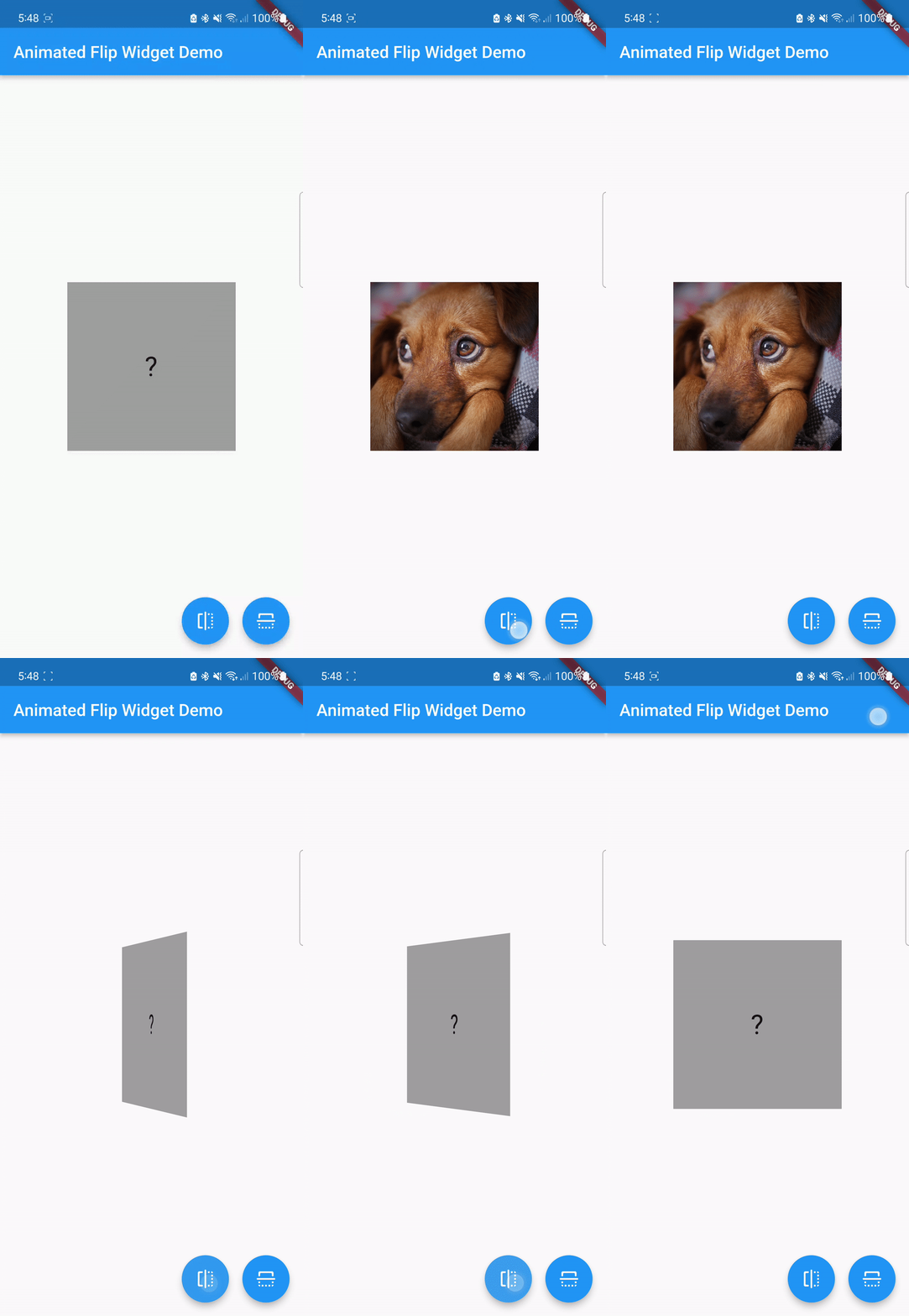
- Creates an animation of a flipping card
- Allows you to display different widgets on the front and back of the card
- Includes a
FlipControllerclass to control the animation of the flip - Allows you to specify whether the card should be clickable or not
- Allows you to specify the duration of the flipping animation
- Allows you to specify the direction of the flipping animation (horizontal or vertical)
To use this package, add animated_flip_card as a dependency in your pubspec.yaml file.
dependencies:
animated_flip_card: <latest version>To use the AnimatedFlipWidget, you must pass in three required parameters: front, back, and controller.
AnimatedFlipWidget(
  front: Text('Front'),
  back: Text('Back'),
  controller: _controller,
)To use the AnimatedFlipWidget, you must pass in three required parameters: front, back, and controller.
AnimatedFlipWidget(
  front: Text('Front'),
  back: Text('Back'),
  controller: _controller,
)
You can also specify the optional parameters:
AnimatedFlipWidget(
  front: Text('Front'),
  back: Text('Back'),
  controller: _controller,
  clickable: true,
  flipDuration: Duration(milliseconds: 600),
  flipDirection: FlipDirection.Horizontal,
)
You can control the animation of the flip by calling the flip() method on the FlipController instance.
_controller.flip();- This package uses the
TweenAnimationBuilderwidget to build a tween animation that rotates the card based on the angle of thecontroller. - It also has an
enumclassFlipDirectionthat allows you to define the direction of flipping horizontally or vertically. - A sample project demonstrating how to use the package is available in the
exampledirectory of this package