Download here
Works on Windows 7 onwards, requires .NET Framework 4.7.2
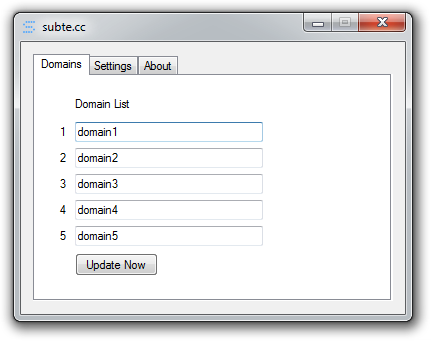
This page shows a 5 input fields for each domain to be updated. With a manual update button for testing.
Here you can tweak the behaviour of the program.
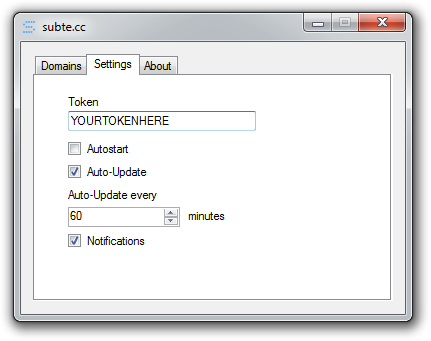
The main elements are:
- Token: The API access token provided on the dashboard.
- Autostart: Enables subte.cc to start upon user logon.
- Auto-Update: Makes domains update automatically after certain time period.
- Auto-Update every: Sets the time in minutes to wait until next update.
- Notifications: Enables notifications indicating update and program status.
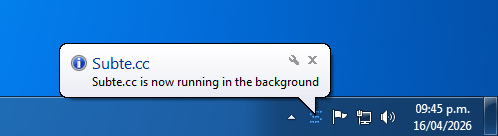
Notifications on the notification tray area indicate the update and program status, the main notifications are:
Shown when program is minimized with Autostart ON or when it started on user logon.
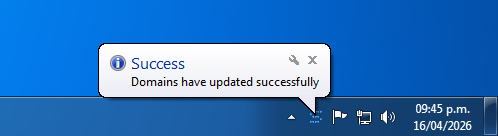
Shown when domains set on the domain tab have been updated successfully.
If there was an error during the domain update proccess, detailed information about the error is shown.
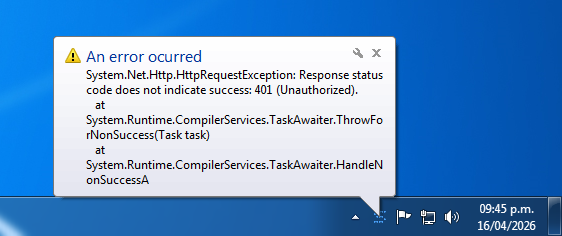
Error 401 (Unauthorized), usually caused when user is making updates too quickly