Generate terminal colorschemes from images for kitty, AwesomeWM, Waybar, dunst, and rofi.
Repo: Codeberg (primary) · GitHub (mirror)




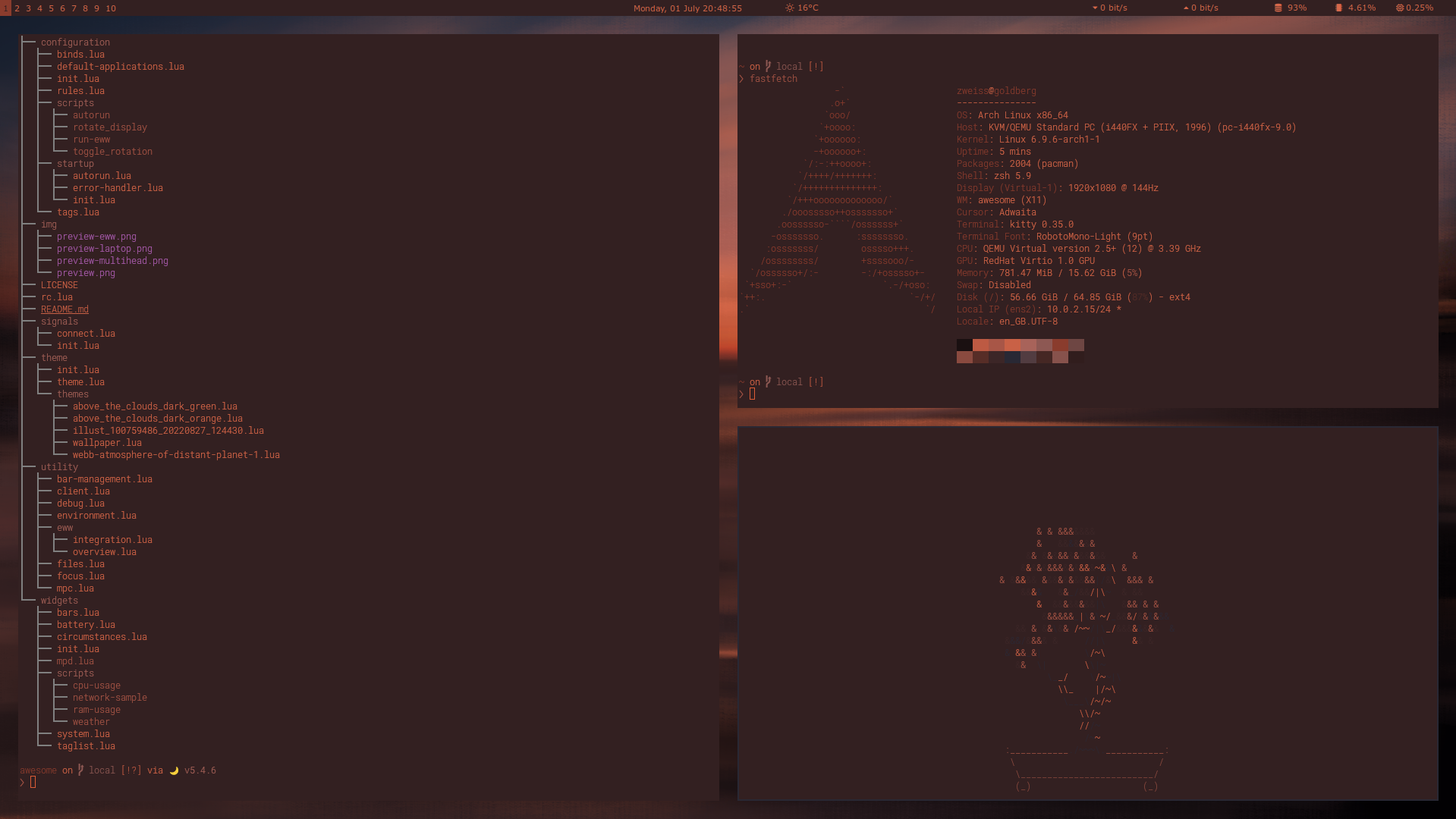
Requires Python 3.12 or 3.13.
pip install colorgenOr from source:
git clone https://codeberg.org/piotrkrzysztof/colorgen.git
cd colorgen
make install# Preview colors from an image
colorgen wallpaper.png --preview
# Generate and apply a kitty colorscheme
colorgen wallpaper.png --config kitty --theme dark --apply
# Multiple targets
colorgen wallpaper.png --config kitty awesome rofi --apply
# All targets
colorgen wallpaper.png --full-config --theme dark --applyAfter applying - old theme gets commented out, not deleted.
Extracts 18 dominant colors from the image via K-means clustering, then maps them to a 19-color terminal palette (bg, fg, cursor, colors 0-15) based on hue diversity and luminance.
- kitty - terminal color config
- AwesomeWM - window manager theme (awesomewm-basileia layout)
- Waybar - status bar colors via
@define-colorCSS variables - dunst - notification daemon colors via
dunstrc.ddrop-in - rofi - launcher theme (adi1090x/rofi layout)
make install   # install deps
make test      # run tests
make lint # check code styleGPL-3.0-or-later. Built with Pylette.