A lightweight and essential datapack or mod that introduces the Immutable enchantment. Never lose your hard-earned endgame gear, shulker boxes, or rare items to accidental environmental hazards ever again!
The Immutable enchantment fully safeguards dropped items on the ground from being destroyed by the following vanilla hazards:
Items will float safely on lava or sit in fire without burning up.

Blocks and items dropped during creeper or TNT blasts remain completely intact.

No more accidental item deletion when dropping items next to cacti.
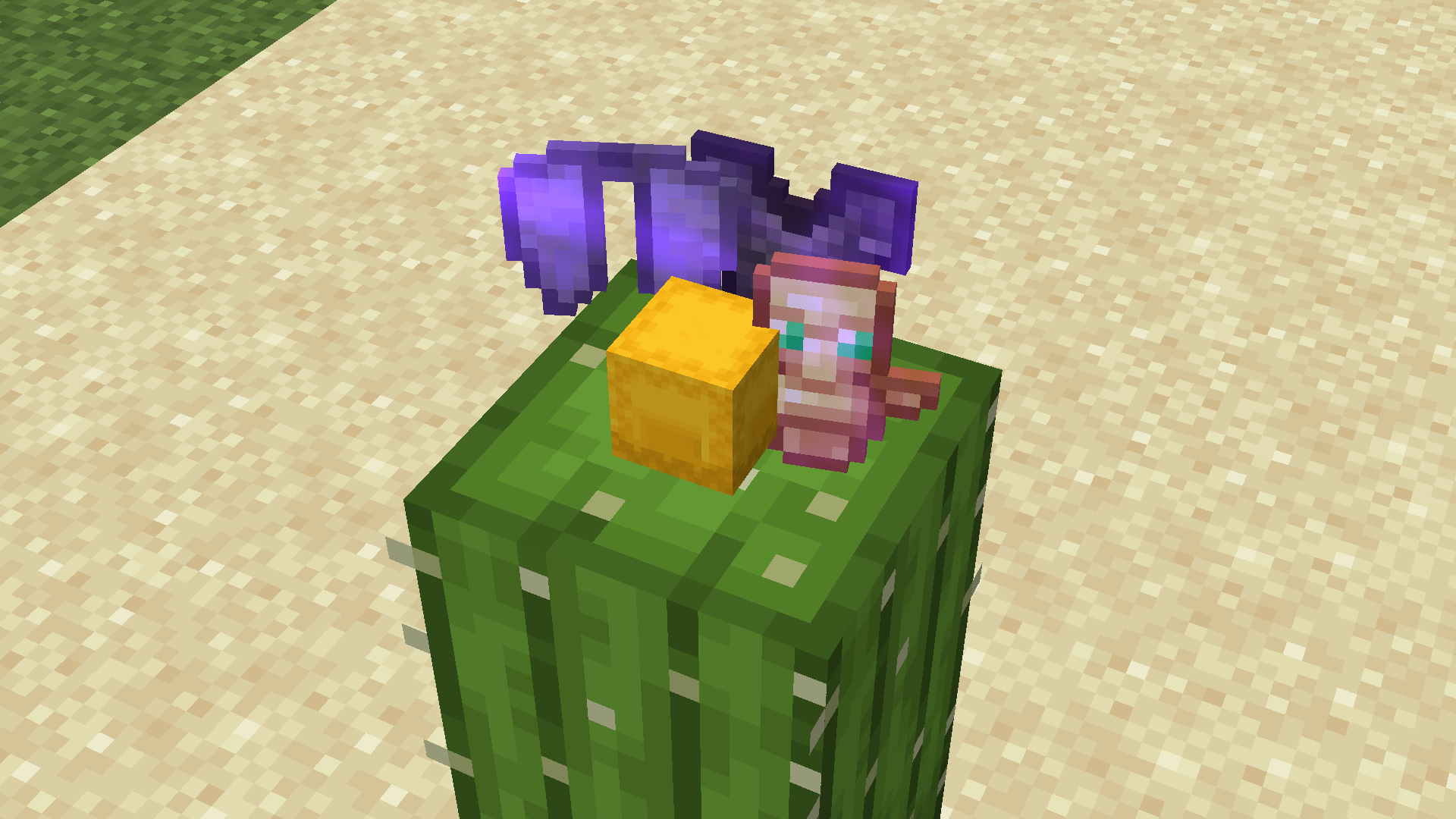
The Immutable book is a rare and valuable treasure. You can obtain it through three primary methods:
- Villager Trading: Available as a rare trade from Librarian Villagers.
- Ancient City: Hidden deep within the deep dark structures as a reward for brave explorers.
- Mineshaft: Available on a minecart chests
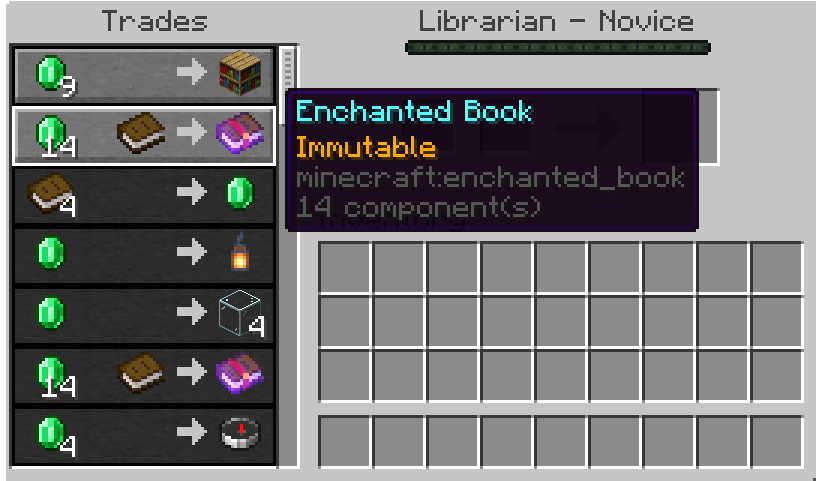

You can apply the Immutable enchantment to almost any valuable item via an Anvil. Supported items include:
| Category | Equipment & Tools |
|---|---|
| Gear & Weapons | All Armors, Weapons, Tools, Shields, Tridents, Mace, Bows, Crossbows, Fishing Rods, Shears, Carrot/Warped Fungus on a Stick |
| Storage Utilities | Shulker Boxes (All Colors), Bundles (All Colors), Ender Chests |
| High-Value Items | Totem of Undying, Golden Apples, Enchanted Golden Apples |
- Max Level: I (1)
- Enchantment Weight: 1 (Very Rare)
- Exclusivity: Conflicts with the Vanishing Curse (
minecraft:vanishing_curse) by default.
Windows
As a datapack
- Press
Win + R, search%appdata%\.minecraft, then Enter. - Go to the folder
saves>[Your World Name]>datapacks. - Place the
.ziphere.
As a mod
- Press
Win + R, search%appdata%\.minecraft, then Enter. - Go to the folder
mods. - Place the
.jarhere.
MacOS
As a datapack
- Open Finder, press
Cmd + Shift + G. - Put a path:
~/Library/Application Support/minecraft. - Go to the folder
saves>[Your World Name]>datapacksand place the.ziphere.
As a mod
- Open Finder, press
Cmd + Shift + G. - Put a path:
~/Library/Application Support/minecraft. - Go to the folder
modsand place the.jarhere.
Linux
As a datapack
- Open
~/.minecraft/saves/[Your World Name]/datapacks. - Move the
.zipto the folder.
As a mod
- Open
~/.minecraft/mods. - Move the
.jarto the folder.