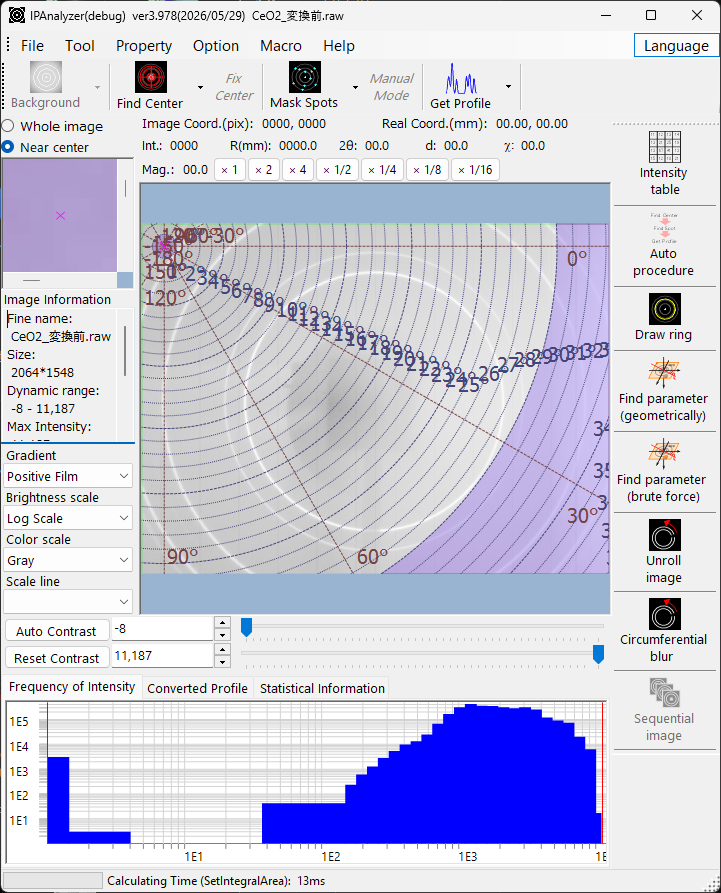
IPAnalyzer is free and open-source software for processing two-dimensional powder-diffraction images. It converts Debye–Scherrer ring patterns recorded with imaging plates (IP) or CCD/CMOS flat-panel detectors into high-precision one-dimensional 2θ–intensity profiles, and calibrates the measurement geometry (camera length, wavelength, detector tilt, pixel shape) from the diffraction rings of standard materials. It supports X-ray, electron, and neutron sources, and integrates seamlessly with PDIndexer for subsequent peak analysis and indexing.
IPAnalyzer has been developed since 2005. Its design and features are modeled after PIP, developed by Hiroshi Fujihisa at the National Institute of Advanced Industrial Science and Technology (AIST).
See the manual to learn how to use!
IPAnalyzer is developed by Seto Y. (Osaka Metropolitan University, Japan).
- Access https://github.com/seto77/IPAnalyzer/releases/latest, download IPAnalyzerSetup.msi, and execute it.
- IPAnalyzer runs on Windows OS with .Net Desktop Runtime 10.0 (NOT .Net Runtime 10.0), which can be installed from here.
- IPAnalyzer is distributed under the MIT license (free for anyone to use, modify, and redistribute).
- Please download IPAnalyzer only from the official GitHub Releases page: https://github.com/seto77/IPAnalyzer/releases/latest
- On some Windows systems, Microsoft Defender SmartScreen or Smart App Control may display a warning before the installer is executed. This may happen for newly built or narrowly distributed research software, and the warning itself does not necessarily mean that the installer is malicious.
- If you would like to verify the downloaded installer yourself, you can calculate its SHA256 hash in PowerShell:
Get-FileHash .\IPAnalyzerSetup.msi -Algorithm SHA256- For an additional check, you may also scan the installer with a multi-engine service such as VirusTotal.
IPAnalyzer is a local desktop application. It does not collect, store, or transmit any personal or usage data, and it contains no telemetry or analytics. After installation it runs fully offline.
The only network connection IPAnalyzer makes is an optional, user-initiated one:
- Check for updates (menu command): compares your installed version with the latest GitHub release and, if you choose, downloads the new installer from the official GitHub Releases page.
Integration with PDIndexer is performed locally through the Windows clipboard and does not involve any network communication.
- Online manual (English / Japanese) : https://seto77.github.io/IPAnalyzer/
The manual offers full-text search, a light / dark theme, and English / 日本語 language tabs.
- Imaging plate / flat panel: Fuji BAS2000 / BAS2500 / FDL, Rigaku R-AXIS IV / V, ITEX, Bruker CCD, Rayonix SX, MAR research, Perkin Elmer, ADSC, RadIcon, Rad-Xcam, IP Display / IPAimage, and more.
- Multi-frame / scan data: HDF5, NeXus (
*.nxs), Digital Micrograph 3 / 4, and other sequential formats (time, temperature, or energy series). - General image formats (TIFF, PNG, etc.) and the native IPA format that preserves geometry metadata.
- Converts diffraction images into 2θ–intensity (or d-value / distance) profiles.
- Concentric integration (radial averaging), radial integration (azimuthal / cake), and unrolled-image computation.
- A sub-pixel area-distribution algorithm distributes each pixel's intensity across integration steps by computing pixel/step intersections, correctly handling detector tilt and parallelogram pixel shapes — so the step interval can be made arbitrarily fine.
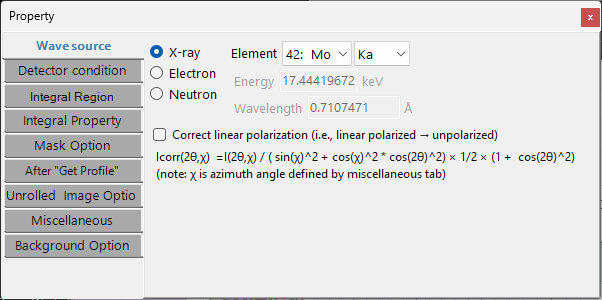
- X-ray, electron, and neutron sources; characteristic X-ray energies are built in.
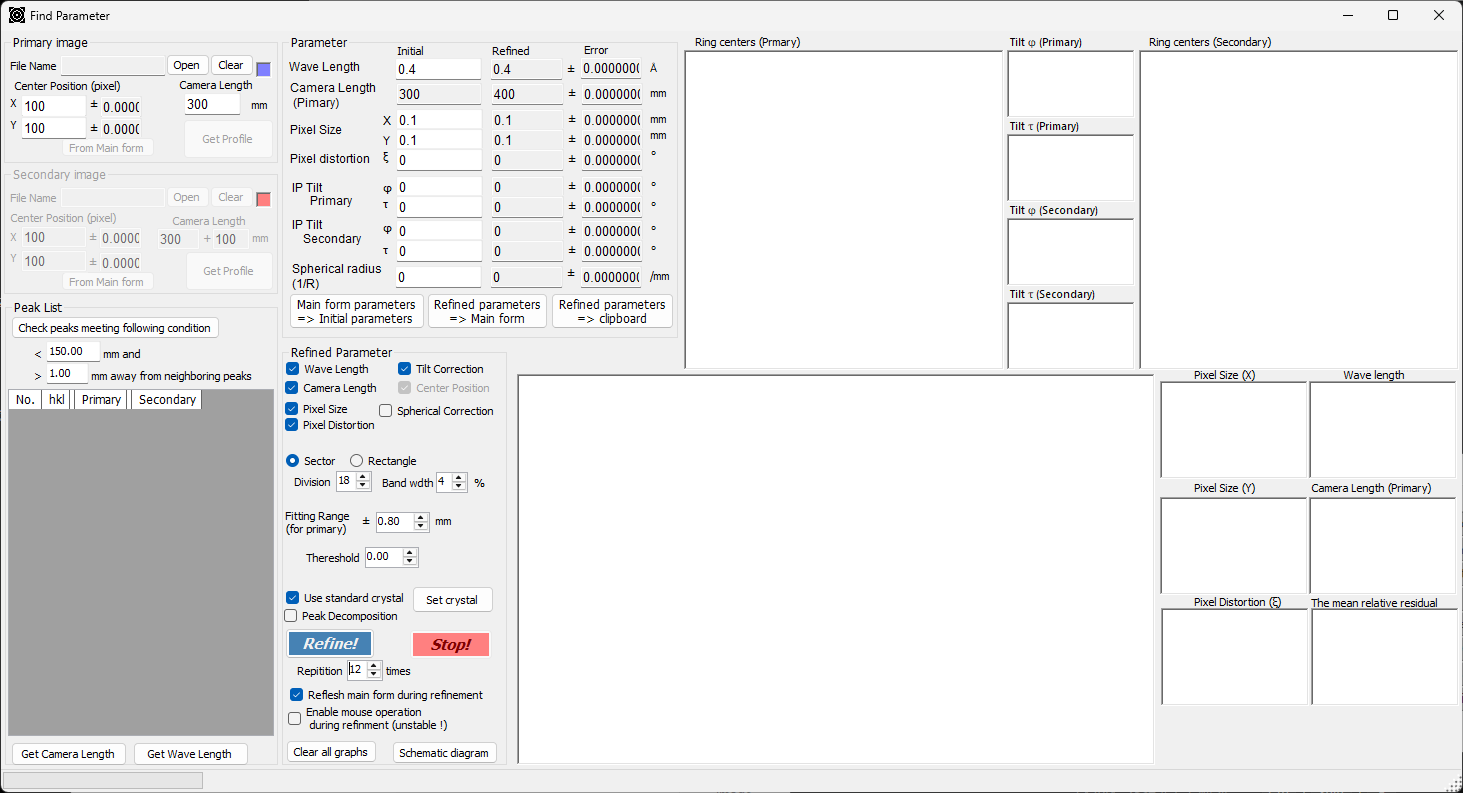
- Geometric calibration (double cassette): refines wavelength, camera length, pixel size, pixel distortion, and tilt (φ, τ) from the rings of a standard material using two patterns.
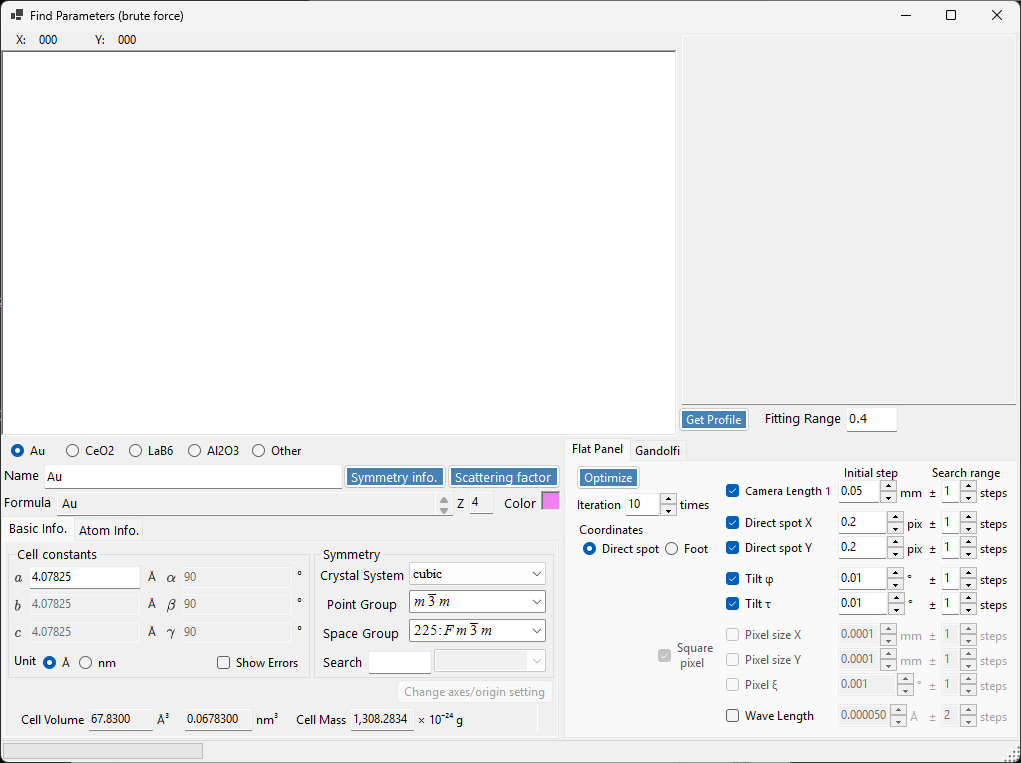
- Brute-force calibration: an exhaustive grid search for camera length and wavelength, effective for incomplete rings or noisy data where gradient methods struggle to converge.
- Automatic beam-center detection, single-crystal spot detection and masking, manual masking, and beam-stop masking.
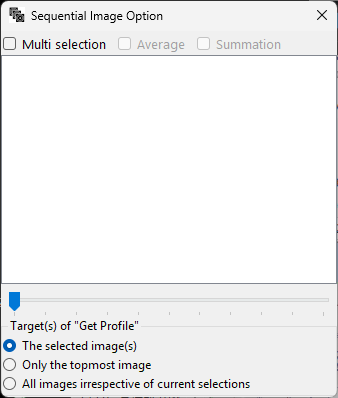
- Sequential image tool for multi-frame data: select / average / sum frames, with per-frame wavelength from embedded energy.
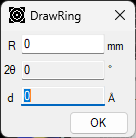
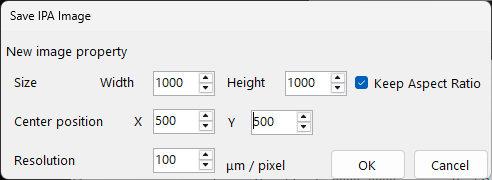
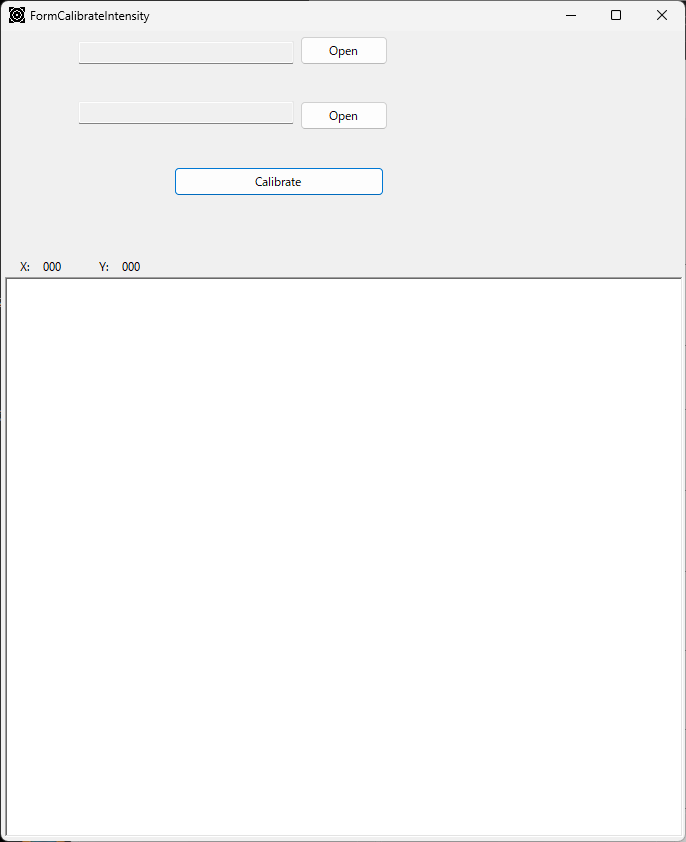
- Circumferential blur, Draw Ring overlays, Intensity Table detector-response calibration, and Save Image (IPA) that rectifies tilt and pixel distortion.
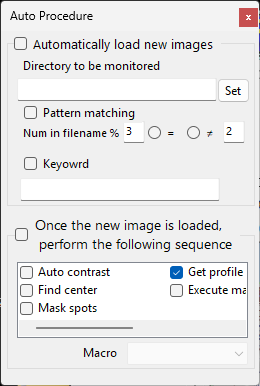
- Auto Procedure: watch a folder and automatically load + process new images as they arrive (auto-contrast → find center → mask spots → get profile → run macro).
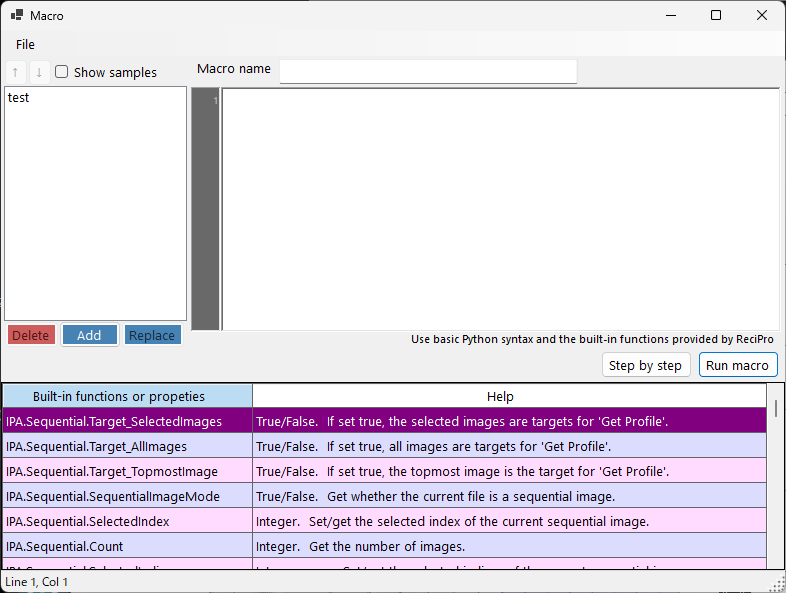
- Python-syntax macro for scripting repetitive tasks (batch conversion, azimuthal splitting, masking, format conversion, etc.). See the Macro manual.
- PDIndexer integration: send profiles directly to PDIndexer via the clipboard and trigger named macros there.