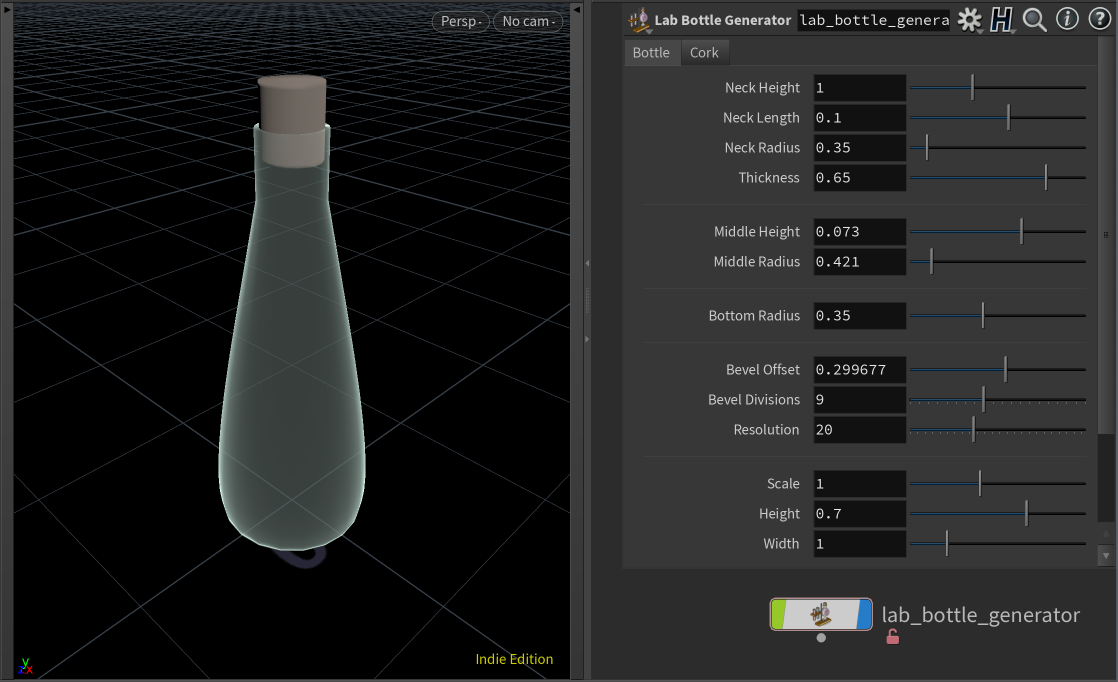
Houdini procedural modelling tool for creating lab-style 3d bottles.
-
Copy this repository anywhere & place
object_NC_lab_bottle_generator.1.0.hdalcinto the "otls" directory that is within your Houdini directories:- Windows: C:\Users[username]\Documents\houdini[version]\otls
- macOS: /Users/[username]/Library/Preferences/houdini/[version]/otls
- Linux: ~/houdini[version]/otls
-
Import the tool as a HDA:
- In Houdini, navigate to File > Import > Houdini Digital Asset.
- Find and select the file
object_NC_lab_bottle_generator.1.0.hdalc& click install.
-
Locate the tool under the TAB Menu or Shelf Tools to begin use.
If you want to preview the tool with coloured materials, open and use the
lab_bottle_gen_v001.hiplcproject file.