


- Install: Install this addon into Anki like any other (in the addons21 folder).
- Configure:
- Create a Folder inside your vault by any name (e.g.,
YourVault/FOLDER) - Open Anki.
- Go to the Tools menu -> Obsidian Sync -> Configure....
- Click "Browse" and select the main folder inside your Obsidian vault where you want your Anki notes to be saved (e.g.,
YourVault/FOLDER). - Click "Save".
- Create a Folder inside your vault by any name (e.g.,
- First Sync: Go to Tools -> Obsidian Sync -> Sync Now! The first sync might take a little longer as it exports everything. Subsequent syncs will be much faster.
You love Anki for drilling facts with spaced repetition. You love Obsidian for building a connected web of knowledge, linking ideas, and seeing the bigger picture. But your Anki flashcards often feel isolated from the rich context stored in your Obsidian notes. Maybe you make flashcards while reading books or articles. Later, when reviewing a card in Anki, you wish you could instantly jump back to the surrounding paragraph or your broader notes on the topic in Obsidian to refresh your memory. It's frustrating having these two powerful tools working in silos!
This Anki addon acts as a bridge, automatically exporting your Anki notes into clean, organized Markdown files within your Obsidian vault. It keeps your knowledge synchronized, allowing you to leverage the strengths of both platforms.
- Differential : Only updates what's actually changed in Anki since the last sync, making it fast and efficient.
- Mirrors Your Decks: Automatically creates folders in your Obsidian vault that perfectly match your Anki deck and sub-deck structure.
- Markdown: Converts your Anki notes (even those with HTML formatting) into Obsidian-friendly Markdown. / UPDATE: if you make complicated tables inside your Anki cards where the conversion is not possible, it preserves the HTML syntax but still, its completely readable inside obsidian
- Supports Custom Notes and ALL note types
- Image, video and Audio Sync: Finds images used in your Anki notes and copies them into a central
assetsfolder in your Obsidian sync directory, fixing the links automatically. - Automatically generates Index Files (Maps of Content): (
_Deck_Name_index.md) inside each deck folder, listing and linking to all the notes within that deck. It also creates a master index (_Anki_Collection_Index.md) at the root! - Easy Setup: Configure your target Obsidian folder easily via the Anki "Tools" menu.
- Filename Cleanup: Characters in your deck names or filename source fields that aren't allowed in filenames (like
?,/,\,:,*,",<,>,|) will be automatically replaced with an underscore (_).
Think of it like a diligent librarian comparing two sets of books (your Anki collection and your Obsidian sync folder). When you click "Sync Now":
- Scan Anki: The addon looks at all your notes and decks in Anki.
- Scan Obsidian: It checks the designated folder in your Obsidian vault, looking at the files and special tracking info stored within them.
- Compare: It figures out what's new, what's changed, and what's been deleted in Anki since the last sync.
- Update Obsidian: It then carefully:
- Creates any missing folders (for new decks).
- Creates new
.mdfiles for new notes. - Updates existing
.mdfiles if the Anki note changed. - Deletes
.mdfiles if the Anki note was deleted. - Copies over any new images needed.
- Updates the index files (MOCs) to reflect the current state. i.e. NOTHING gets deleted from your ANKI APP. Dont even MOVE, JUST COPIES. so you are safe in all cases and as for obsidian, even if you end up deleting something yourself by mistake, it will go into your system's recycle bin. (addon wont do anything its for anki Only)
This massive update focuses on visual fidelity, handling complex note types flawlessly, and giving you more control over your vault!
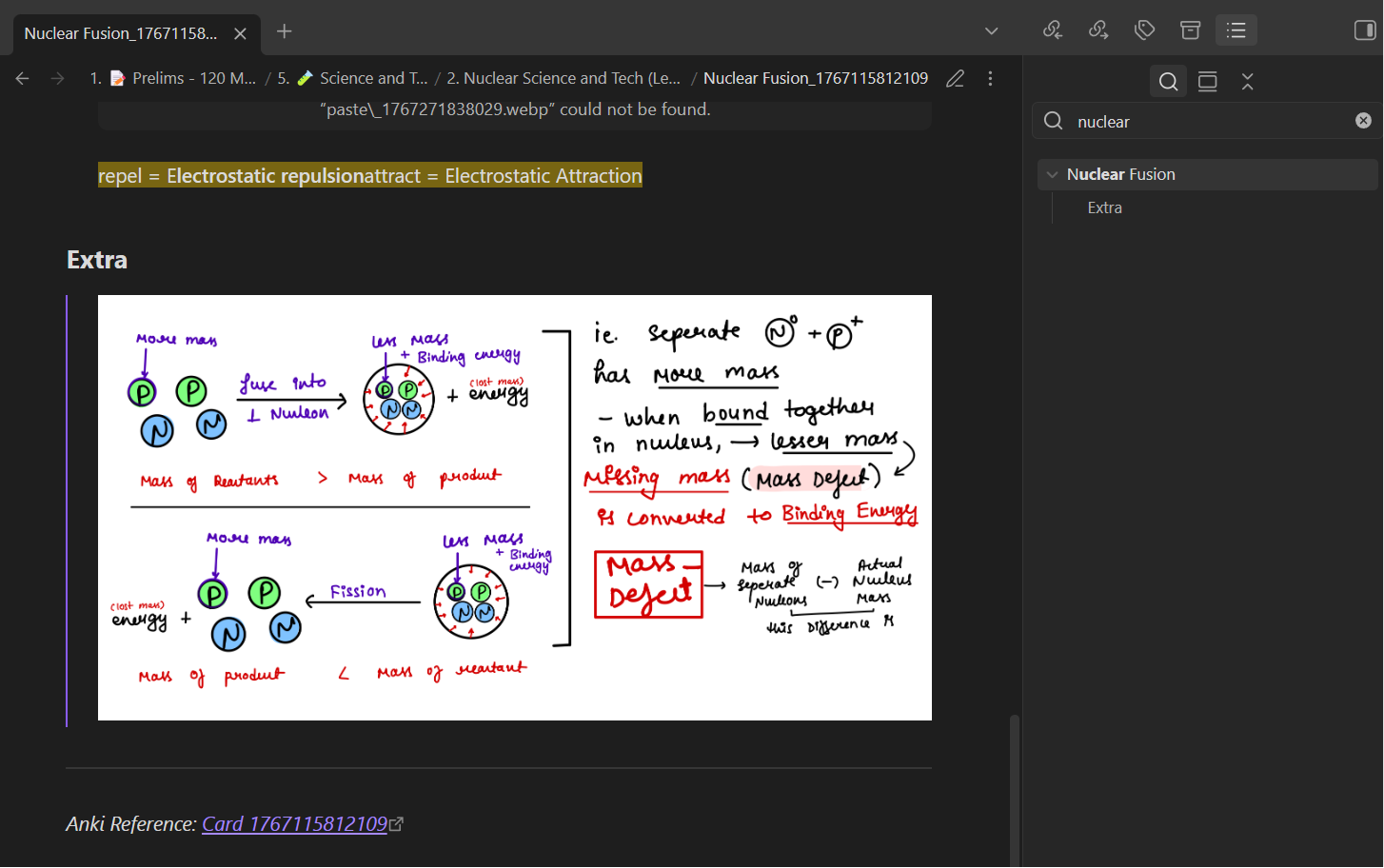
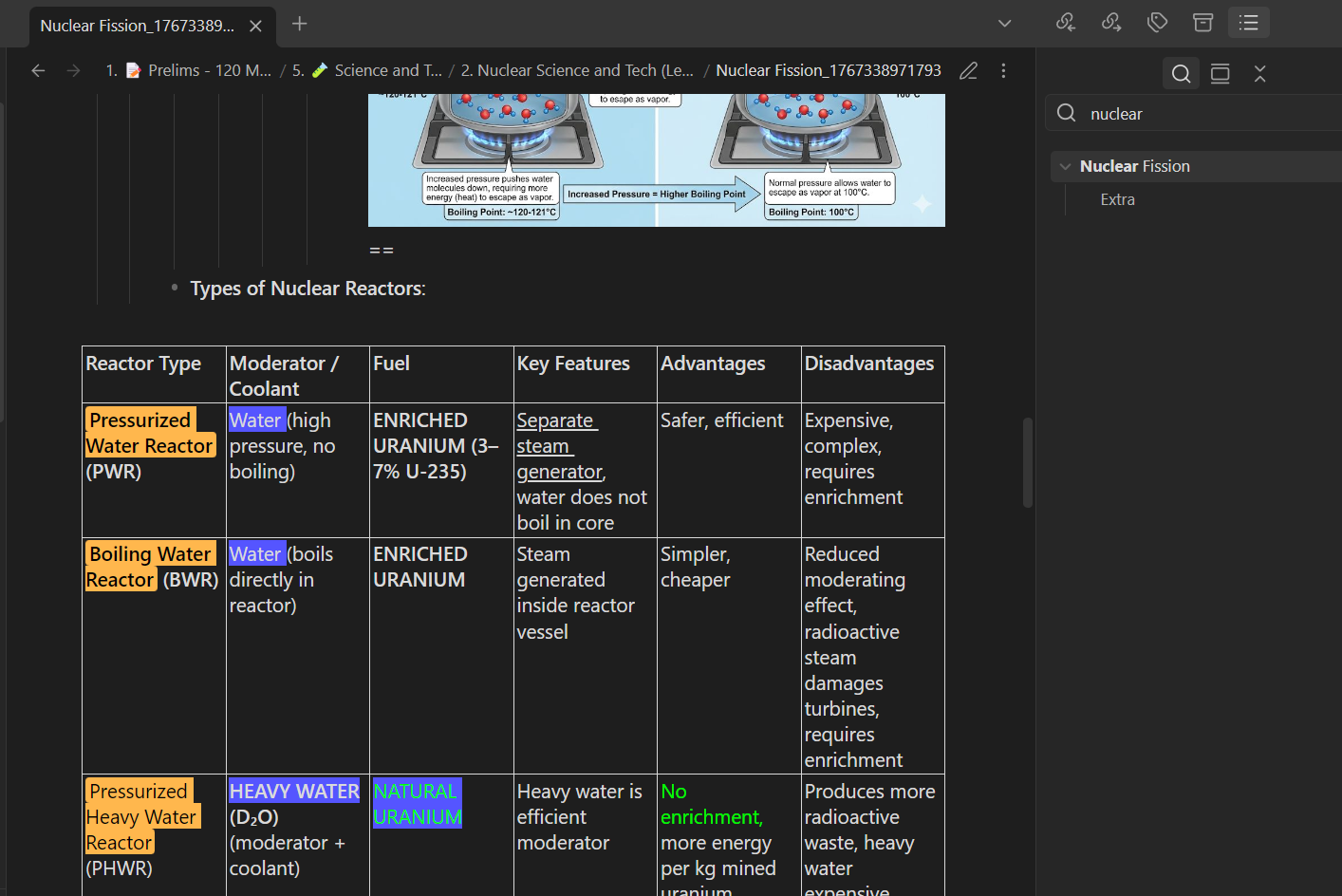
- you can now exclude decks from getting synced.
- auto detects complex note types like image occlusion
- better support for complex tables
- SOUND AND VIDEO now gets embedded to your synced notes
- every card gets linked to anki app. you can click the link in your obsidian note to open the respective anki card (Card ID gets linked).
23/06/2026
- added better support for MathJax/LaTeX translates into
$$..$$ and$..$ perfectly. - more concrete media transmission = implemented placeholder system to protect image/video brackets from being escaped.
- table, formatting, card structures are more reliable (perfect atp)
Let me know if you need an even more elaborate and step-by-step demonstration of how to get this working. If things are still not clear after reading these README instructions, I will create a proper video tutorial for ya'll.
brewed by Sxjeel