
#############-----------------SETUP-----------------------###################
# For windows download from Official website either MicrosoftStore .
# For Linux High chances to already pre-installed , if not use this command,
     $ sudo apt install python3
#For Mac Download the installer package from Python's official website .
 # Windows - pip install django
 # linux - $ sudo apt install python3-django
 # check django version . $ django-admin --verion
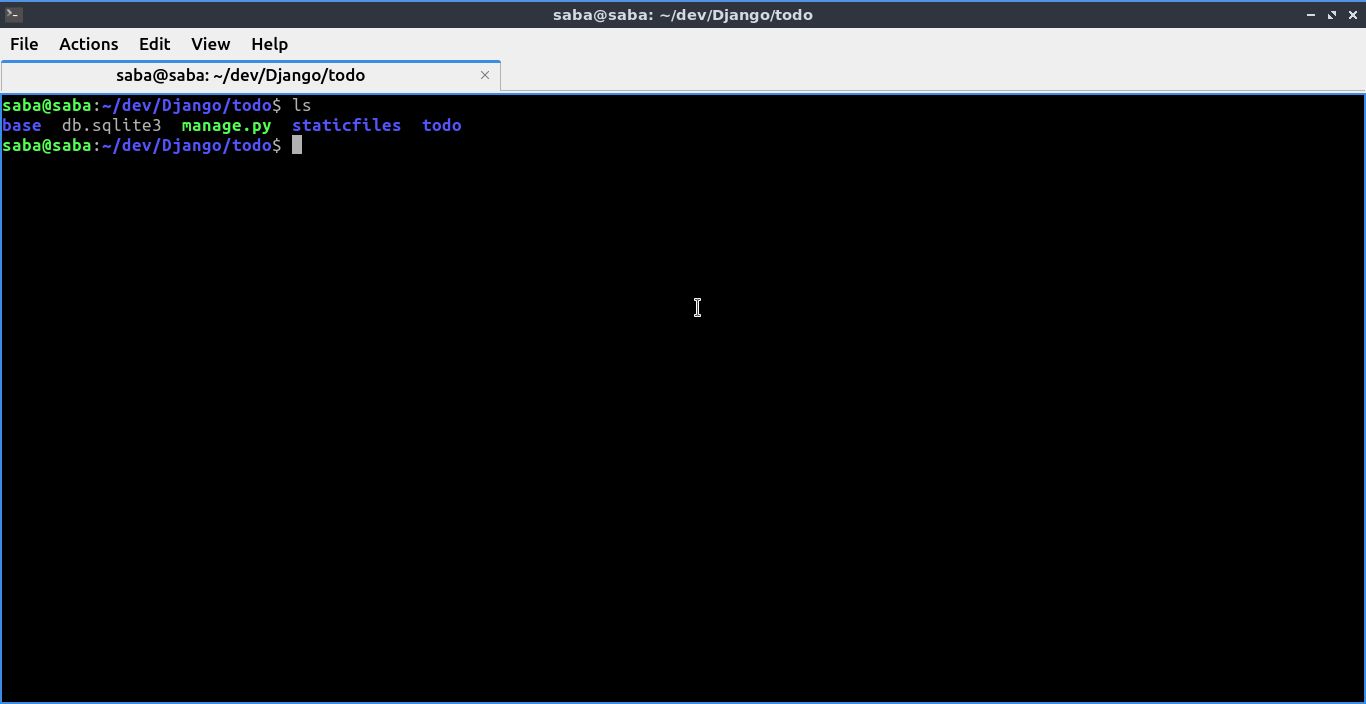
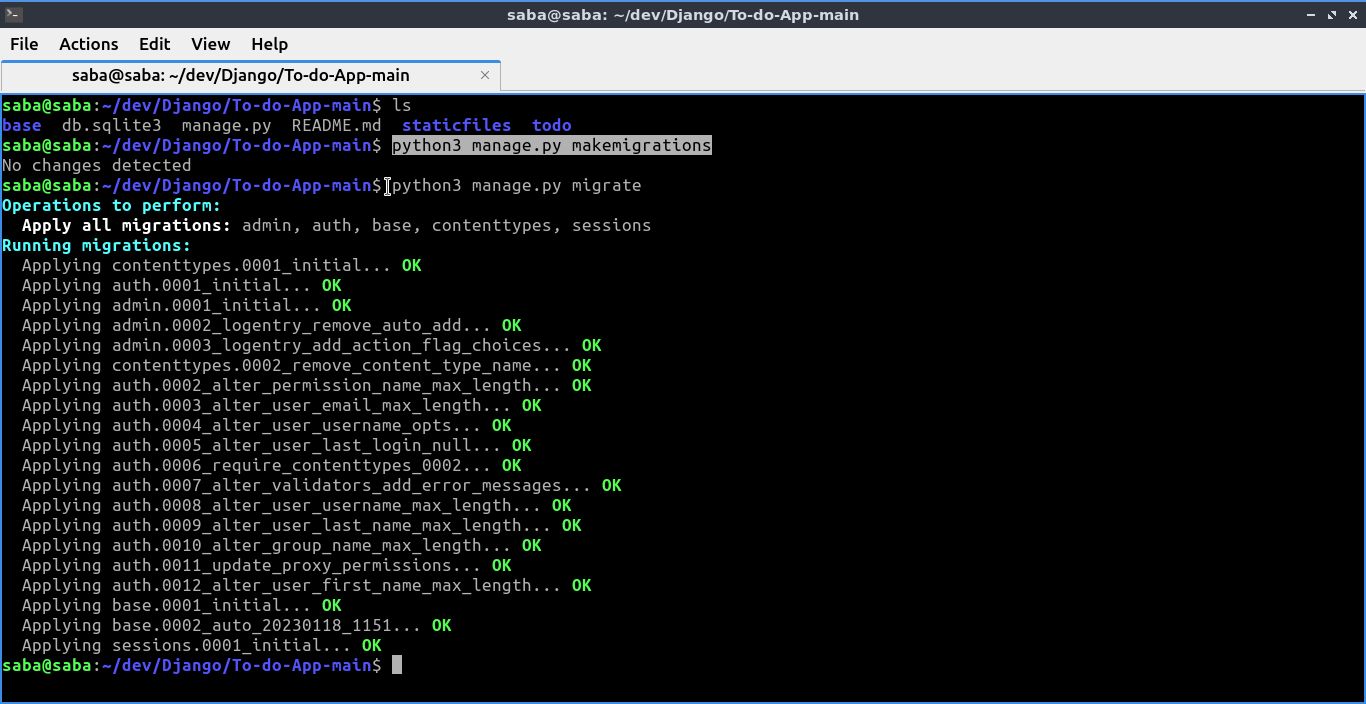
 # Windows - python manage.py makemigrations
             python manage.py migrate
 # Linux - $ python3 manage.py makemigrations
           $ python3 manage.py migrate

  # To Create a SuperUser ,
      # Windows - python manage.py createsuperuser
      # Linux - $ python3 manage.py createsuperuser

  ! Super User is a administrator, which means controlled everything in Admin Panel

  ! You need to enter your admin's username and Email , My case just for test

  ! Set Password and Re-Enter Password and Enter "Y" to continue you credientials !.

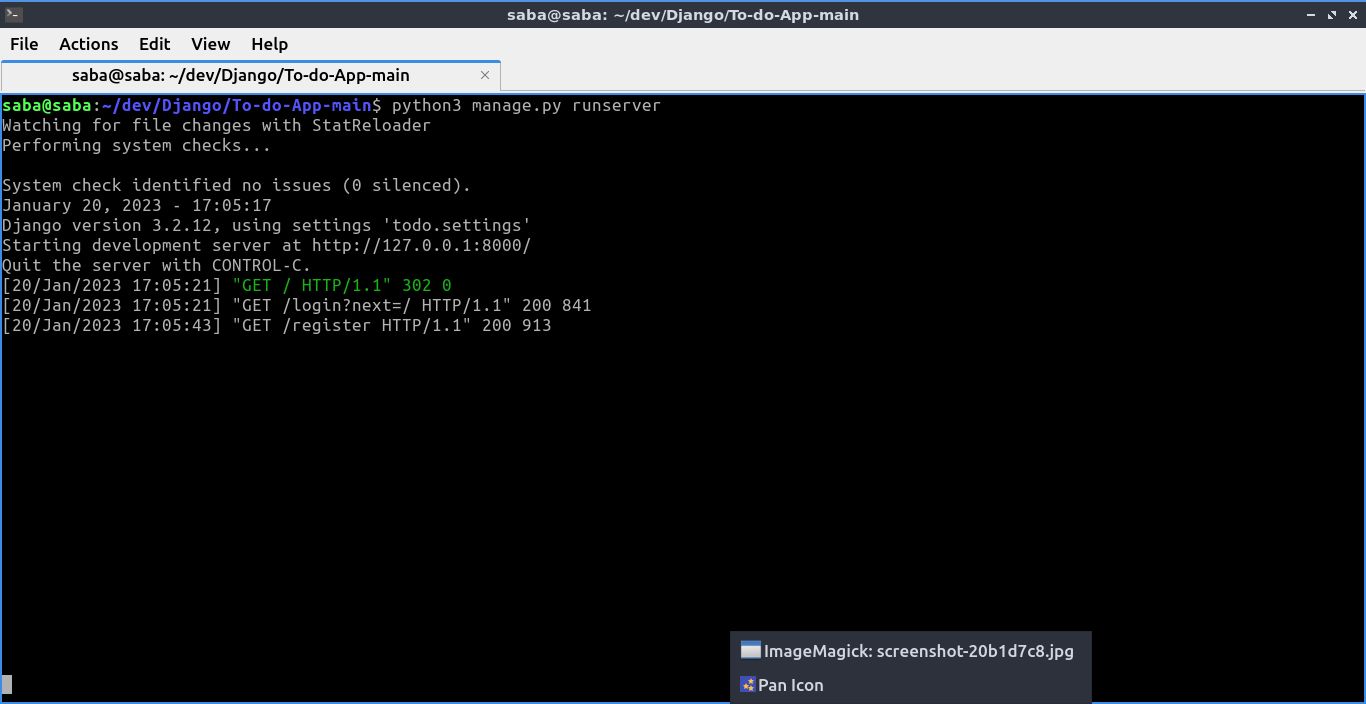
# For windows - python manage.py runserver [you may include your port no] { python manage.py runserver 3300 }

         ! Django Defaulty run projects in [ PORT 8000 ]

# For Linux - $ python3 manage.py runserver [you can specify port if you want]