


Proxmox Backup Server inside a Docker container.
- Runs Proxmox Backup Server inside Docker
- Provides the familiar Proxmox Backup web interface
- Stores encrypted and deduplicated backups
- Supports persistent backup datastores
- Allows backup and restore of Proxmox VE guests
- Supports scheduled backups and pruning
- Works on both AMD64 and ARM64 systems
services:
  pbs:
    hostname: pbs
    container_name: pbs
    image: dockurr/proxmox-backup
    environment:
      TZ: "UTC"
      PASSWORD: "root"
    ports:
      - 8007:8007
    tmpfs:
      - /run
    volumes:
      - ./config:/etc/proxmox-backup
      - ./data:/var/lib/proxmox-backup
    restart: always
stop_grace_period: 2mdocker run -it --rm --name pbs --hostname pbs -e "PASSWORD=root" -e "TZ=America/New_York" -p 8007:8007 --tmpfs /run -v "${PWD:-.}/config:/etc/proxmox-backup" -v "${PWD:-.}/data:/var/lib/proxmox-backup" --stop-timeout 120 docker.io/dockurr/proxmox-backup
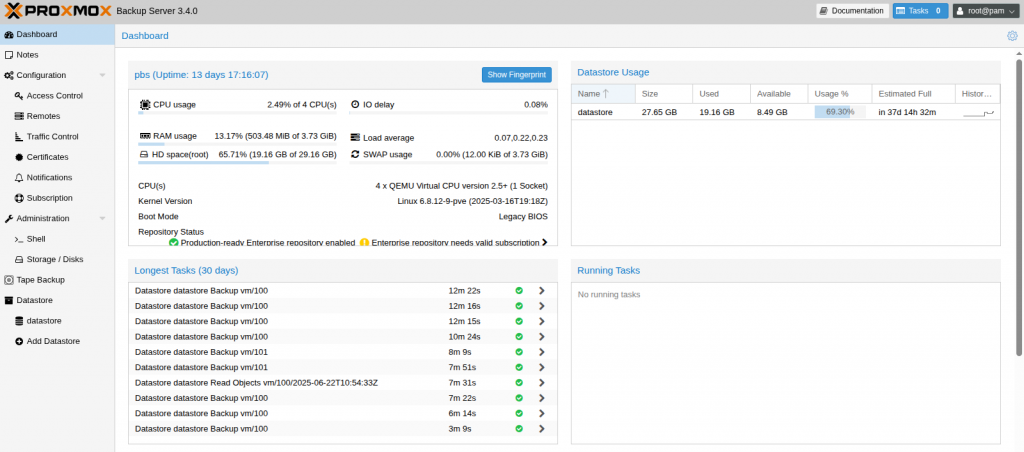
Very simple! These are the steps:
-
Start the container and connect to port 8007 using your web browser.
-
Login using the username
rootand the password you specified in thePASSWORDenvironment variable.
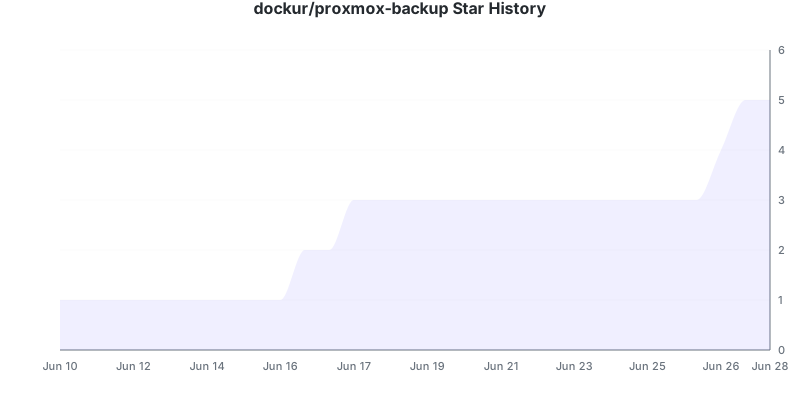
Enjoy your time with your brand new Proxmox Backup Server, and don't forget to star this repo!
To change the location of the configuration data, include the following two bind mounts in your compose file:
volumes:
- ./config:/etc/proxmox-backup
- ./data:/var/lib/proxmox-backup
Replace the example paths ./config and ./data with the desired folders or named volumes.
Yes, see our Proxmox VE, Proxmox Datacenter Manager and Proxmox Mail Gateway containers.
Special thanks to feddar and wofferl, this project would not exist without their invaluable work.
The product names, logos, brands, and other trademarks referred to within this project are the property of their respective trademark holders. This project is not affiliated, sponsored, or endorsed by Proxmox Server Solutions GmbH.