- Flash the firmware over USB — open the firmware installer in Chrome or Edge, connect the board with a USB-C cable and click Install.
- Connect to its Wi-Fi — after flashing the board starts an access point
esp32-e-ink-AP(passwordremoteqth). Join it and the setup page opens by itself (captive portal). If it doesn't, openhttp://192.168.4.1(orhttp://esp32eink.local). - Set your Wi-Fi and save — the only required field is your Wi-Fi SSID + password (optionally a Device ID). Press Save; the board reboots and joins your network.
-
Firmware for hardware from LaskaKit - ESPink-42 ESP32 e-Paper | GitHub
-
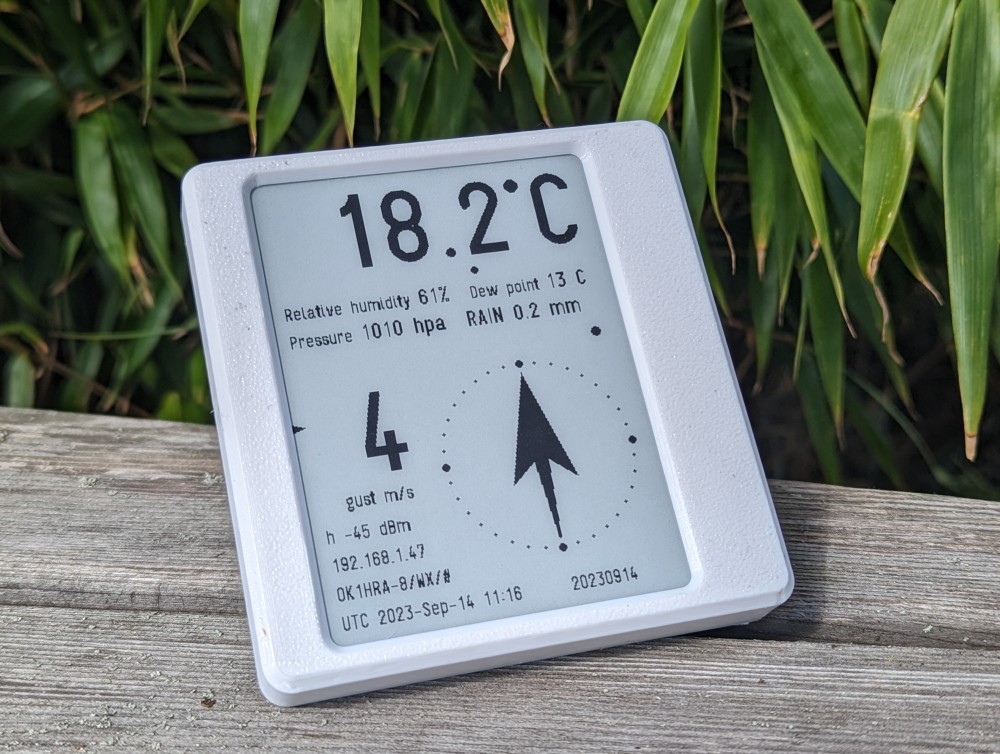
Used as Wifi e-ink display for the for the following use:
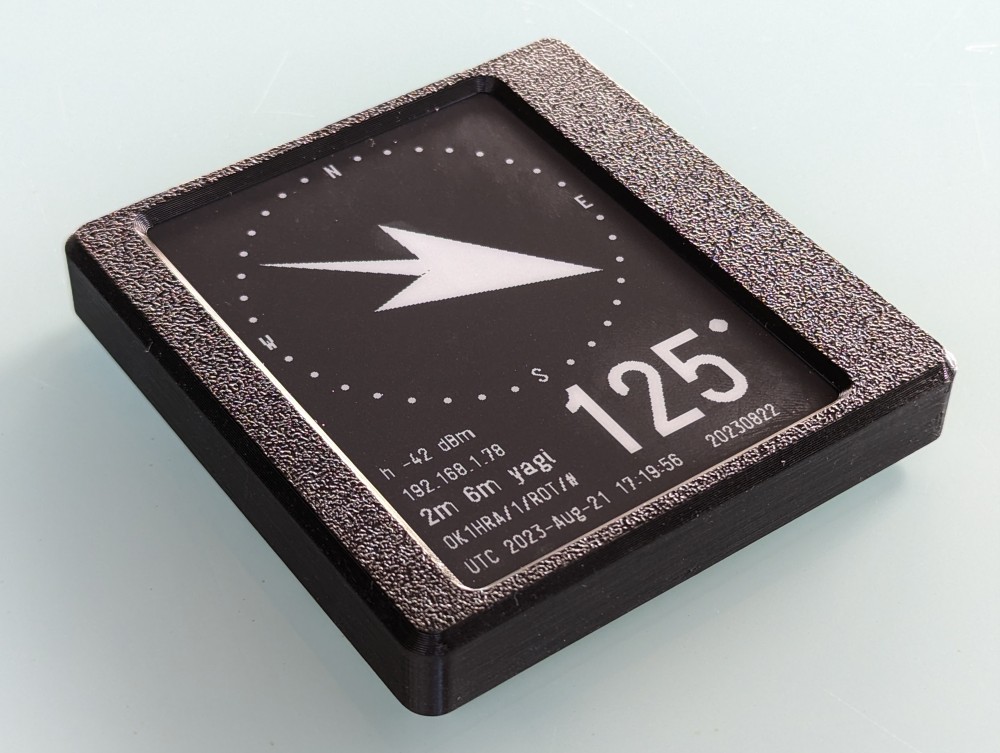
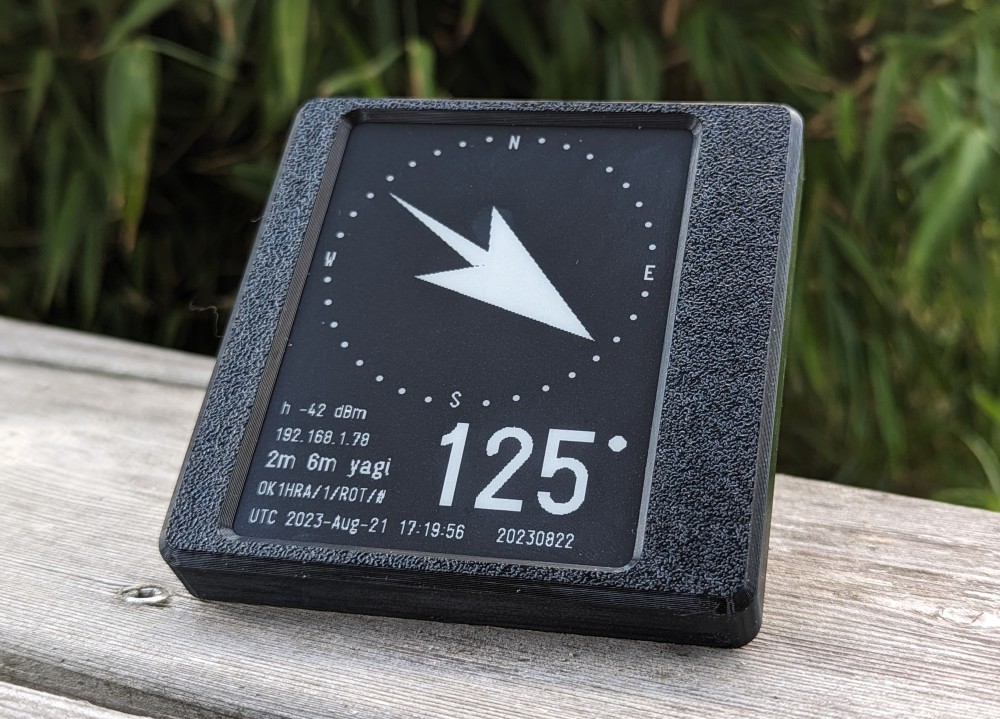
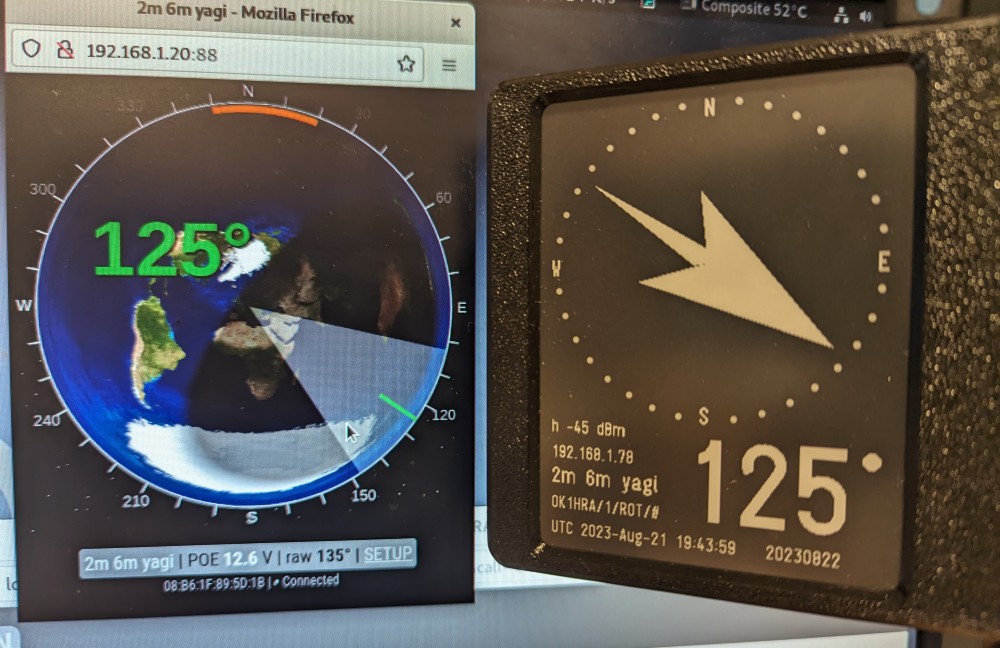
- IP rotator electronic show azimuth also after rotator turned off Wiki page | copy on GitHub | Main repository Parameterizable 3D print Antenna rotator in OpenScad
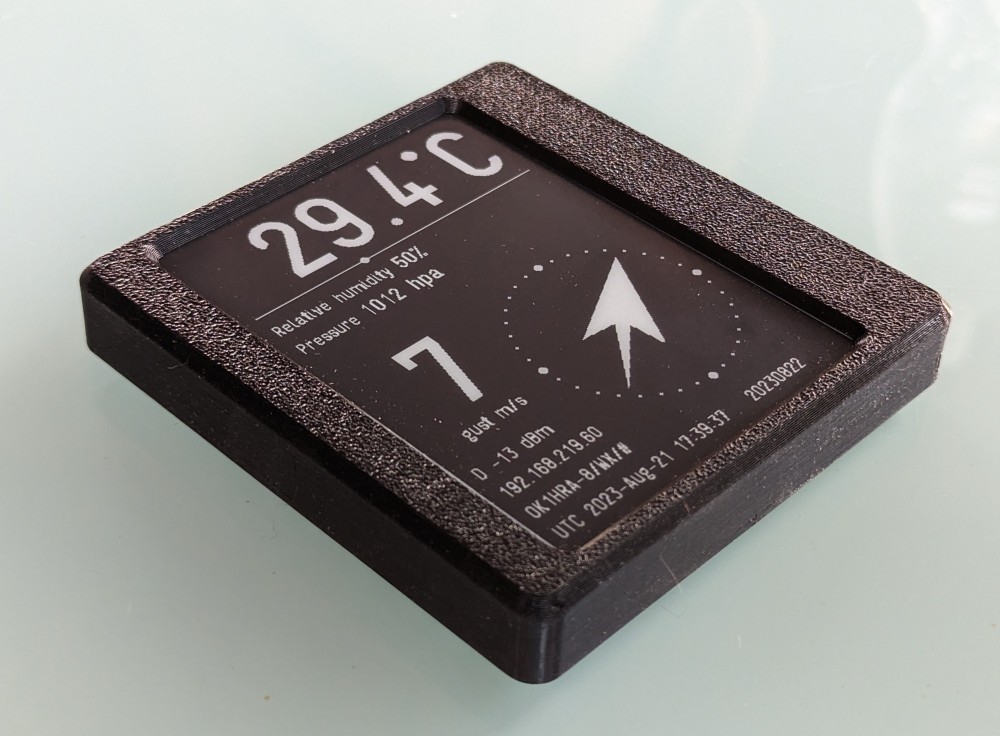
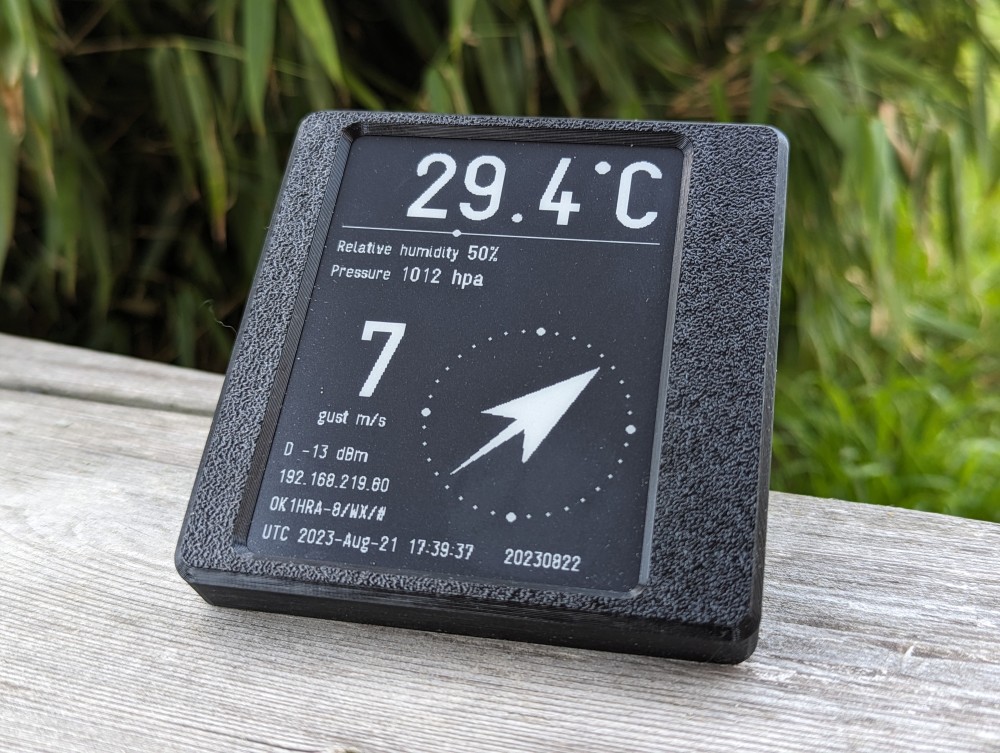
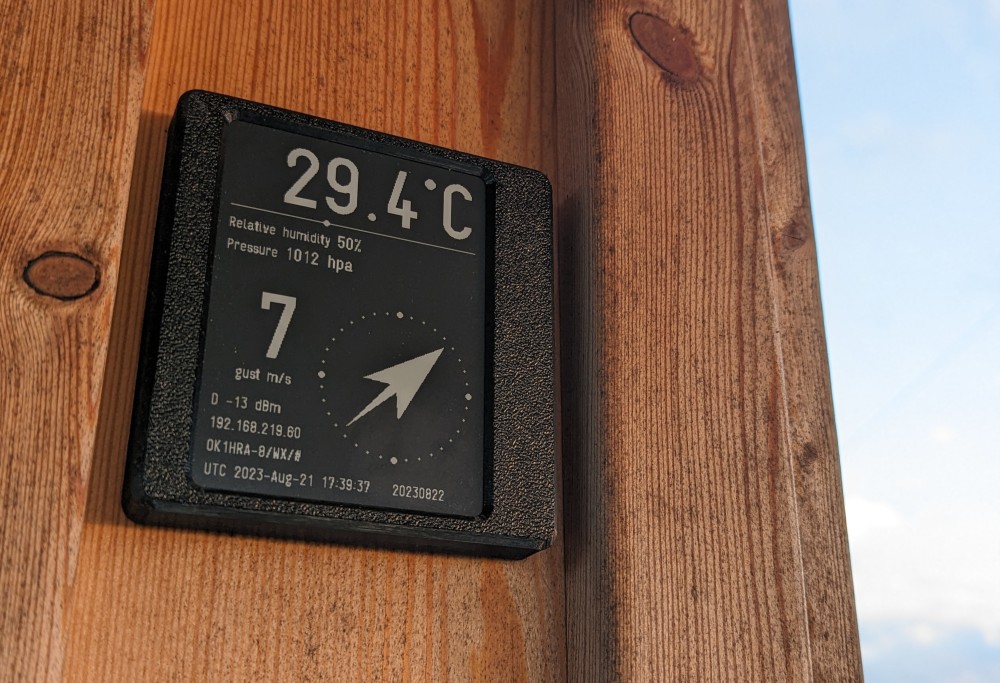
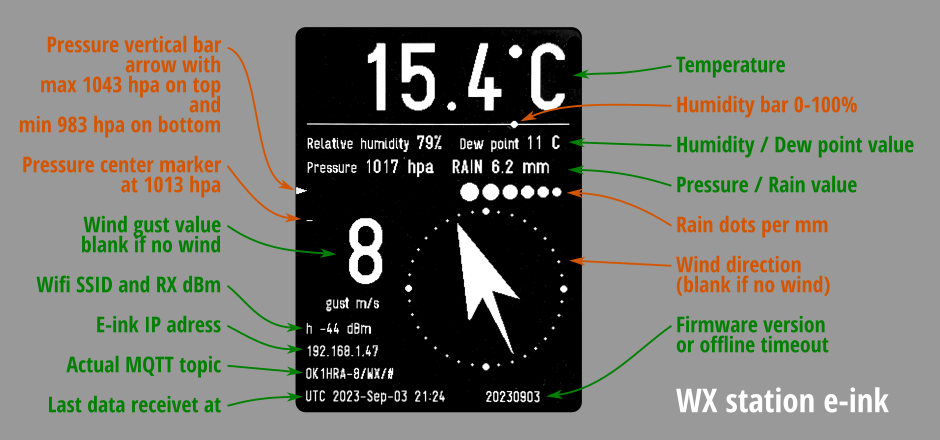
- 3D print WX station GitHub
- Bash script trasfering WX data from aprs.fi to MQTT GitHub
- Direct read WX data from aprs.fi see setup.cfg
-
Configured via web interface
-
Powered from USB-C connector o battery with sleep mode
-
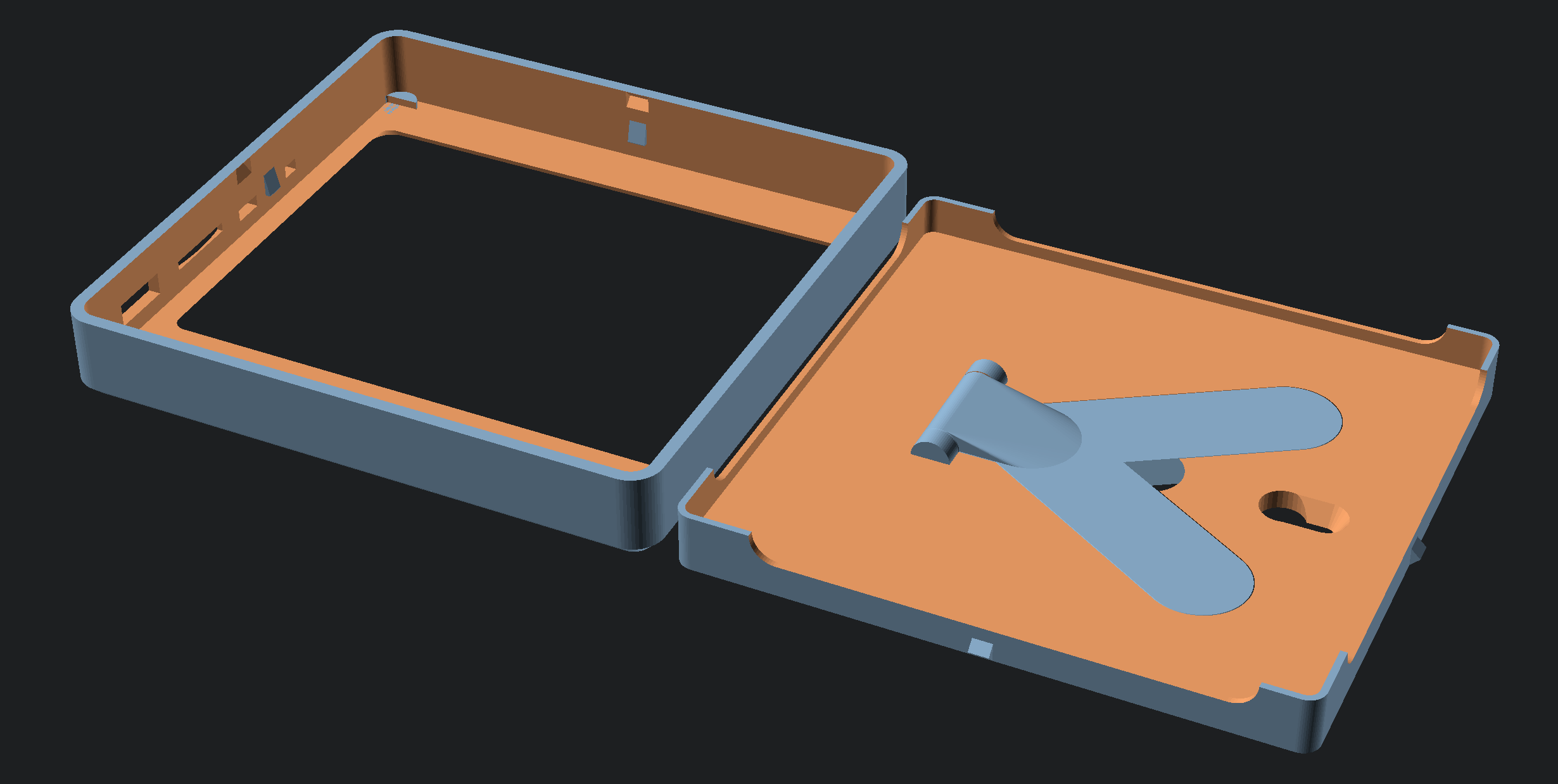
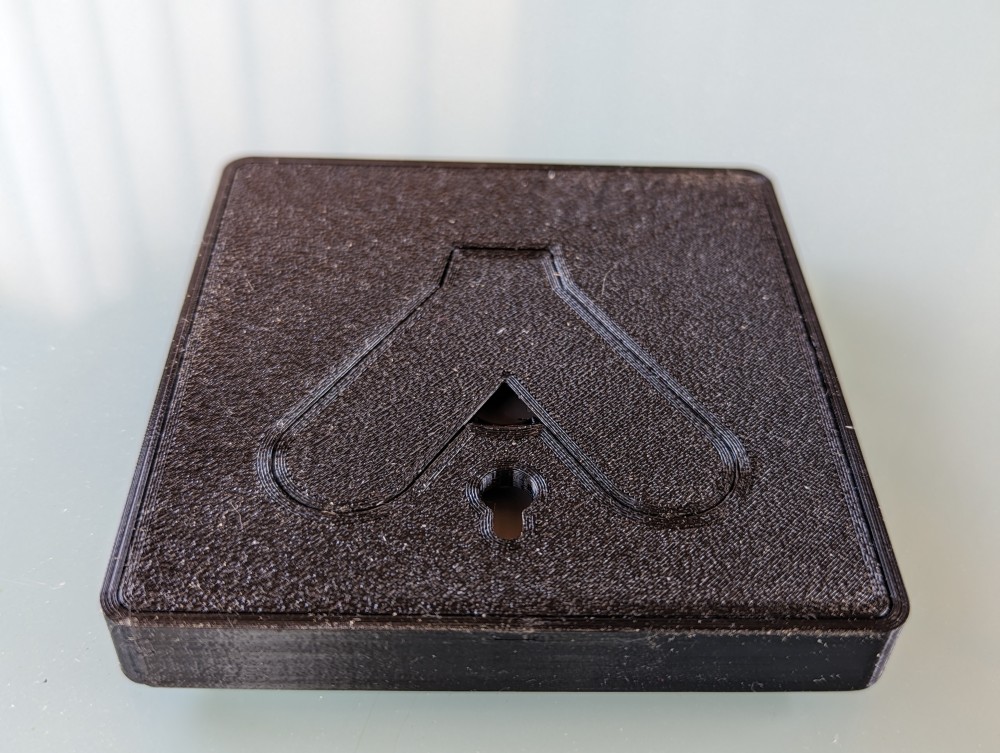
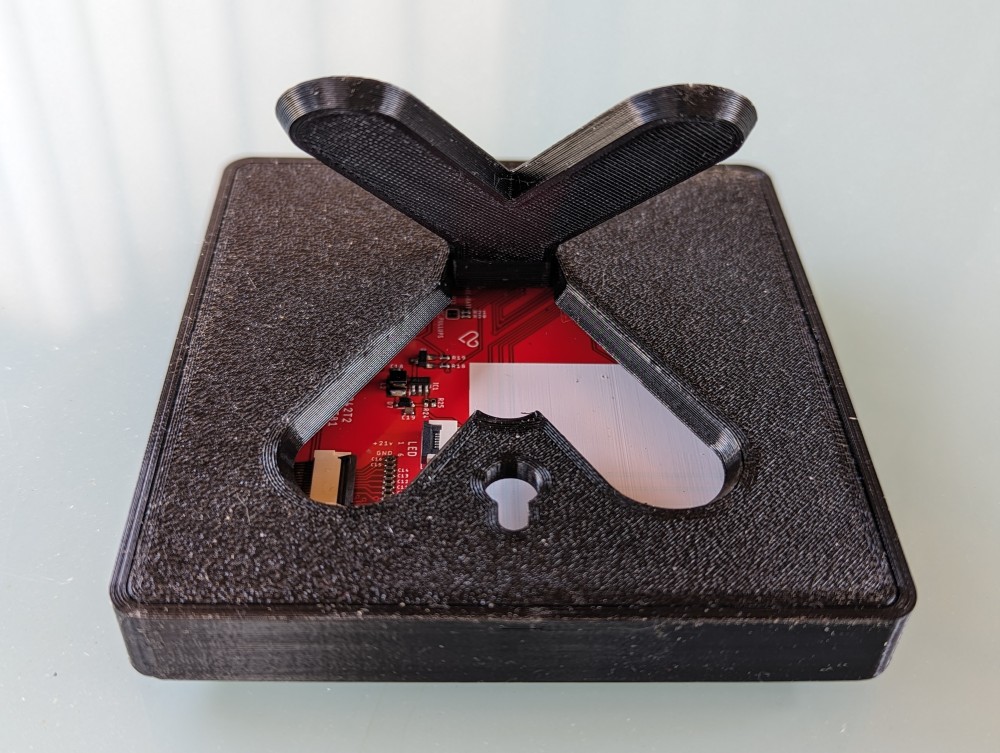
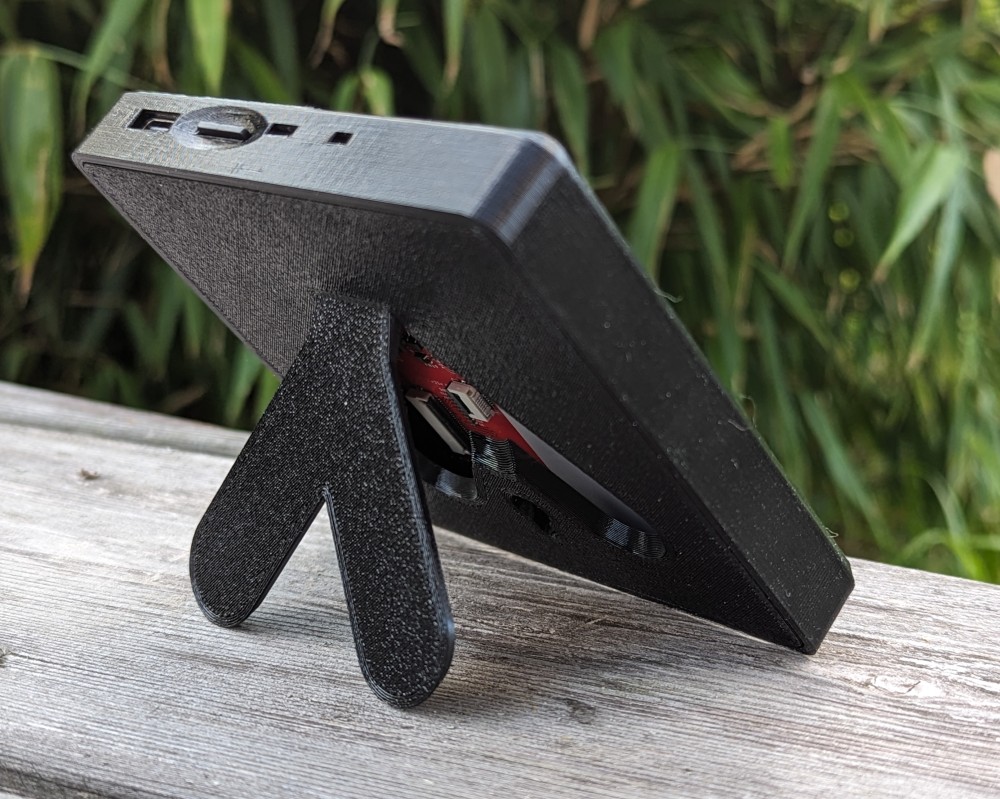
Customized 3D printed box in OpenScad, without screw. If possible, the supports can be folded out or hung on a peg.
One firmware, three ways to use the display. The mode is picked in the web setup under
Device type (http://192.168.4.1 in AP mode, or the board's IP once on your network):
| Device type | Shows | Data source |
|---|---|---|
| IP rotator | antenna azimuth (arrow + degrees) | one rotator, single protocol |
| WX station | weather values (temp, wind, …) | one WX station, single protocol |
| More sources | a custom list of values | many rows, MQTT and TrxNet mixed |
Mirrors one rotator and draws its azimuth — the arrow stays on screen even after the rotator is switched off (that is the point of the e-ink panel).
Setup: Device type → IP rotator, then open the WX or IP rotator source card and choose the Protocol:
- MQTT — fill Topic base (e.g.
OK1HRA/1); the firmware appends/ROT/itself. The broker IP + port live in the MQTT broker card. - TrxNet — fill Device ID (prefix
ROT.) to select the source to mirror. Use Devices on network to scan and pick one. The UDP port is in the TrxNet card. This display announces itself asINK.<MAC>, so several displays can mirror the same rotator.
Mirrors one weather station and shows its readings. Identical source card to the
rotator, except the firmware appends /WX/ (MQTT) / uses the WX. prefix (TrxNet).
Setup: Device type → WX station → WX or IP rotator source card, exactly as above. The US units checkbox (Display hardware card) switches to °F / in / ft/s. Because the weather changes slowly, this mode pairs best with Low power (battery) mode below.
Shows a custom list of values that can mix MQTT and TrxNet on a row-by-row basis — draw top-to-bottom, description on the left, right-aligned value with its unit.
Setup: Device type → More sources → the More sources card:
- Refresh time (mm:ss) for the whole list.
- + Add source for each row. Per row you set: a description label, the protocol
(MQTT or TrxNet), the topic (MQTT topic or
WX.01/temp-style TrxNet path), the value format, an optional numeric transform (multiply / add / decimal places) and literal value replacements (1 → ON), plus the unit shown after the value. - The MQTT wall button helps discover live MQTT topics; Preview display renders the list as it will appear on the panel. A fit meter warns if the rows exceed the panel height.
- This display's own TrxNet name is set in the TrxNet card (Own ID, default
INK.<MAC>).
Only relevant in TrxNet mode on a large network. TrxNet keeps a peer table (24 slots on the ESP32). Once it is full, newly announced peers are dropped — and because the display attributes incoming telemetry by the sender's name, which it resolves from that table, a dropped source silently stops updating even though its packets still arrive.
Priority prefixes (in the TrxNet card) list device-name prefixes that must keep a
slot: when the table is full, a matching peer evicts the stalest non-priority peer
instead of being dropped. Space-separated, prefix-matched — ROT covers ROT.01,
ROT.02, … Registered via the library's setPriorityPrefixes().
The field is pre-filled from the device type — ROT for the rotator, WX for the WX station, empty for the rest — and that same default is applied by the firmware when the field is left blank, so a plain rotator/WX display is protected without any configuration. Add more prefixes only if this display must also track other sources on a crowded network.
This firmware targets the v2.x board (ESP32-WROOM-32E). Pin mapping and the battery voltage divider differ on the newer v3.x (ESP32-S3) board — the values below are for v2.x.
| Function | GPIO (v2.x) | Note |
|---|---|---|
| Display CS / DC / RST / BUSY | 5 / 17 / 16 / 4 | GDEW042T2 (UC8176), 400×300 |
| Display SPI MOSI / SCK | 23 / 18 | |
| POWER (e-paper supply transistor) | 2 | drive HIGH to power the panel; hold during deep sleep |
| I²C SDA / SCL | 21 / 22 | |
| BAT (battery sense) | 34 | ADC1_CH6, safe to read with Wi-Fi on |
The battery is read through an integrated resistor divider (1 MΩ + 1.3 MΩ) on GPIO34:
#define BAT 34
#define DIVIDER_RATIO 1.7693877551          // 1 MOhm + 1.3 MOhm divider
float vbat = analogReadMilliVolts(BAT) * DIVIDER_RATIO / 1000.0;  // volts
analogReadMilliVolts() already applies the chip's factory eFuse ADC calibration, so no
manual esp_adc_cal setup is needed. Reference: LaskaKit
SW/Simple/ADC_test
(use the ESPink42_V2 pin set). On v2.3+ boards the divider was replaced by a MAX17048
fuel-gauge IC — not applicable to v2.2.
Optional setup-menu toggle to extend battery life. When enabled the board spends most of its time in deep sleep (~10 µA) and only wakes on a fixed interval to refresh the panel — the e-ink image is retained with no power between wakes.
- Wake cycle: timer wake → fast Wi-Fi reconnect (cached BSSID + channel in RTC memory, no scan) → pull the latest reading → refresh only if the value changed → sleep again. No data is "missed": MQTT delivers the retained message on reconnect, and TrxNet replies to the board's join probe with a fresh snapshot.
- Config access: a power-on / RESET (cold boot) keeps the web UI alive for ~60–120 s (IP shown on the display) before the sleep cycle starts, so settings stay reachable.
- Battery protection: the cell voltage (GPIO34, above) is checked each wake. A low reading shows a "recharge" marker; a critical reading draws a final "recharge" screen and parks the board in long sleep until it is recharged and reset.
- Settings: Low power mode checkbox + Wake interval (minutes, default 15) in the web setup. Best suited to the WX station (weather changes slowly); on the rotator the azimuth would only update once per interval.