







Cupoch is a library that implements rapid 3D data processing for robotics using CUDA.
The goal of this library is to implement fast 3D data computation in robot systems. For example, it has applications in SLAM, collision avoidance, path planning and tracking. This repository is based on Open3D.
- 3D data processing and robotics computation using CUDA
- KNN
- Point cloud registration
- ICP
- Generalized ICP
- Symmetric ICP (Implemented by @eclipse0922)
- Colored Point Cloud Registration
- Fast Global Registration
- FilterReg
- Point cloud features
- FPFH
- SHOT
- Point cloud keypoints
- ISS
- Point cloud clustering
- Point cloud/Triangle mesh filtering, down sampling
- IO
- Several file types(pcd, ply, stl, obj, urdf)
- ROS message
- Create Point Cloud from Laser Scan or RGBD Image
- Visual Odometry
- Kinect Fusion
- Stereo Matching
- Collision checking
- Occupancy grid
- Distance transform
- Path finding on graph structure
- Path planning for collision avoidance
- Support memory pool and managed allocators
- Interactive GUI (OpenGL CUDA interop and imgui)
- Interoperability between cupoch 3D data and DLPack(Pytorch, Cupy,...) data structure
This library is packaged under 64 Bit Ubuntu Linux 24.04 and CUDA 12.9. You can install cupoch using pip.
pip install cupoch
Or install cupoch from source.
git clone https://github.com/neka-nat/cupoch.git --recurse
cd cupoch
mkdir build
cd build
cmake ..; make install-pip-package -j
cupoch also builds on AMD GPUs with ROCm by
configuring with -DUSE_HIP=ON. This builds the full library set (the GPU
compute modules, the OpenGL visualization, and the Python module), the same
modules as the CUDA build.
git clone https://github.com/neka-nat/cupoch.git --recurse
cd cupoch
mkdir build
cd build
cmake .. -DUSE_HIP=ON -DCMAKE_BUILD_TYPE=Release
cmake --build . -j
The GPU architecture is detected automatically; override it for cross-compiling
with -DCMAKE_HIP_ARCHITECTURES=gfx90a (or gfx1100, etc.). The NVIDIA CUDA
build is unchanged: USE_HIP defaults to OFF.
Two features are not available on the ROCm build: the libSGM-based stereo
matcher in imageproc, and ScalableTSDFVolume (its device hash map stores a
volume unit too large for the AMD GPU scratch limit; use UniformTSDFVolume
instead). Both are skipped automatically; the rest of the library is unaffected.
You can also install cupoch using pip on Jetson Nano. Please set up Jetson using jetpack and install some packages with apt.
sudo apt-get install xorg-dev libxinerama-dev libxcursor-dev libglu1-mesa-dev
pip3 install cupoch
Or you can compile it from source. Update your version of cmake if necessary.
wget https://github.com/Kitware/CMake/releases/download/v3.18.4/cmake-3.18.4.tar.gz
tar zxvf cmake-3.18.4.tar.gz
cd cmake-3.18.4
./bootstrap -- -DCMAKE_USE_OPENSSL=OFF
make && sudo make install
cd ..
git clone -b jetson_nano https://github.com/neka-nat/cupoch.git --recurse
cd cupoch/
mkdir build
cd build/
export PATH=/usr/local/cuda/bin:$PATH
cmake -DBUILD_GLEW=ON -DBUILD_GLFW=ON -DBUILD_PNG=ON -DBUILD_JSONCPP=ON ..
sudo make install-pip-package
docker compose up -d
# xhost +
docker exec -it cupoch bashPlease see how to use cupoch in Getting Started first.
The figure shows Cupoch's point cloud algorithms speedup over Open3D. The environment tested on has the following specs:
- Intel Core i7-7700HQ CPU
- Nvidia GTX1070 GPU
- OMP_NUM_THREAD=1
You can get the result by running the example script in your environment.
cd examples/python/basic
python benchmarks.py
If you get the following error when executing an example that includes 3D drawing, please start the program as follows.
$ cd examples/basic
$ python visualization.py
Load a ply point cloud, print it, and render it
MESA: warning: Driver does not support the 0xa7a0 PCI ID.
libGL error: failed to create dri screen
libGL error: failed to load driver: iris
MESA: warning: Driver does not support the 0xa7a0 PCI ID.
libGL error: failed to create dri screen
libGL error: failed to load driver: iris
Error: unknown error	phong_shader.cu:330
__NV_PRIME_RENDER_OFFLOAD=1 __GLX_VENDOR_LIBRARY_NAME=nvidia python visualization.py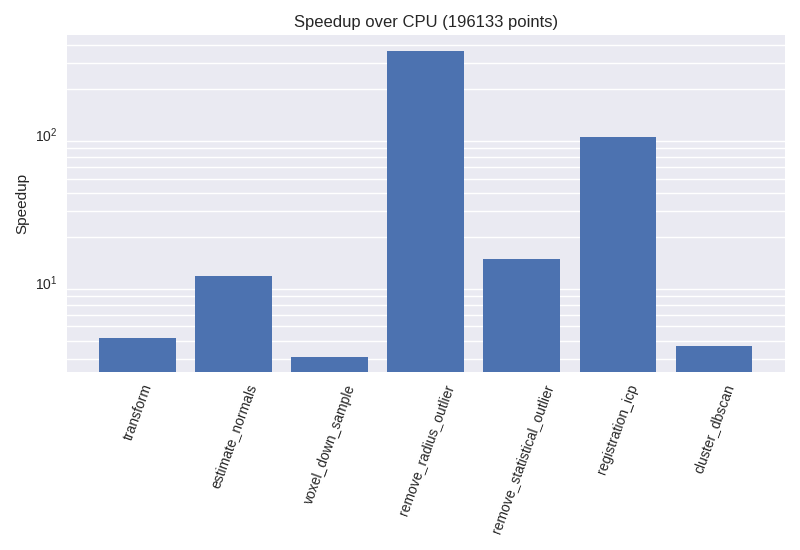
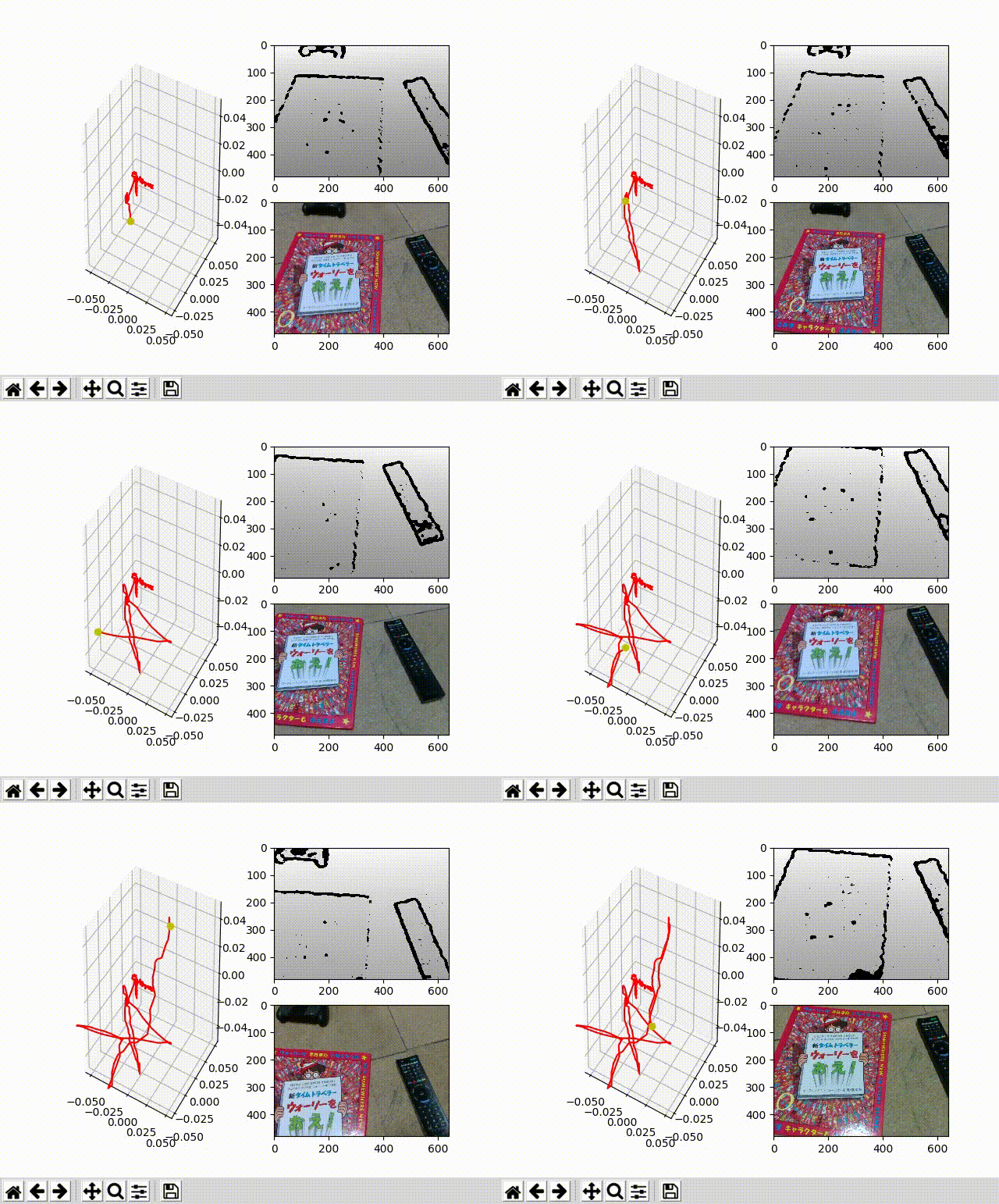
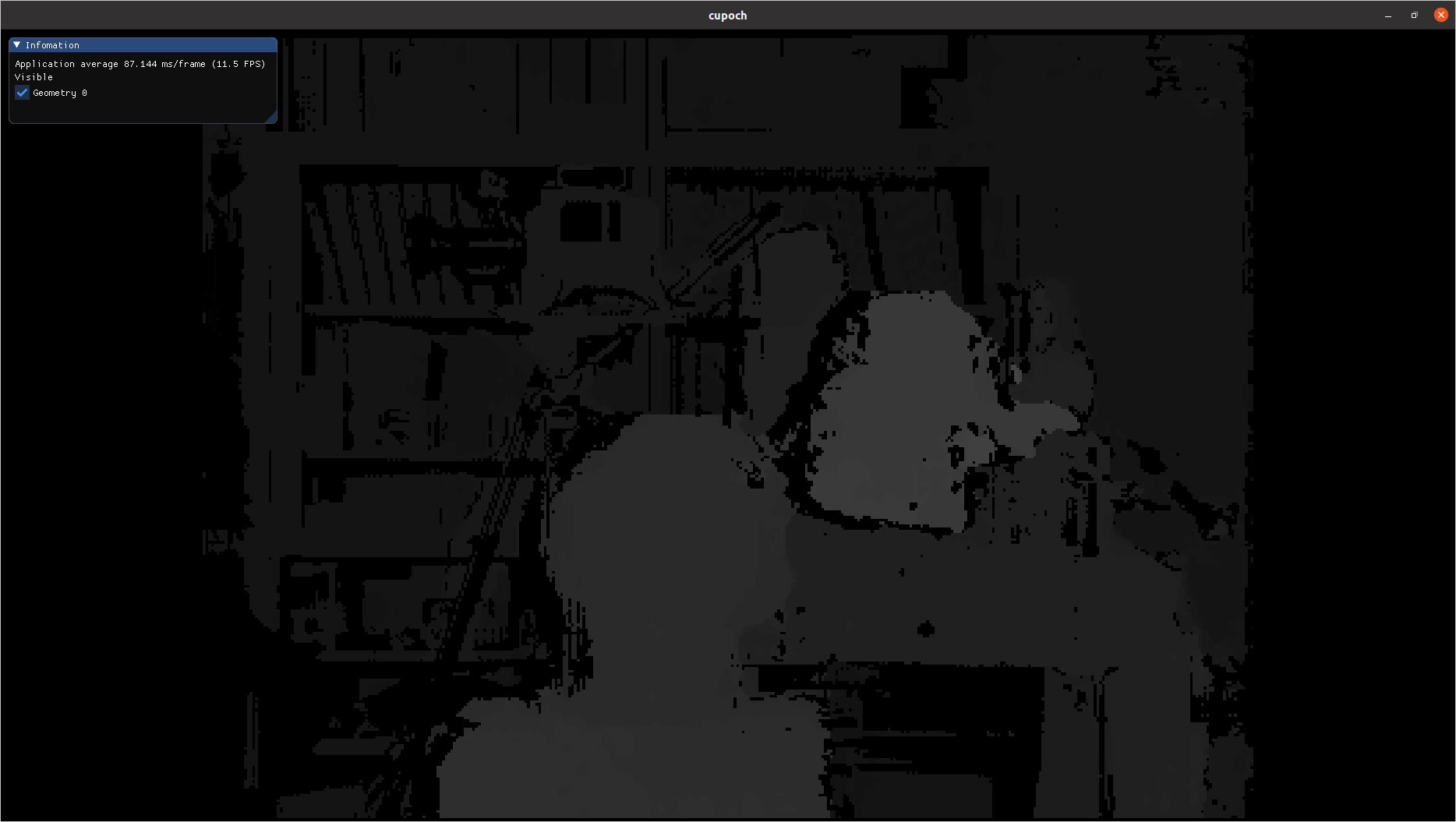
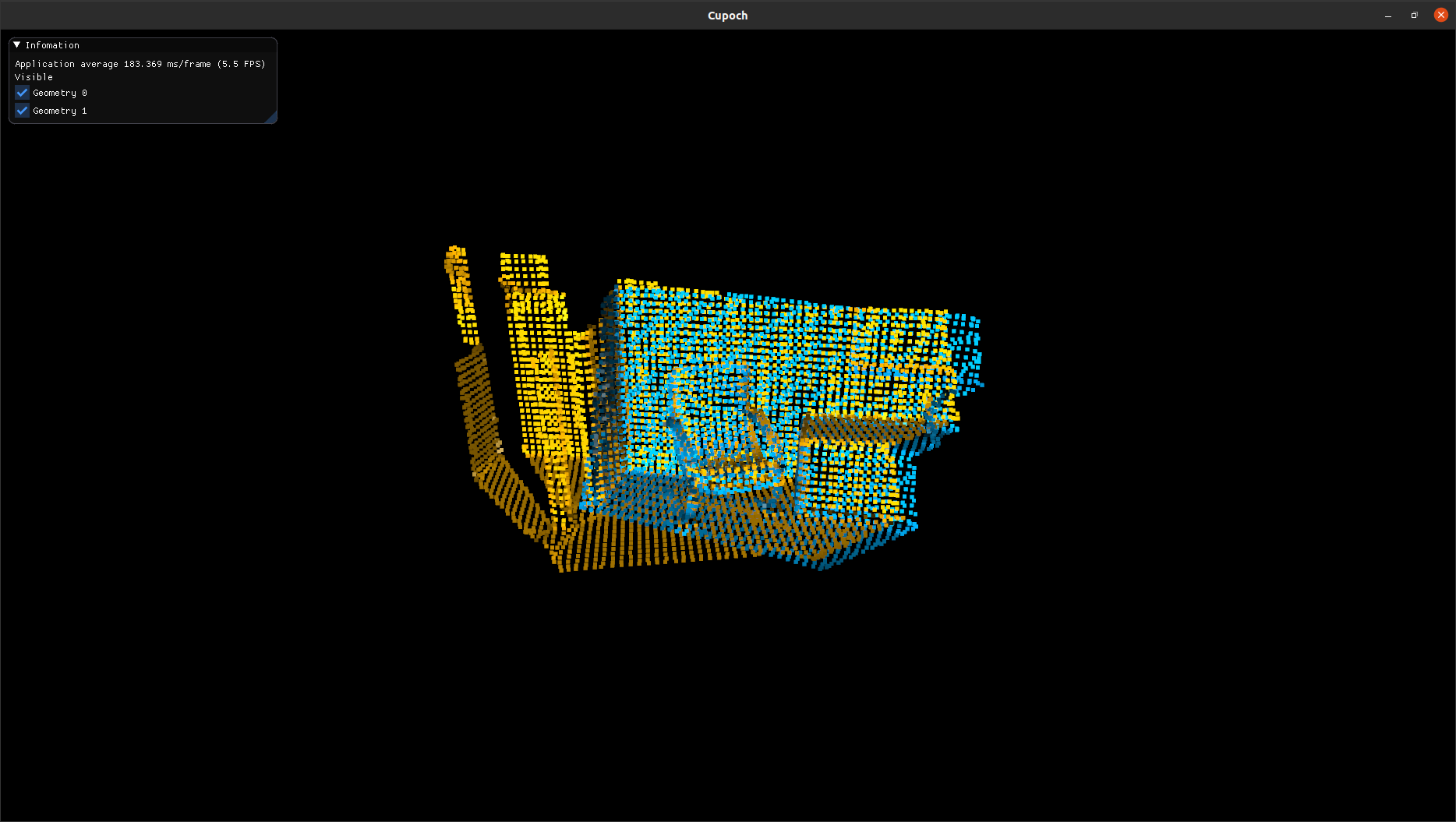
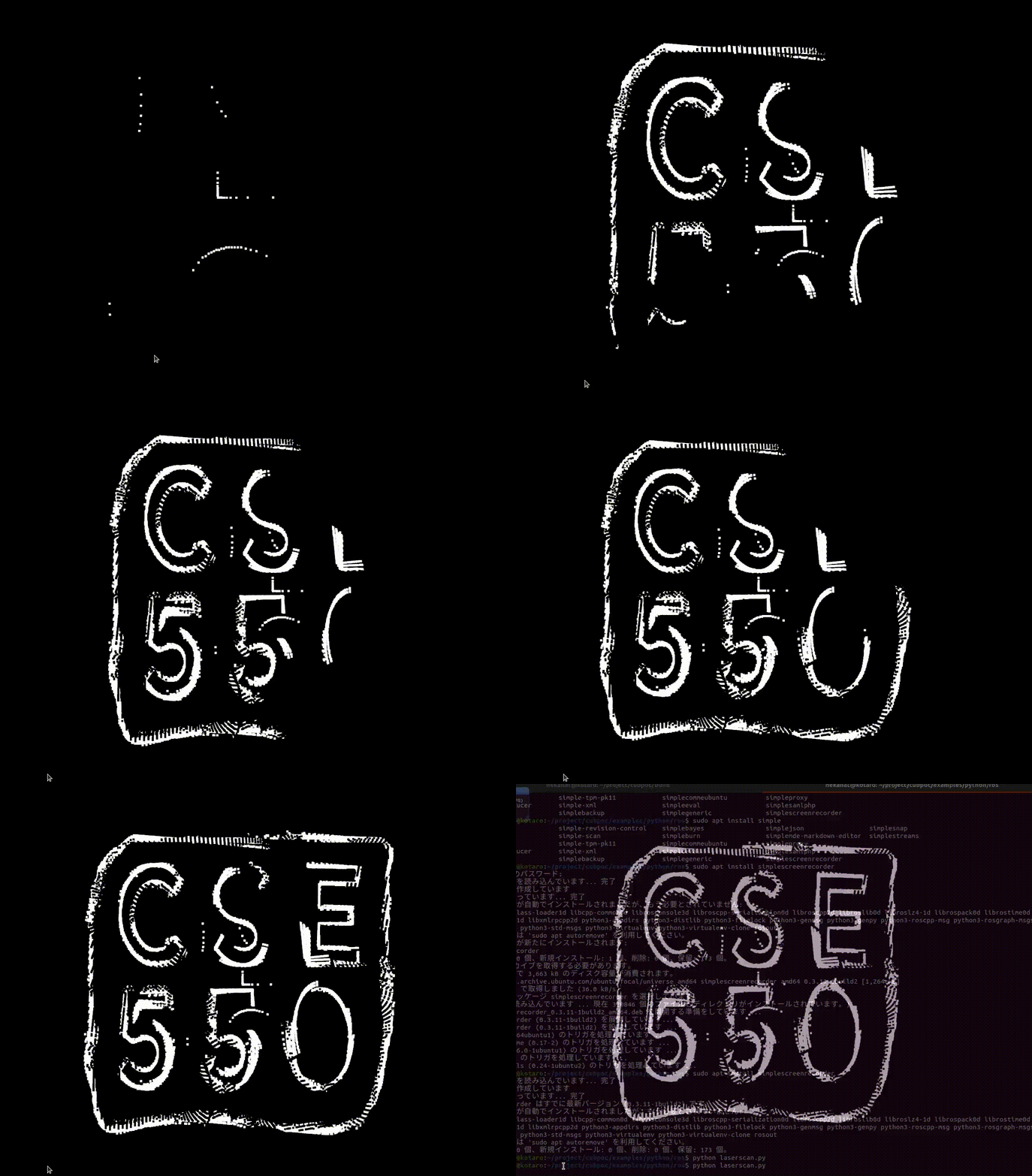
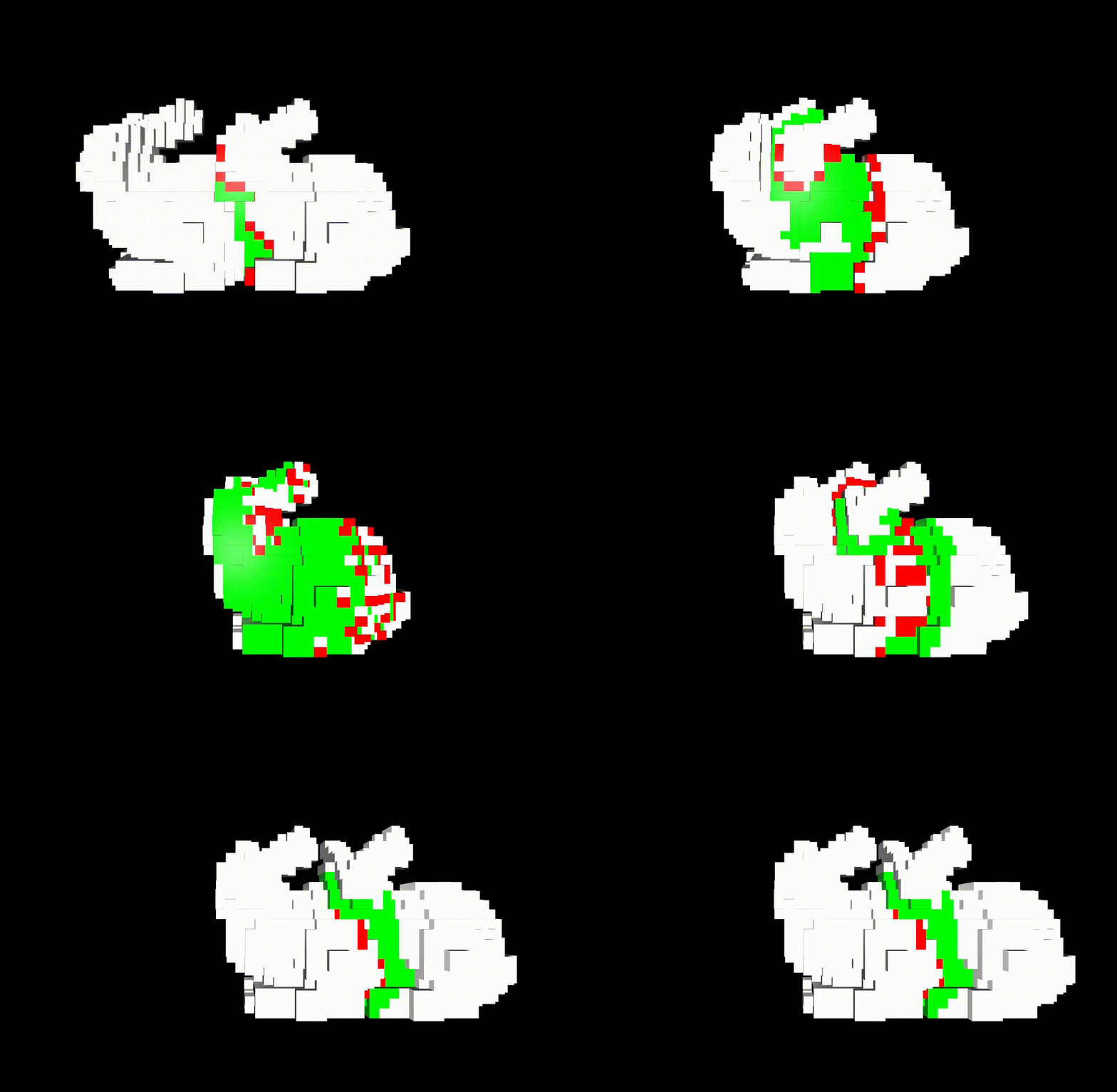
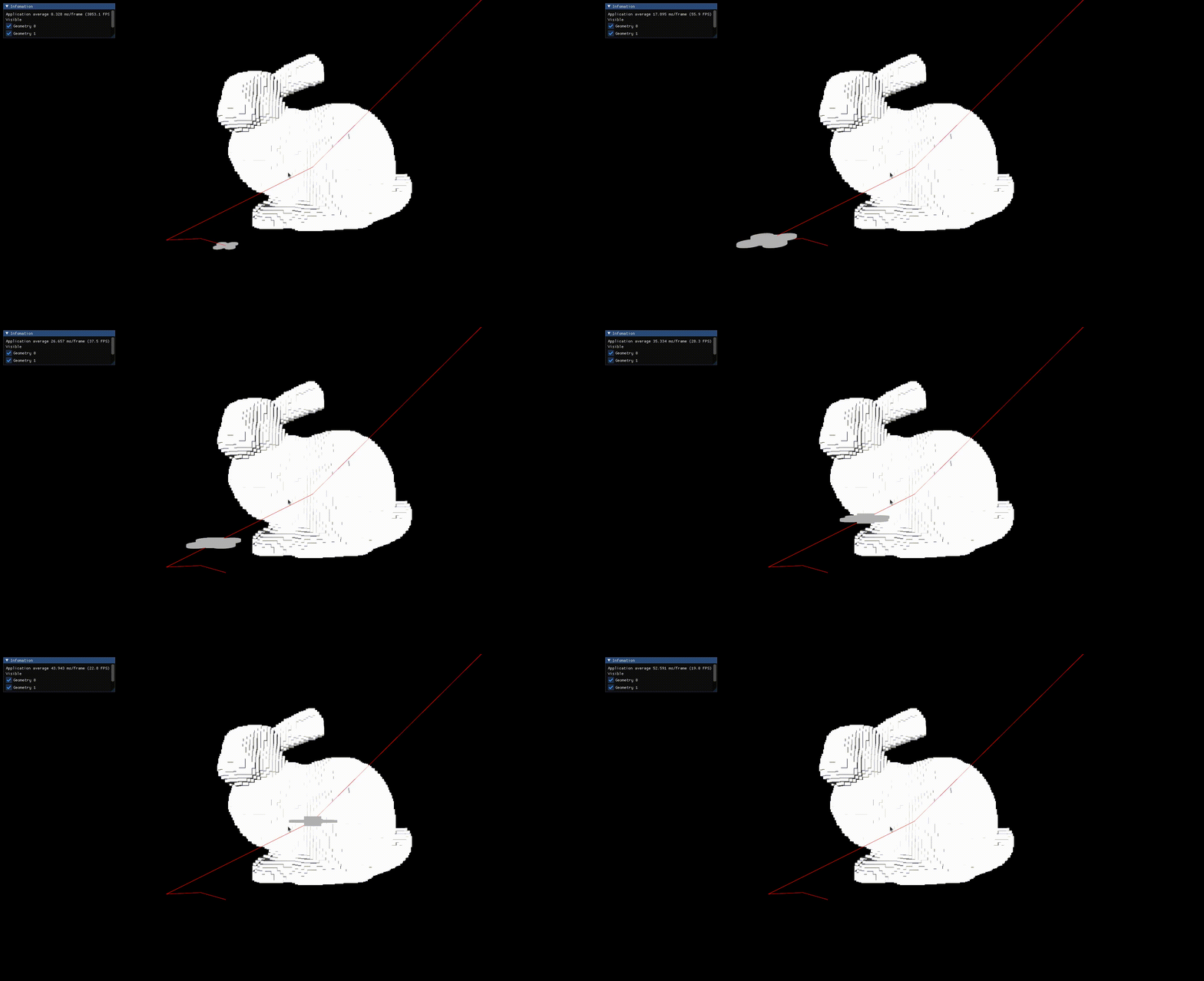
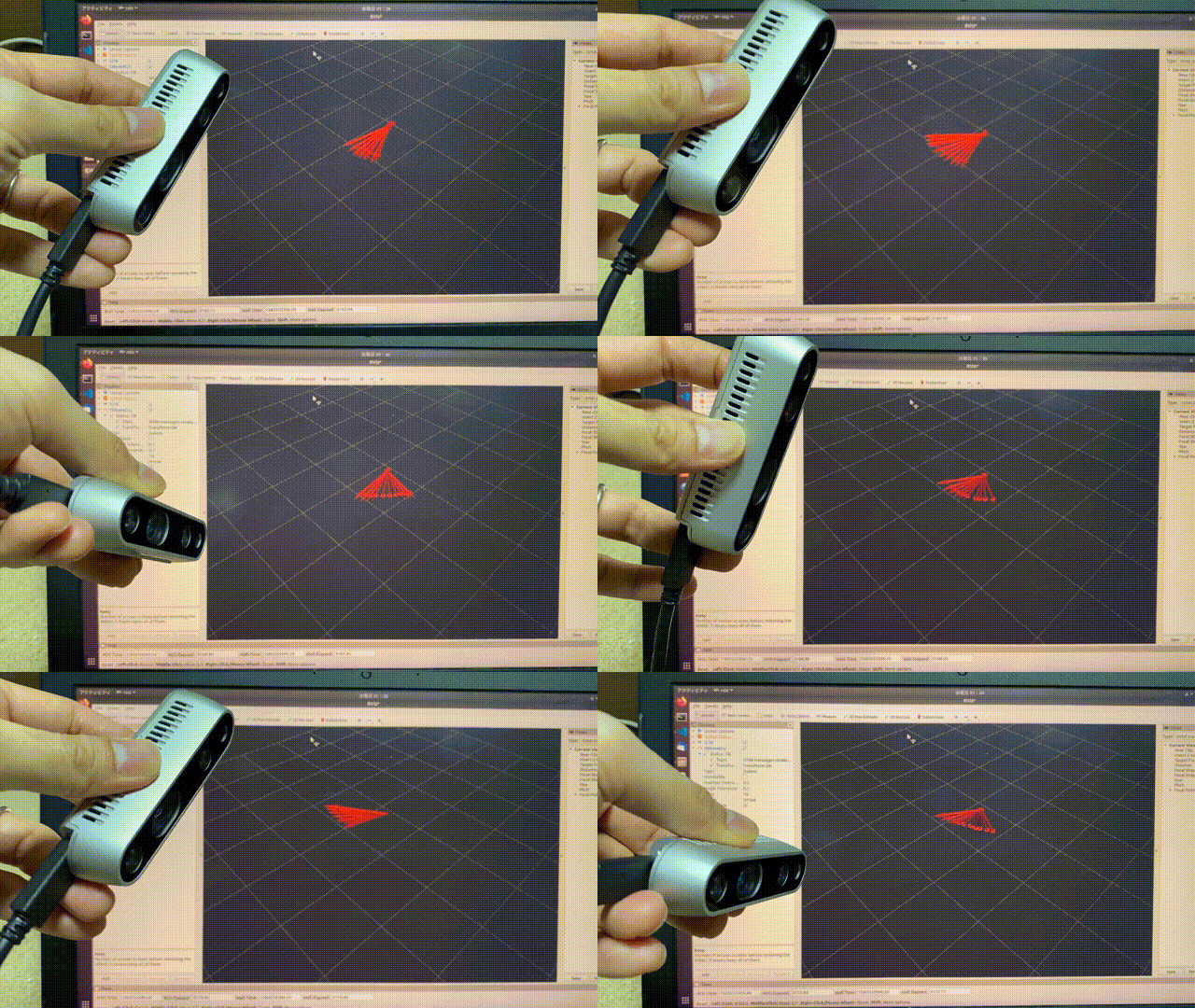
This demo works in the following environment.
- ROS melodic
- Python2.7
# Launch roscore and rviz in the other terminals.
cd examples/python/ros
python realsense_rgbd_odometry_node.py
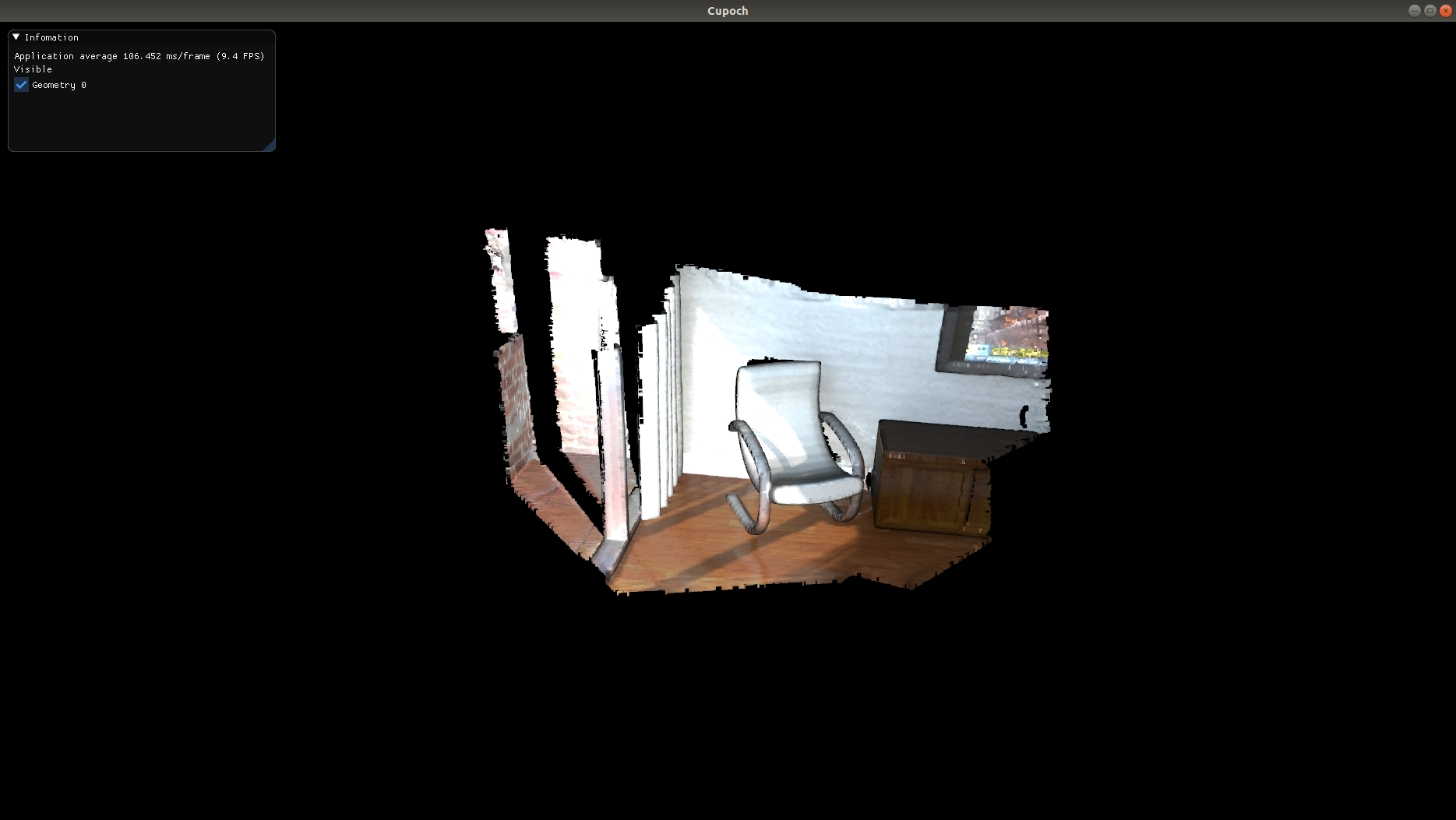
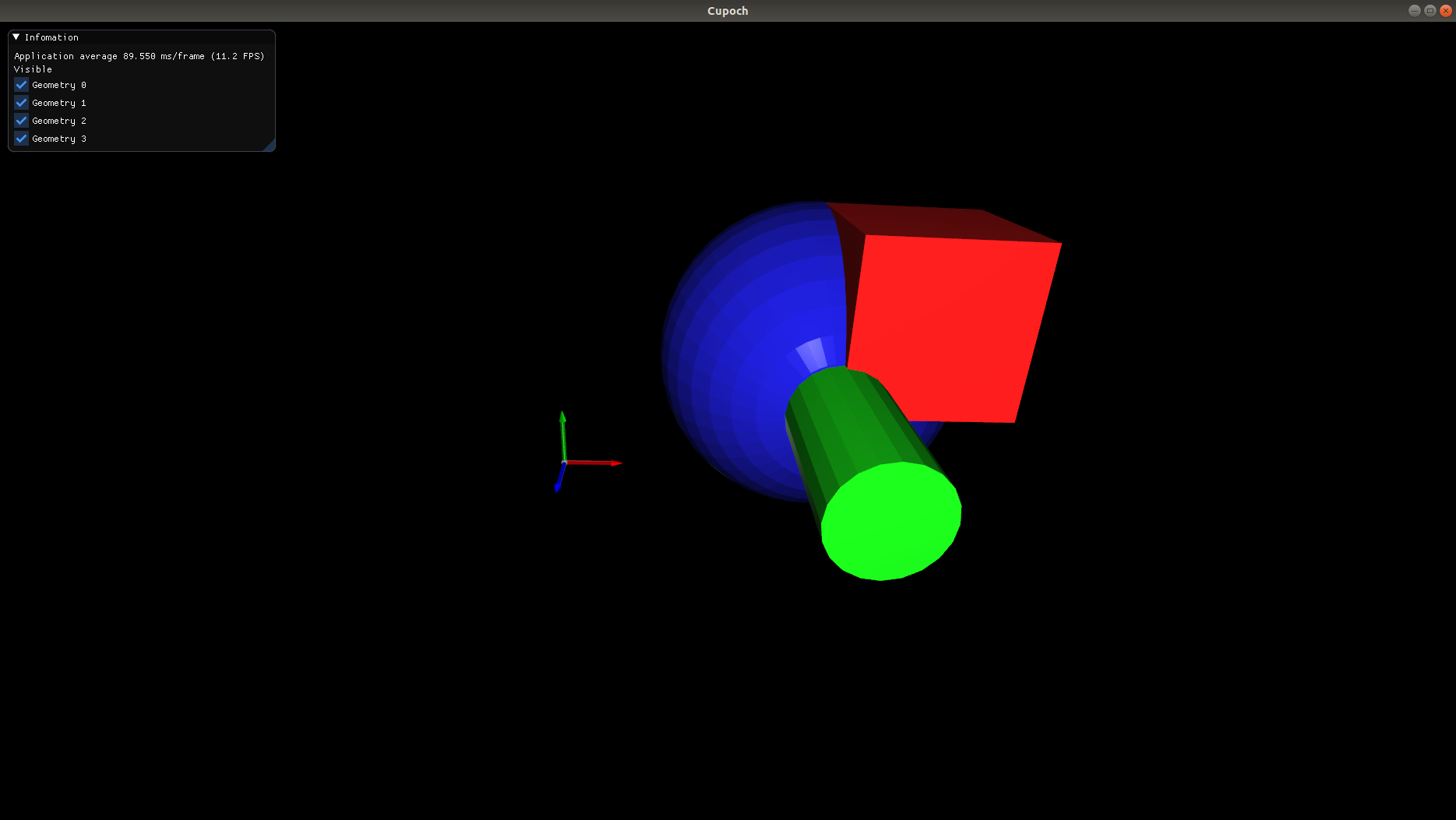
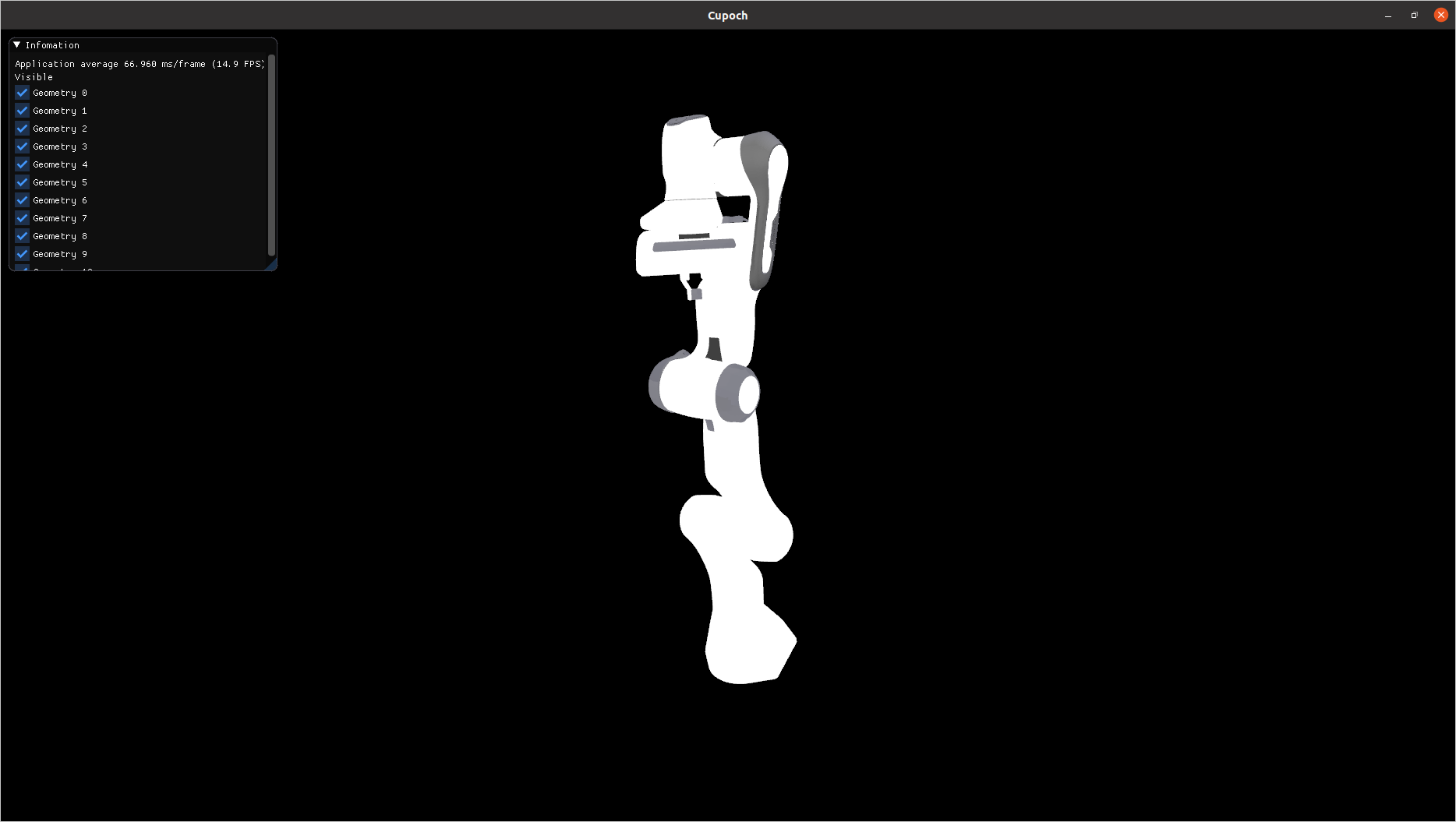
| Point Cloud | Triangle Mesh | Kinematics |
|---|---|---|
 |
 |
 |
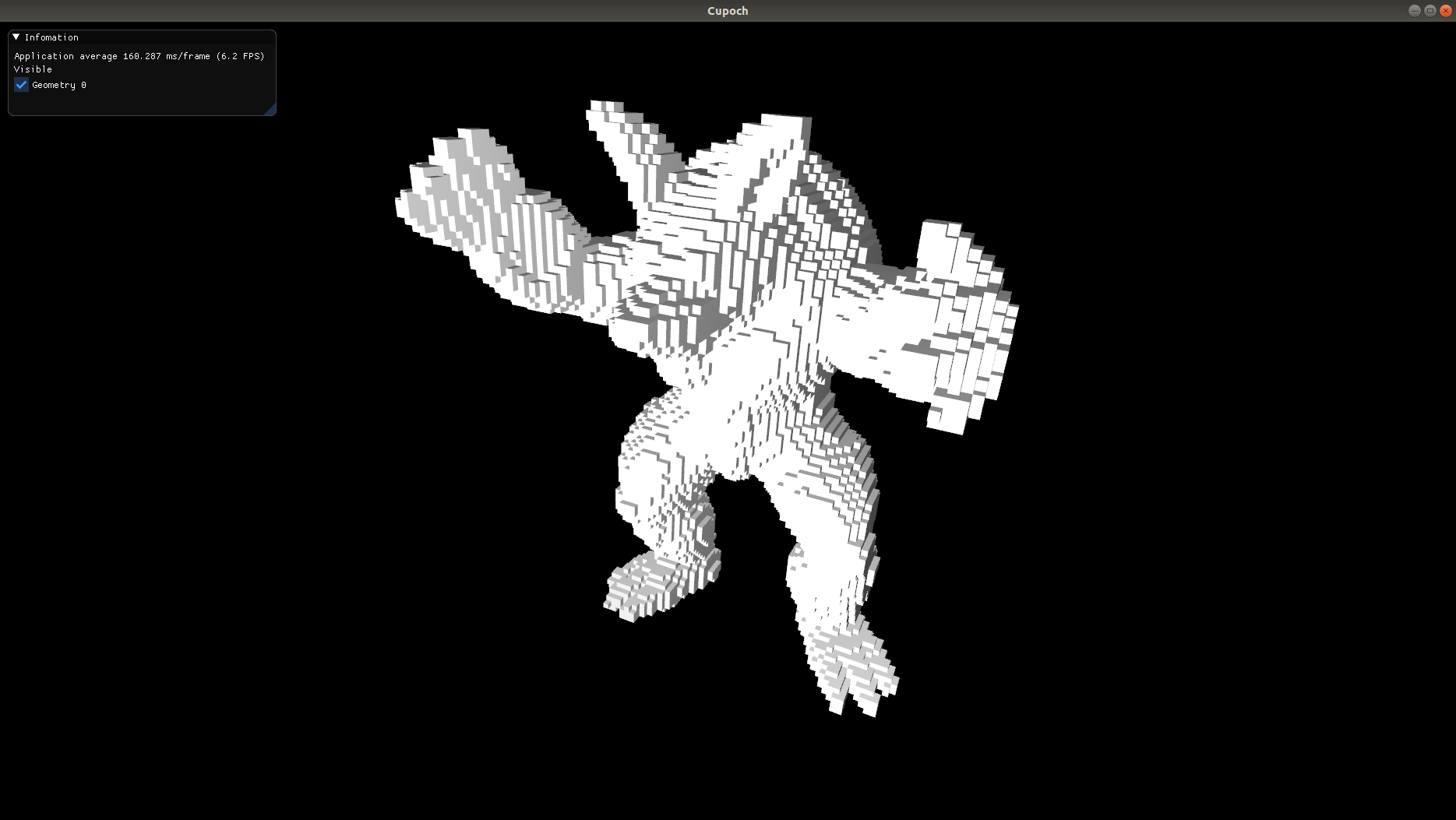
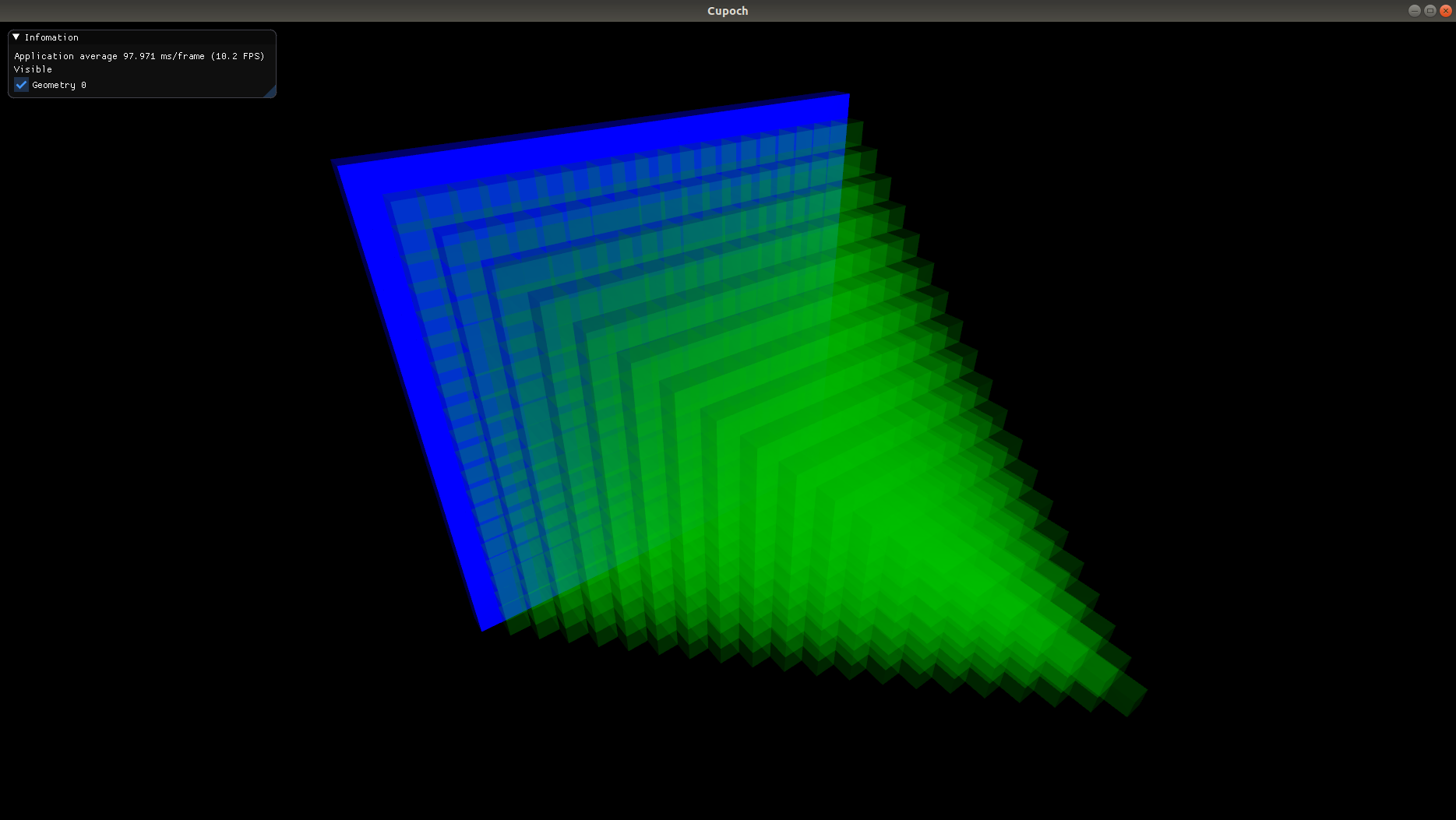
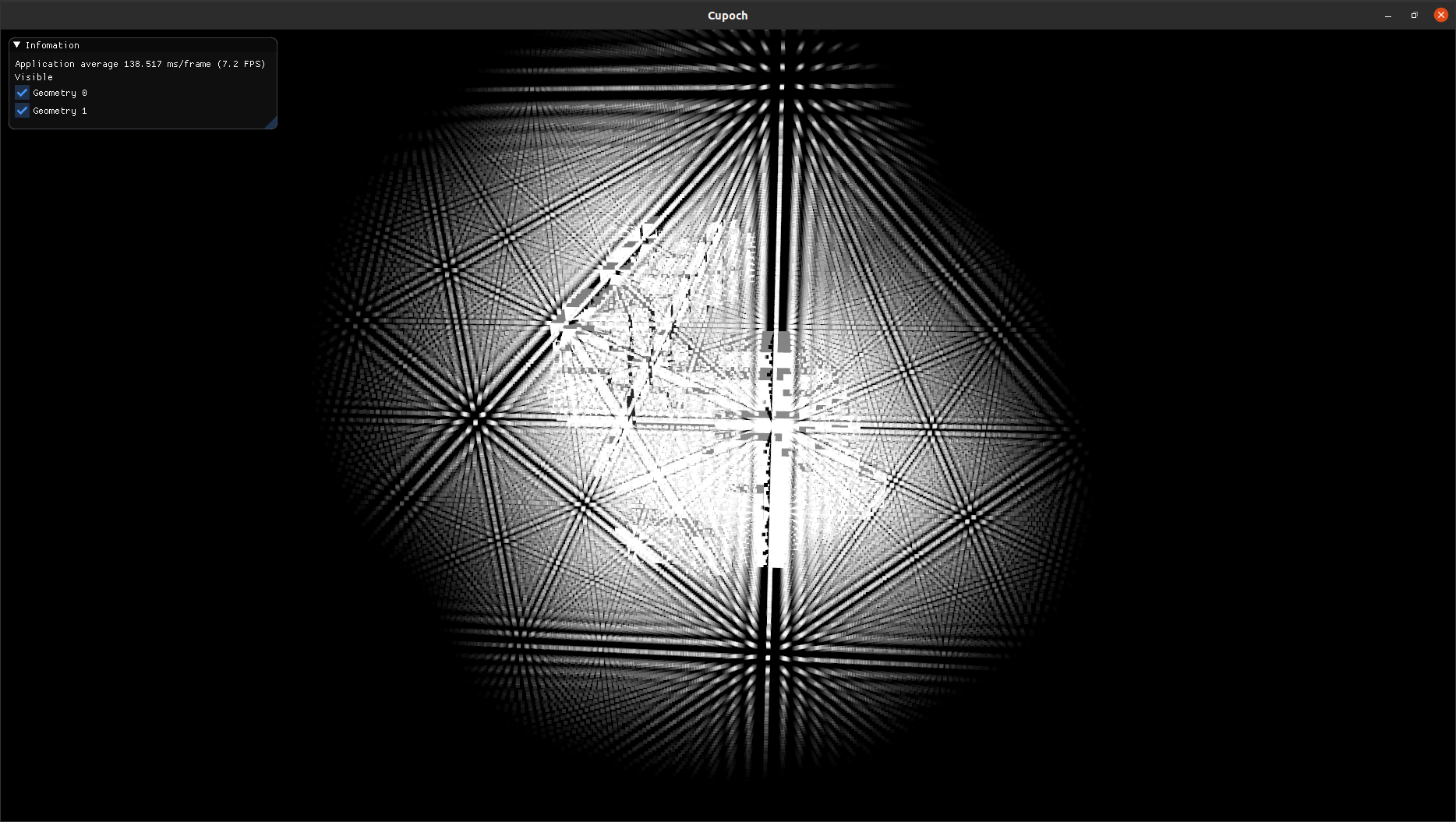
| Voxel Grid | Occupancy Grid | Distance Transform |
|---|---|---|
 |
 |
 |
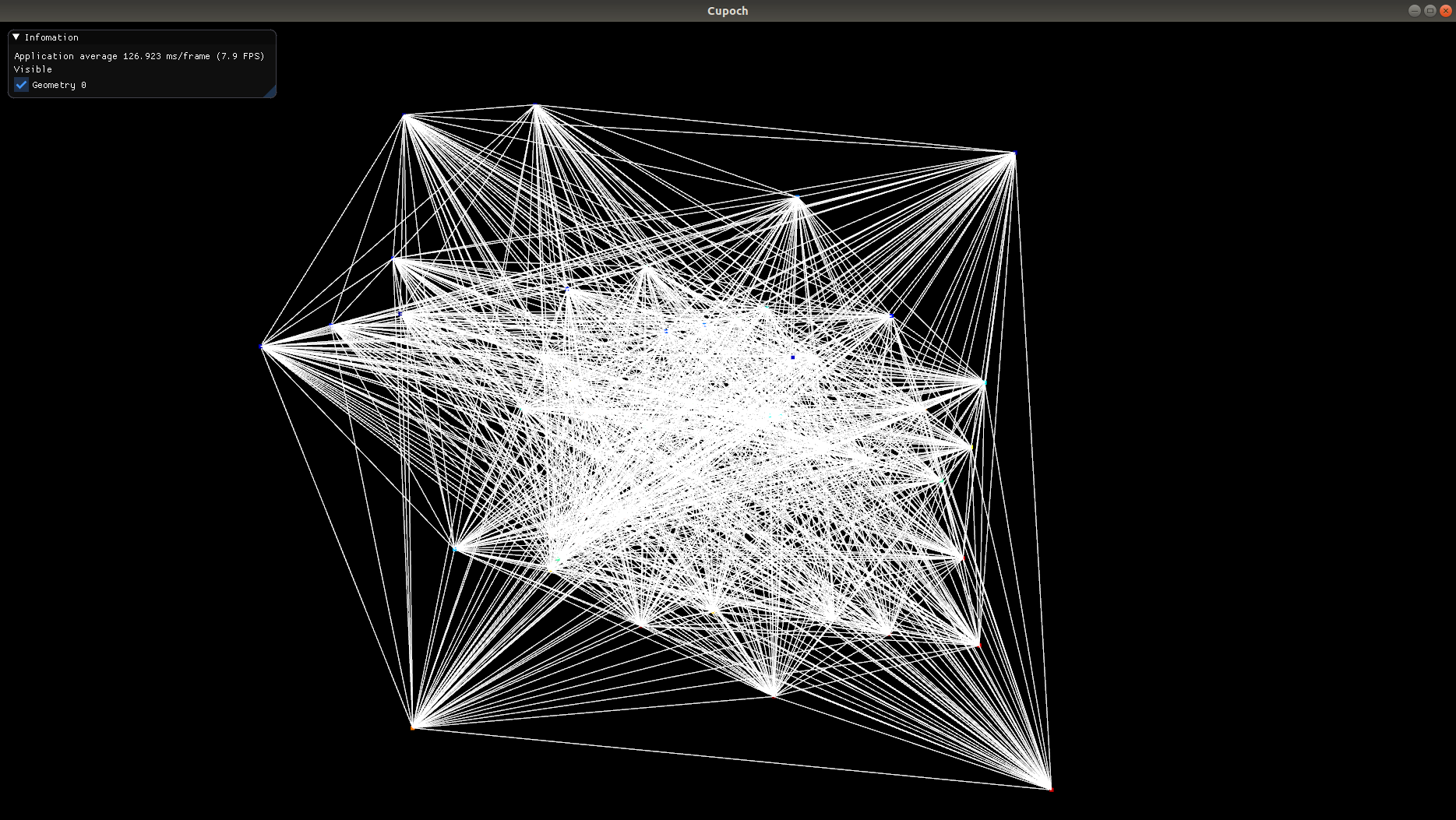
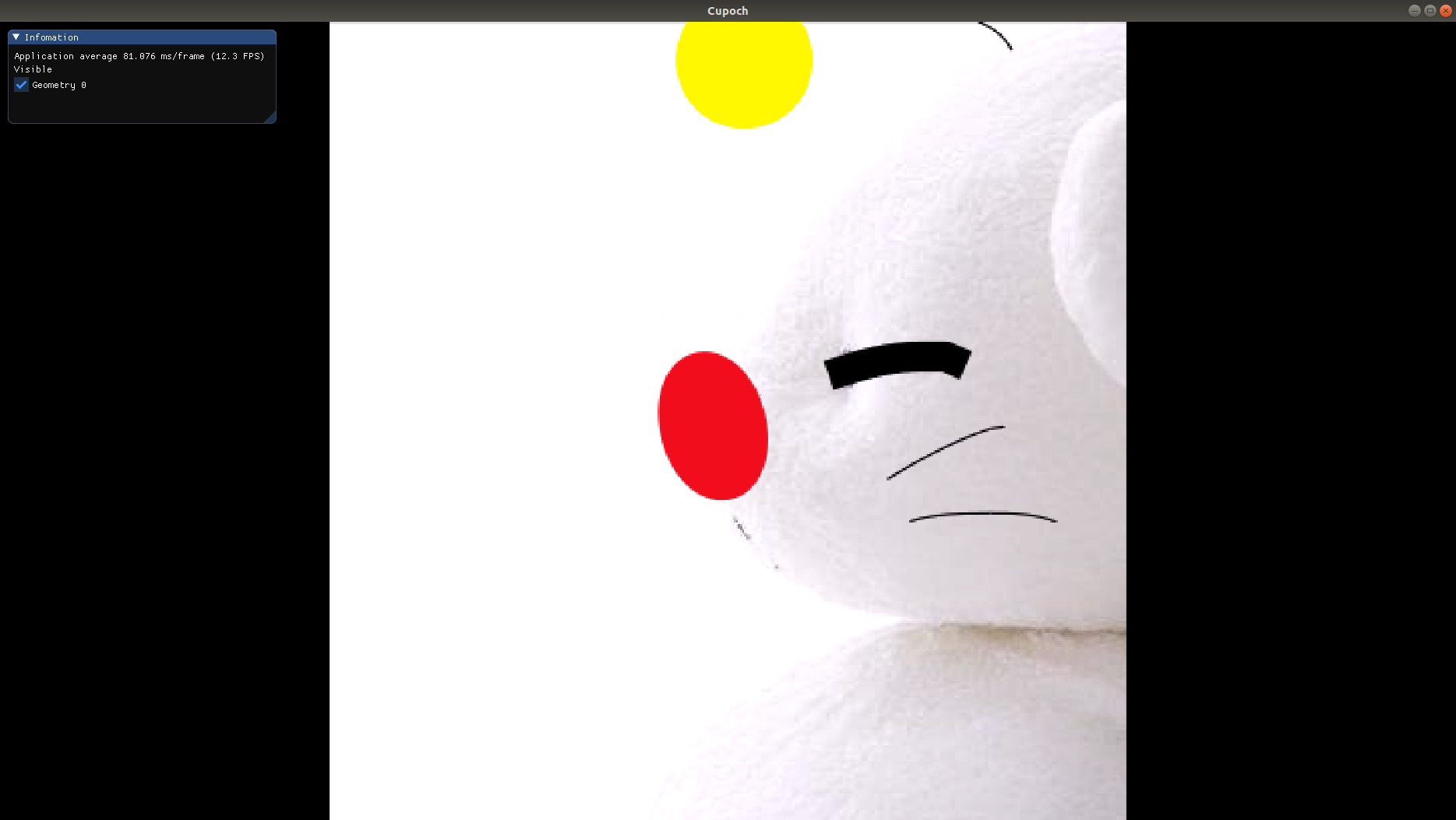
| Graph | Image |
|---|---|
 |
 |
- CUDA repository forked from Open3D, https://github.com/theNded/Open3D
- GPU computing in Robotics, https://github.com/JanuszBedkowski/gpu_computing_in_robotics
- Voxel collision comupation for robotics, https://github.com/fzi-forschungszentrum-informatik/gpu-voxels
@misc{cupoch,
   author = {Kenta Tanaka},
   year = {2020},
   note = {https://github.com/neka-nat/cupoch},
   title = {cupoch -- Robotics with GPU computing}
}