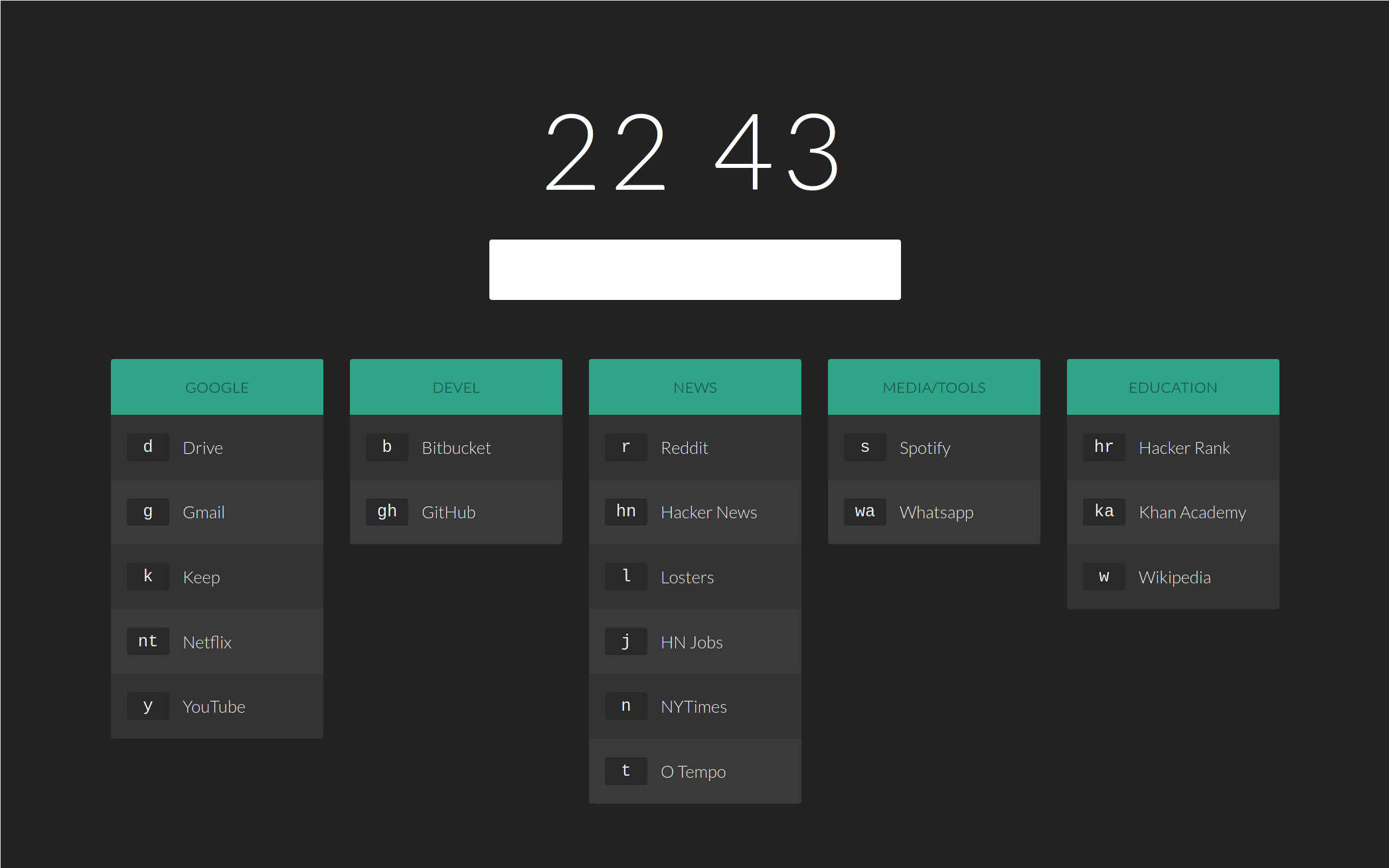
To go to a site, enter the corresponding key. To view the available sites and their keys, press enter. If your input doesn't match any of the commands, a generic Google search will be triggered. For example:
- Entering
rwould redirect you to www.reddit.com. - Entering
catswould search Google for cats.
You can search any of the sites by typing a colon after the site's key, followed by your search query. For example:
- Entering
w: unixwould search Wikipedia for unix. - Entering
s: smash mouthwould search SoundCloud for smash mouth.
You can go to a specific location on a site by typing a forward slash after the site's key, followed by the location on the site you'd like to be redirected to. For example:
- Entering
r/r/unixpornwould redirect you to www.reddit.com/r/unixporn
If you enter in a full domain or URL, you will be redirected to said domain or URL. For example:
- Entering
https://www.amazon.comwould redirect you to www.amazon.com.
There's a shlew of options that you can configure. Just open up the index.html file and read through them!
Feel free to use this and modify it however you like.
Inspired by Tilde.