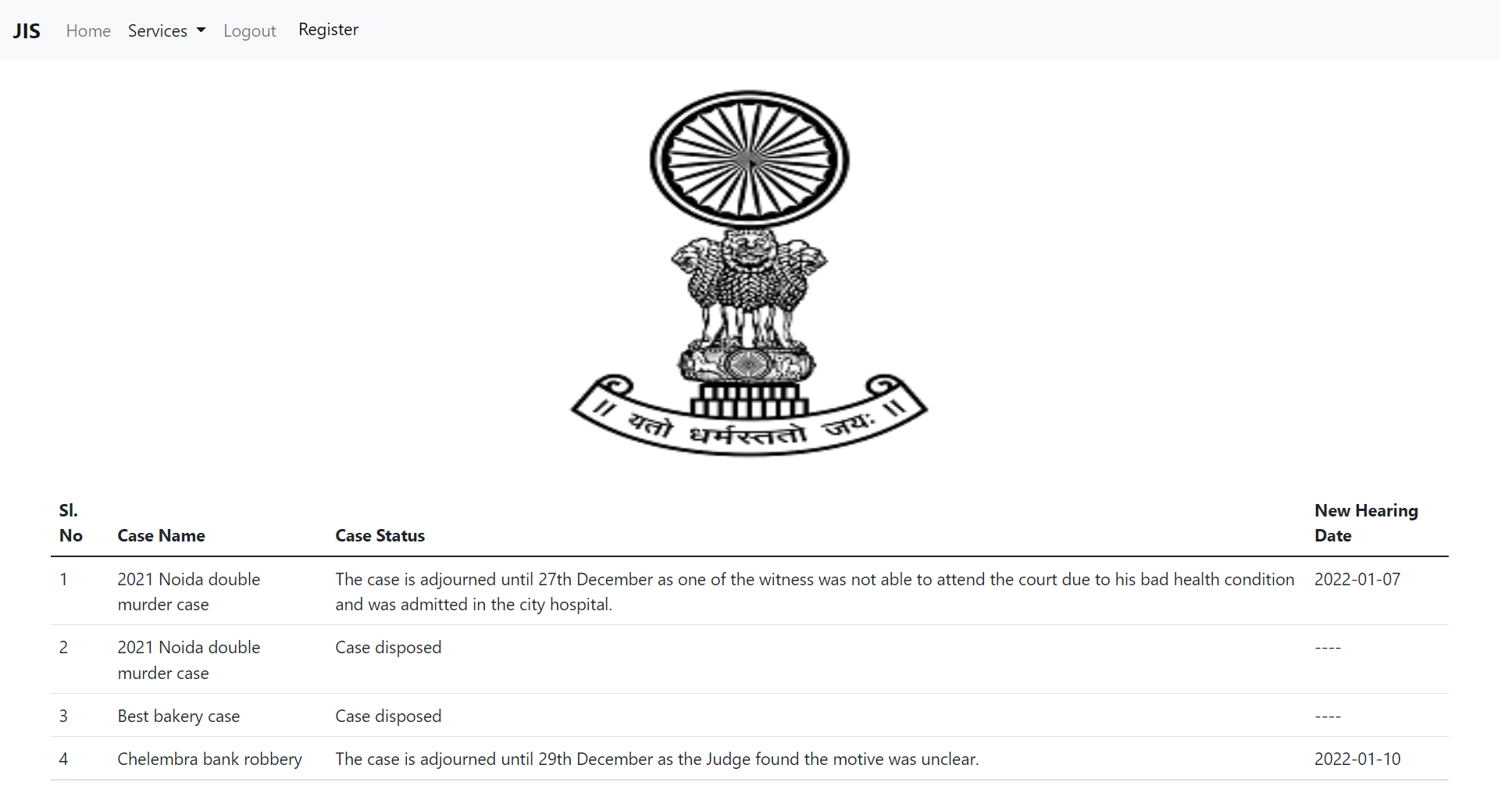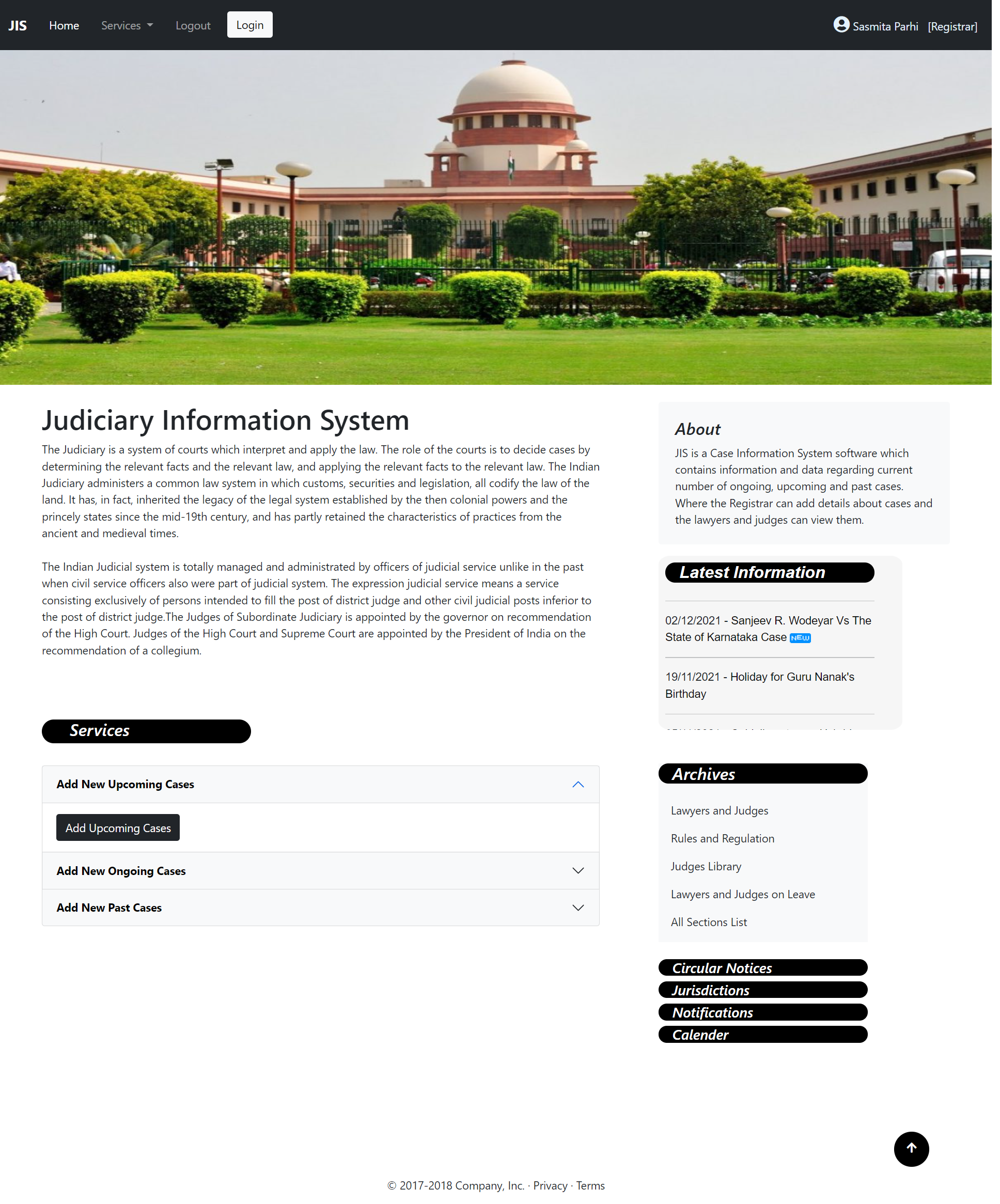
The attorney general’s office has requested us to develop a Judiciary Information System (JIS), to help handle court cases and also to make the past court cases easily accessible to the lawyers and judges. For each court case, the name of the defendant, defendant’s address, the crime type (e.g., theft, arson, etc.), when committed (date), where committed (location), name of the arresting officer, and the date of the arrest are entered by the court registrar. Each court case is identified by a unique case identification number (CIN) which is generated by the computer. The registrar assigns a date of hearing for each case. For this the registrar expects the computer to display the vacant slots on any working day during which the case can be scheduled. Each time a case is adjourned, the reason for adjournment is entered by the registrar and he assigns a new hearing date. If hearing takes place on any day for a case, the registrar enters the summary of the court proceedings and assigns a new hearing date. Also, on completion of a court case, the summary of the judgment is recorded and the case is closed but the details of the case is maintained for future reference. Other data maintained about a case include the name of the presiding judge, the public prosecutor, the starting date, and the expected completion date of a trial. The judges should be able to browse through the old cases for guidance on their judgment. The lawyers should also be permitted to browse old cases, but should be charged for each old case they browse.
(a) The currently pending court cases. In response to this query, the computer should print out the pending cases sorted by CIN. For each pending case, the following data should be listed: the date in which the case started, the defendant’s name, address, crime details, the lawyer’s name, the public prosecutor’s name, and the attending judge’s name.
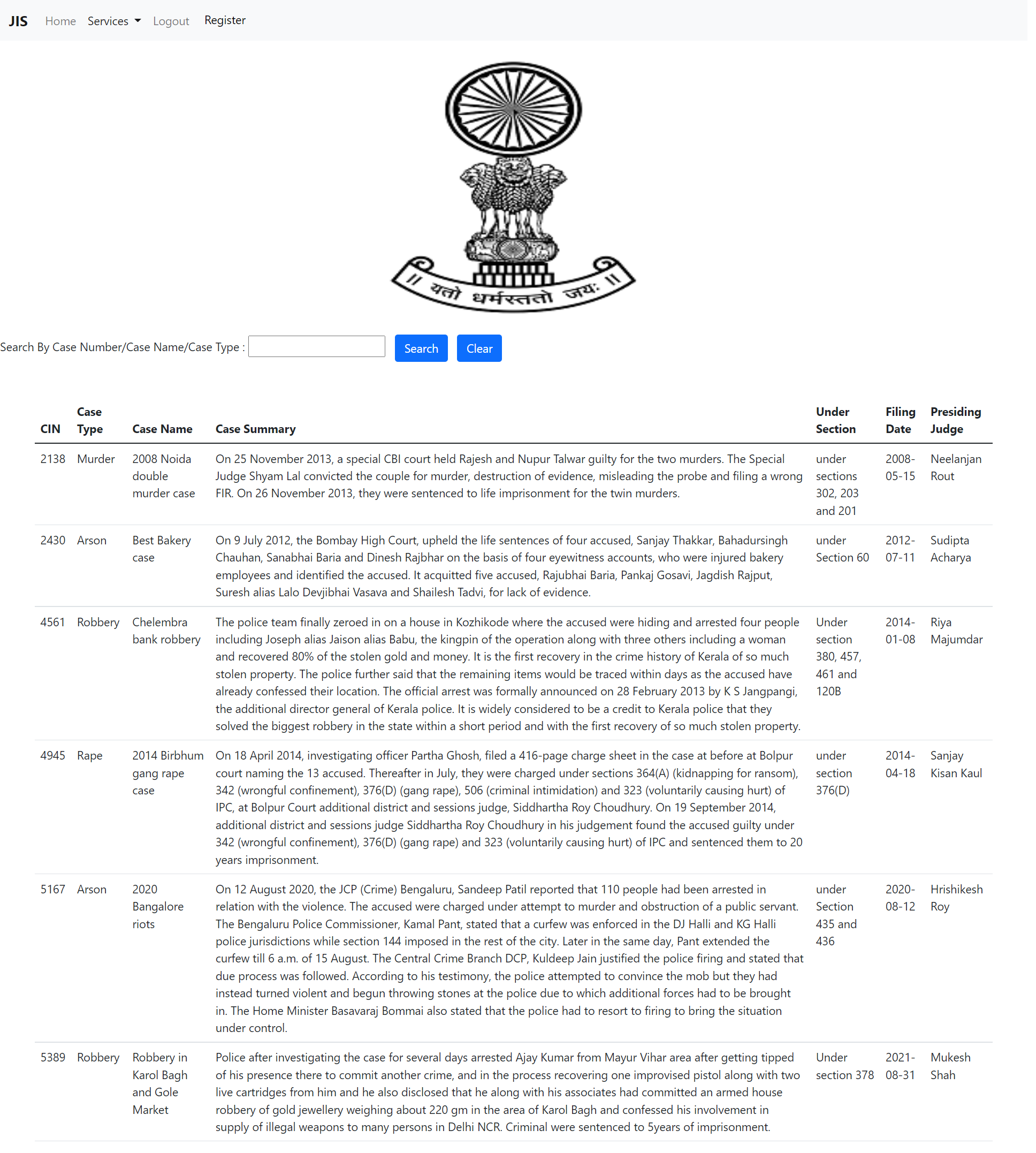
(b) The cases that have been resolved over any given period. The output in this case should chronologically list the starting date of the case, the CIN, the date on which the judgment was delivered, the name of the attending judge, and the judgment summary.
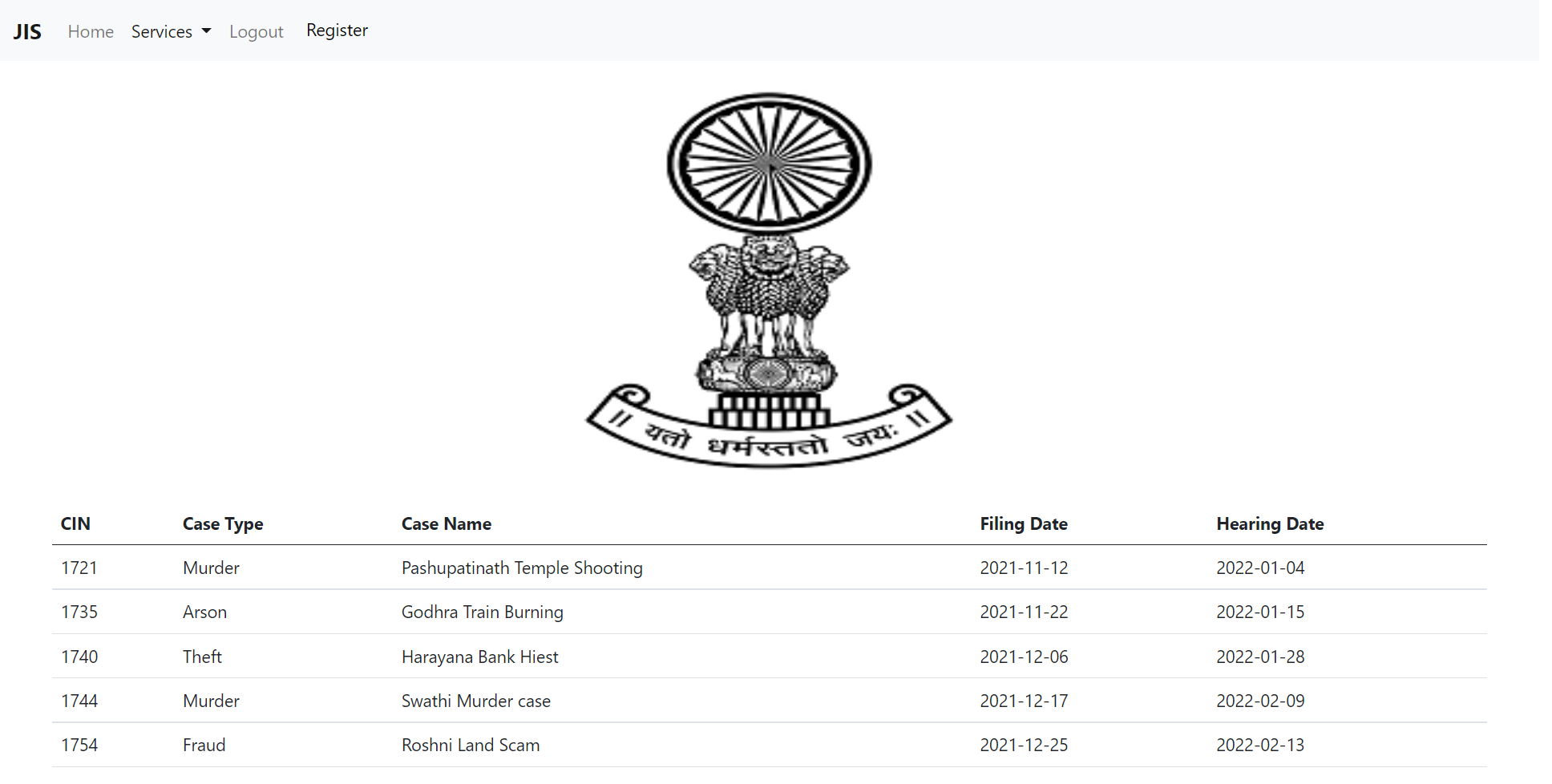
(c) The cases that are coming up for hearing on a particular date.
(d) The status of any particular case (cases are identified by CIN). The lawyers and the judges need to refer to the past court cases. The lawyers need to refer these to prepare for their line of arguments. The judges need to refer the past court cases to examine the lines of judgments given previously to similar cases. It should be possible to search for the history of past court cases by entering key words. However, the lawyers should be charged for each time they see the details of a court case to recover some of the computerization costs. For this purpose, it is necessary to provide separate login accounts to the JIS software and keep track of how many court cases each lawyer views. The registrar should be able to create login accounts for the different users (i.e. judges, lawyers, etc) and should be able to delete these accounts.
Past cases
 Upcoming cases
 Ongoing cases