


GPT inside of Visual Studio Code
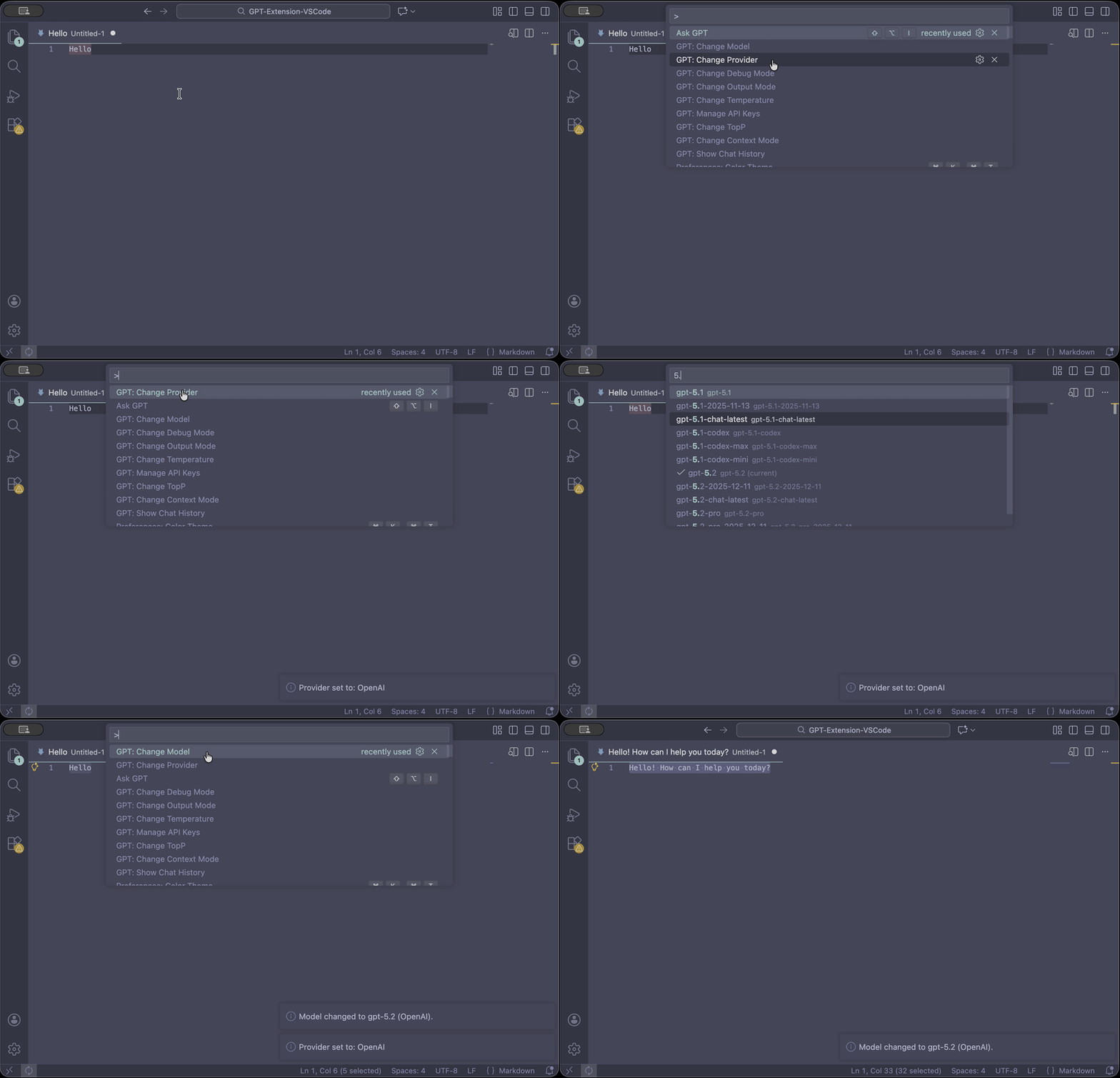
- Highlight question or code
- Open Command Palette (
cmd + shift + p) - Type 'Ask GPT'
GPT's response can either be opened in a new file or have it replace the highlighted question.
To set your own API key:
- Go to OpenAI's website to create one.
- Once logged in, click on your account in the top right corner.
- Select "View API Keys" from the drop-down menu.
- Click the button "Create a new key."
- Press
cmd + shift + p(Command Palette) and search for "Set API Key"
To select model:
- Press
cmd + shift + p(Command Palette) and search for "Change Model"
To change the token limit (only avaible on davinci model):
- Press
cmd + shift + p(Command Palette) and search for "Change Token Limit"
GPT-4: Currently in a limited beta and only accessible to those who have been granted access. Join the waitlist here: Link
GPT-4-32k: Same as GPT-4 but with 4x the context length.
GPT-3.5-Turbo (Default) (Max Tokens: 4096)
Text-Davinci-003 (Max Tokens: 4097)
AskGPT - Ask GPT any question you want.
GPT: Set API Key - Enter an API key to use.
GPT: Change Model - Select from given models.
GPT: Change Token Limit (Only Davinci) - Enter a new limit on the API. (Can't be default API key)
GPT: Show Chat History - Shows your chat history.
GPT: Clear Chat History - Clears the chat history.
GPT: Change Output Mode - Switchs the output mode, either opening in a new file, or replacing the question.
Shared API key reaches its monthly limit somtimes, in which case, you can add your own API key.
Let me know of any other issues.
Removed Shared API Key due to personal limit having been reached.
Now Compatible with VSCode 1.7^
Chat History Added
GPT-4 Added
Added Error handling for shared API key limit reached.
Implemented individual API key use and flexible token limit.
Initial Release
Implemented individual API key use and flexible token limit.