Deep CNN with residual blocks to classify Gemstones!
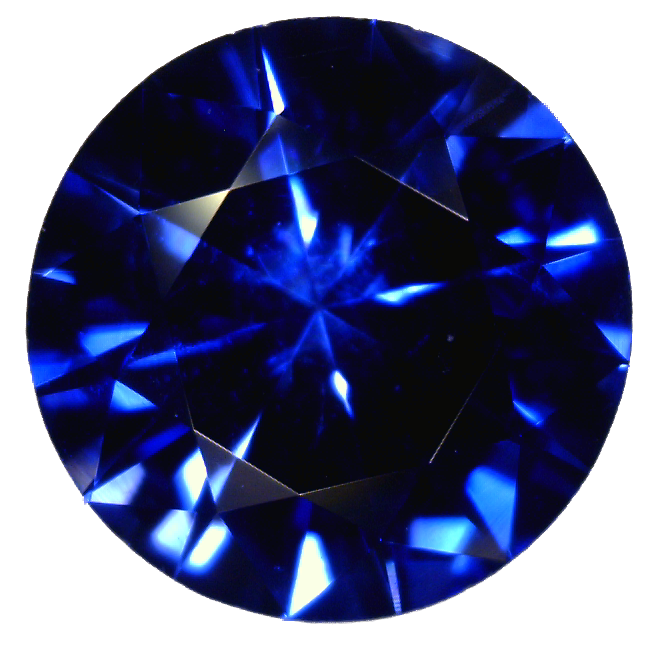


Classification of gemstones using deep convolutional neural networks with residual blocks.
Run the following simple steps.
Anaconda. If you haven't installed Anaconda yet, you can follow the next tutorial: Anaconda Installation.
- Clone the repo
git clone https://github.com/loremendez/Gemstones.git
- Install the environment
You can do it either by loading theYMLfileor step by stepconda env create -f conda_environment.yml
- Create and activate the environment
conda create -n gemstones_env python=3.9
conda activate gemstones_env
- Install the required packages
pip install --upgrade pip
pip list  # show packages installed within the virtual environment

pip install tensorflow==2.5
pip install numpy pandas matplotlib seaborn
pip install jupyterlab
- Create and activate the environment
Activate the environment, open Jupyter-lab and the notebook Gemstones.ipynb
jupyter-lab[1] Dataset by Chemkaeva, Daria (@LSIND) “Gemstones”. Last updated: 2020-04-27. Link: https://www.kaggle.com/lsind18/gemstones-images
Lorena Mendez - LinkedIn - lorena.mendez@tum.de
Take a look into my other projects!