After cloning the repository, go to the app root directory and install add dependencias with:
yarn install
or just:
yarn
Android
To run your app on Android, first open an Emulator or plug a physical device in development mode and the run:
yarn android
iOS
To run your app on iOS, you need to first install all Pod by running:
npx pod-install ios
and then :
yarn ios
Just sign up using a valid email, your name (at least 2 characters) and a password and have fun!
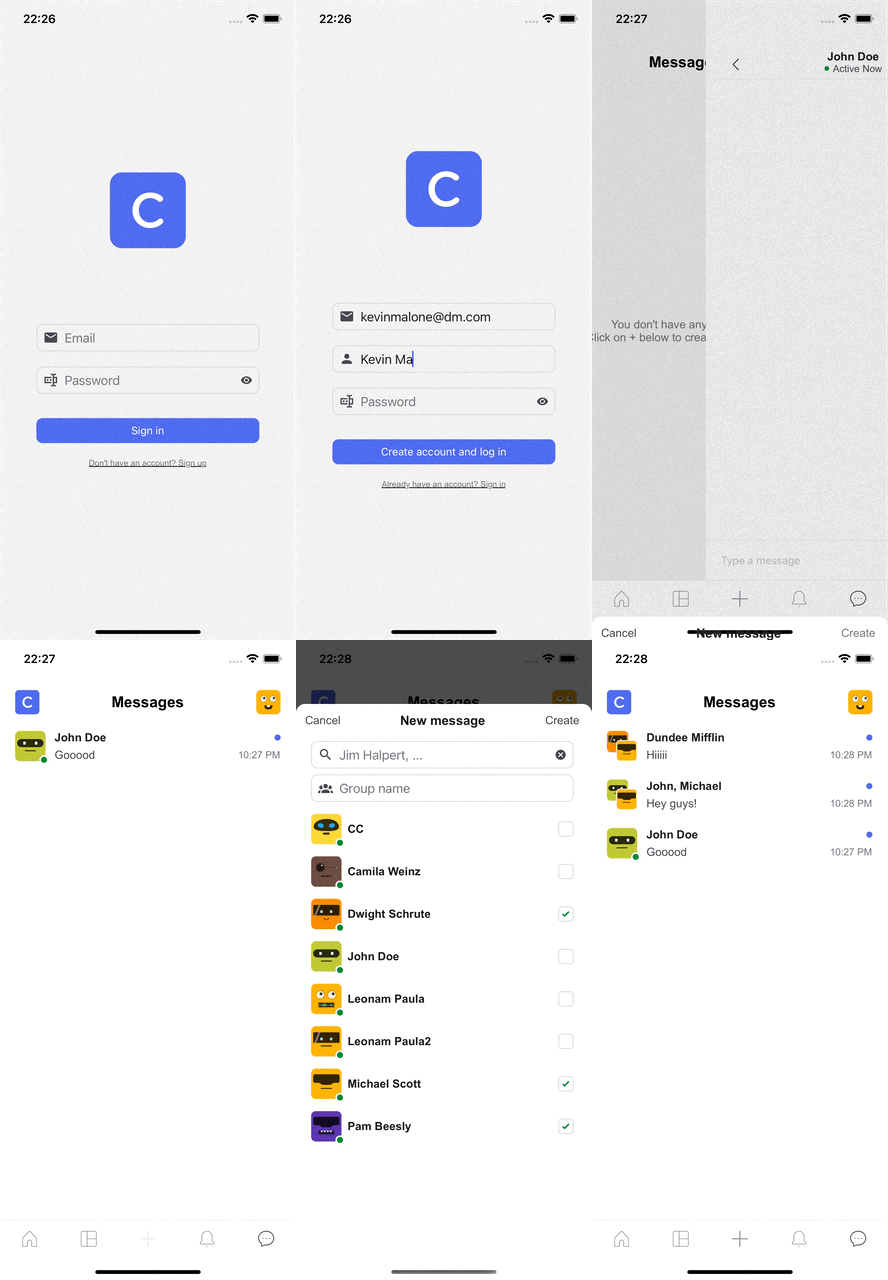
Firebase was the choice to implement the backend. For real-time data storage Firestore is being used to store all user and chats infos. Also in this project Firebase Auth is being used to handle the email/password authenticantion.
For this project Styled Components was chosen handle the components styling and theming. A defaultTheme with most of the app's styling props is shared globally with ThemeProvider and applied to the components.
To run the apps' tests just type:
yarn test
ans watch the results. In this project React Native Testing Library , Jest and other dependencies like jest-styled-components were used to create all test suites. Due to time constraints, only a few tests were added but enough to showcase the knowledge on the matter.
Here is a list of actions I would take next if I was continuing working over this project:
- Implement a
Unread messagesindicator as proposed in the Figma Design - Implement a
Active Nowindicator as proposed in the Figma Design - Use Firebase to dispatch notifications on new messages
- Replace some implementions in the app for Firebase cloud functions (ex.: update
latestMessageandudpatedAton a chat. - Add sounds and animations for new messages
- Add reordering animation in the chats list
- Add pagination for collection fetching
- Increase test coverage
- Refactor code to apply more SOLID concepts like separation of concerns
- Plan future features like:
- share sounds/images/videos
- add profile image upload on sign up
- create session management system
- and much more...