Basic template to implement a Rooms database
Used to make creating database class easier
-
Press Ctrl + Shift + A (Windows) or Cmd + Shift + A (Mac) to open Action Window and type Add Template. You can also click on File > Settings > Live Templates.
-
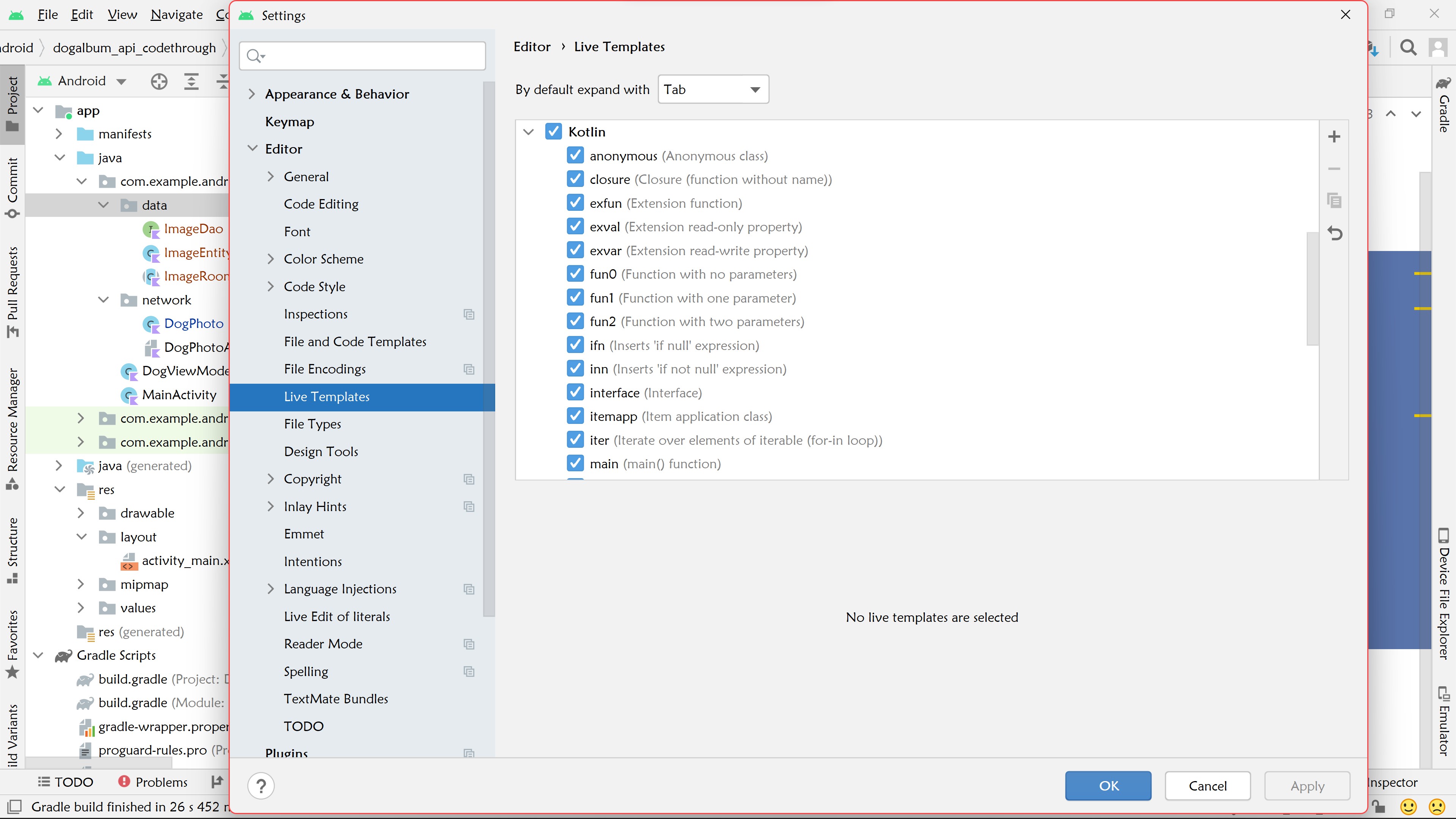
Click on the arrow to the left of Kotlin.
-
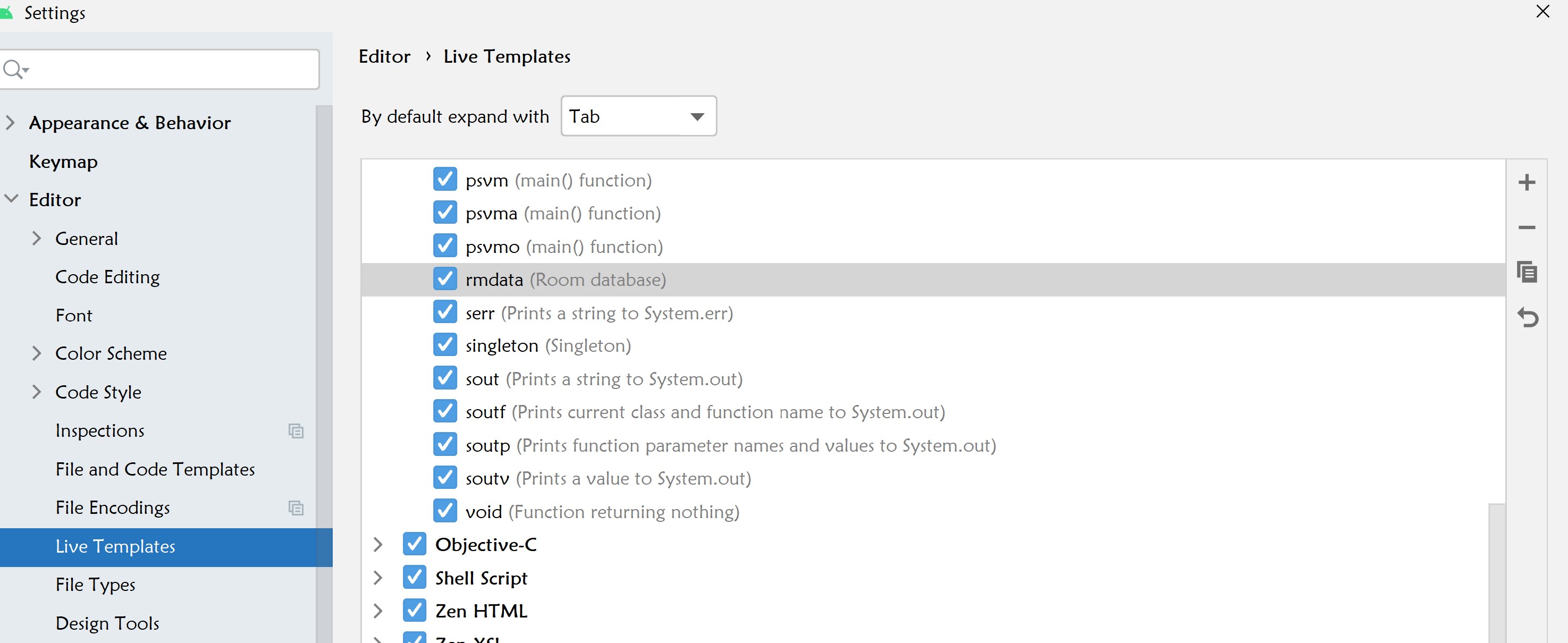
Click on the Plus ➕ icon
-
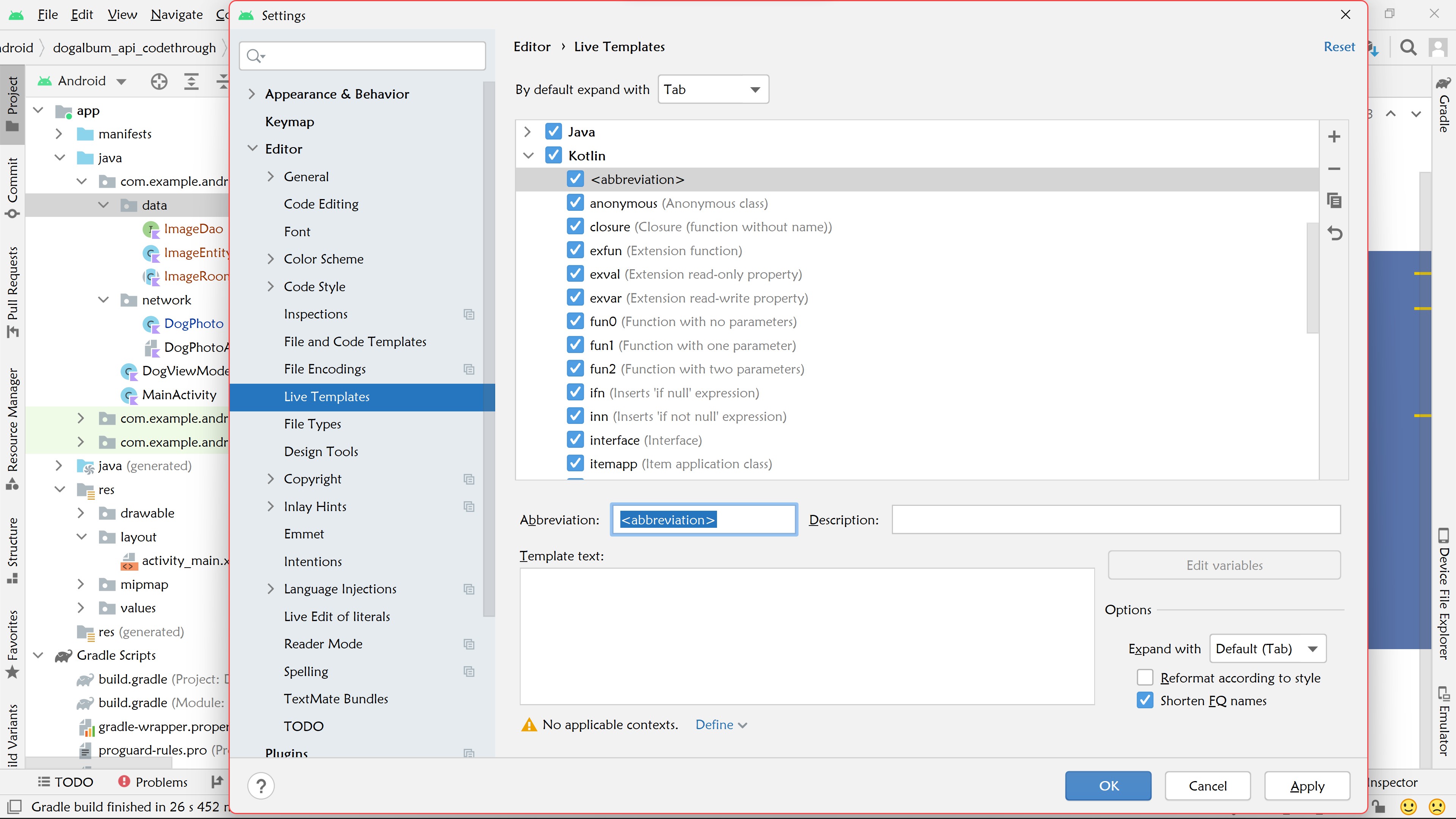
Click on Define next to No applicable contexts and select Kotlin from the list.
-
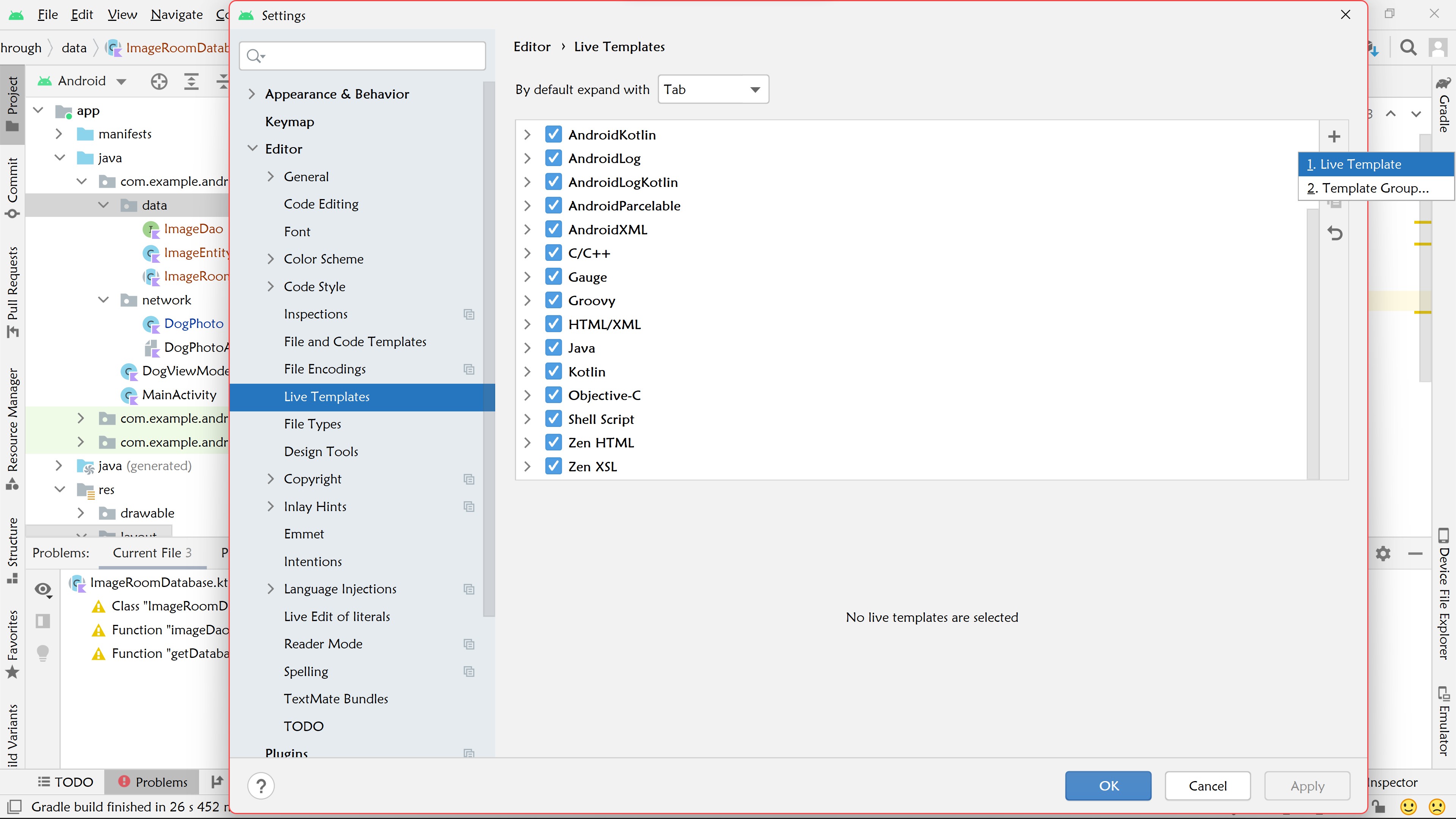
Click on 1. Live Template.
-
Give an abbreviated name (and description, if you like) to the template and paste the template code in the Template Text box.
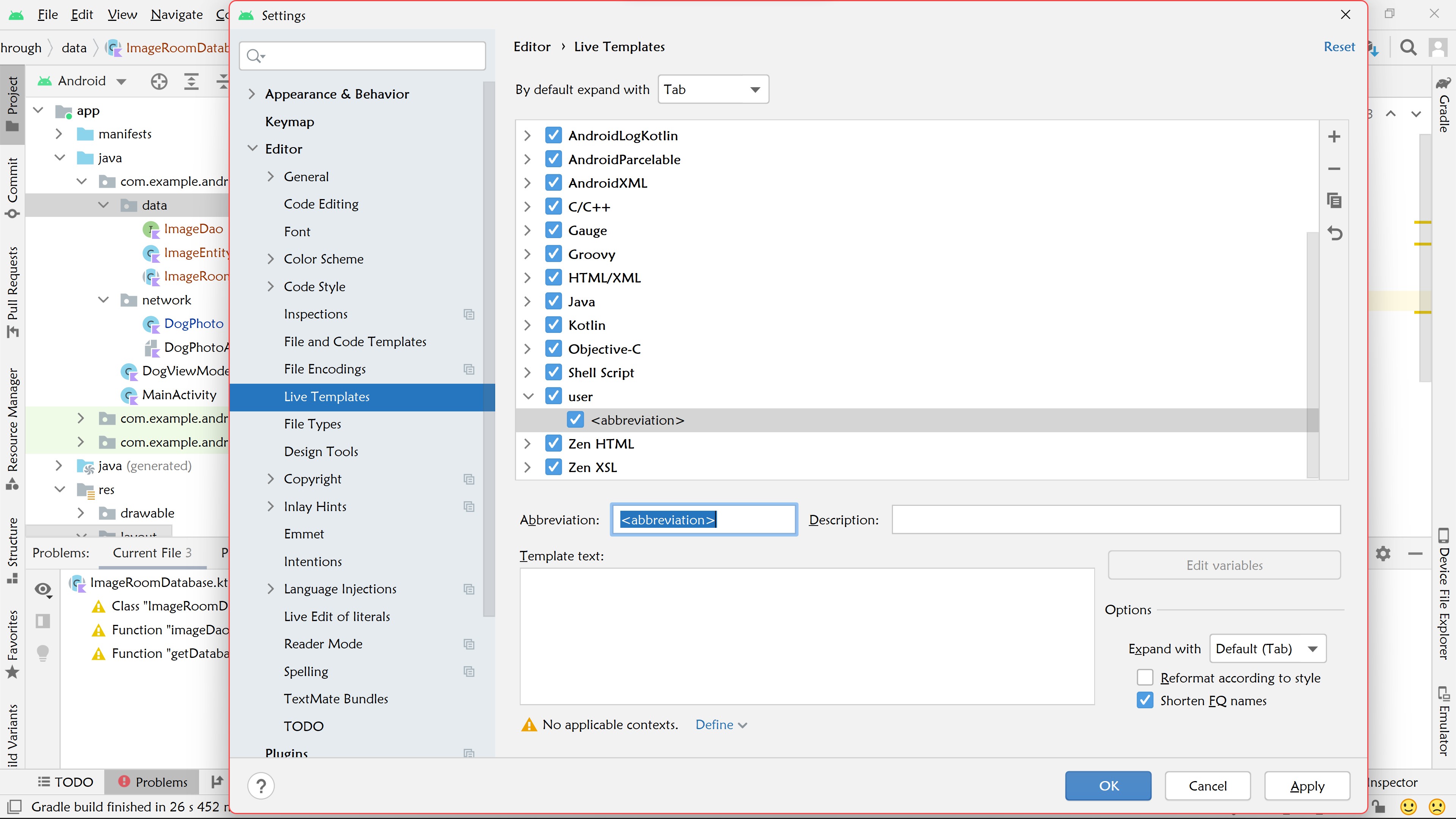
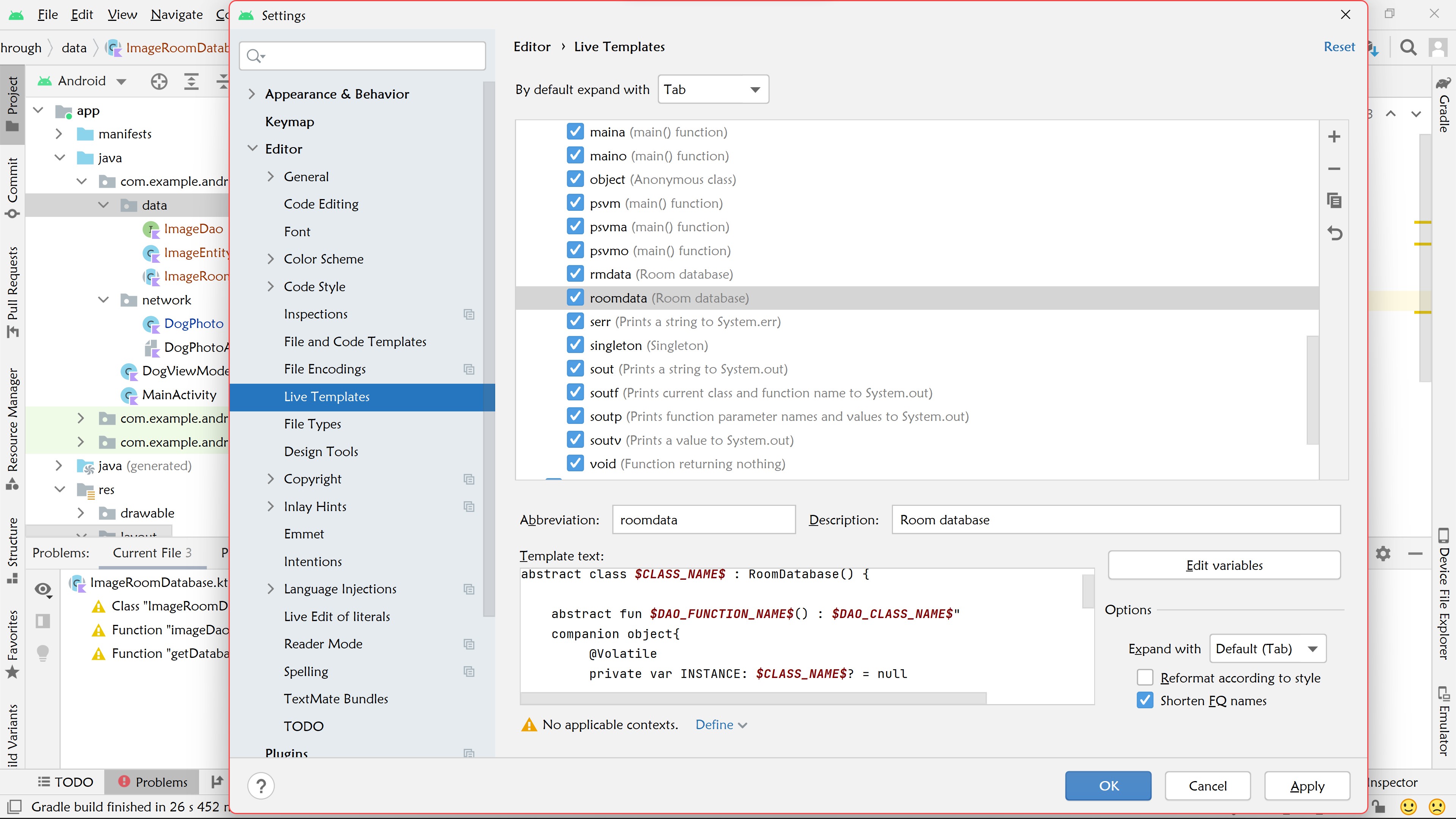
-
Click on Edit Variables.
-
Give the classes an expression of kotlinClassName() and the functions an expression of kotlinFunctionName()</strong.
-
Click on Apply and OK.
-
Start typing your abbreviated name in your class file and hit Enter.
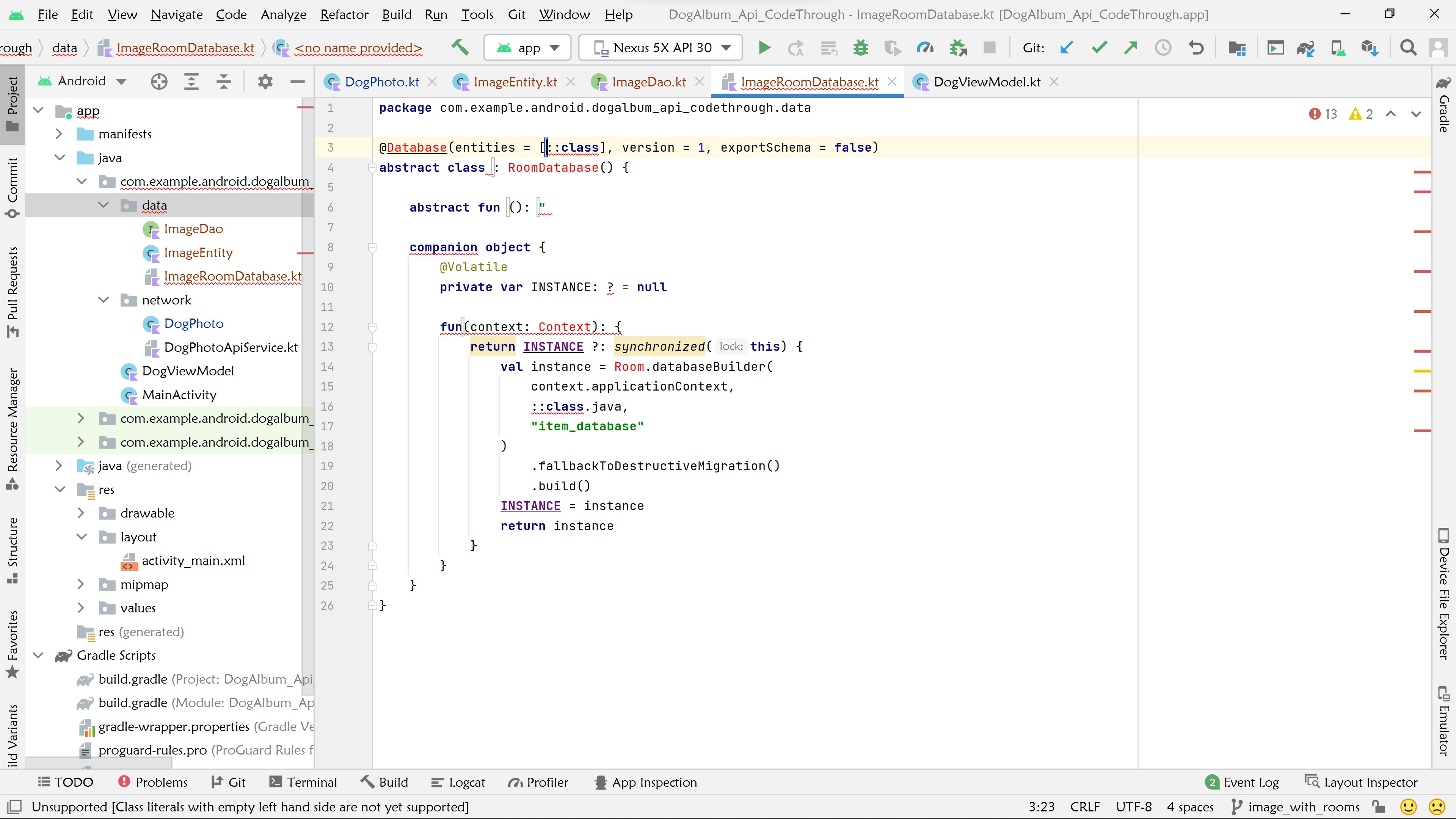
-
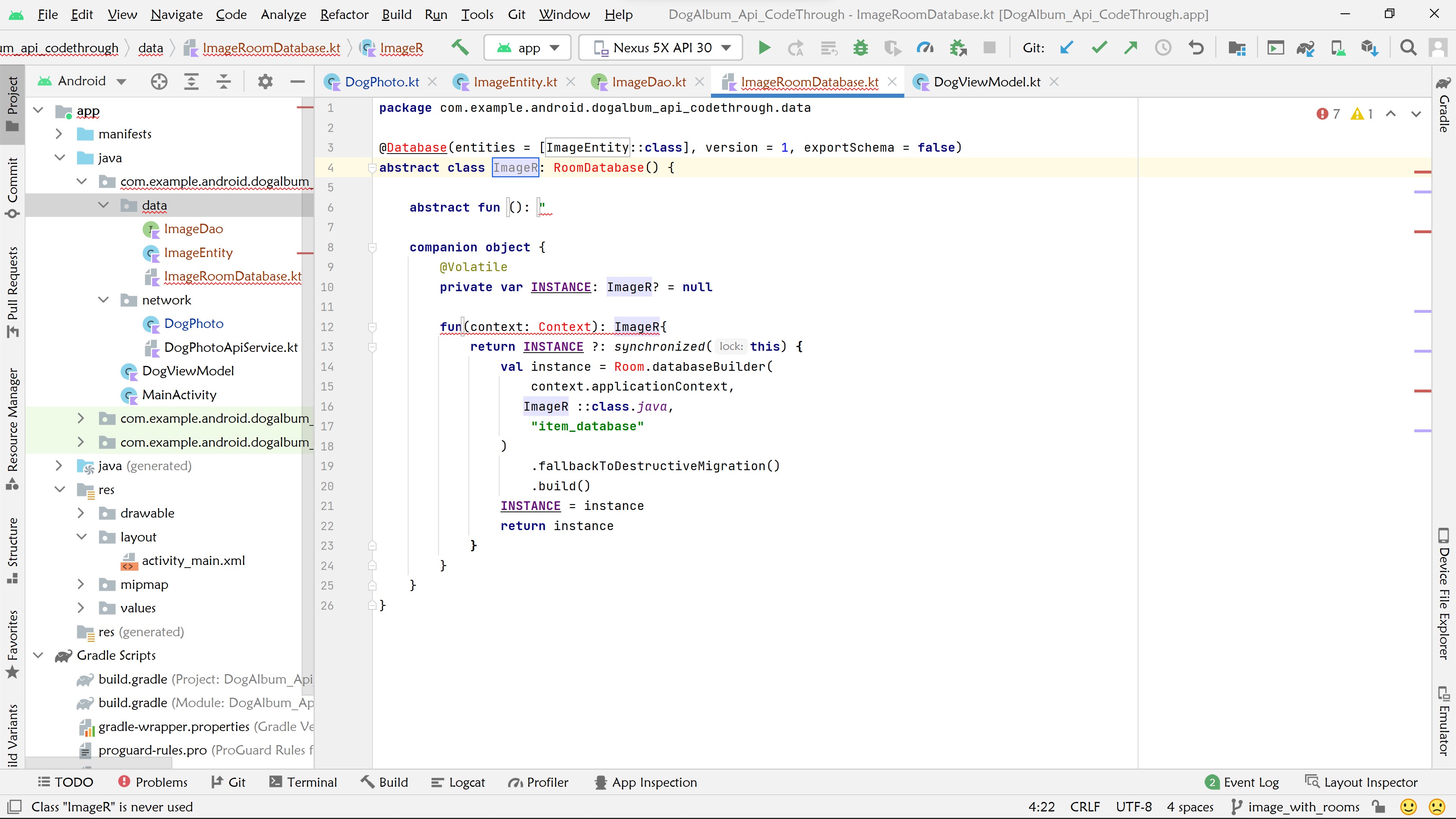
Fill in the Entity class name and press tab. This will move to the class name field.
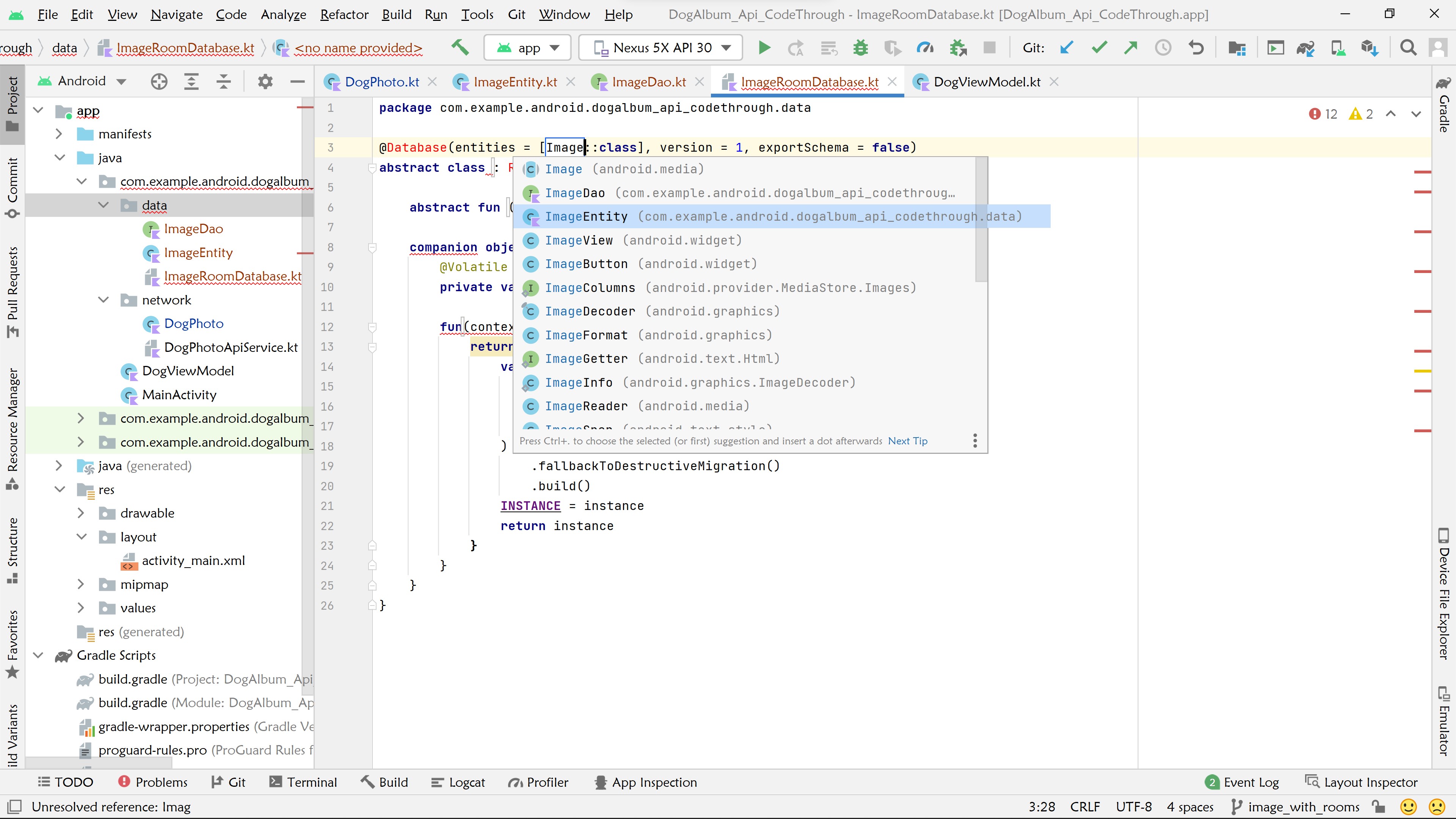
-
Fill in the class name and all instances will be filled as well and press Tab.
-
Fill in the abstract Dao function name and class; press Tab.
-
Fill in the final function name and hit Enter.
-
Import all classes and make any other changes needed for your project.