The application allows all users to read posts written by registered users. The registered users can create , update and delete their posts. They can update their profile which includes their username,email and a display picture. They can also comment and upvote other users’ posts. The application as expected also has a login and SignUp form for users who wish to register and login to the website. Also it has a search feature that allows users to search posts by their title or author.
-
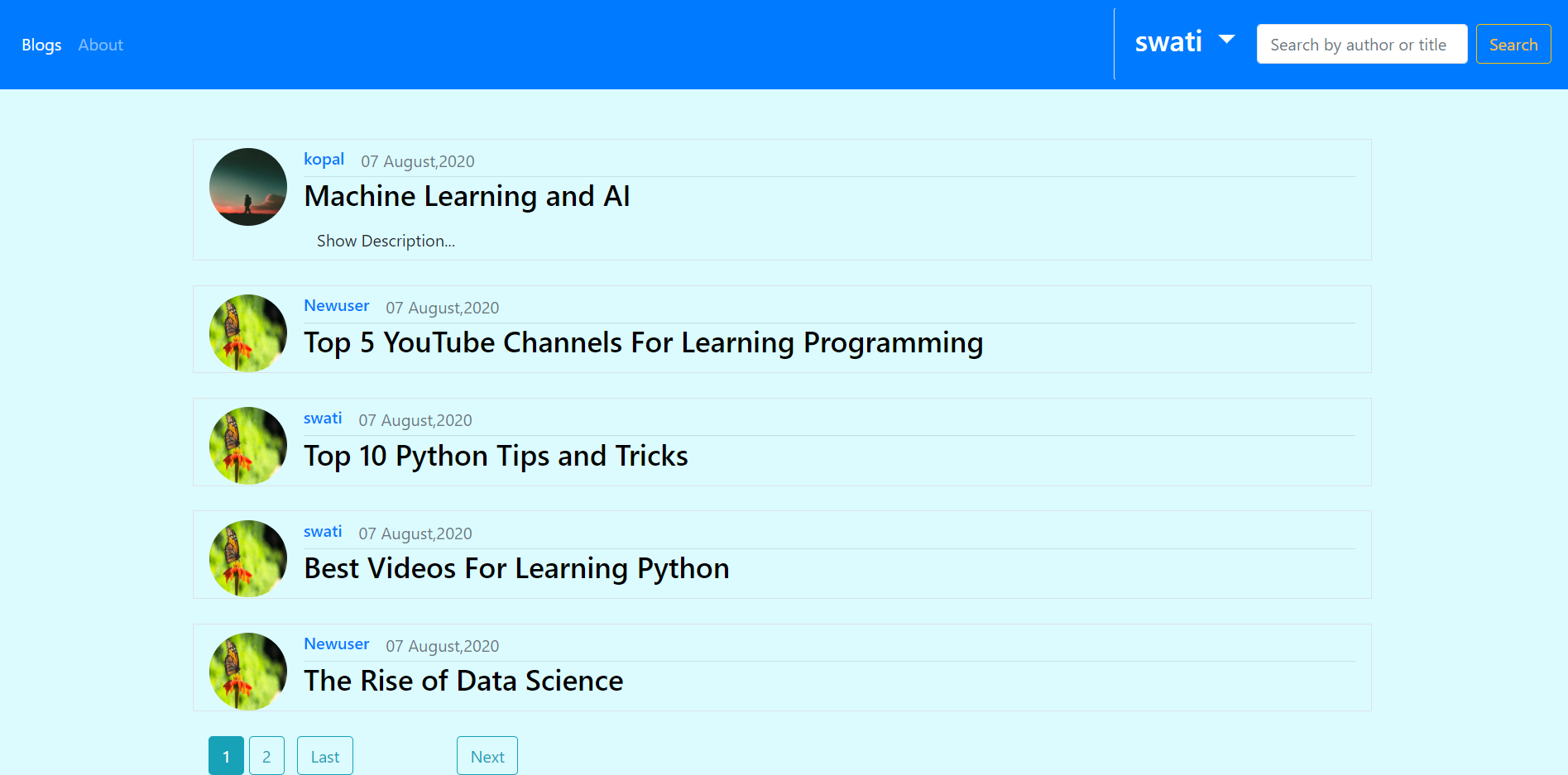
blogs listing view
-
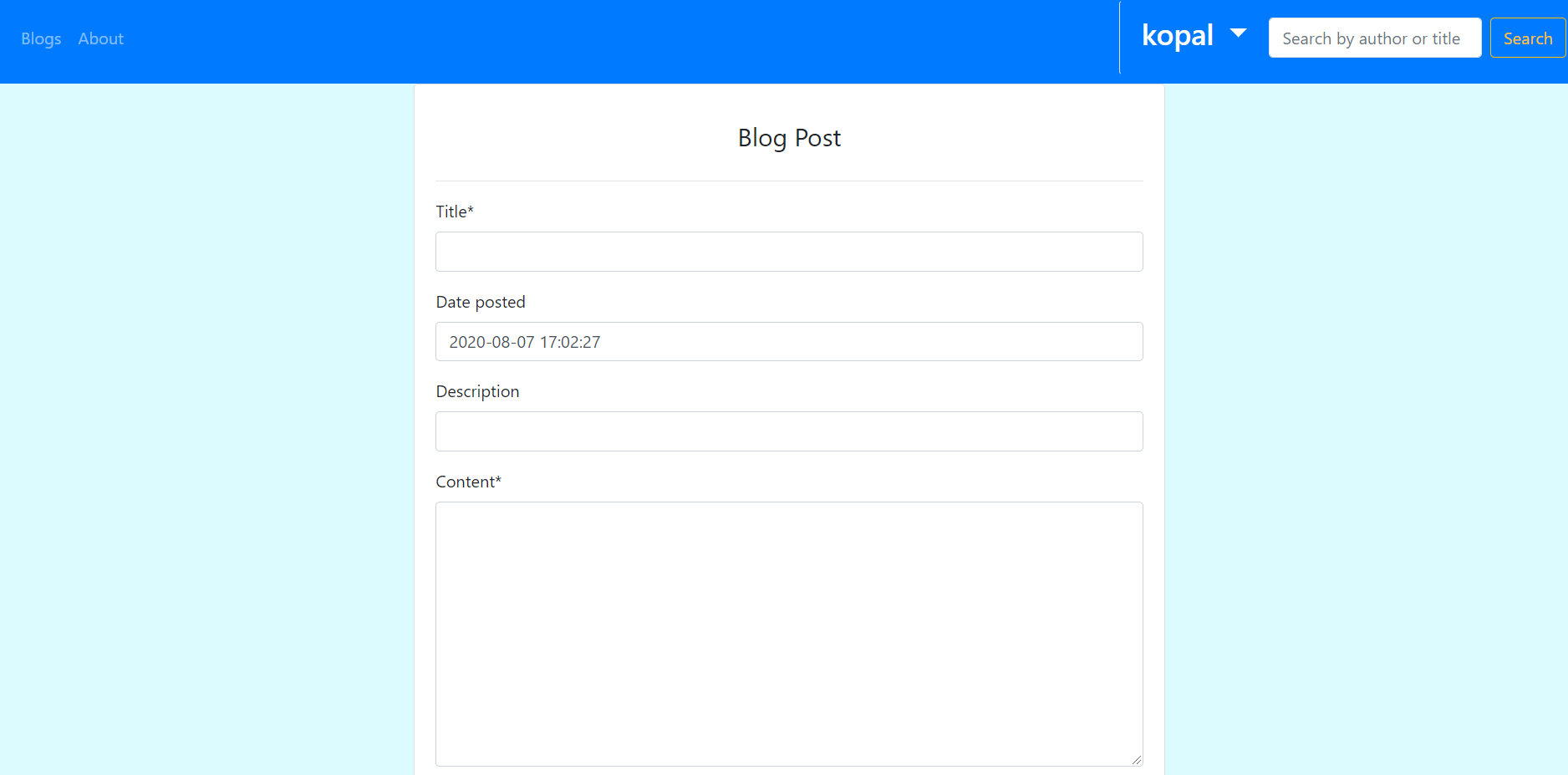
Creating a new Post
-
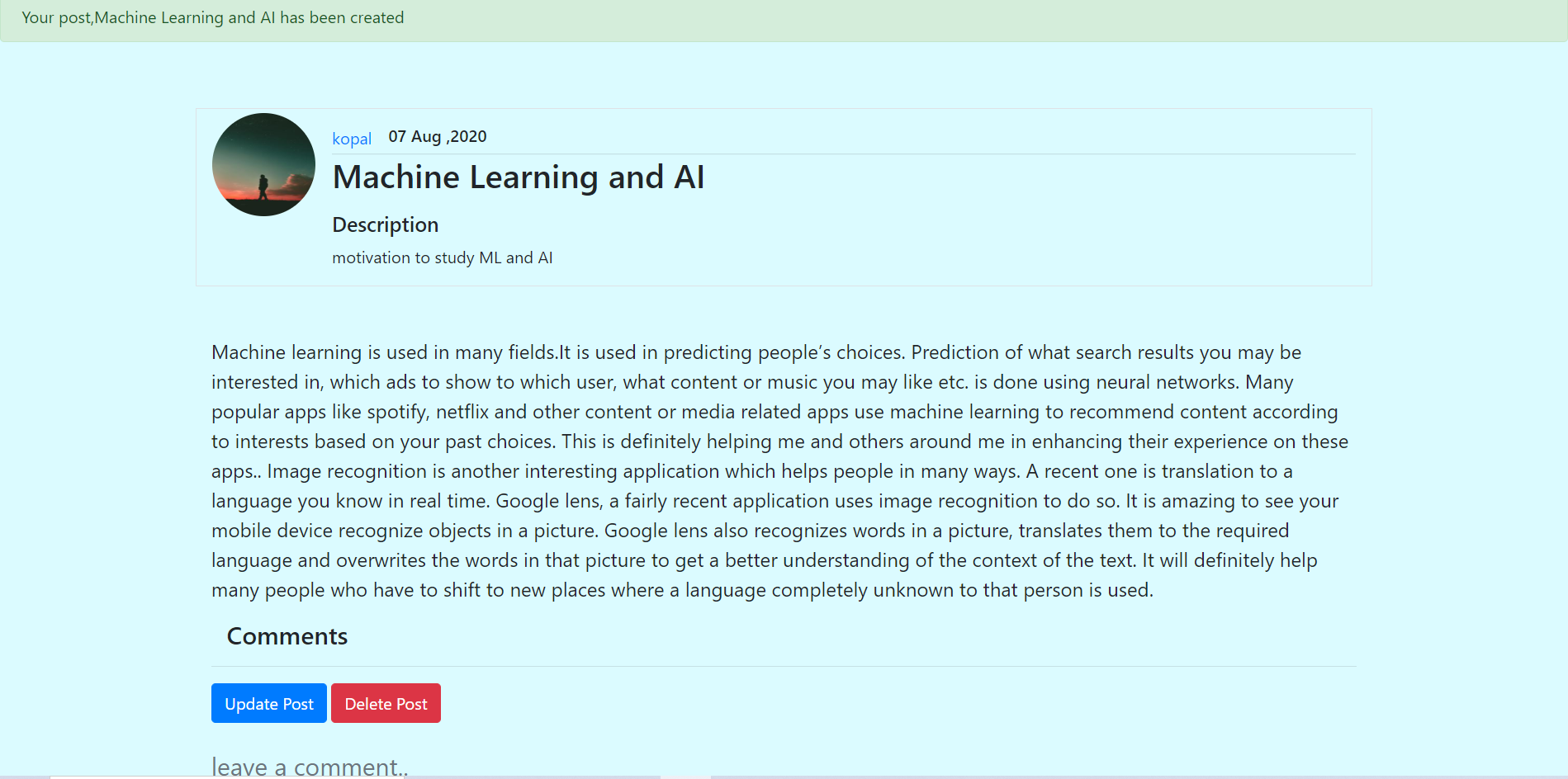
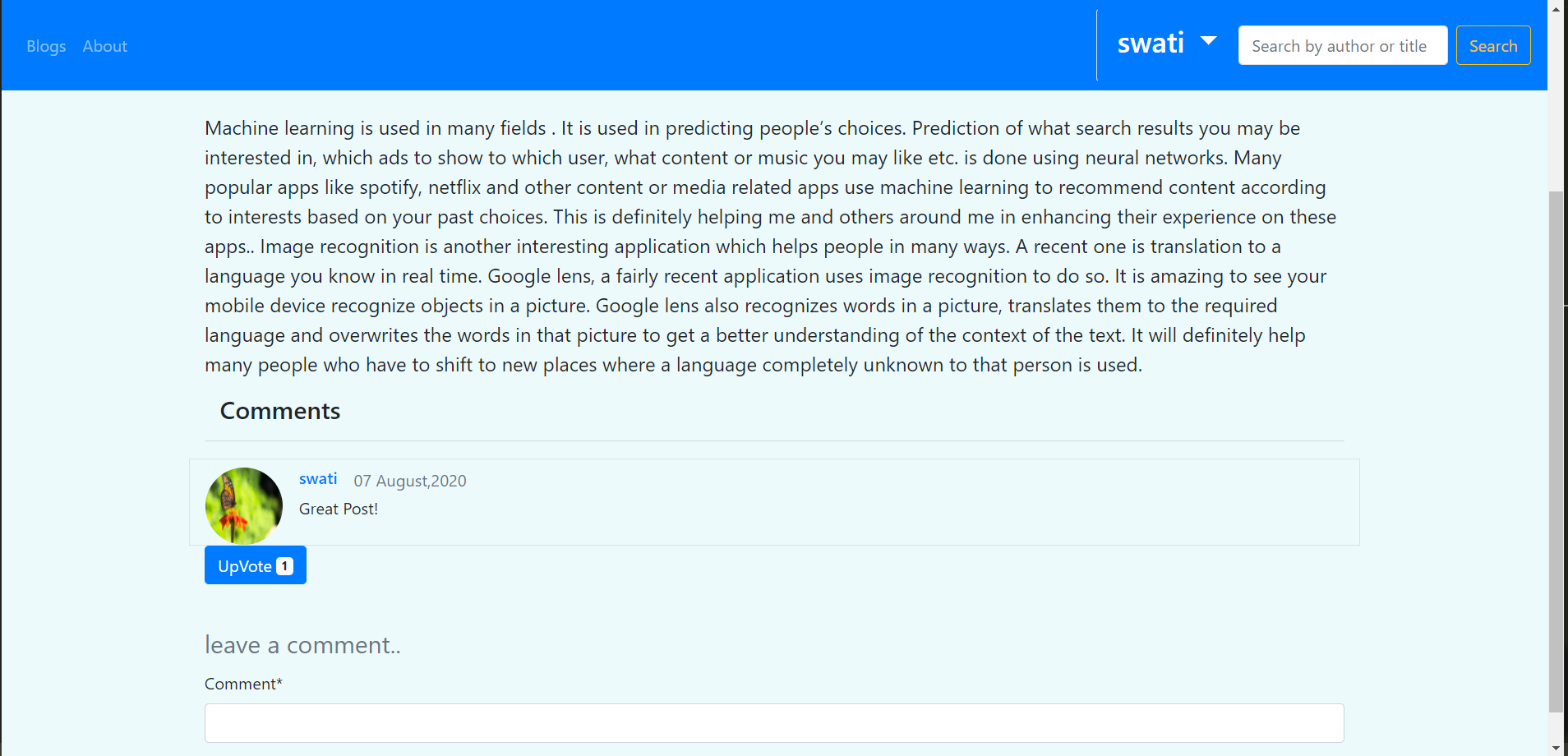
Detail view of a Post with comments,comment form and upvote button
-
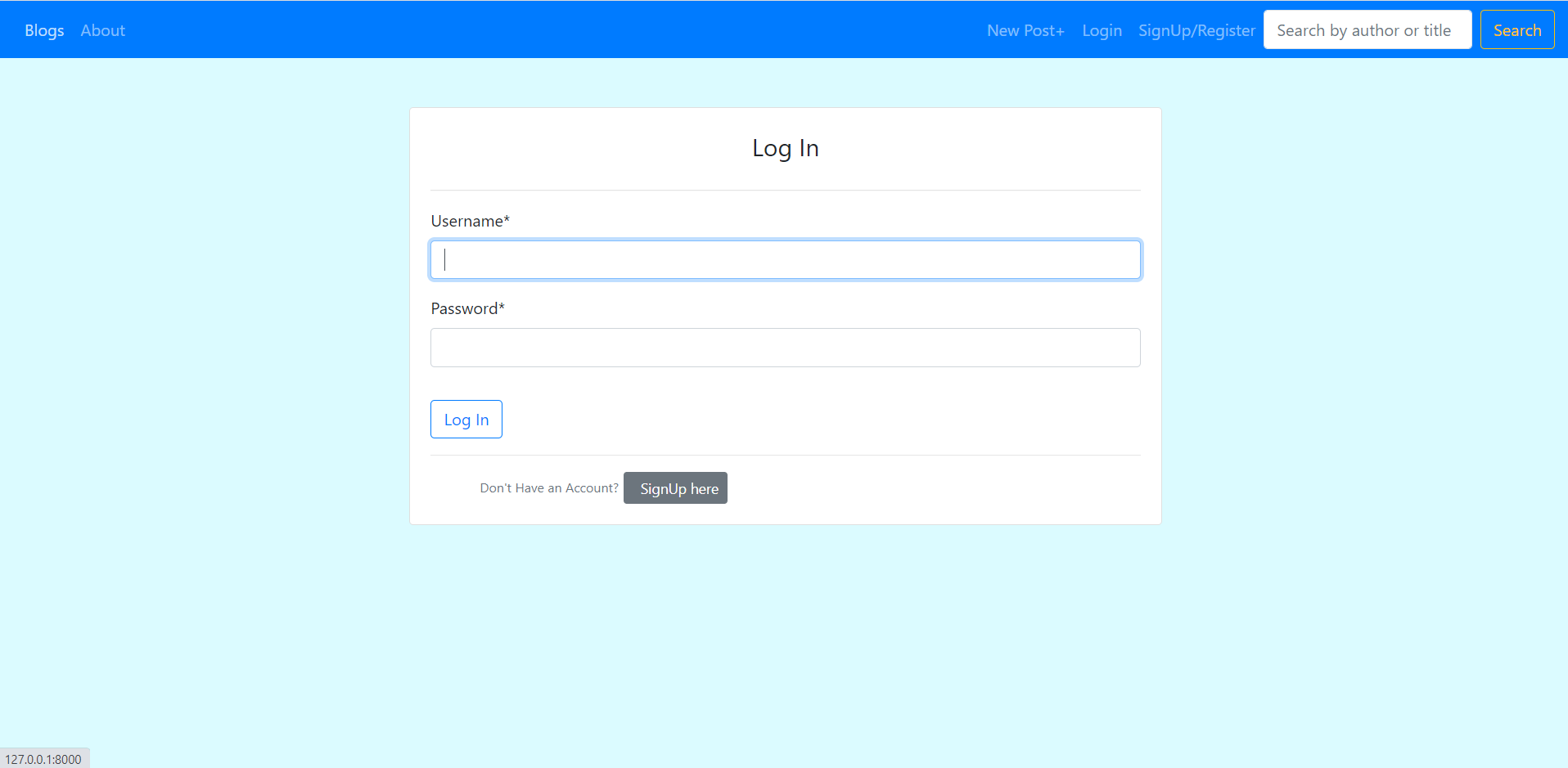
Login View
-
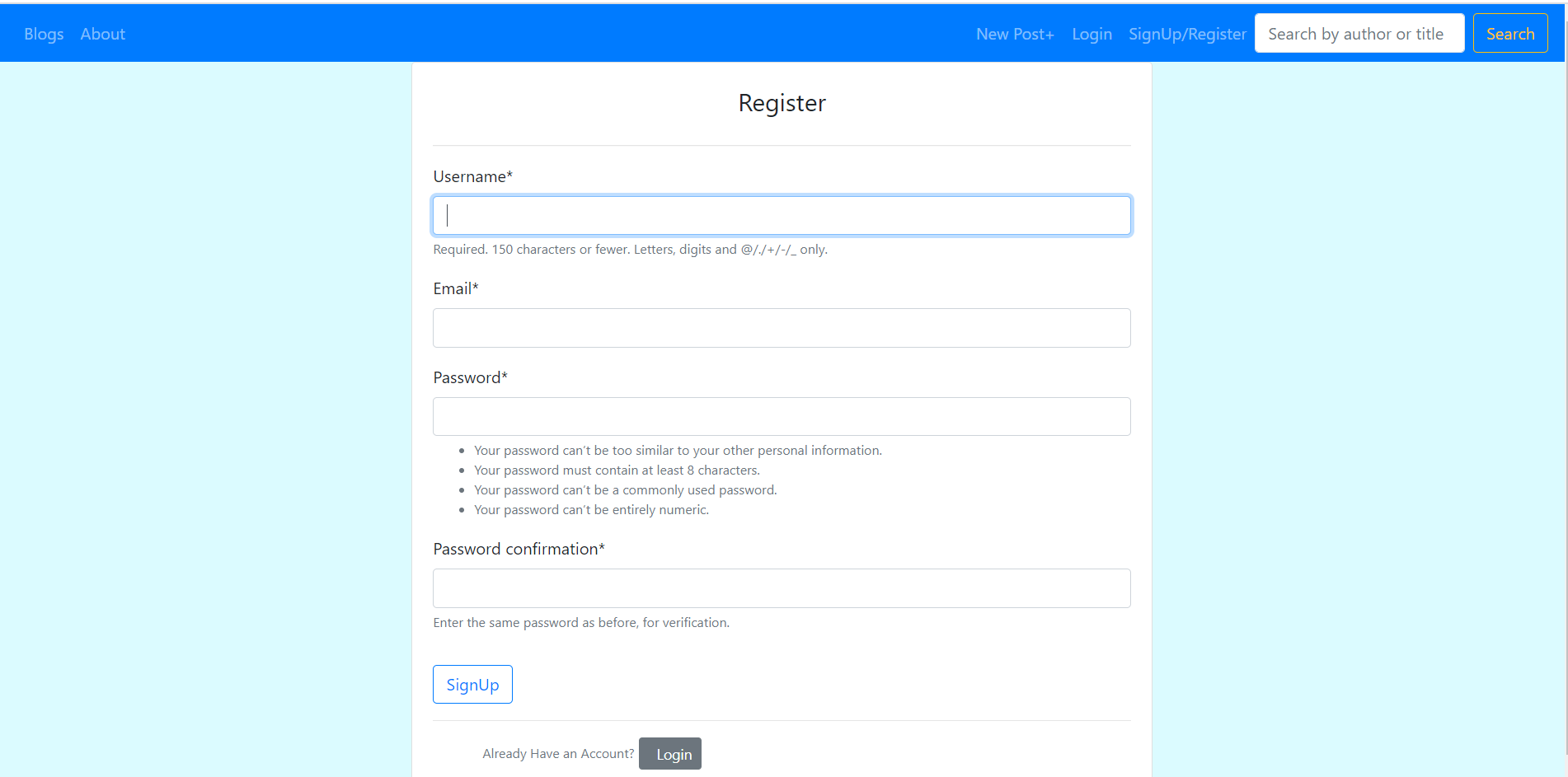
Register View
-
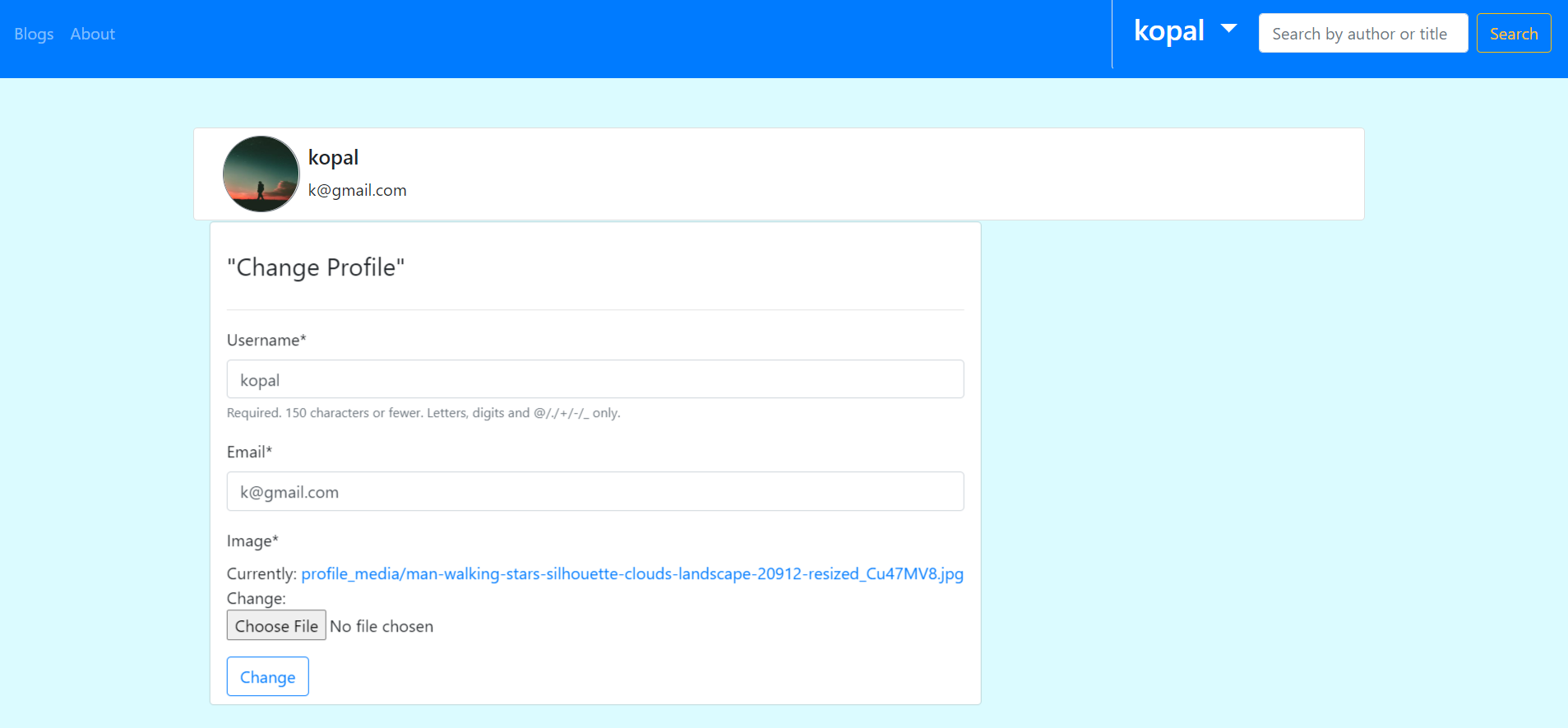
Profile Update page
-
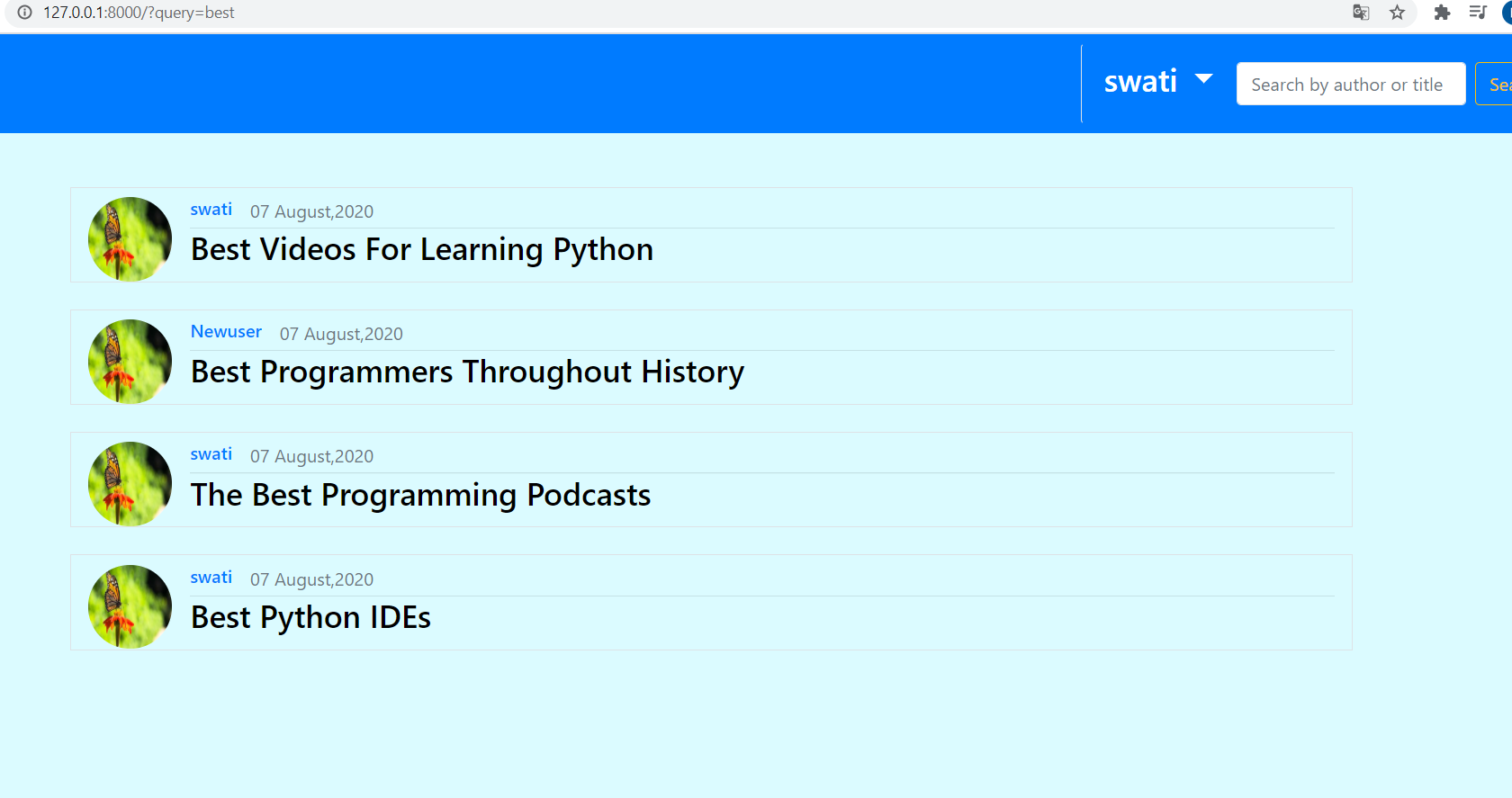
Search Feature to search the posts by author name or title
- manage.py: Django's command-line utility for administrative tasks.
- Main project directory-main_directory :
- settings.py: This file stores all the configurations of the application’s django installations.
- urls.py: This file stores the root urls or paths of the web application.So, it is referred to locate templates in the app directory for the given path.
- blog: This directory handles all the views, models, forms , templates etc. related to Posts and Comments.
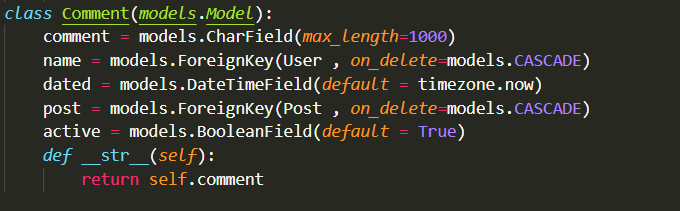
- models.py: It contains the model for Post and Comment .eg of model for Comments:
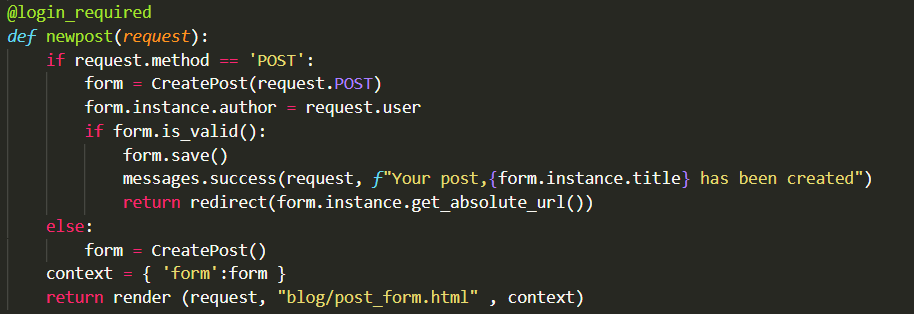
- views.py: It contains function-based and class based views related to the above models. Eg. view for post creation form:
- admin.py: This file is for register the models created on admin site.
- Templates: This directory contains the django templates(html files) for rendering to the web pages.
- models.py: It contains the model for Post and Comment .eg of model for Comments:
- Users:Similarly, this directory has the models.py ,views.py ,forms.py files and templates directory which handle the models, views ,forms, templates etc. related to the User model.
- media : It has the static media files required for the project which include display pictures of the registered users.
The django application uses postgreSql database to store information of User, Post,Comment,Vote and Profile model. For every new model created run the following commands in the given order to prepare a table for that model in the database:
python manage.py makemigrations
python manage.py migrate
Find in https://github.com/kopal960/Blog/blob/master/requirements.txt
Github and Heroku used https://blog-project-django.herokuapp.com