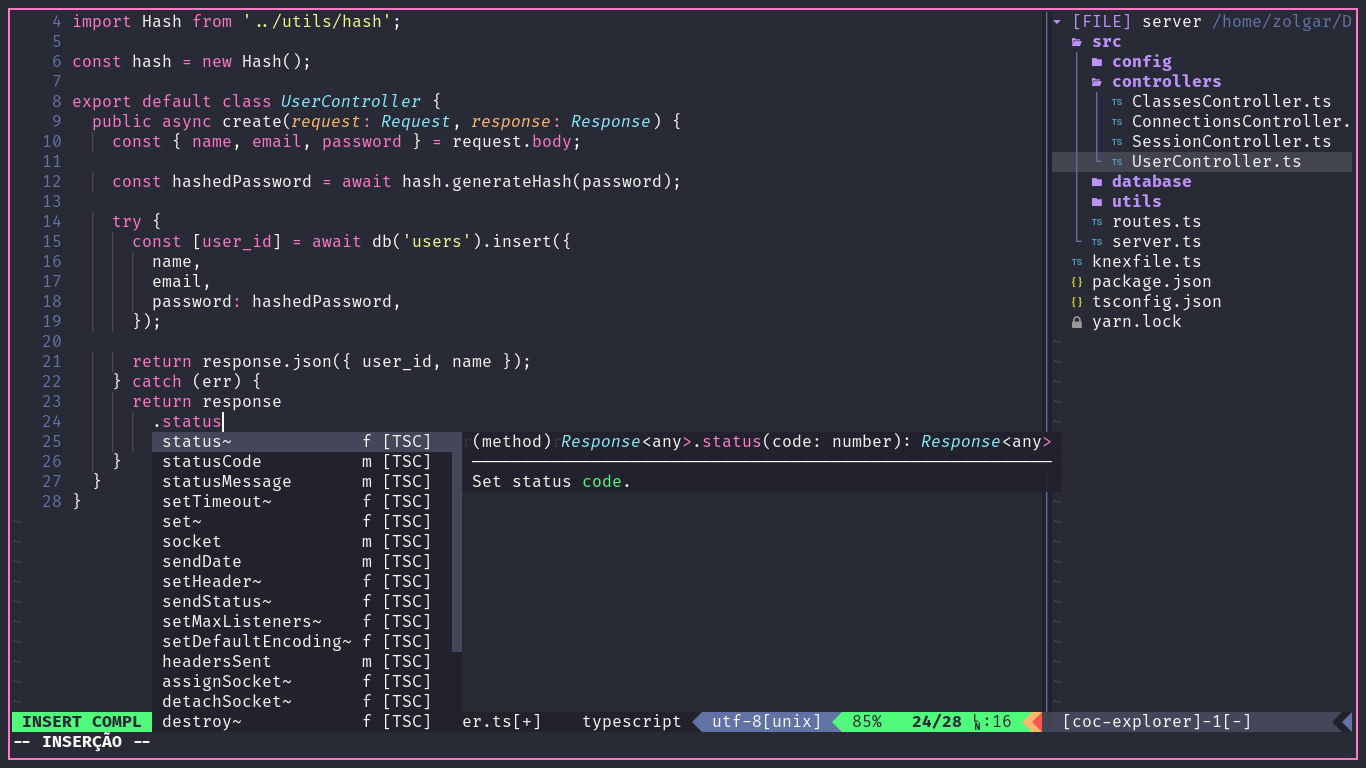
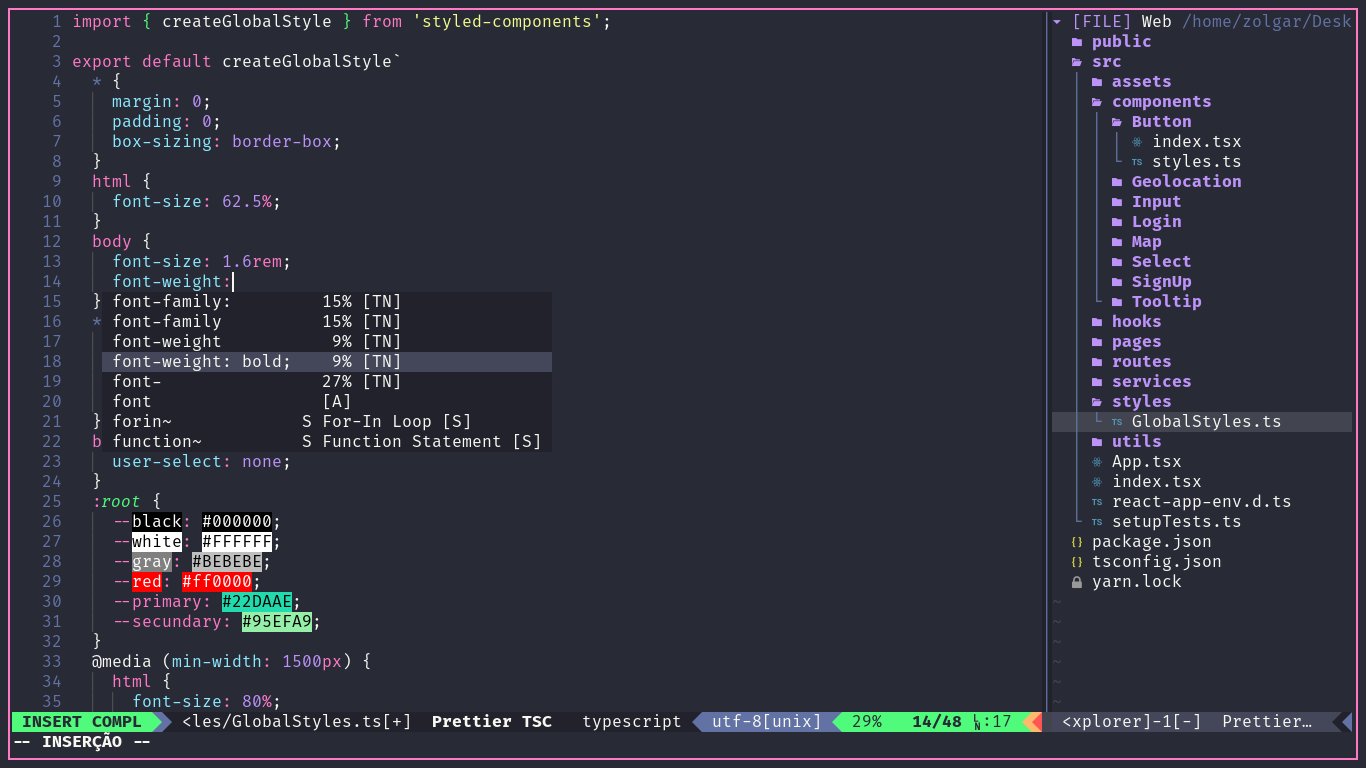
- I use these files in nvim, but it should work fine in vim too.
- You will need to use Plug-vim to install plugins.
- If you will use this to code, use
:checkhealth, to see if nvim providers are correctly configured - If you want to have font ligatures, check if your terminal supports.
- In your
~/.config/nvim, copy nvim repository from here. - Inside your nvim use command
:PlugInstall. - Yet in nvim use command
:CocInstall.
| Plugin | Feature |
|---|---|
| coc-explorer | Fast file explorer |
| vim-floaterm | Integrated terminal |
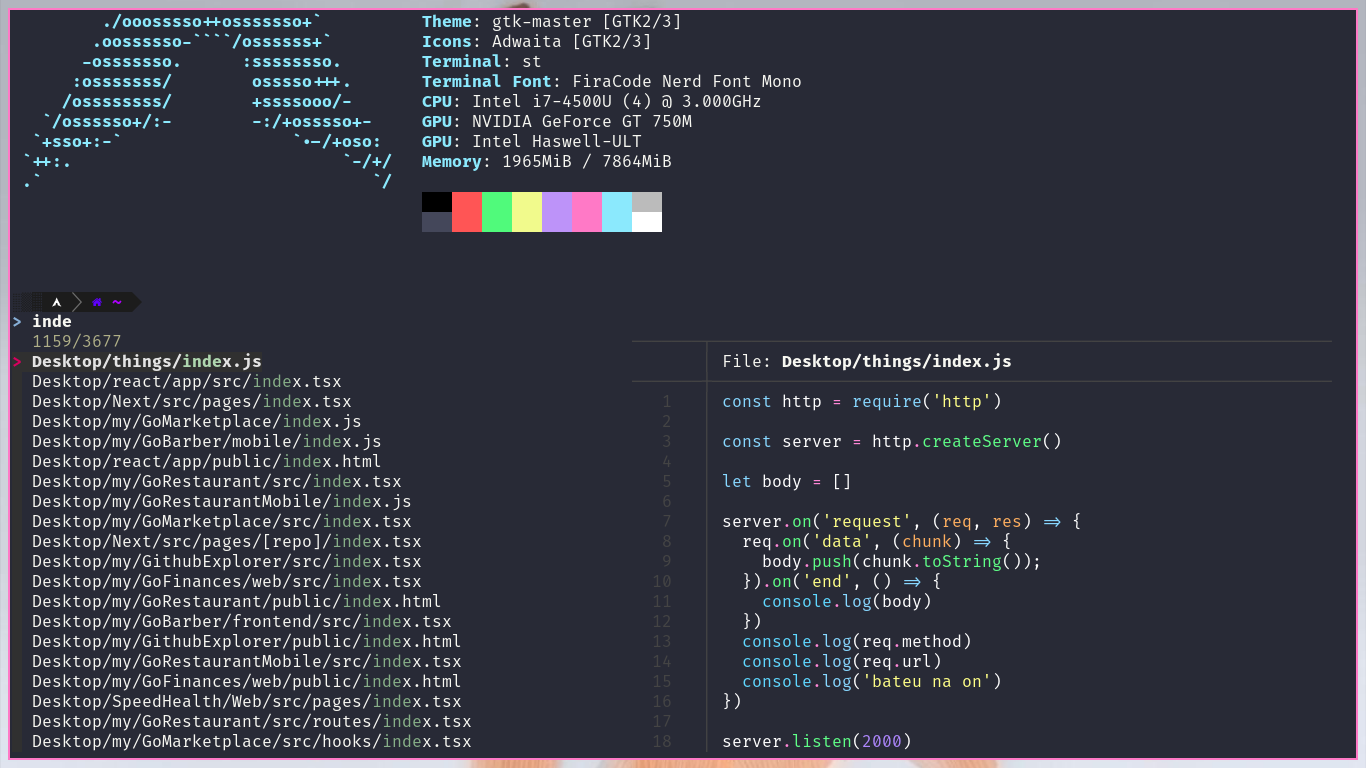
| vim-clap | Search window |
| vim-startify | Welcome page |
| indentLine | Indentation lines |
| editorconfig | Read of .editorconfig file |
| vim-visual-multi | Multiple cursors |
| nerdcommenter | Commenter |
| vim-airline | Status bar |
| vim-dadbod | Connect to database |
| vim-css-color | Highlight hexa colors |
| coc.nvim | Intellisense |
| auto-pairs | Autocomplete ( [ { ' " |
Simple terminal is a minimalist terminal emulator. More information in https://st.suckless.org/

git clone https://git.suckless.org/st
sudo pacman -S harfbuzz
git apply /path/to/patch.patch
make && sudo make install.
- Dracula Theme
- Scrollback
- Vim shortcuts
- Font Ligatures
- Emoji suport

If you have any problem with this configuration you can read the Plugin documentations or open an issue 😉