Todo list management: hierarchical todos, drafts, and AI-assisted revise.
Command: /todo (alias for the todo plugin)
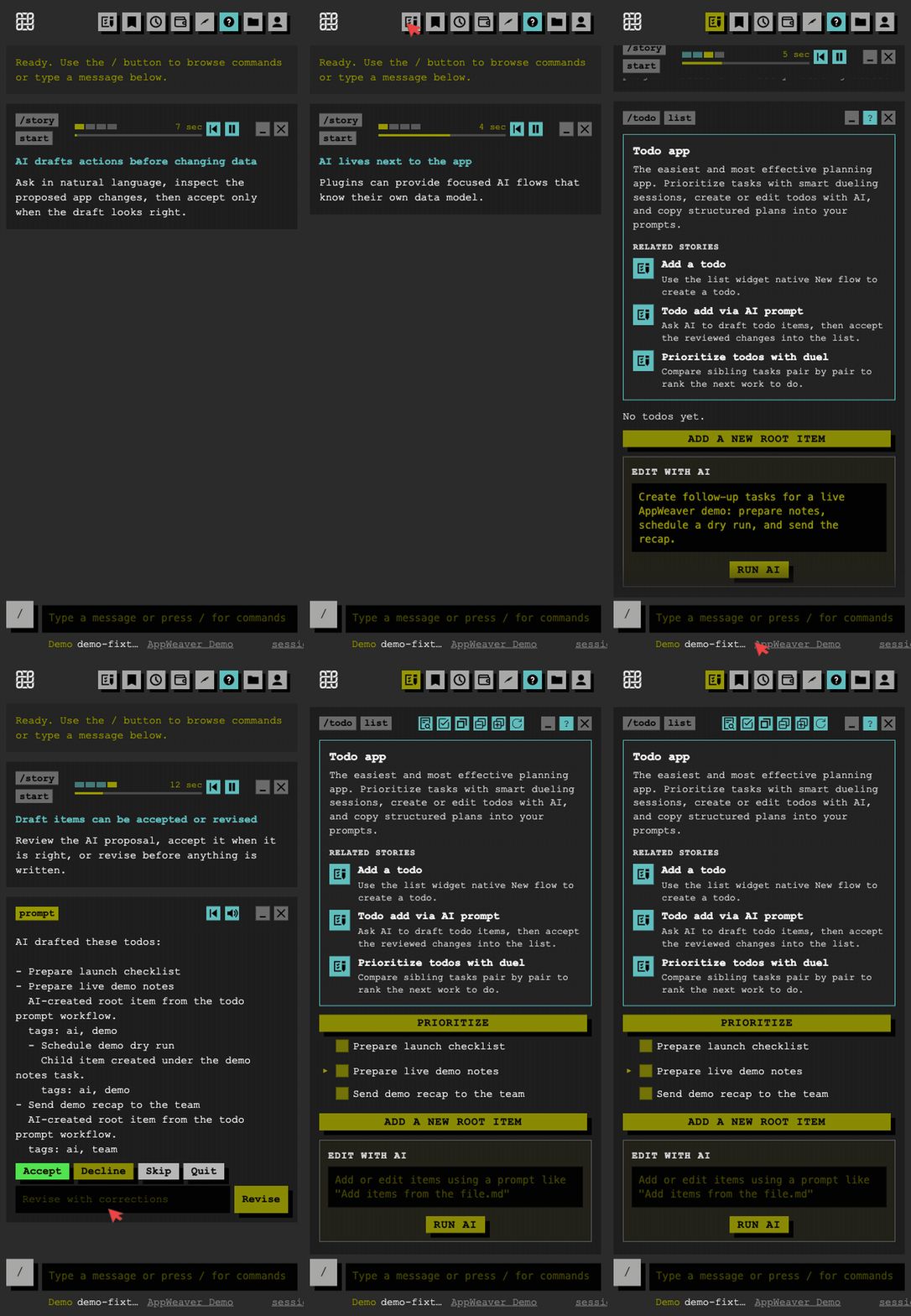
| Command | Description |
|---|---|
/todo ai <text> |
Ask AI to create or manage todos |
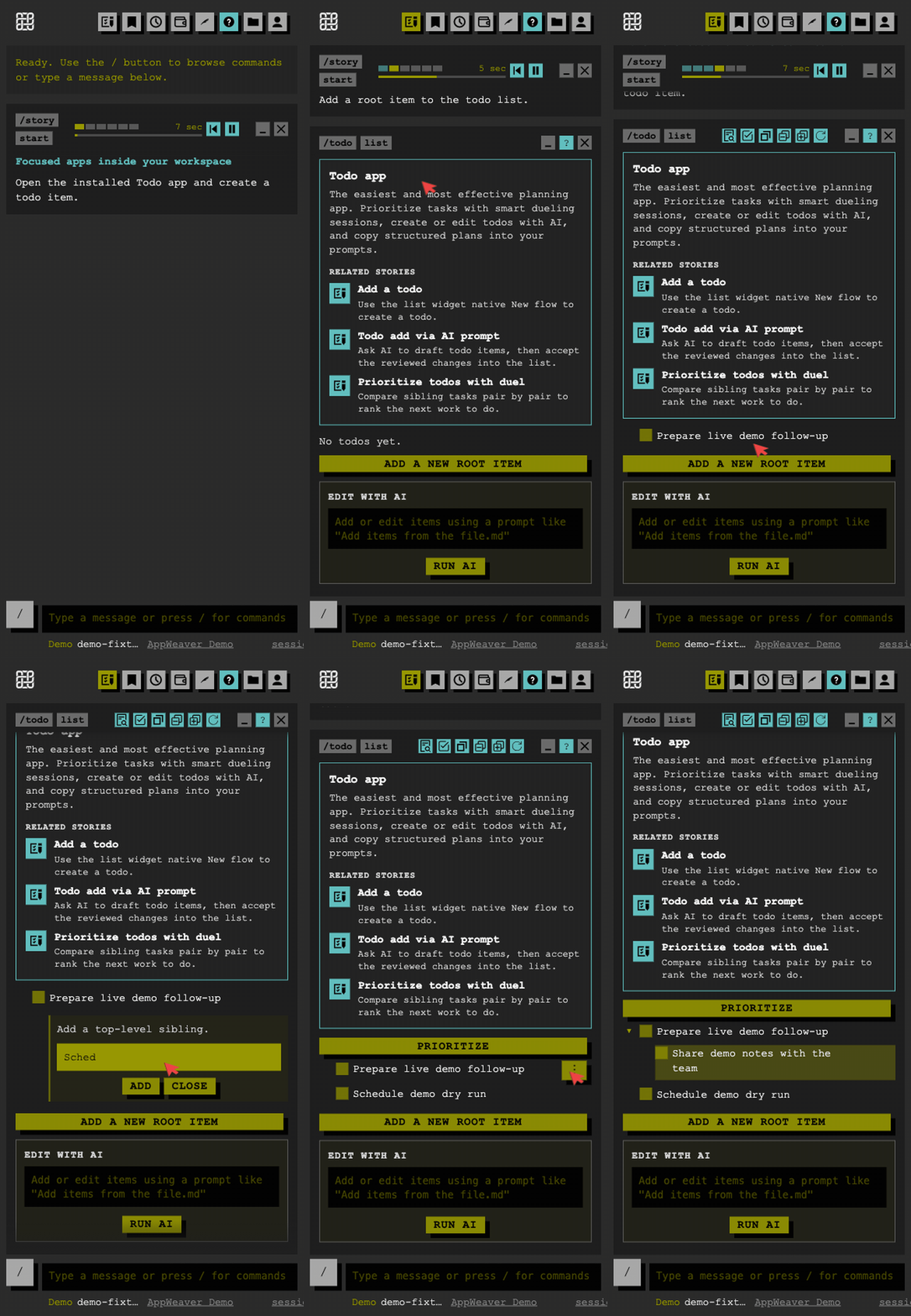
/todo add <text> |
Add a top-level todo |
/todo add <text> under <parent_id> |
Add a sub-todo under a parent |
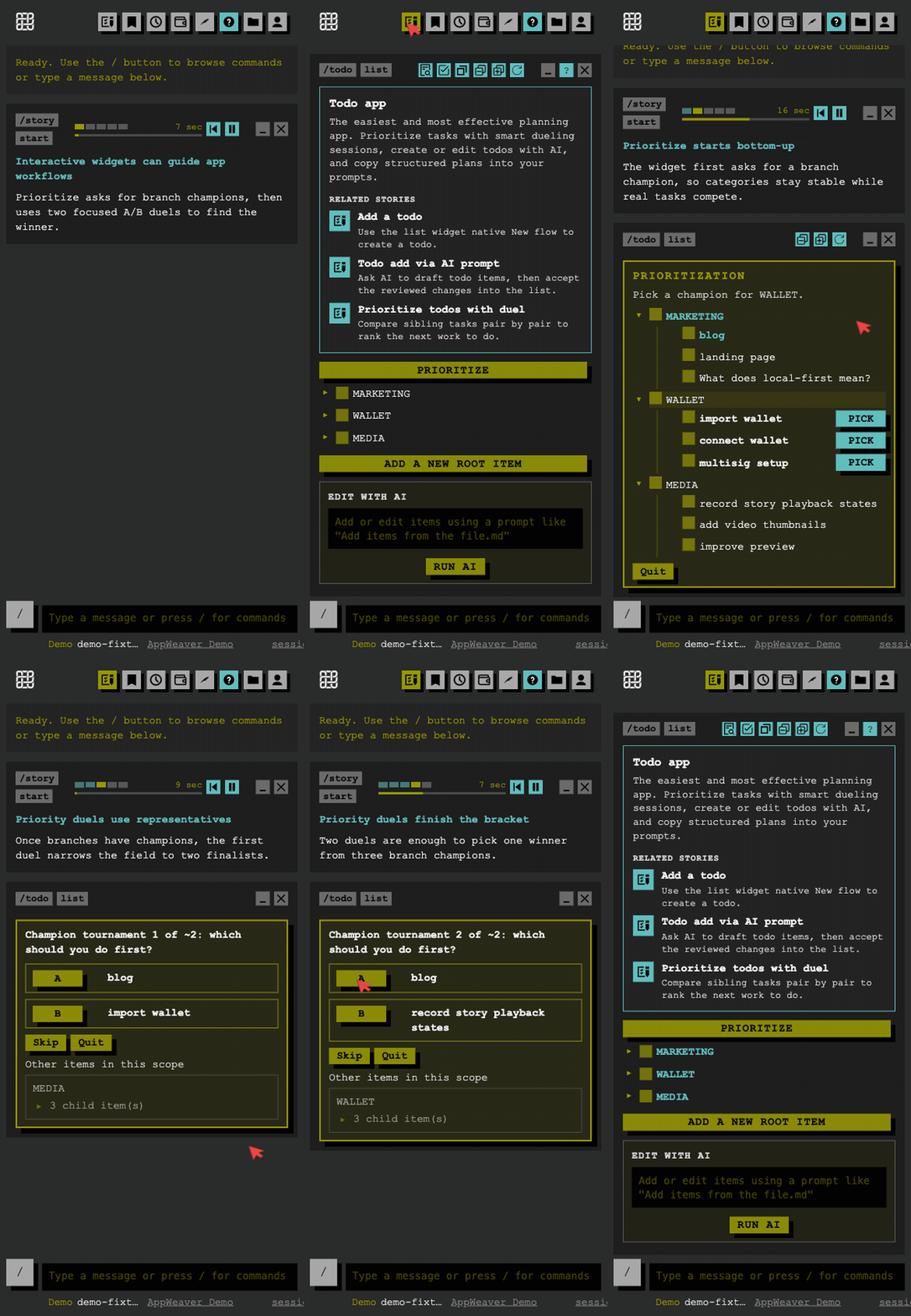
/todo list [pending|done|all] |
List todos as a tree (default: pending and in progress) |
/todo list --flat |
Flat list of todos |
/todo show <id> |
Show todo detail |
/todo done <id> |
Mark todo done (cascades to children) |
/todo priority <id> <low|medium|high> |
Set priority |
/todo update <id> <field> <value> |
Update a field (todo, status, priority, description) |
/todo delete <id> |
Delete todo and all descendants |
/todo accept <draft_id> |
Confirm a draft and execute it |
/todo accept all |
Accept all pending drafts |
/todo revise <draft_id> <text> |
Ask AI to revise a pending create draft |
/todo decline <draft_id> |
Discard a draft |
/todo drafts [draft_id] |
List all drafts or show one in detail |
/todo help |
Show command summary |
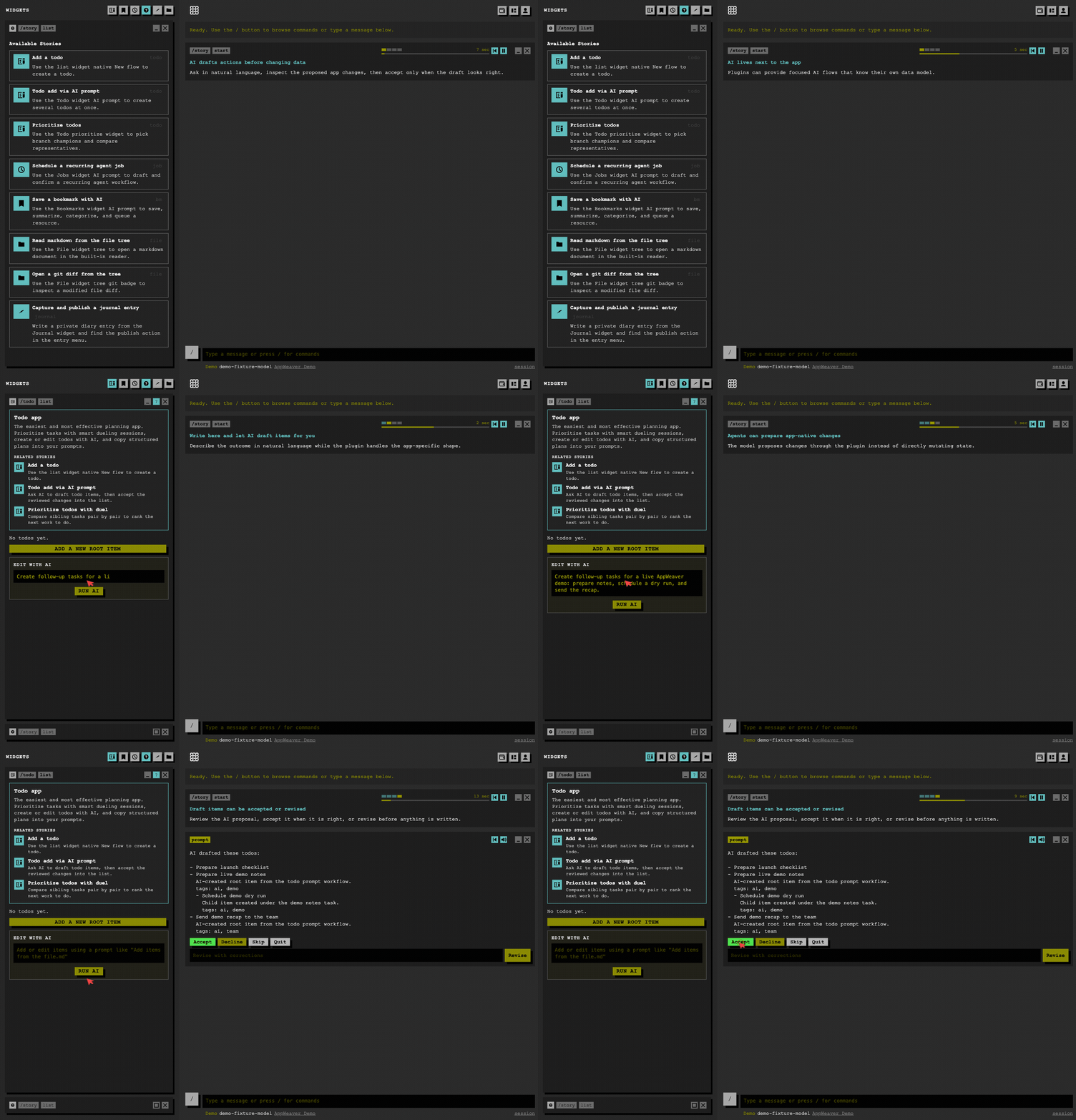
Create and update operations can be stored as drafts so you can review before applying:
- When the bot suggests a create/update/delete (e.g. from
/todo ai), you get a draft ID. - Use
/todo accept <draft_id>to apply the change, or/todo decline <draft_id>to discard. - For create drafts only,
/todo revise <draft_id> <corrections>sends your corrections to the AI and replaces the draft with a revised one.
- pending — not started
- in_progress — in progress
- done — completed (and descendants when using
done) - cancelled
/todo list with no argument shows pending and in progress. Use /todo list done or /todo list all for other views.
- Database: Plugin uses its own SQLite DB (e.g.
src/plugins/todo/db.sqlite). - Tables: Todos and todo drafts are stored in that DB; they are separate from any core-bot todo state.