
first acquire an OAuth 2.0 client ID and client secret from the
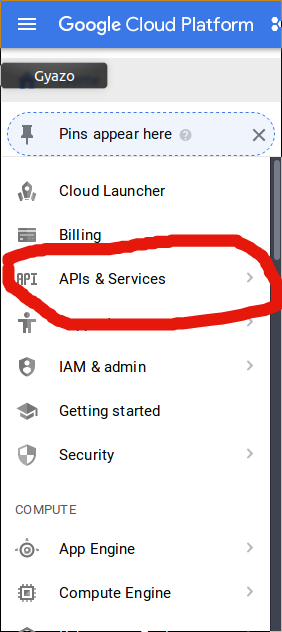
go to https://cloud.google.com/console after that click on api & services like the image below:
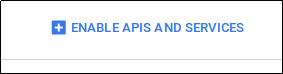
click on enable apis and services like below:
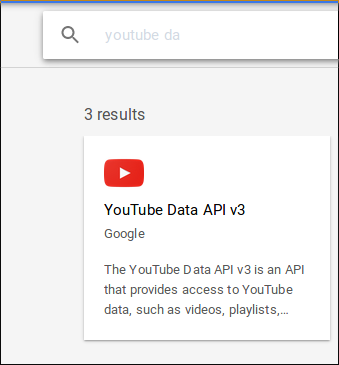
then search for youtube data api
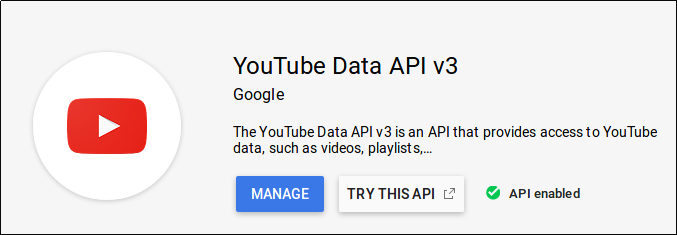
click that and then enable the youtube data api until you get api enabled like this :
go back to api & services page after that click on api credentials like the ones below:
[
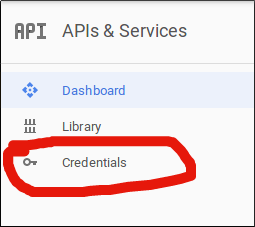
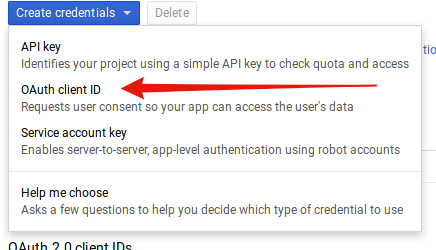
after you click that one click on create credentials and then click oauth client id
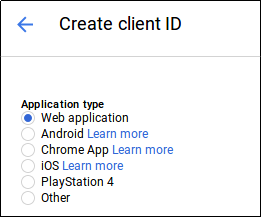
click on web application
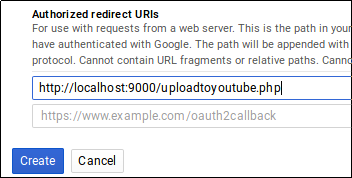
after that fill the redirect uri with your url change the localhost:9000 to your domain name and then click create
after that copy paste you client id and secret you get from creating oauth
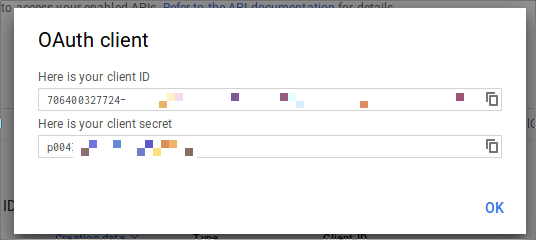
after that open up myconfig file with your editor and then copy paste your client id and secret into myconfig file

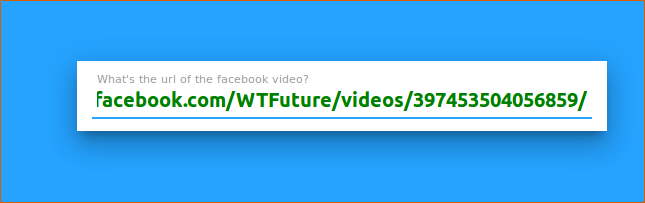
after that open up your domain name in my case i use my localhost for testing open up your domain name and you will see abox asking for your facebook video url copy the url to that box like below and press enter :
input the title and then click enter
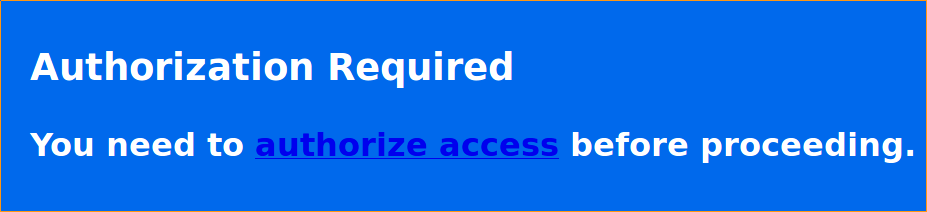
and then you will get authorization access like below click the authorize access and then login to your google account:
wait a minute until you get message like this one :
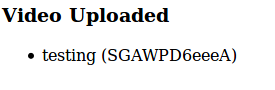
that means your video has been uploaded go to youtube creator video and click video to see your video being uploaded
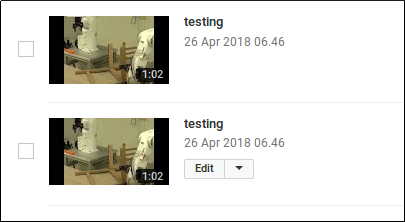
you will get two video uploaded but its ok you can delete the first one when you upload another one you will not get the same error and sometimes you will get an error message like below

that means you cant upload the video either because access restriction or you make that video private always make your video public so you can upload the video to youtube you can check if the video private by opening private browser with the link of the video like below go to your facebook link in firefox private browser:
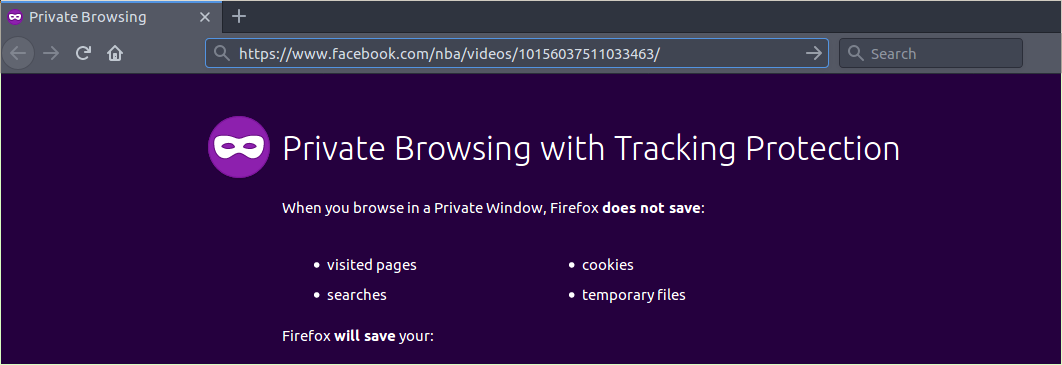
after that click enter and you will see login dialog so it means video like this cant be uploaded either because the video is private or it has copyright
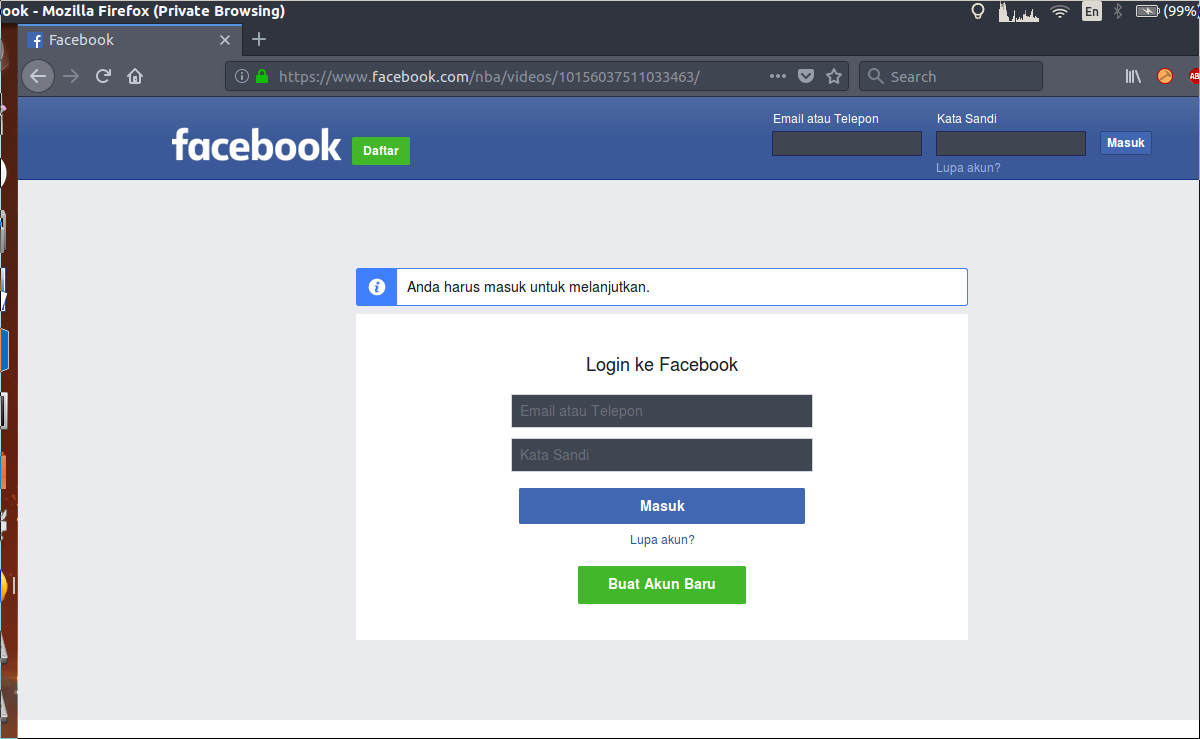
the one that can be uploaded should be seen like below that doesnt need to login first before seeing the video:
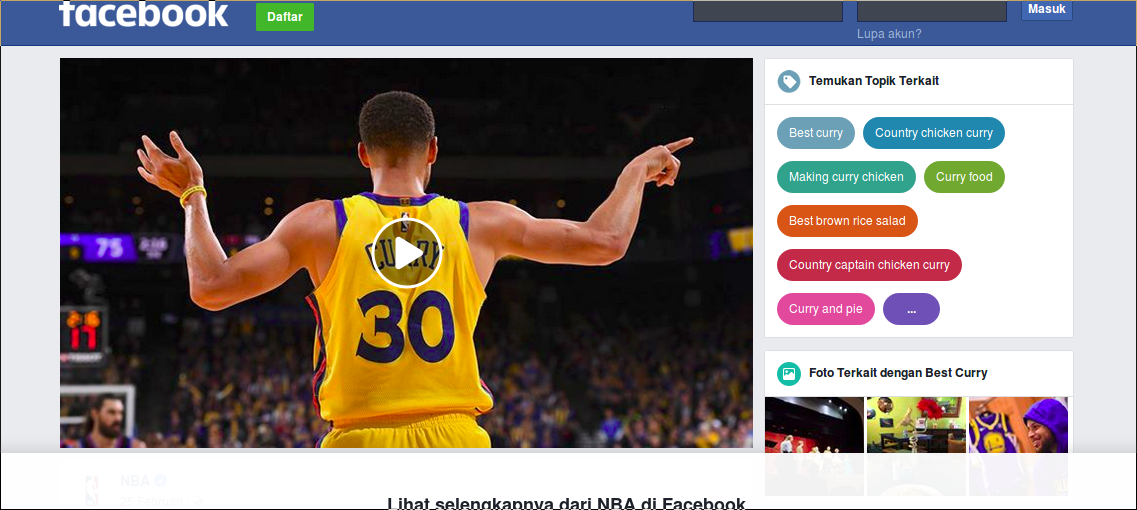
the facebook link that can preview the video first could be uploaded to youtube so always upload a link with a video like this