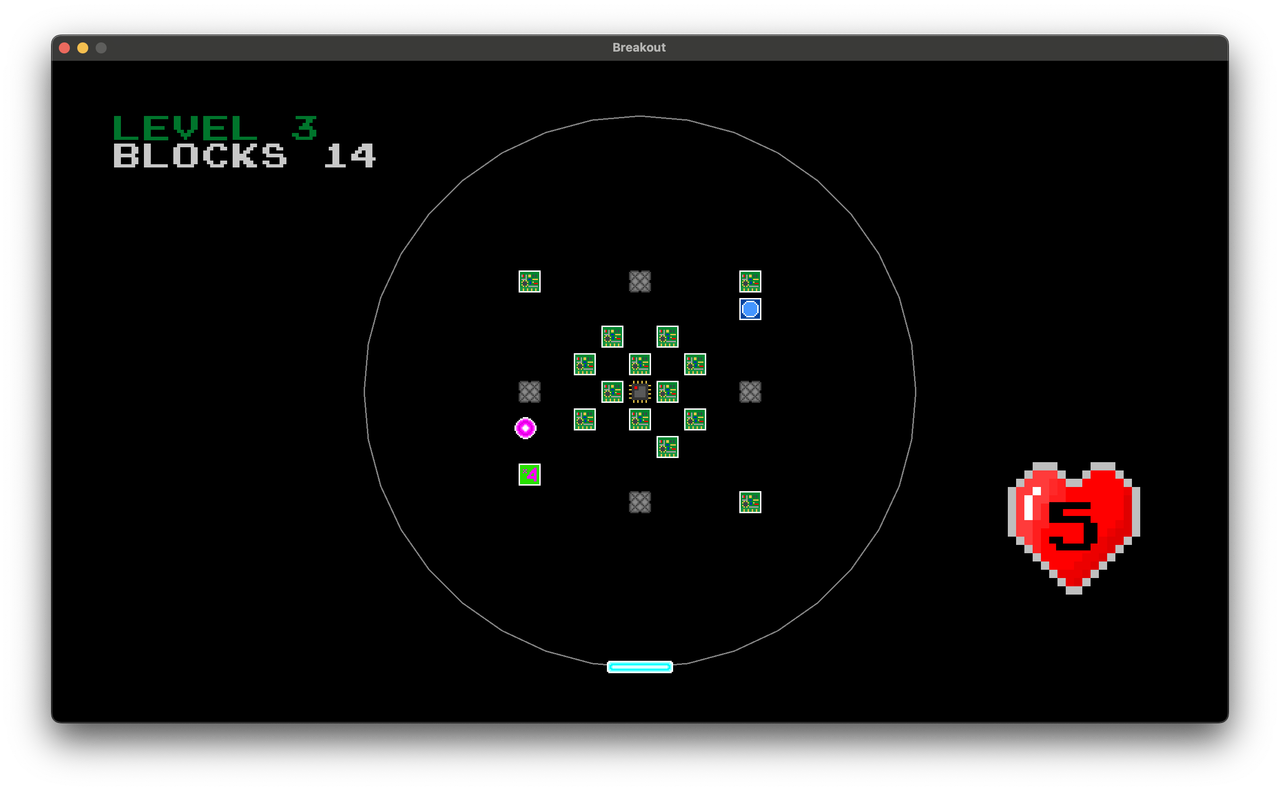
COREBREAKER is a Breakout game with circular paddle motion with Box2D physics engine.
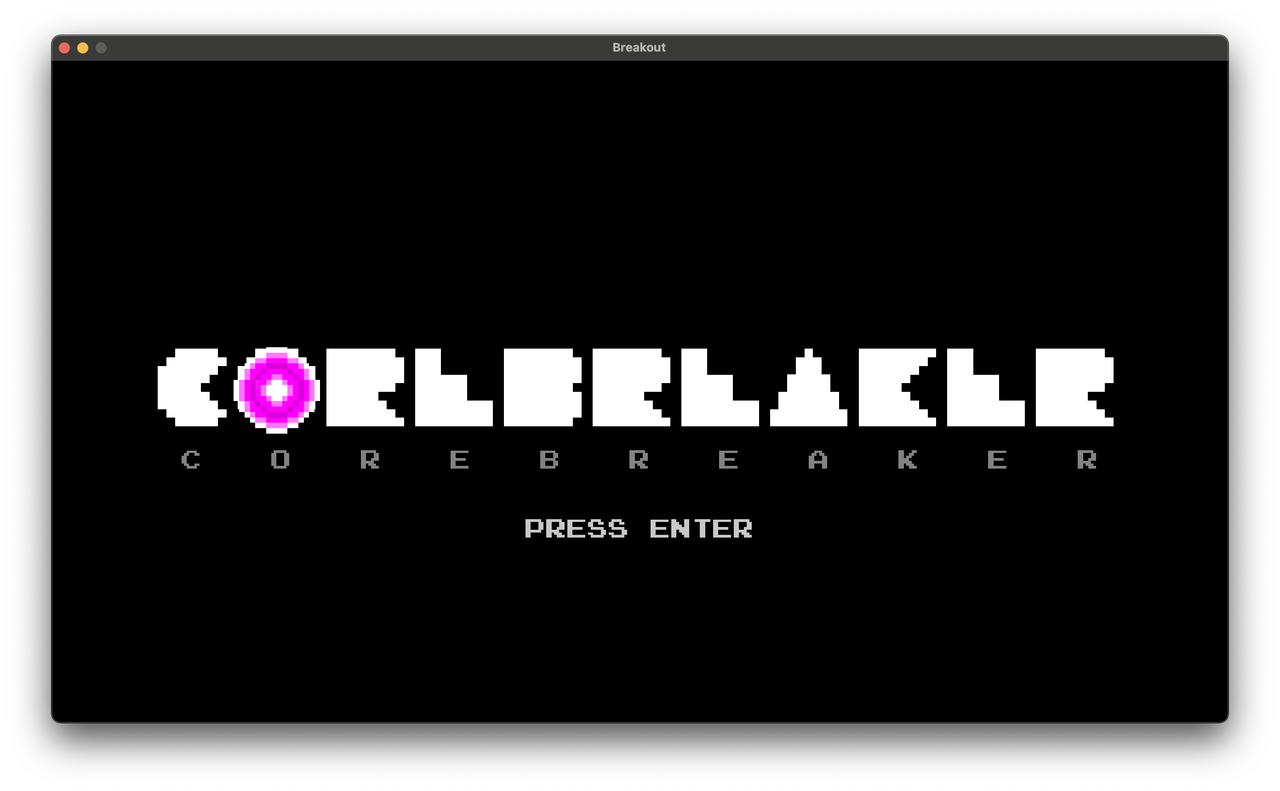
- Title or Menu Screen: The game starts with a title screen featuring a game logo and a message to start the game.
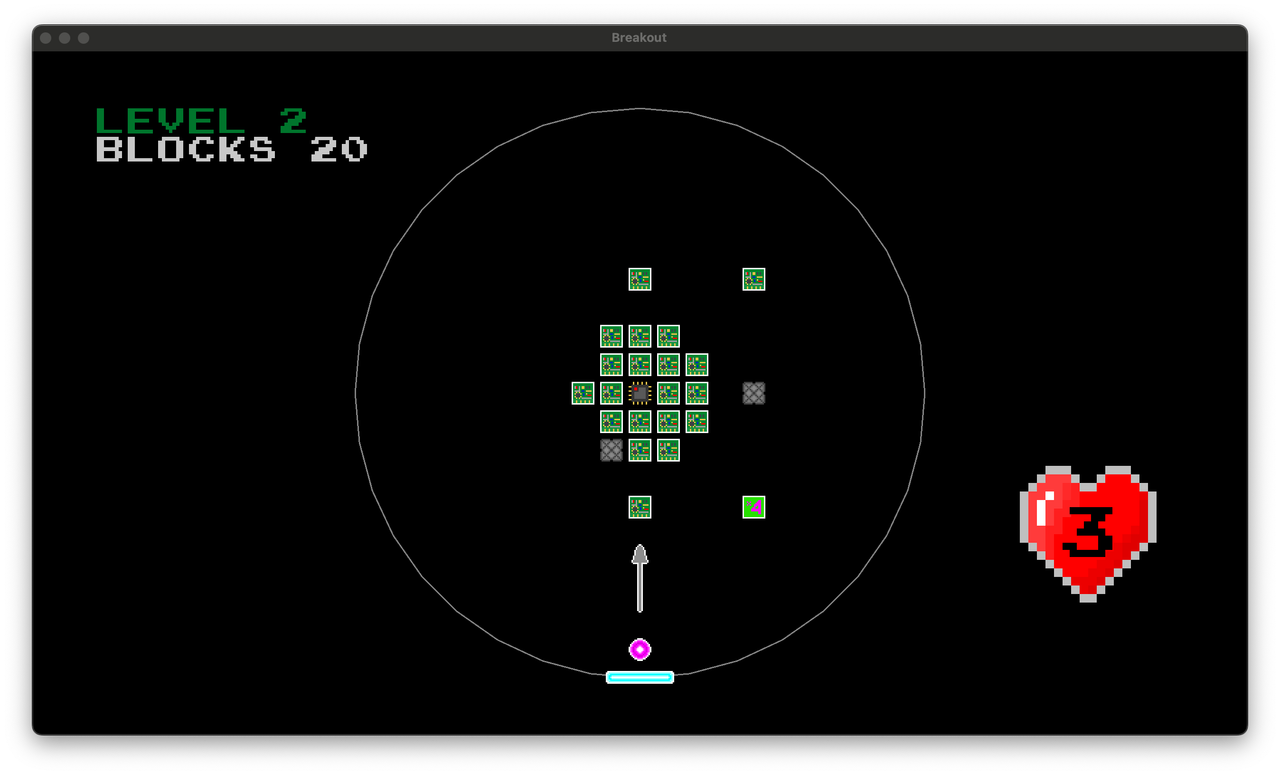
- Game Screen: From the title or menu screen, the player is able to start the game. The game screen displays the paddle, the ball, the level, and the UI. The player moves the paddle using the keyboard. The player is also able to set to initial angle of the ball trajectory. If the ball leaves the world confines determined by the grey circle, the player loses 1 life. For each level, 5 lives are given. Losing all lives will result in losing the game. The goal is to move from one level to the next by destroying all the blocks in every level or destroying the core at the center of each level. In the game, the objective of the player is to reach the end by passing through all the levels.
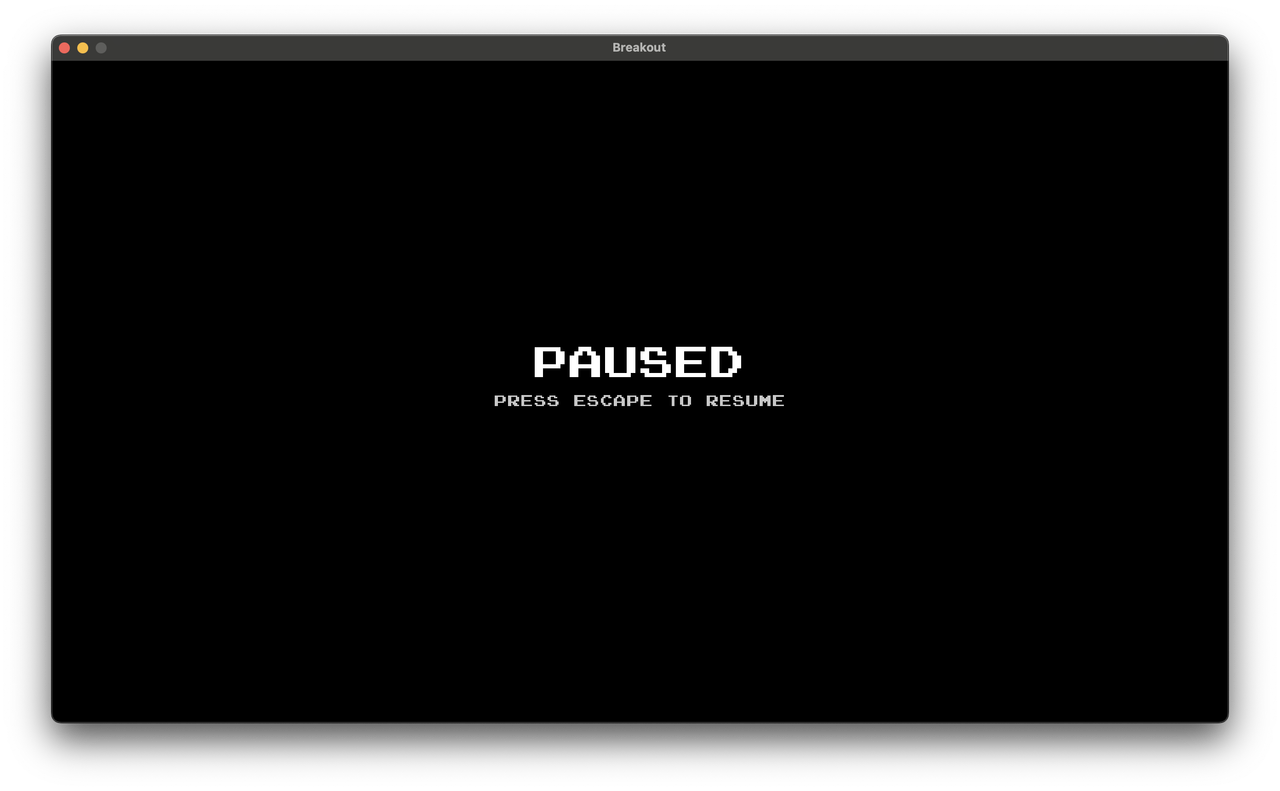
- Pause Screen: The player is able to pause the game by pressing the ESCAPE key. A 'Pause' screen appears with an option to resume the game. Pressing the ESCAPE key resumes the game.
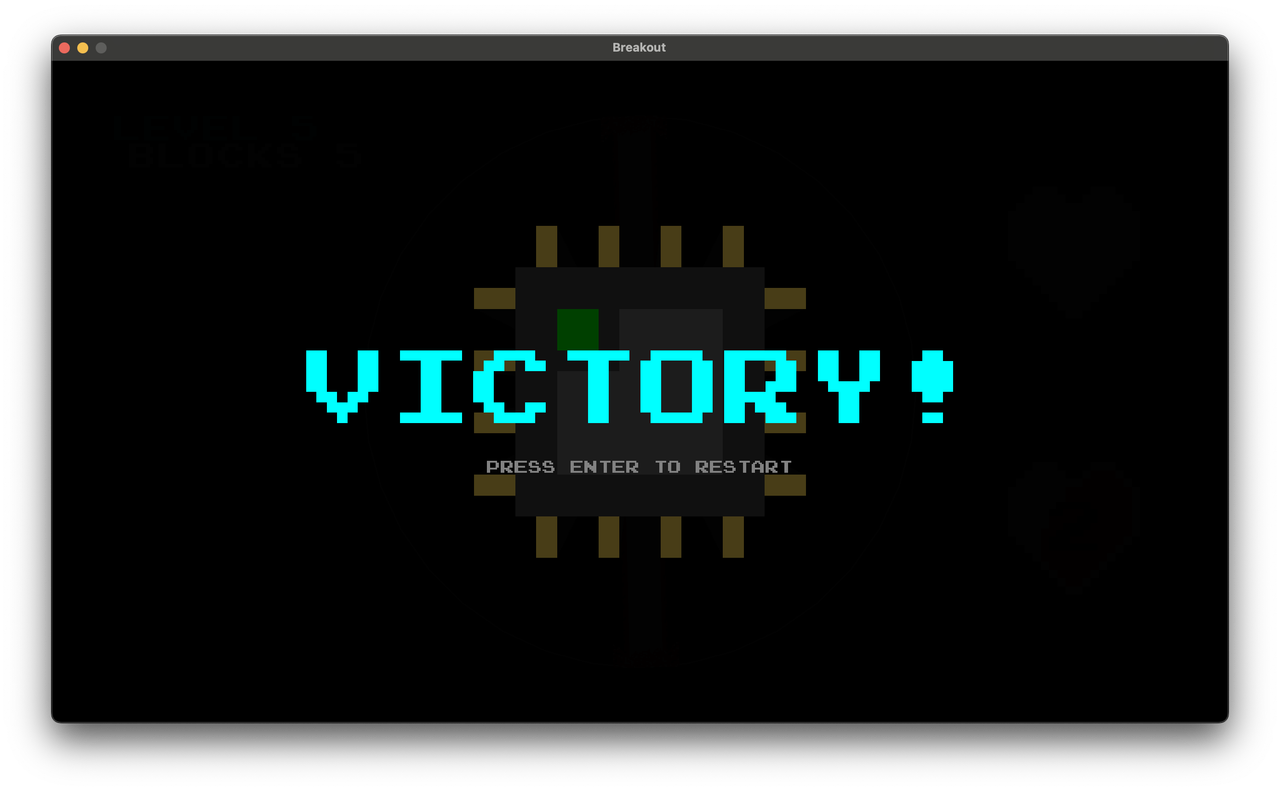
- Victory Screen: Upon passing through all the levels, a victory screen displays a congratulatory message, allowing the player to return to the first level. An animation plays in the background to indicate the game's completion.
-
Additional Levels: The game has 5 levels, one of them is the final boss level. In that level, the core has 9 lives and shoots laser beams across the world. Touching a beam with the paddle will take 1 life from player.
-
Additional Game Elements: The physics processing has been transferred to the Box2D engine. The paddle motion has been made circular.
-
Game Over Screen: The Game Over screen is displayed when the player loses all their lives. The player is able to restart the game with the ESCAPE key.
-
Additional Sounds: Four new sounds are present in the game. All the sounds are royalty-free.
-
Background Music: Two music tracks are present in the game – the main theme and the boss theme. The music is royalty-free.
- A, D – move paddle / starter angle selection
- SPACE – launch the ball with selected angle
- Luna Maltseva – starter code
- Alim Loma – further development, textures
- Pixabay – SFX
- FreeToUse – music