Deep Reinforcement Learning (DRL) project for the Machine Intelligence course
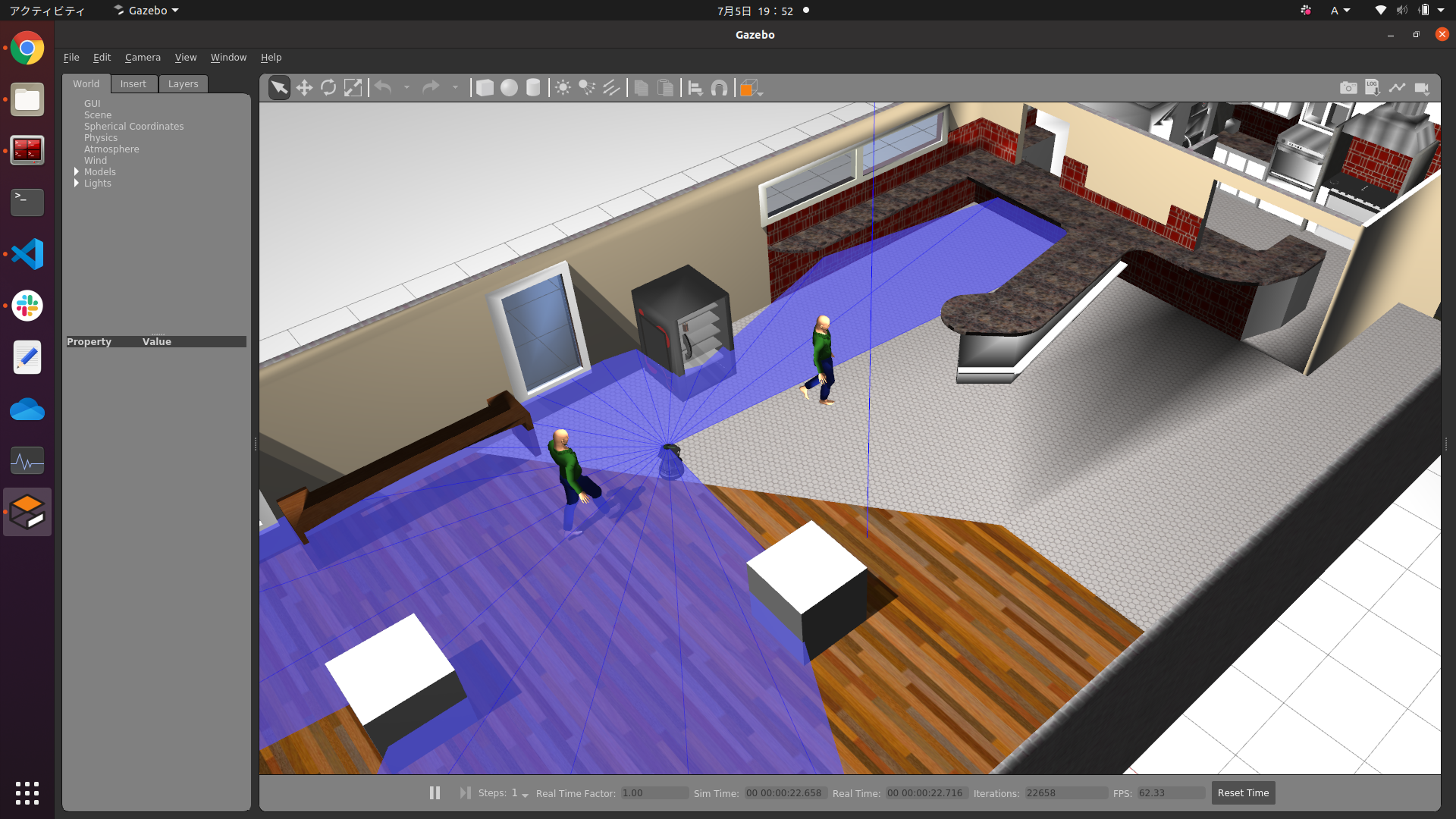
- Ubuntu 20.04
- Ubuntu 18.04
(Maybe other versions are available because we use docker)
- docker
- nvidia-docker
git clone https://github.com/eliasenseirb/DRL-MachineIntelligence.git
cd Docker
chmod +x build.sh
./build.shcd Docker
chmod +x run.sh
./run.shsource setup_melodic.bash
source setup_turtlebot.bash
cd_src
python cafe_turtlebot_lidar_qlearn.pyNote: In the first time, bash setup_melodic.bash builds the ROS packages and it takes long time. But once it is built, the execution files are retained and the build time will be shortened from the next time.
Create a new terminal and enter the existing docker container's terminal
cd Docker
chmod +x new_terminal.sh
./new_terminal.sh
Setup the environment and launch Gazebo
source setup_melodic.bash
source setup_turtlebot.bash
source setup_display.sh
gzclientexport "ROBOT_INITIAL_POSE" environment variable like this
export ROBOT_INITIAL_POSE="-x 2.7 -y 2.7 -z 0.25 -R 0 -P 0 -Y -1.57"export "GOAL_X" and "GOAL_Y" environment variables like this
export GOAL_X="-3.0"
export GOAL_Y="-9.0"A. See this commit