
Turn your resume into a fully functional, customizable portfolio website with a single upload — then push it directly to your GitHub. Powered by AI (Ollama), built with React, Express, and MongoDB.




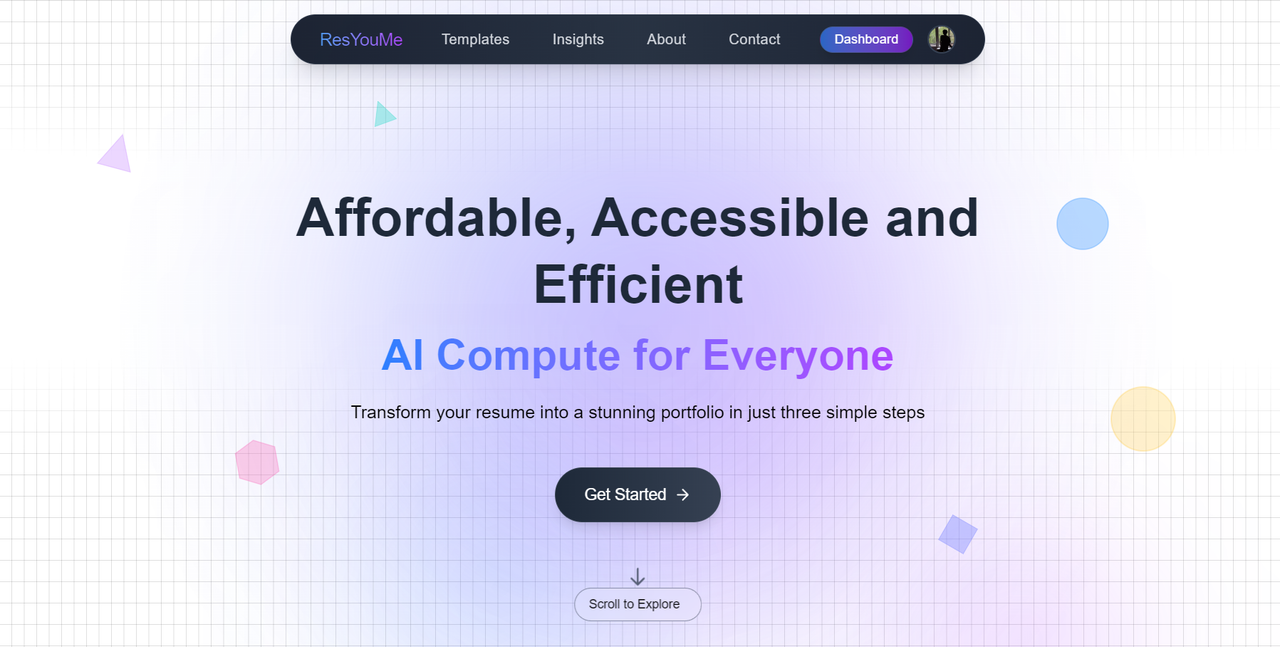


- 🧾 Resume upload: PDF/DOCX parsing (skills, experience, projects, education).
- 🔒 GitHub OAuth login + JWT session.
- 🤖 AI portfolio generation using Ollama (local LLM) with customizable sections.
- ⬆️ One‑click GitHub repo deployment (create repo, commit generated site, push).
- 🌐 Live preview with theme switch, sections on/off, and instant edits.
- 🗂️ Templates: multiple portfolio presets (cards, timeline, minimal).
/ (monorepo or separate)
/client    → React + Vite + Tailwind (SPA)
/server    → Express API, MongoDB, GitHub OAuth, AI orchestration (Ollama)
/templates → Portfolio themes (e.g., nextjs-static, vanilla-tailwind)
Key flows:
- Upload resume → parse → normalized JSON → store in MongoDB.
- Call Ollama locally → generate site sections/content.
- Build static site from chosen template → preview → push to GitHub.
- Node.js ≥ 18
- MongoDB (local or Atlas)
- Ollama installed and at least one model pulled (e.g.
llama3) - GitHub OAuth App (Client ID/Secret)
# clone
git clone https://github.com/your-org/your-repo.git
cd your-repo

# install deps
cd server && npm i && cd ..
cd client && npm i && cd ..Create server/.env:
PORT=8080
MONGODB_URI=mongodb://localhost:27017/resume2portfolio
JWT_SECRET=supersecret
GITHUB_CLIENT_ID=xxx
GITHUB_CLIENT_SECRET=yyy
GITHUB_CALLBACK_URL=http://localhost:8080/auth/github/callback
ALLOWED_ORIGIN=http://localhost:5173
OLLAMA_HOST=http://localhost:11434
OLLAMA_MODEL=llama3
> **Note:** Datas provided are dummy for help.
Create client/.env:
VITE_API_BASE=http://localhost:8080
VITE_GITHUB_CLIENT_ID=xxx# Terminal A → Ollama (ensure a model is pulled)
ollama pull llama3
ollama serve
# Terminal B → server
cd server
npm run dev
# Terminal C → client
cd client
npm run devOpens: http://localhost:5173
-
Go to GitHub → Settings → Developer settings → OAuth Apps.
-
Create new app with:
- Homepage:
http://localhost:5173 - Authorization callback URL:
http://localhost:8080/auth/github/callback
- Homepage:
-
Copy Client ID and Client Secret into server/client
.envas above.
Server
{
  "scripts": {
    "dev": "nodemon src/index.ts",
    "build": "tsc -p .",
    "start": "node dist/index.js"
  }
}
Client
{
  "scripts": {
    "dev": "vite",
    "build": "vite build",
    "preview": "vite preview"
  }
}- Minimal (single page, clean typography)
- Cards (project cards + skills cloud)
- Timeline (experience/education timeline)
Switch via templates/<name> or config in UI.
- Frontend: Vercel(static export from client)
- Backend: Render
- Environment: Set the same
.envkeys in your hosting provider
Tip: For Vercel, expose
VITE_API_BASEpointing to your hosted backend.
PRs welcome! Please open an issue to discuss larger changes first.
MIT — see LICENSE for details.
Note: Some important files are not public for security and privacy reasons.