This repository contains a complete sample Android project demonstrating how to integrate the Codenia Photo Editor for Android into your app.
The sample shows a real implementation using the provided AAR library, including setup, configuration, and handling of editor callbacks.
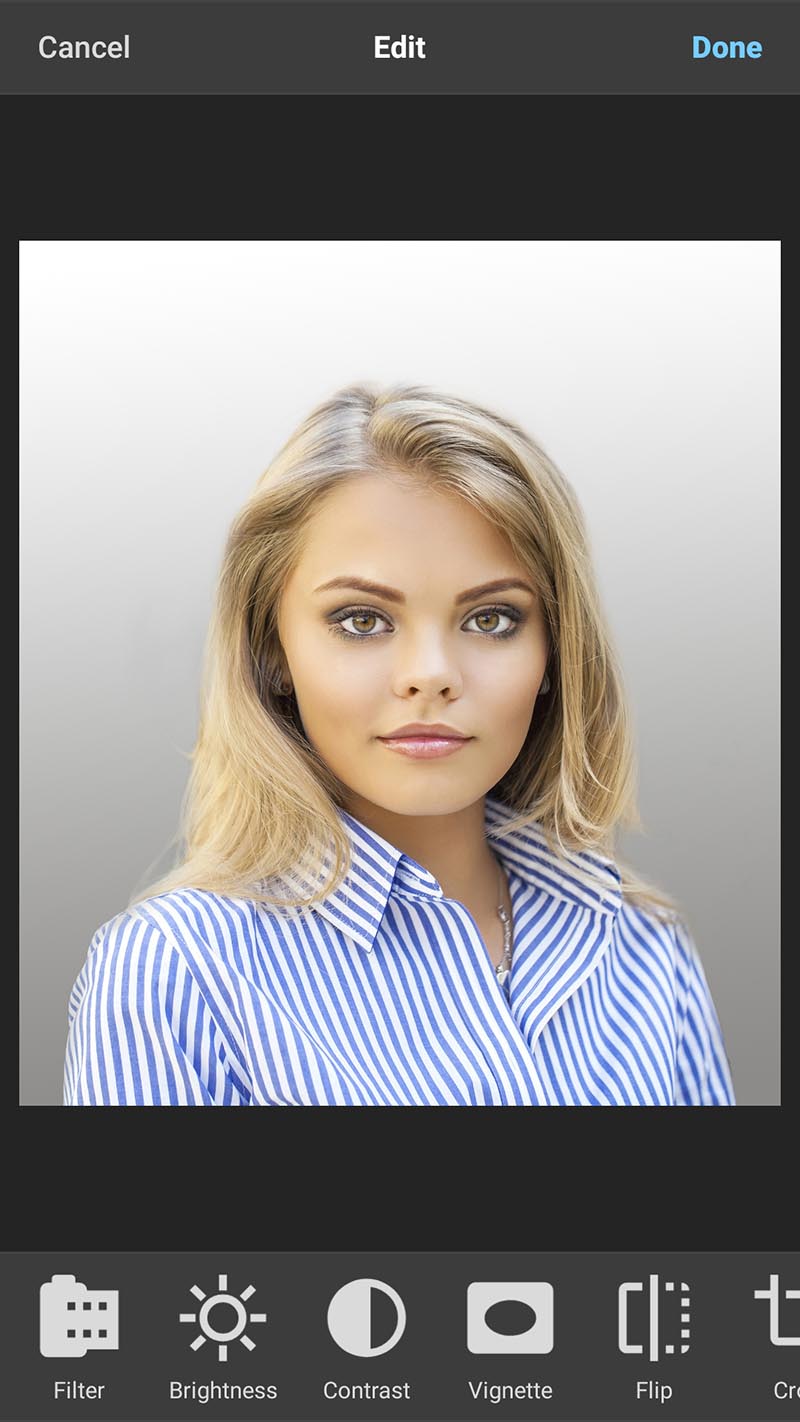
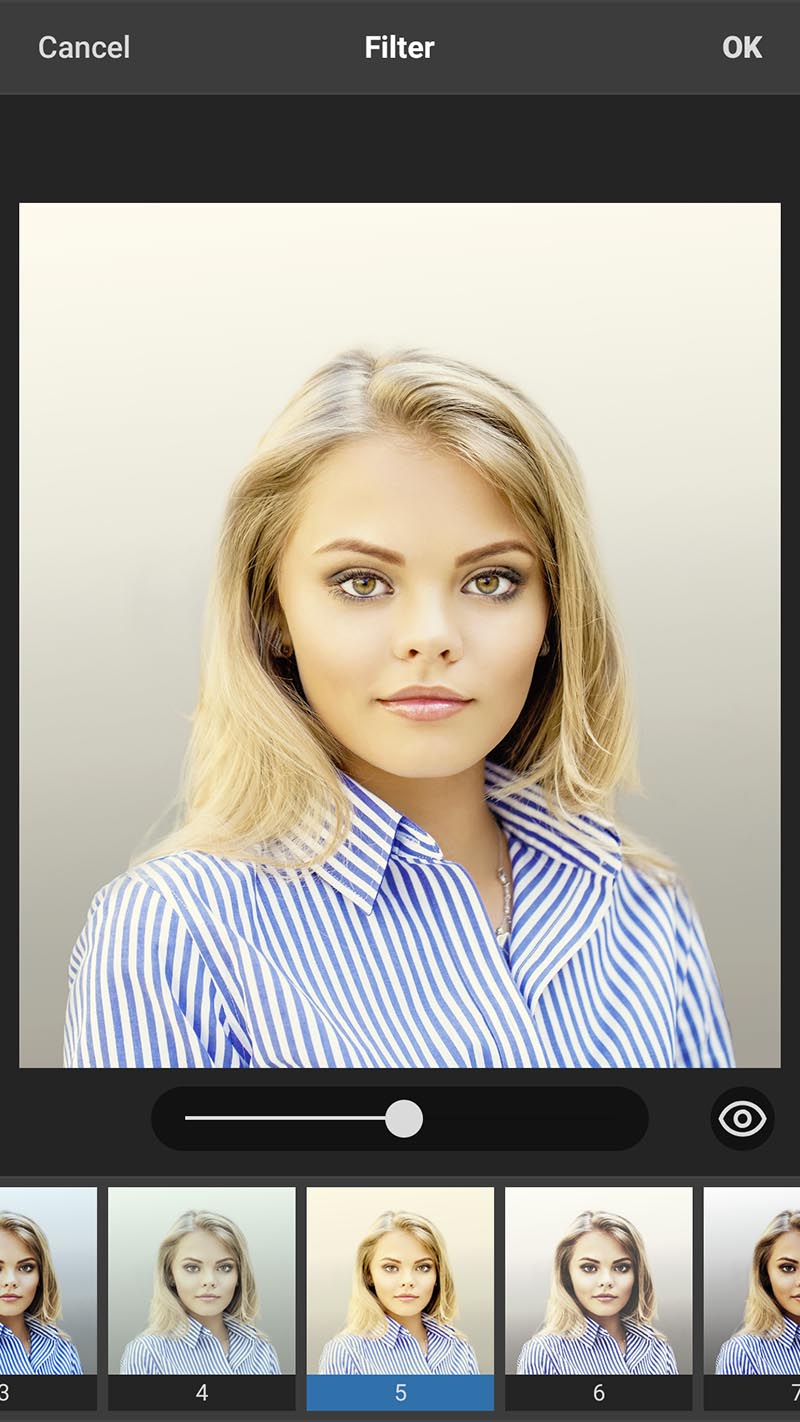
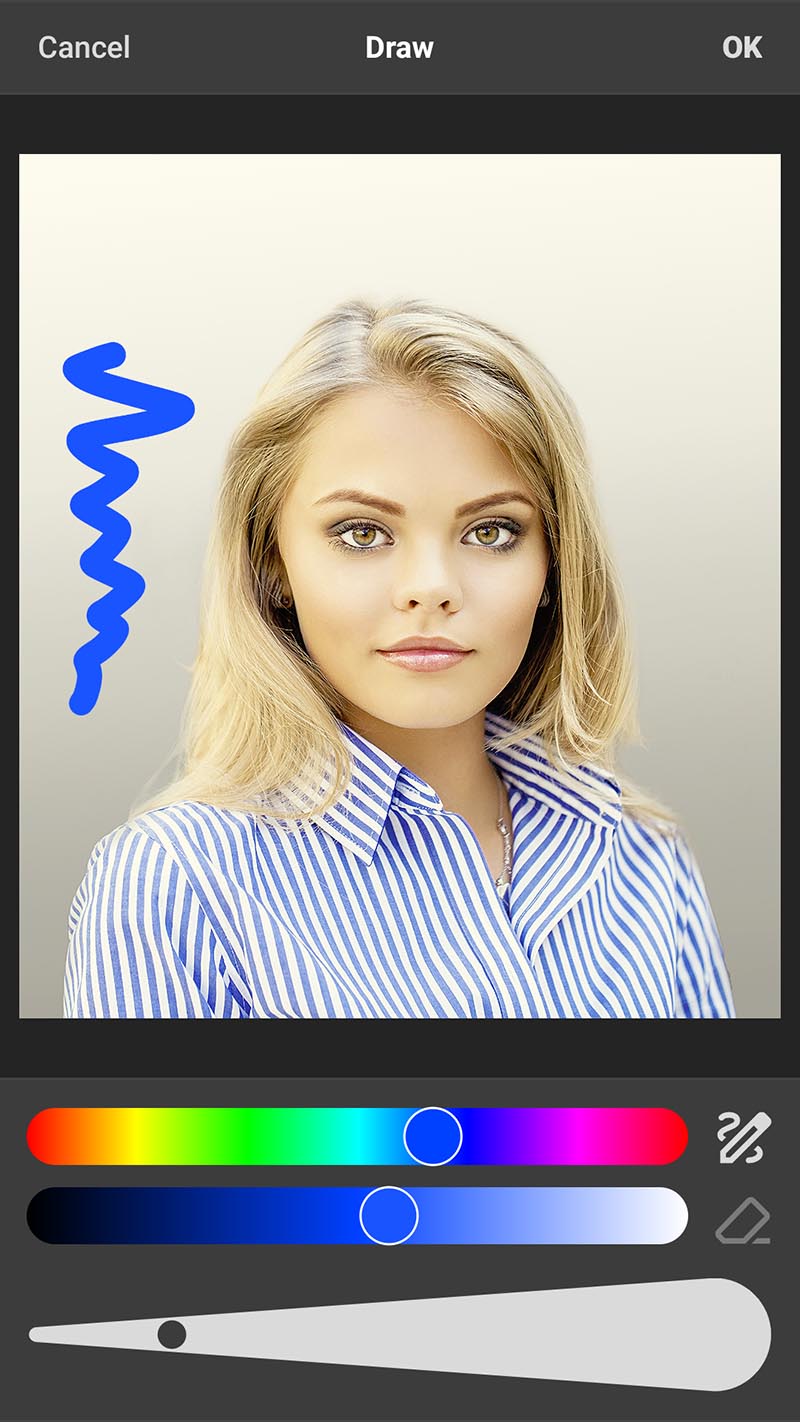
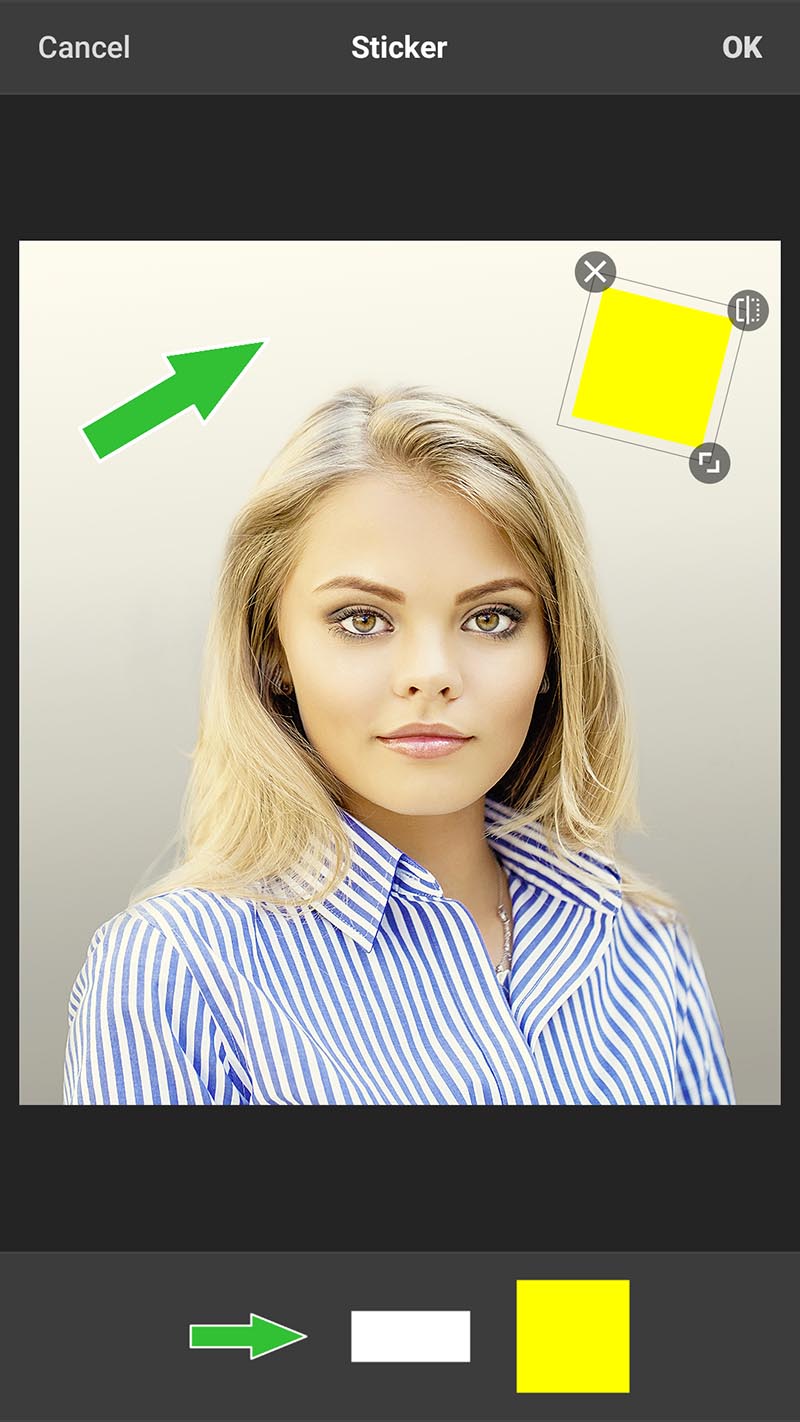
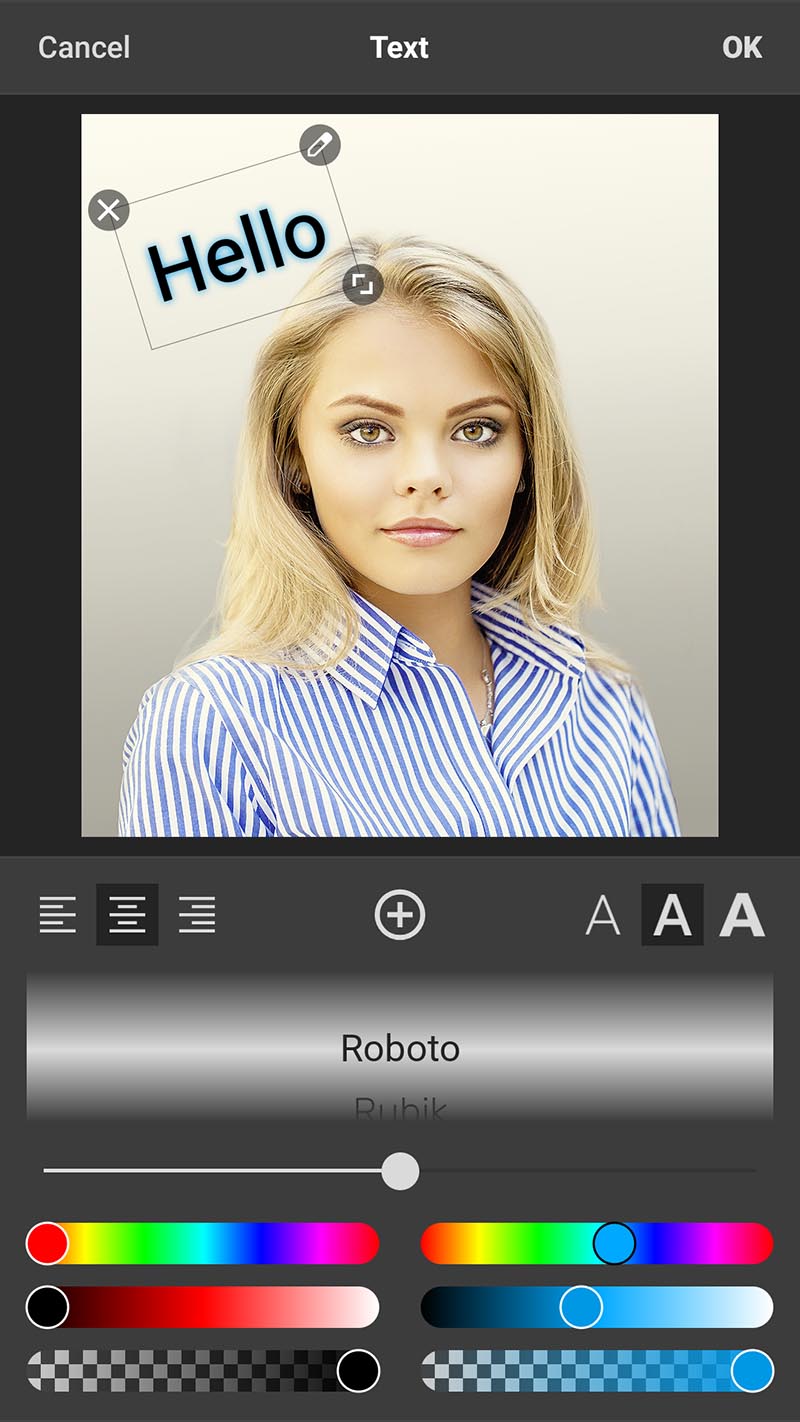
The Codenia Photo Editor is a high-quality photo editor for Android delivered as a ready-to-use AAR with a complete UI.
It allows you to add powerful offline photo editing capabilities to your app in just a few minutes.
- 15 professional editing tools (crop, rotate, filters, text, stickers, drawing, and more)
- Fully offline – no backend or API required
- Ready-to-use UI component
- Customizable tools, filters, fonts, stickers, and colors
- Adjustable filter intensity
- Multiple filter thumbnail styles
- High-quality image processing
- Supports modern Android requirements (including 16 KB page sizes)
- Complete Android project
- Integrated
codenia-photoeditor.aar - Example usage of
PhotoEditorView - Back navigation handling
- Editor lifecycle management
- Basic customization examples
To integrate the editor into your own app, follow the full documentation:
👉 https://www.codenia-photoeditor.com/documentation
The typical flow demonstrated in this sample:
- Create a
PhotoEditorView - Set a source image using
setImageBitmap() - Register
OnEditorActionListener - Add the editor view to your layout
- Receive the edited bitmap in
onDone() - Remove the editor view after completion
- One-time license per app
- Unlimited use within that app
- No recurring fees
Important:
Each license is strictly bound to a single Android application ID (package name).
A separate license is required for every additional app.
License Agreement
👉 https://www.codenia-photoeditor.com/license-agreement.html
Purchase a license key here:
👉 https://www.codenia-photoeditor.com/purchase.html
- The editor does not support undo/redo.
- Only a few example stickers are included – provide your own for production use.
- The Photo Editor requires minSdk = 26.
- The activity hosting the editor must define android:configChanges="keyboard|keyboardHidden|orientation|screenSize". This is required because the Photo Editor does not save or restore its internal state.
- It is strongly recommended to enable android:largeHeap="true" and to pass an image of reasonable size to the editor.
👉 https://www.codenia-photoeditor.com/screenshots
👉 https://www.codenia-photoeditor.com/video
👉 https://www.codenia-photoeditor.com/license-agreement.html
👉 https://www.codenia-photoeditor.com
If you have any questions, feel free to get in touch via the website.
This sample project is the fastest way to understand how to integrate the Codenia Photo Editor into your Android app.
For full configuration options and API details, refer to the official documentation.