First off, thank you for considering contributing to PianoSync. It's people like you that make PianoSync such a great tool for music learners and piano enthusiasts.
PianoSync is available on Google Play! Download it now to see what you'll be contributing to:

Get a feel for the app and what you'll be contributing to:
| Main Menu | Settings | Progress Tracking |
|---|---|---|
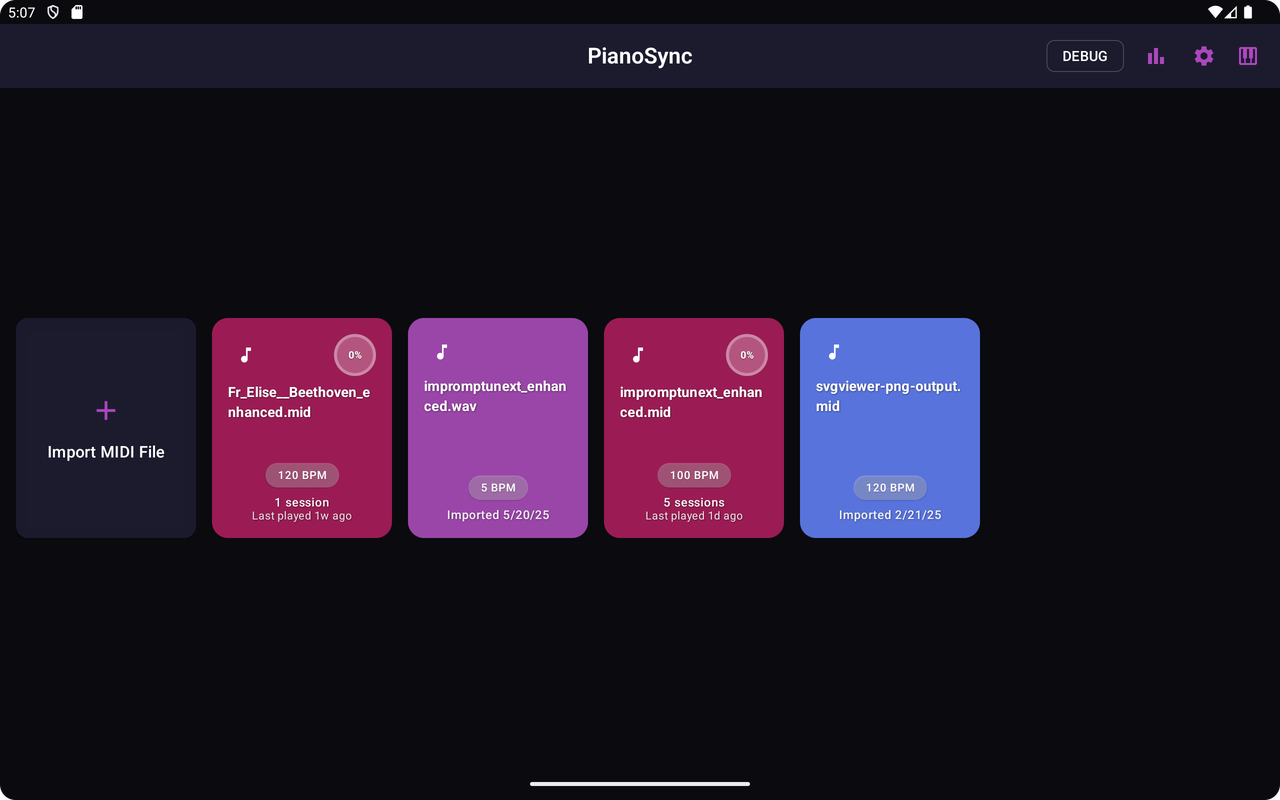 |
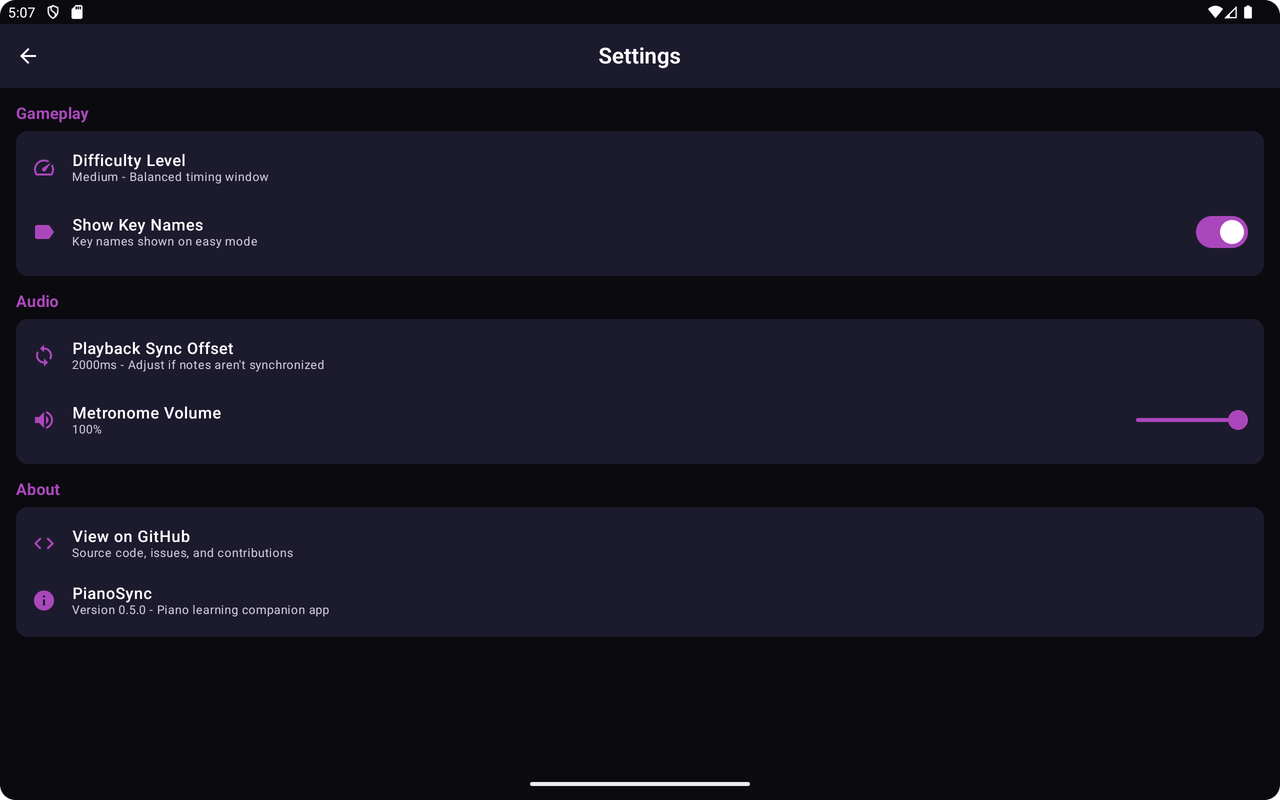 |
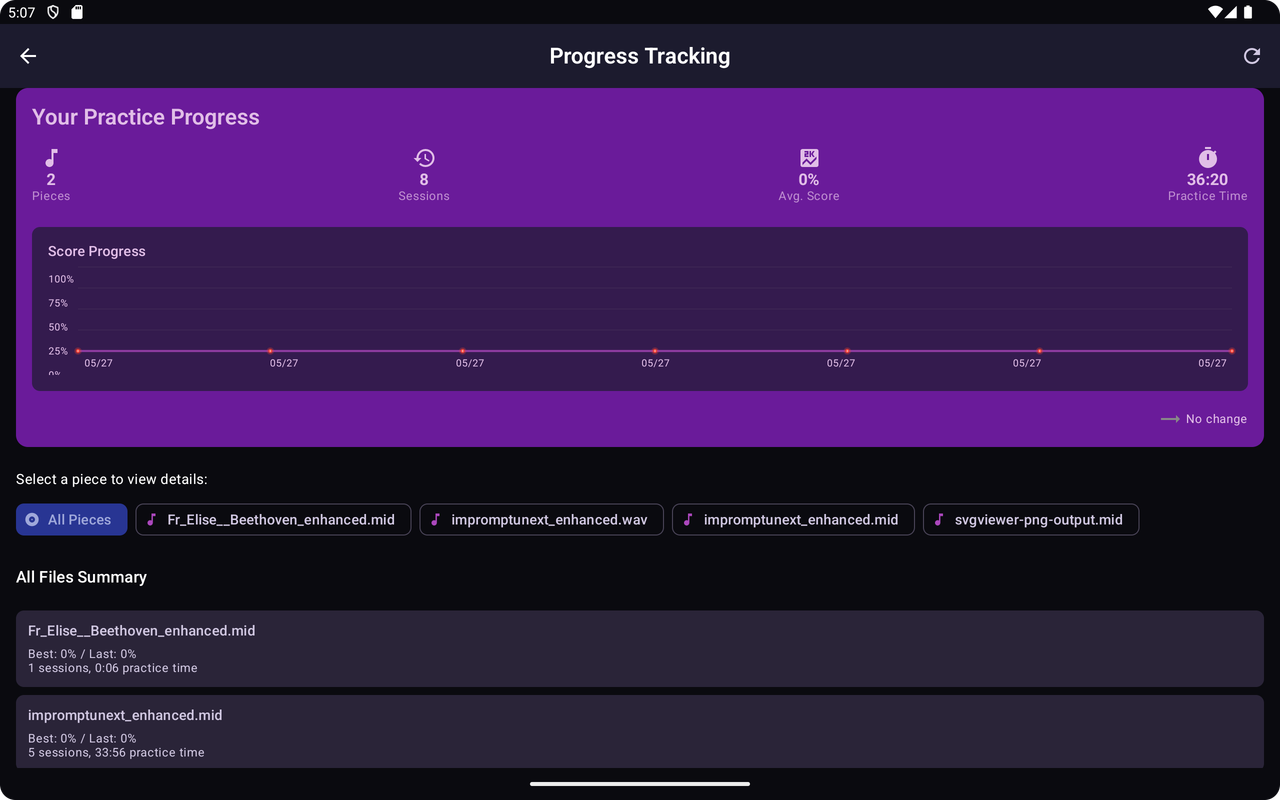 |
| Piano Interface Without Ui | Piano Interface With Ui |
|---|---|
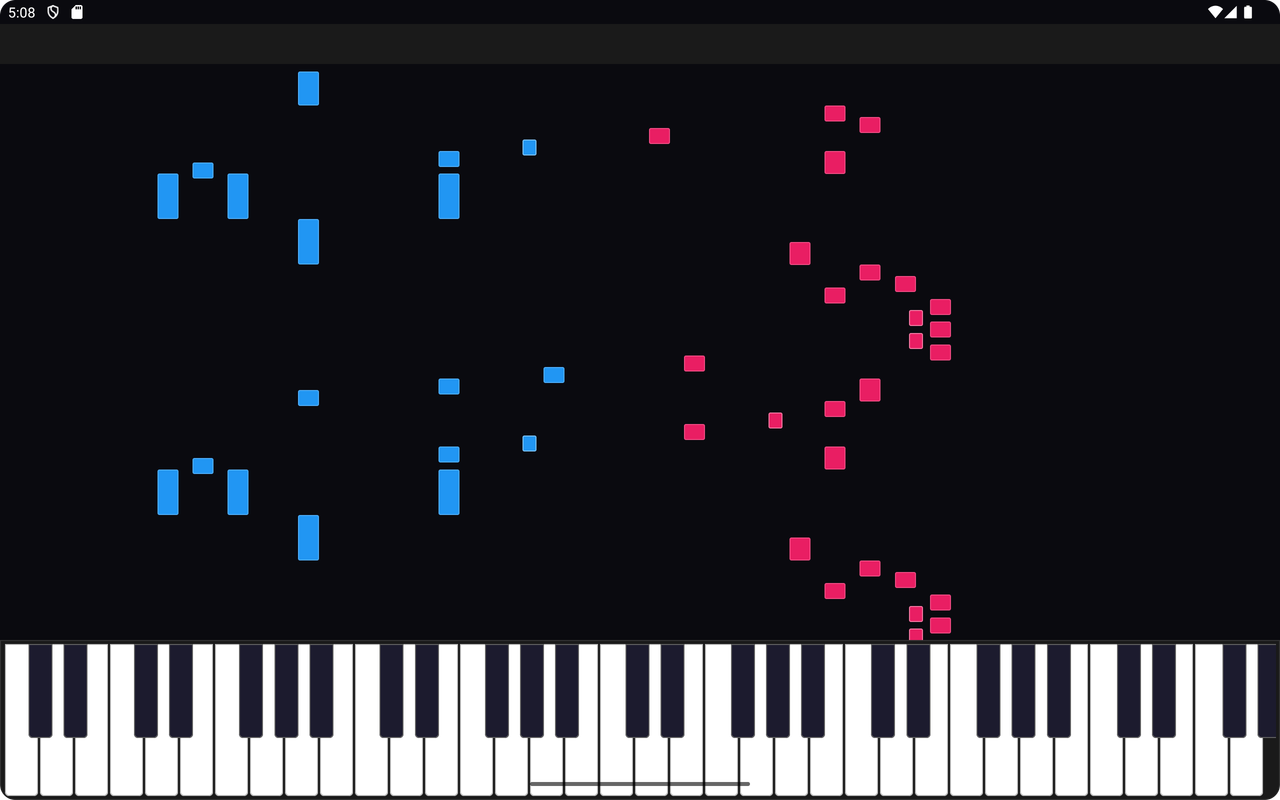 |
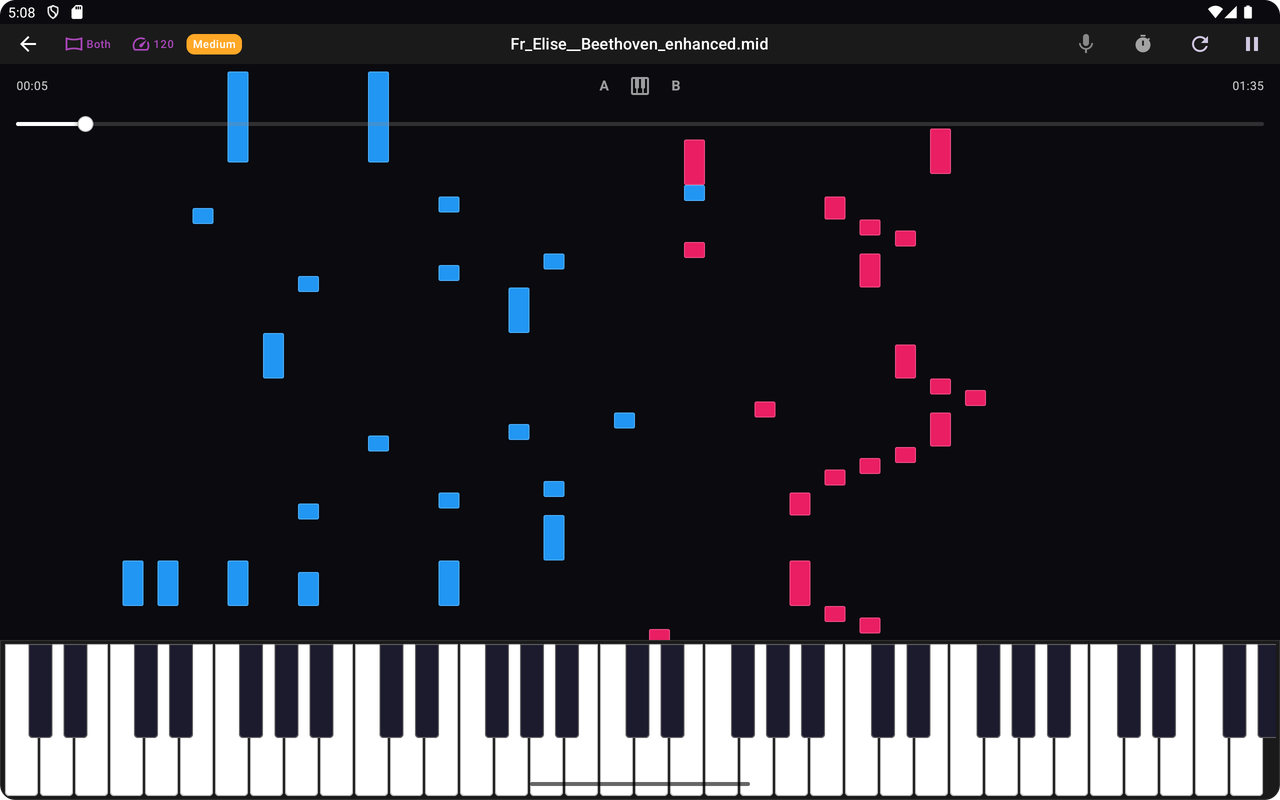 |
Please note that this project is released with a Contributor Code of Conduct. By participating in this project, you agree to abide by its terms.
- Ensure the bug has not already been reported by searching existing Issues.
- If you can't find an open issue addressing the problem, open a new one.
- Be sure to include a clear title and description, as much relevant information as possible, and a code sample or steps to reproduce the issue.
- Open an issue with a clear title and description of your suggested enhancement.
- Provide context about why this feature would be useful.
- If possible, include mockups or design sketches.
- Fork the repository
- Create a new branch for your feature or bugfix
- Use a clear and descriptive branch name
- Example:
feature/add-difficulty-levelsorbugfix/midi-playback-sync
- Make your changes
- Test your changes
- Submit a Pull Request
- Fill out the PR template completely
- Include screenshots or GIFs if your changes affect the UI
- Ensure your code follows the project's coding standards
- Update documentation accordingly
- Android Studio
- JDK 11 or later
- Kotlin plugin
- Clone your forked repository
- Open the project in Android Studio
- Sync Gradle files
- Run the app
- Use Android Studio's run configuration
-
Design
- Logo design
- UI/UX improvements
- App icon designs
-
Features
- Difficulty level implementation
- Visual cues for note hitting accuracy
- Physical piano connection improvements
-
Testing
- Comprehensive app testing
- MIDI file compatibility testing
- Performance optimization
- Follow Kotlin best practices
- Use meaningful variable and function names
- Write clear, concise comments
- Maintain consistent code formatting
- Use Android Studio's built-in code formatter
- Follow Kotlin Coding Conventions
- Use camelCase for names
- Use meaningful and intention-revealing names
- Prefer immutability (val over var)
- Use type inference where possible
- Open an issue describing the feature
- Discuss the feature with maintainers
- Once approved, assign yourself or wait for assignment
- Implement the feature
- Write unit and instrumentation tests
- Update documentation
- Submit a pull request
- Use Gradle for dependency management
- Keep dependencies up to date
- Prefer the latest stable versions of libraries
- Email: raphaelboullaylefur@proton.me
- Discord: clarityhs
We are actively seeking designers to help improve our app's visual experience! If you're interested in:
- Creating a logo
- Designing UI mockups
- Improving app aesthetics
Please reach out directly via email or Discord.
- Use Android Studio's "Run" configuration
- Select debug variant
Your contributions make open-source communities amazing. We appreciate every contribution, no matter how small!
Note: This project is in active development. Guidelines may change, so always check the latest version.