You will need to install Python on your machine, version 3.8 or higher.
Important - Installing Python will also install pip, the package manager for Python.
Install Python3 and Pip3 on Mac Using Brew
Install Python on Mac - 3.11.0 is here!
Using Homebrew:
brew install python3
# verify versions
$ python3 --version
Python 3.10.8 #Python 3.8 or above is ideal!

$ pip3 --version
pip 22.3- Visual Studio Code (we use VSCode!)
- WebStorm
- Sublime
- Atom
- iTerm
Introduction to Cloudinary for API Users and Python Developers
- Assets are located in
/assetsdirectory - Run code from root directory
-
Create a free account on Cloudinary at cloudinary.com/signup
-
Navigate to the Dashboard. Copy your
CLOUDINARY_URLinto your clipboard.

- Key: CLOUDINARY_URL
- Value: cloudinary://API_KEY:API_SECRET@CLOUD_NAME
- Create a
.envfile in the root of the project. Paste your CLOUDINARY_URL environment variable into your.envfile. OR, you can use theenv.examplefile we've created for you, which already exists in this repository. You can paste in your CLOUDINARY_URL where there is currently a placeholder for you which looks like this:
CLOUDINARY_URL=cloudinary://API_KEY:API_SECRET@CLOUD_NAMEGet the latest Pip
pip3 install --upgrade pip
pip3 install cloudinary
pip3 install python-dotenv
In python script
from dotenv import load_dotenv
import os

load_dotenv()
Make sure to npm install the Python libraries. You will be using the cloudinary and the dotenv libraries.
python3 test_config.pyYou should see your Cloud Name and API Key output in this format:
****Set up and configure the SDK:****
 cloud_name | api_key
PS- Always keep your API_Secret private!
python3 upload.py
anteater.jpg - Photo by Sean P. Twomey from Pexels
glacier.mp4 - Photo by Jan Zakelj from Pexels
iguana.jpg - Photo by Simon Berger from Pexels
puma.jpg - Photo by Pixabay from Pexels
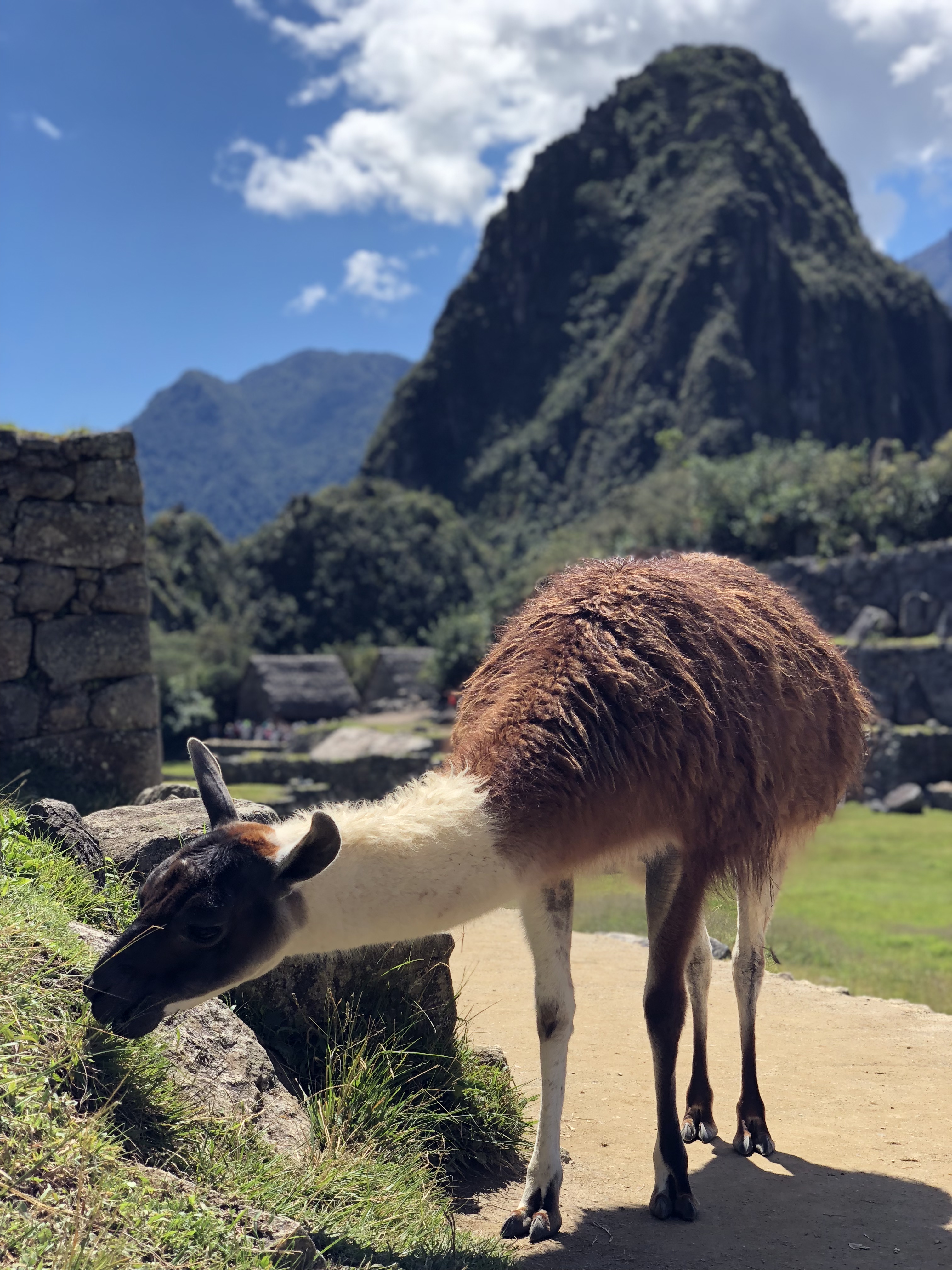
llama.jpg - Photo by Jen Brissman, Machu Picchu, Cusco, Peru
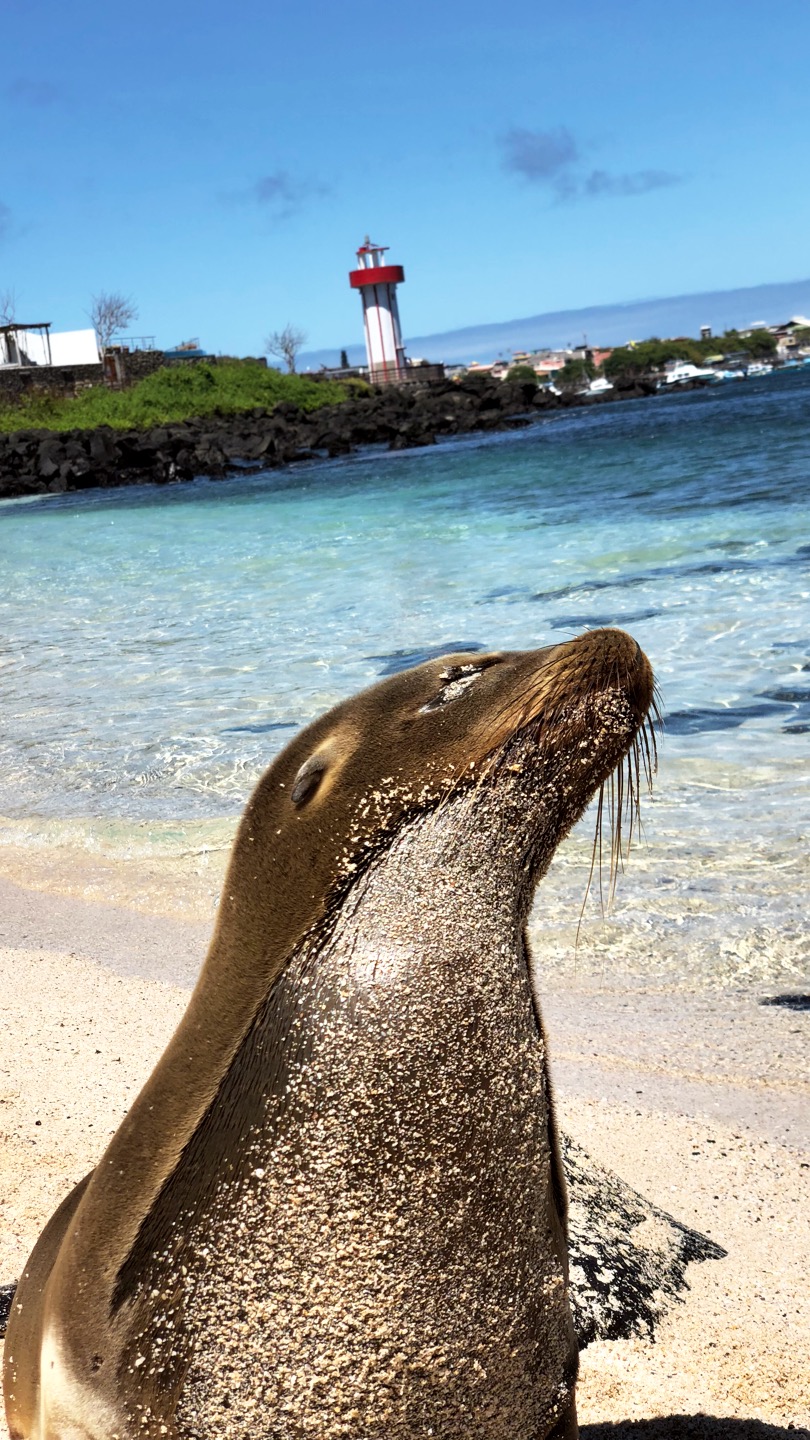
sealion.jpg - Photo by Jen Brissman, San Cristobal Island, Galapagos
tortoise.mp4 - Photo by Jen Brissman, Santa Cruz Island, Galapagos
y2kbug.ttf - Public TrueType Font File, Y2K Bug, from All-free-download.com