Toile is a tool to help you manage your time. You enter what you want to do, how much time you think it will take, and a due date and Toile will set up a schedule for you. As you work and more information comes to light and roadblocks inevitably present themselves, you can refine your task list by adding subtasks with their own durations and due dates. Here's a look at the process:
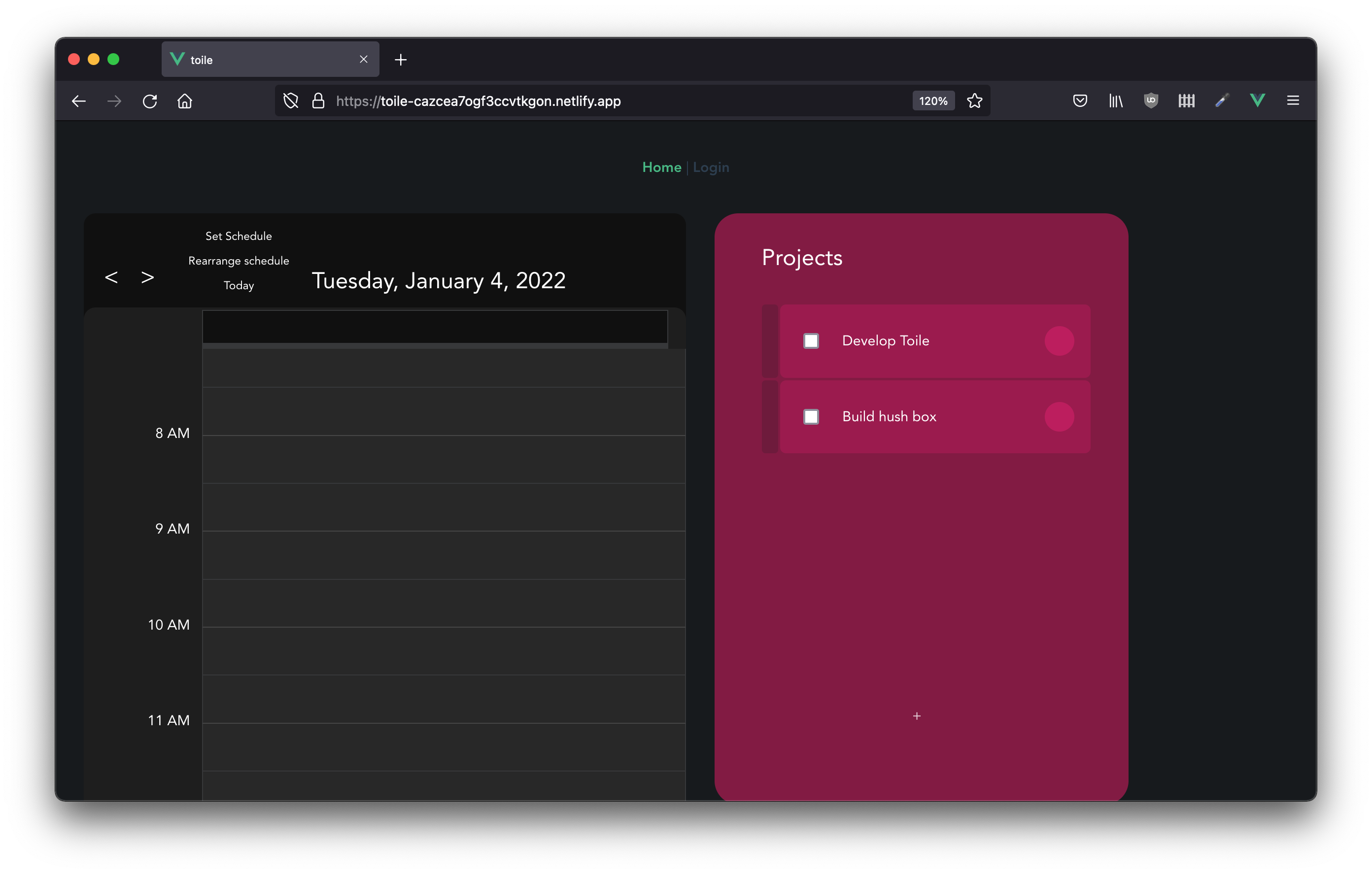 First is a list of a couple of projects I'm working on. There's this project - Toile - and then there is a hush box that I'm going to make for my projector. Let's look at what I've entered already for the hush box. Clicking on the circle on the right gives us:
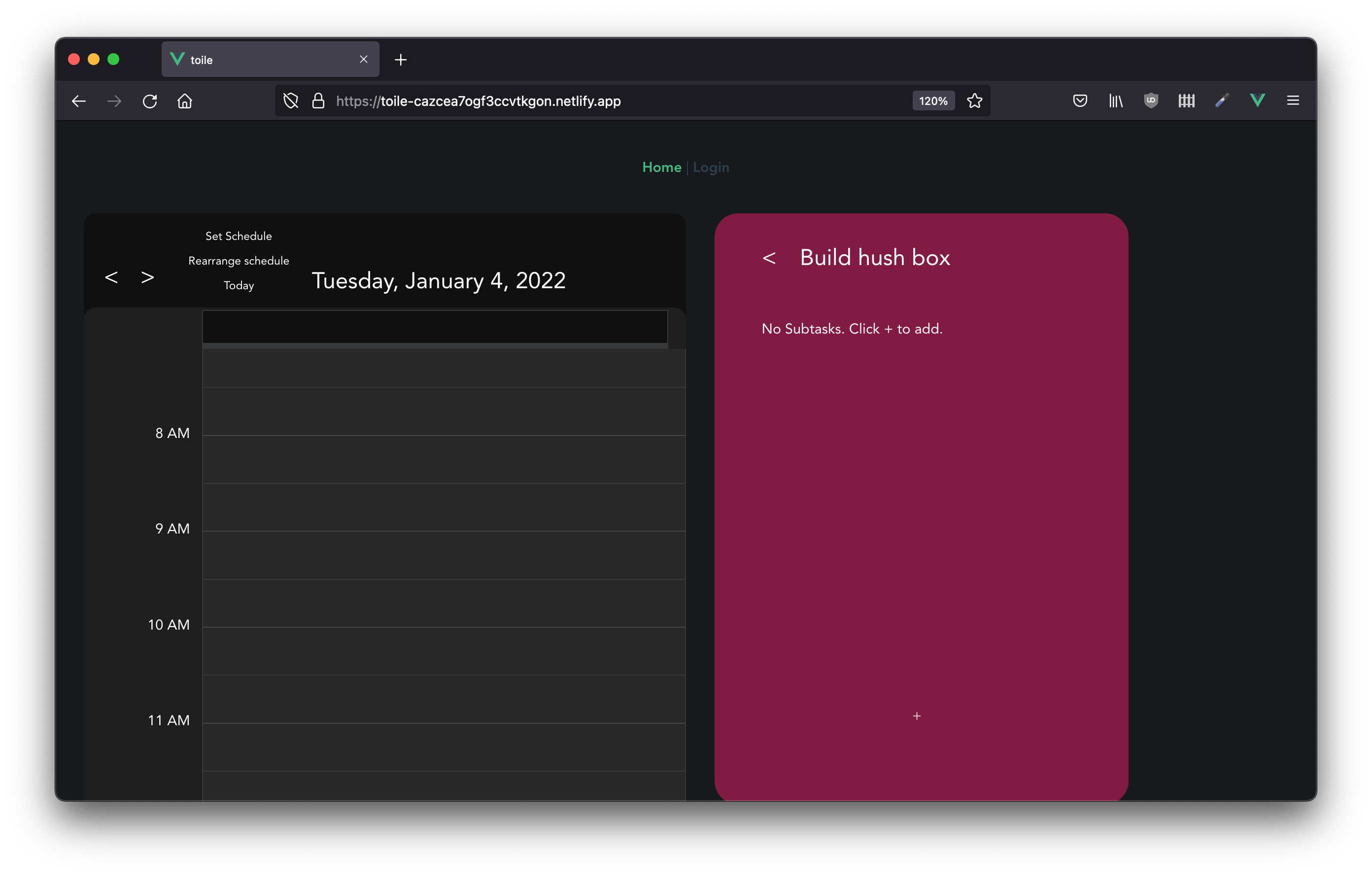
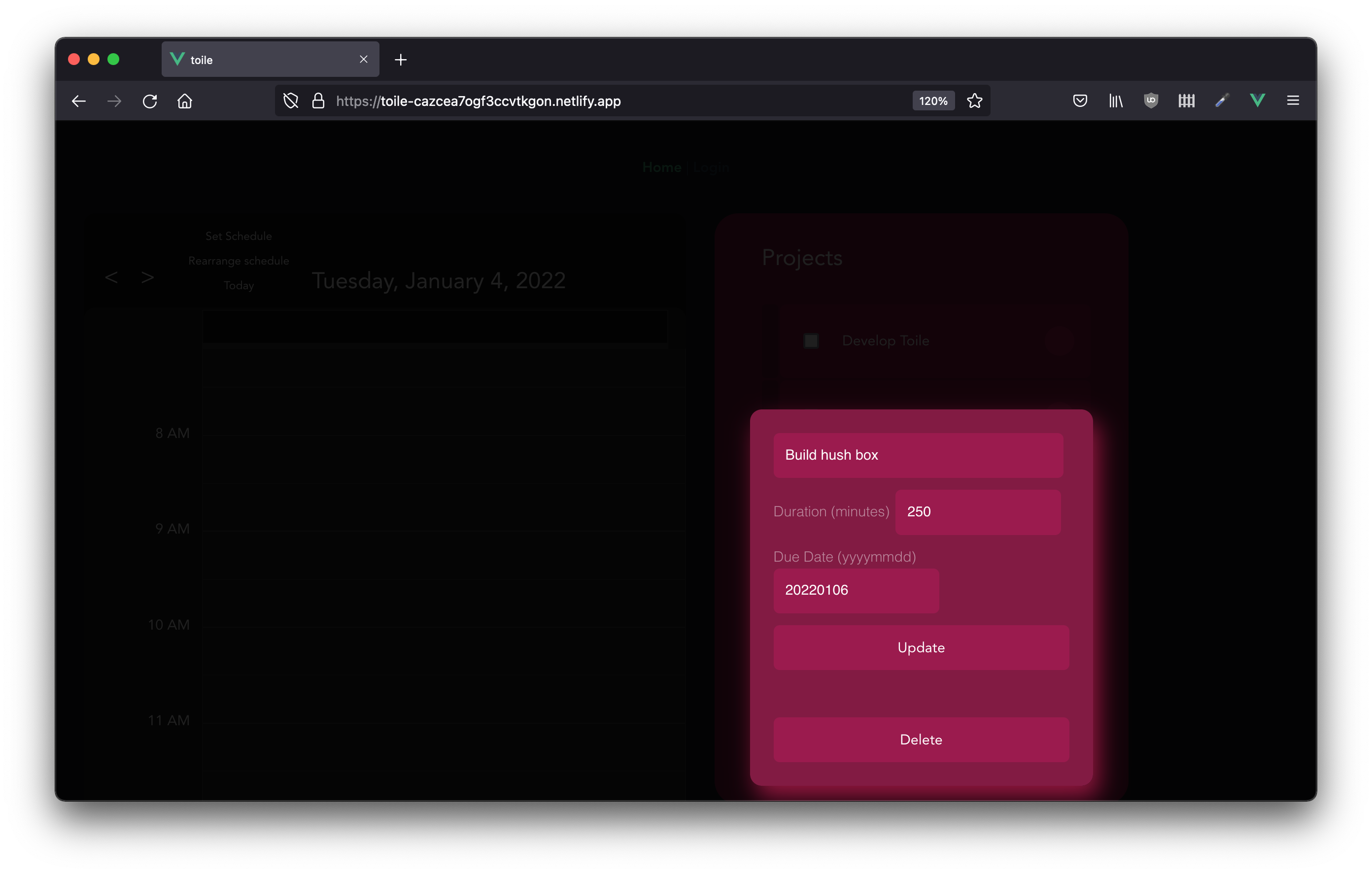 I've guessed here that it will take 250 minutes to complete as a starting point. The due date is set for a little later on in the month. Going back to the main view and clicking on the card anywhere but the circle opens up the list of subtasks:
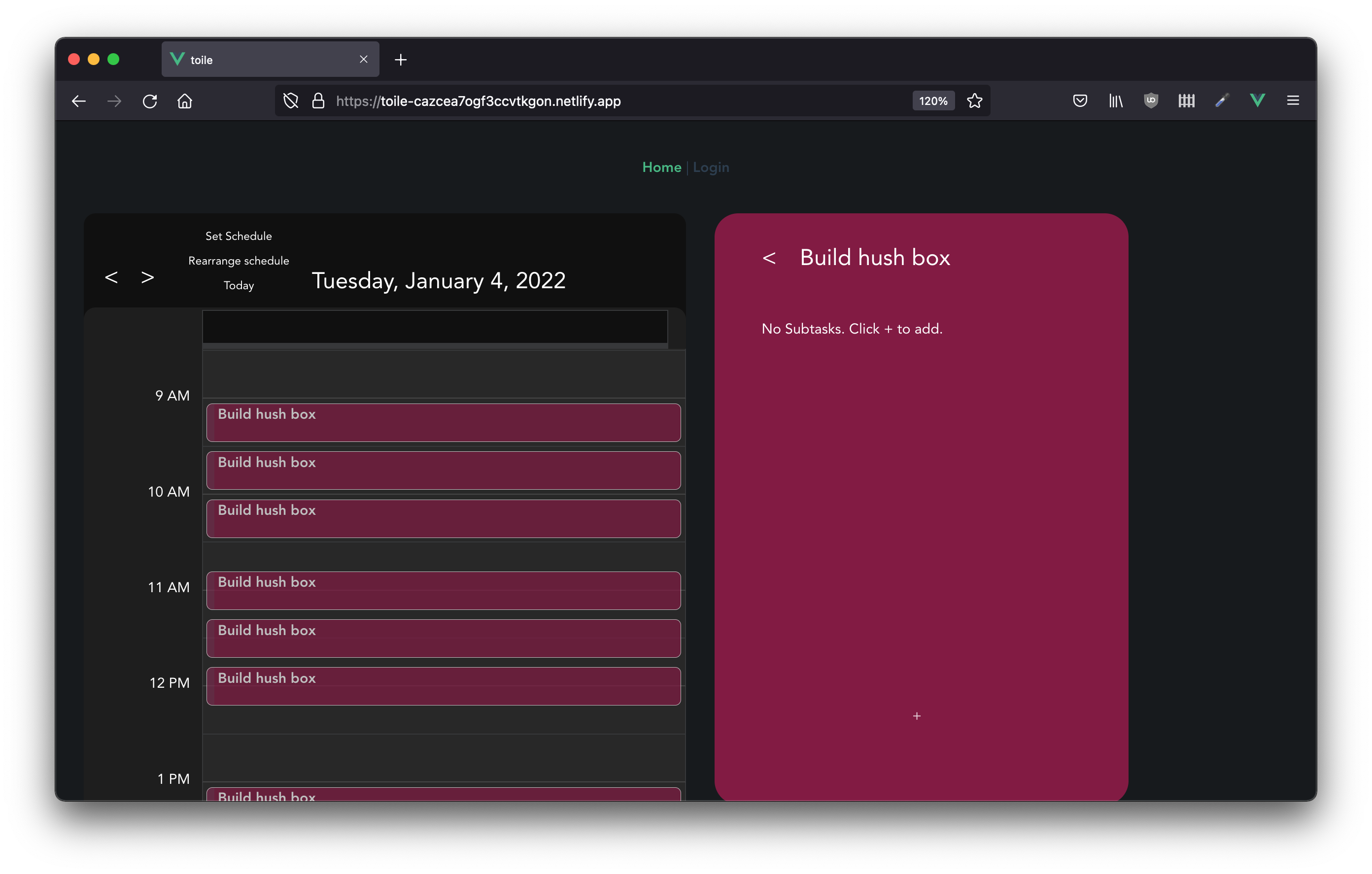
 There are none there yet, but with the 250 minutes earmarked for the project if the "Set Schedule" button is clicked, then a schedule will be layed out for the project in 25 minute pomodoros:
 More specific tasks can be added by clicking the "+" button. Doing some planning is a good starting point:
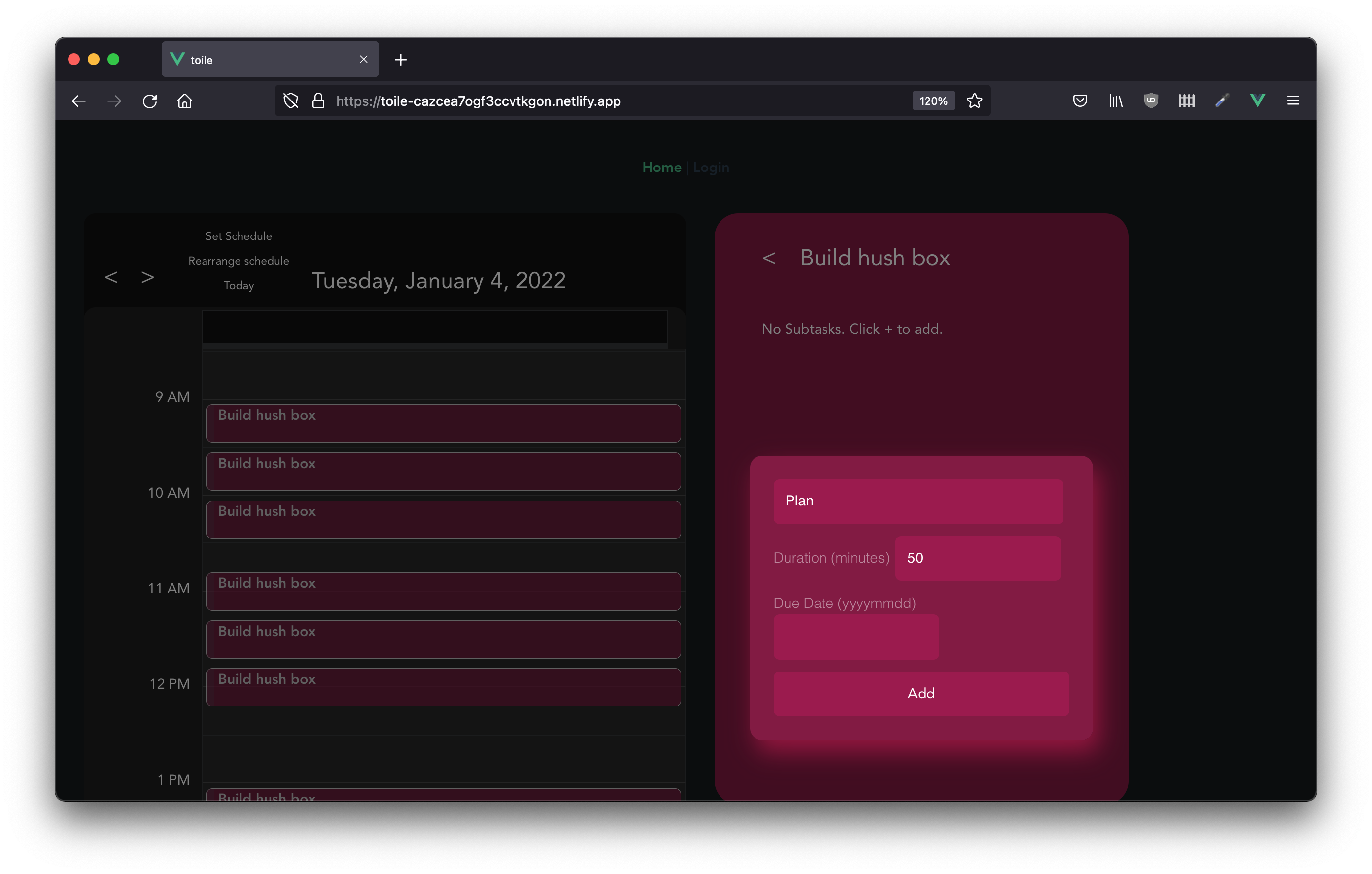 After adding the task, clicking "Set Schedule" again gives a more descriptive schedule:
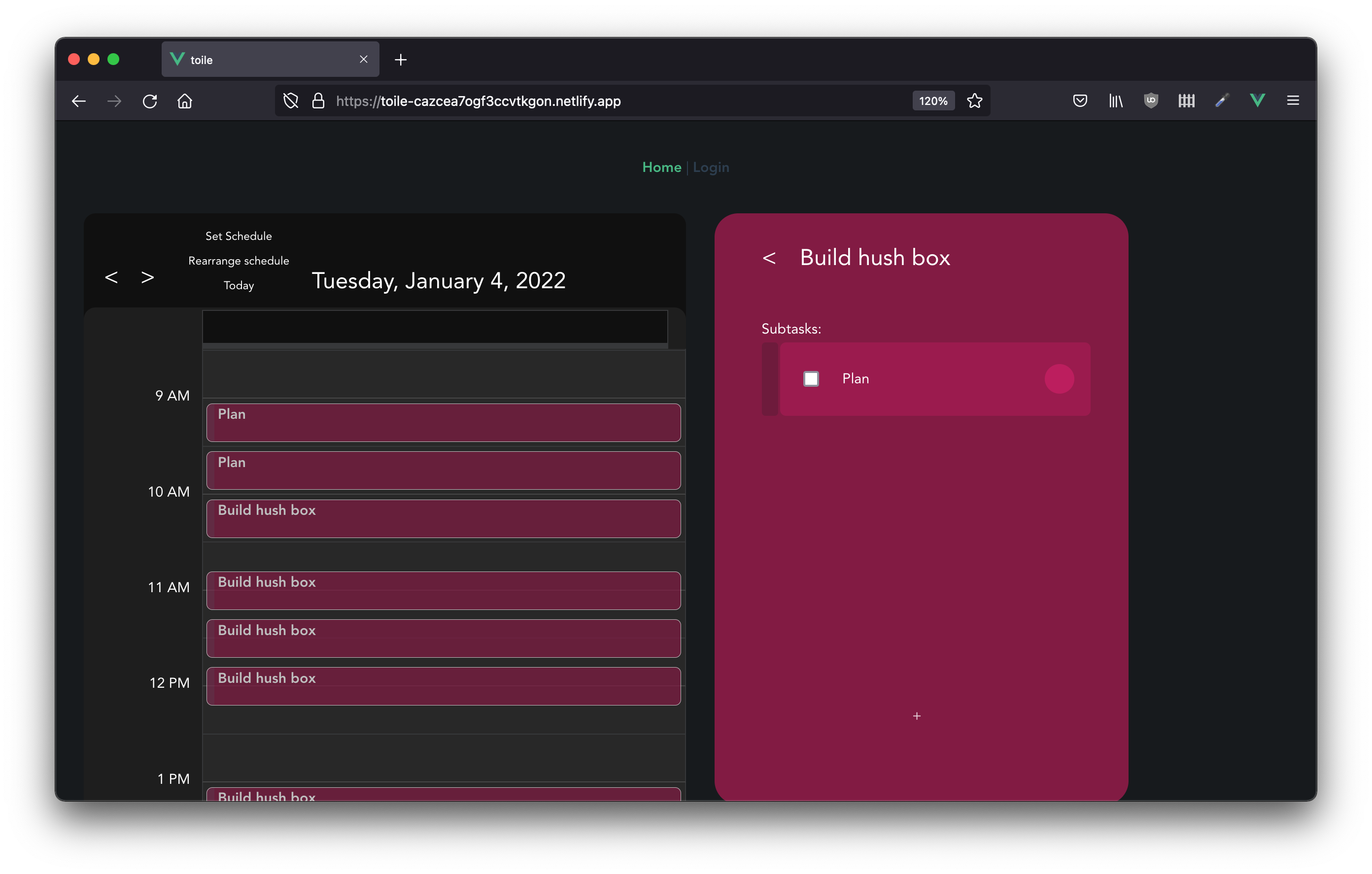 Adding specific subtasks:
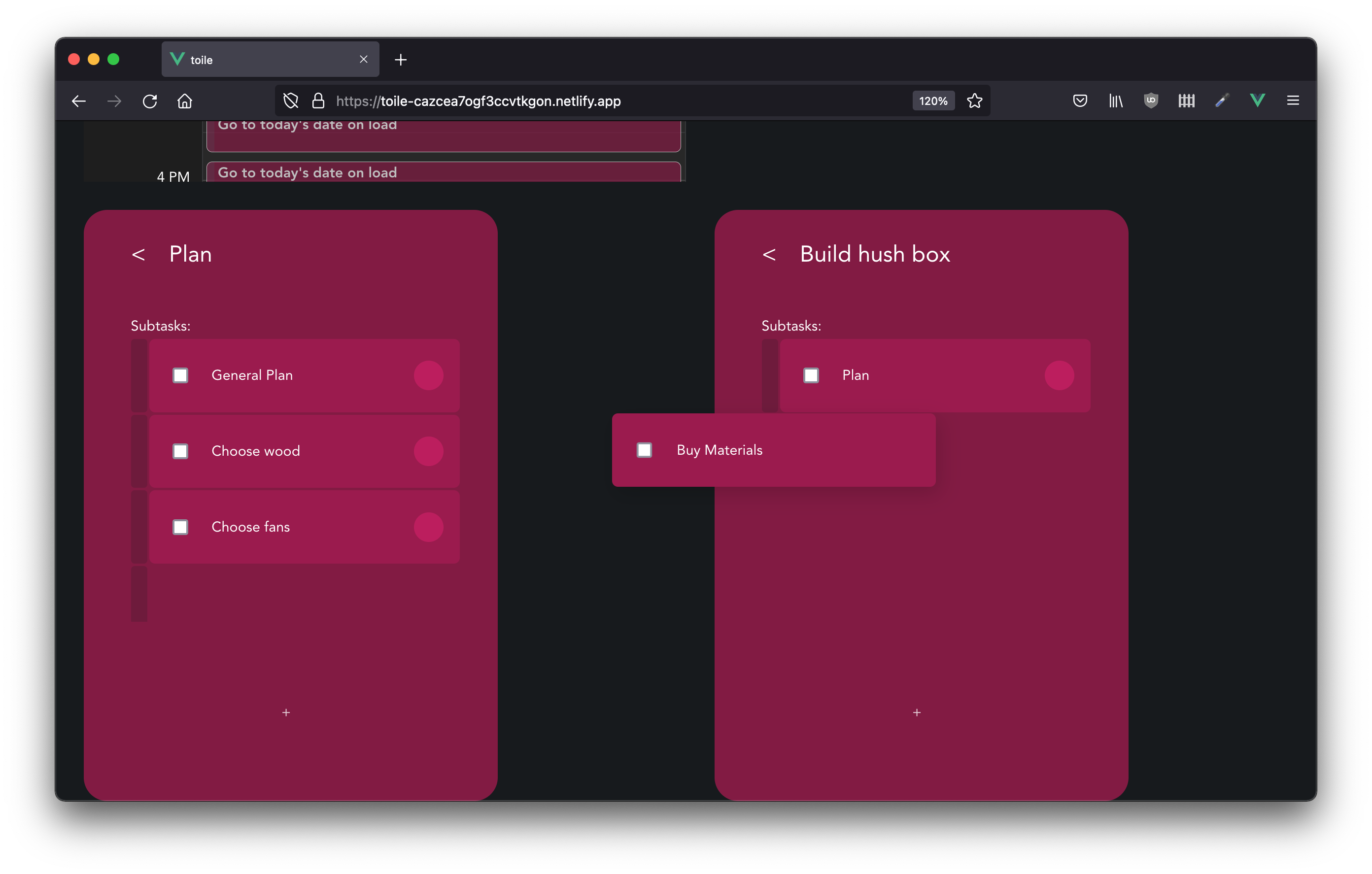
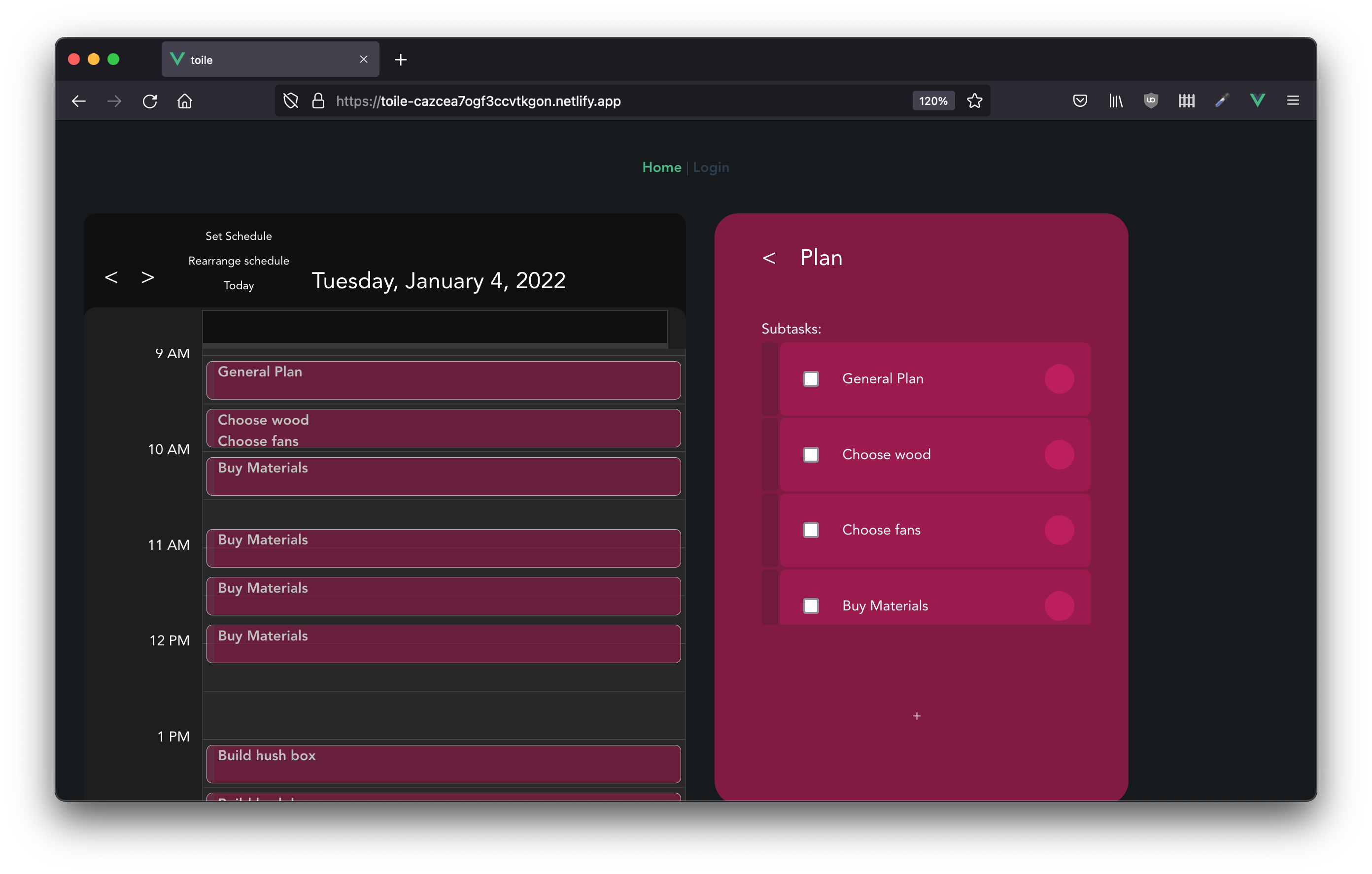 Oops. Buying materials isn't really part of the planning phase, so we can rearrange the list, (currently by scrolling down to where there are two navigable lists, pressing shift and dragging and dropping):
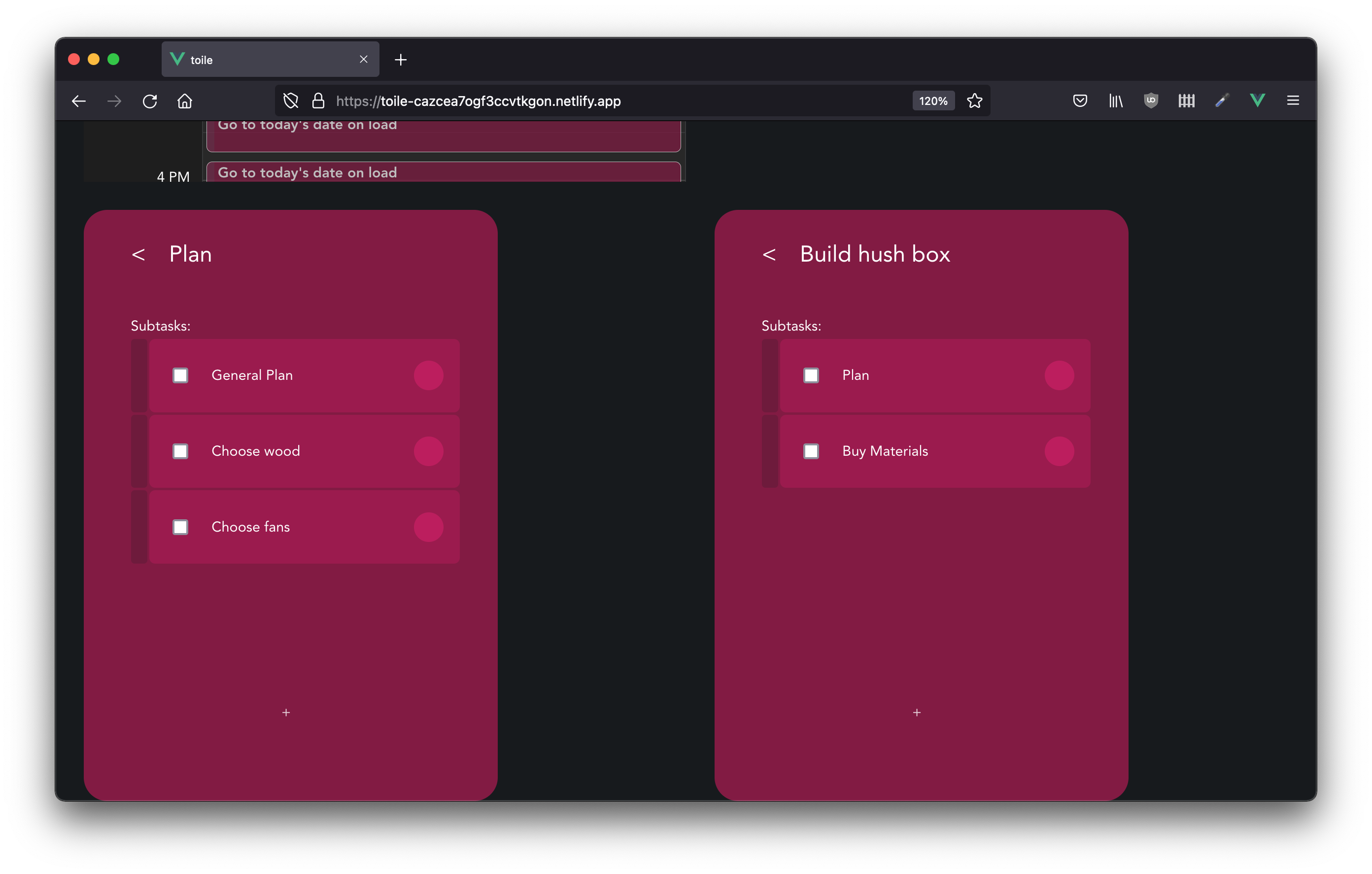 Filling out more tasks:
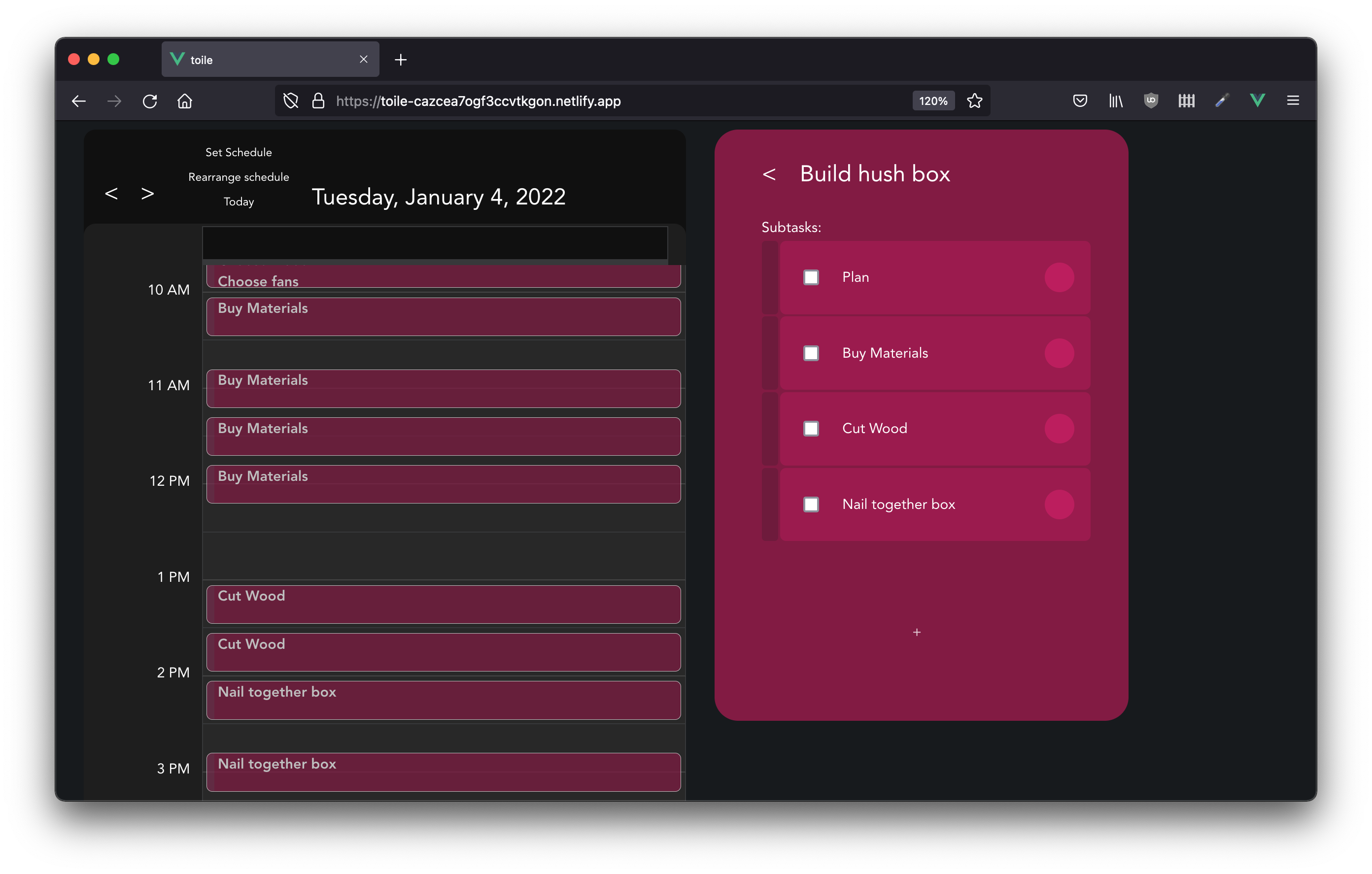 So it seems Larry borrowed a bunch of things, including the tools you need to make this project. You need to get them back, but this doesn't necessarily fit into the hierarchy of this project. Adding it as its own project:
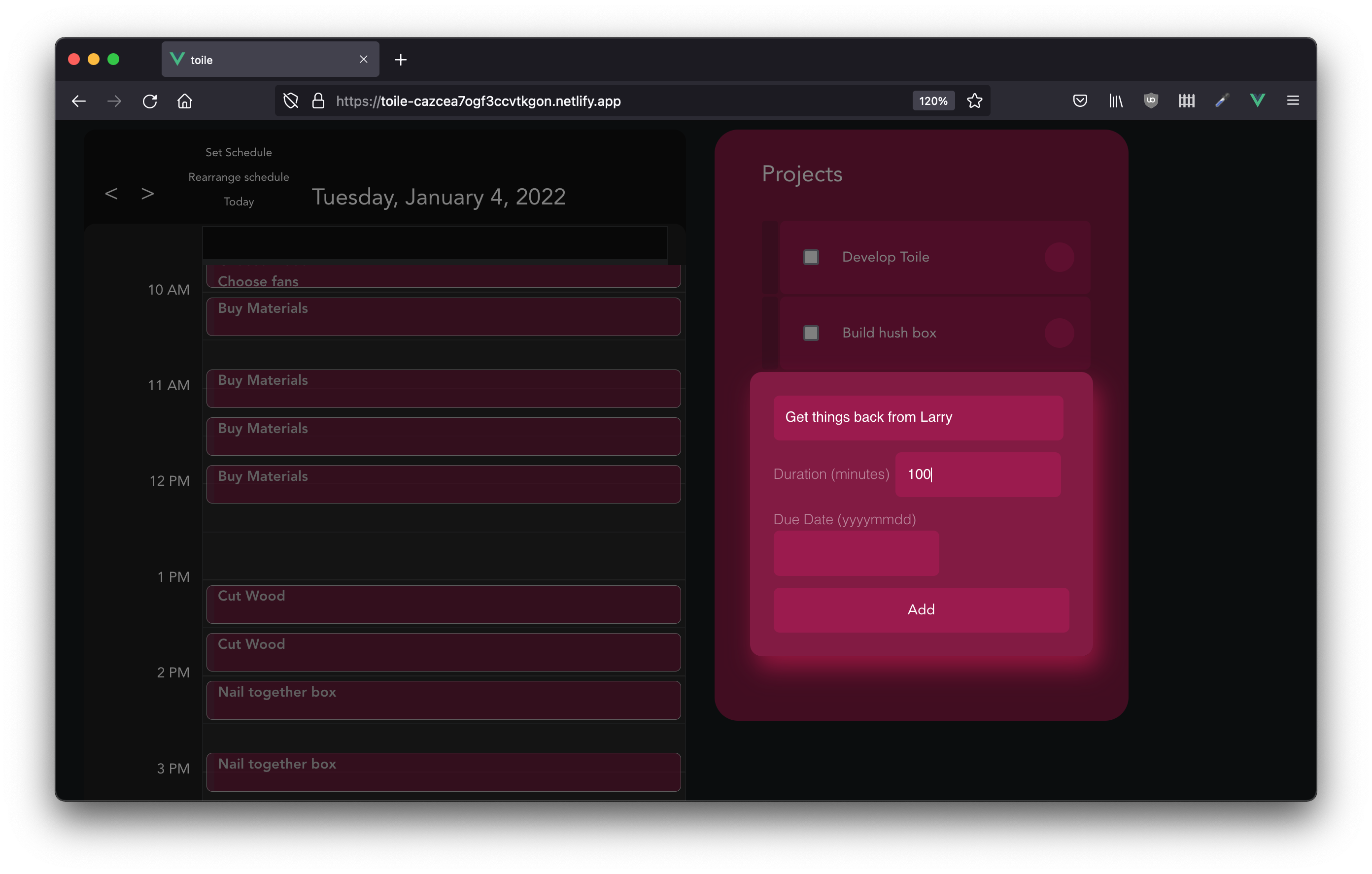 Then pressing shift to drag and drop the circle sets "Get things back from Larry" as a prerequisite for nailing together the project.
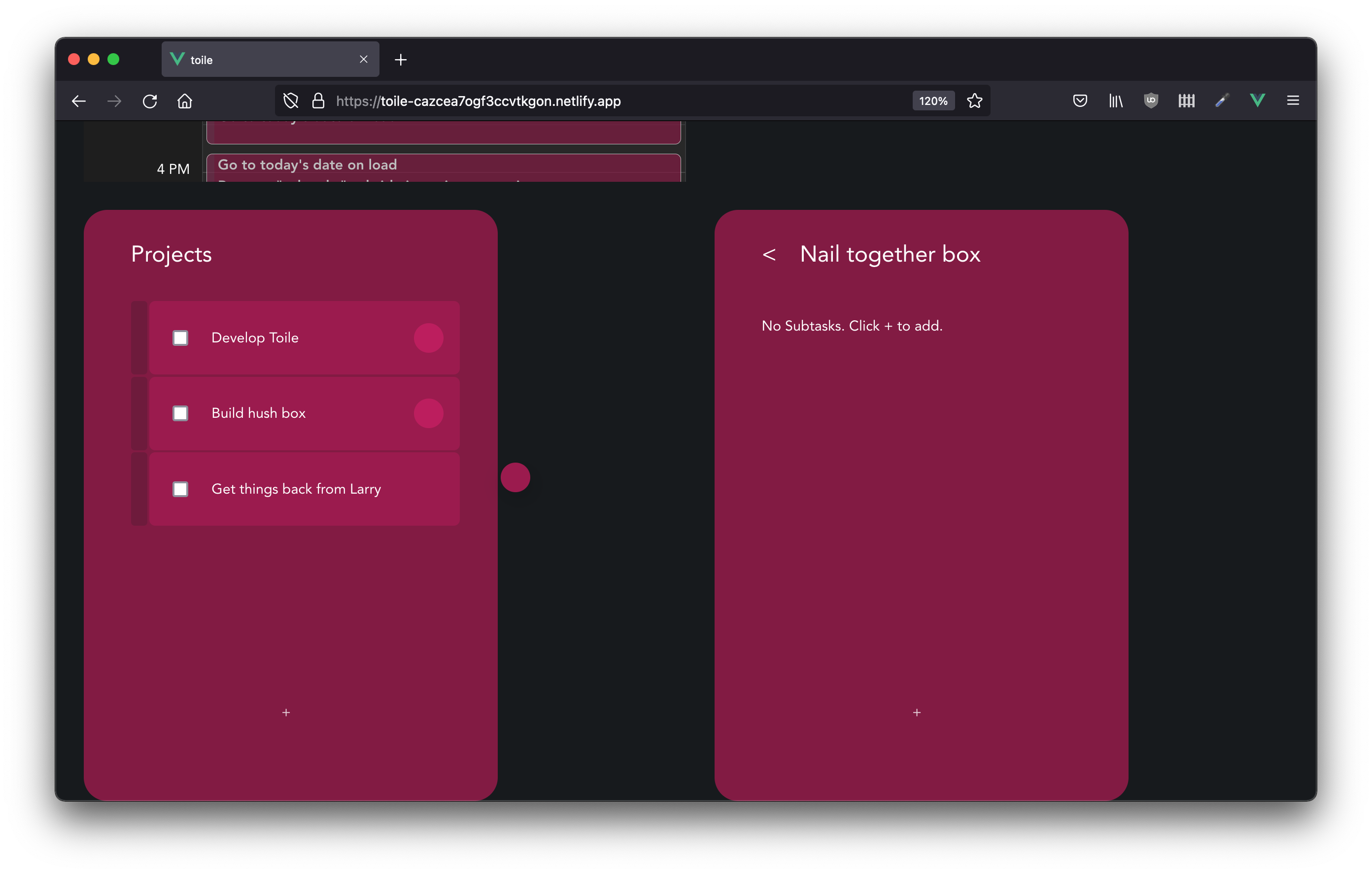
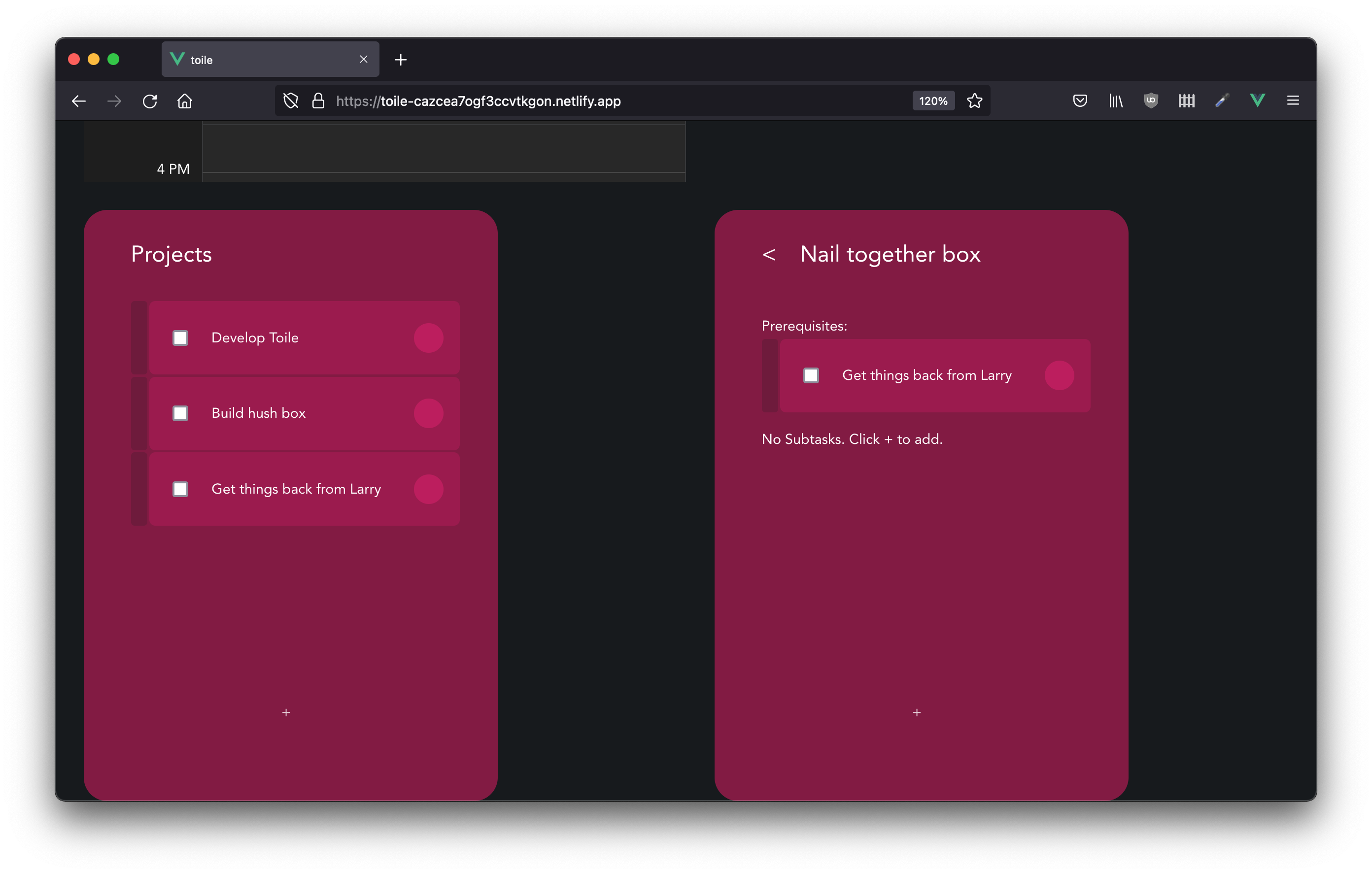 Then setting the schedule:
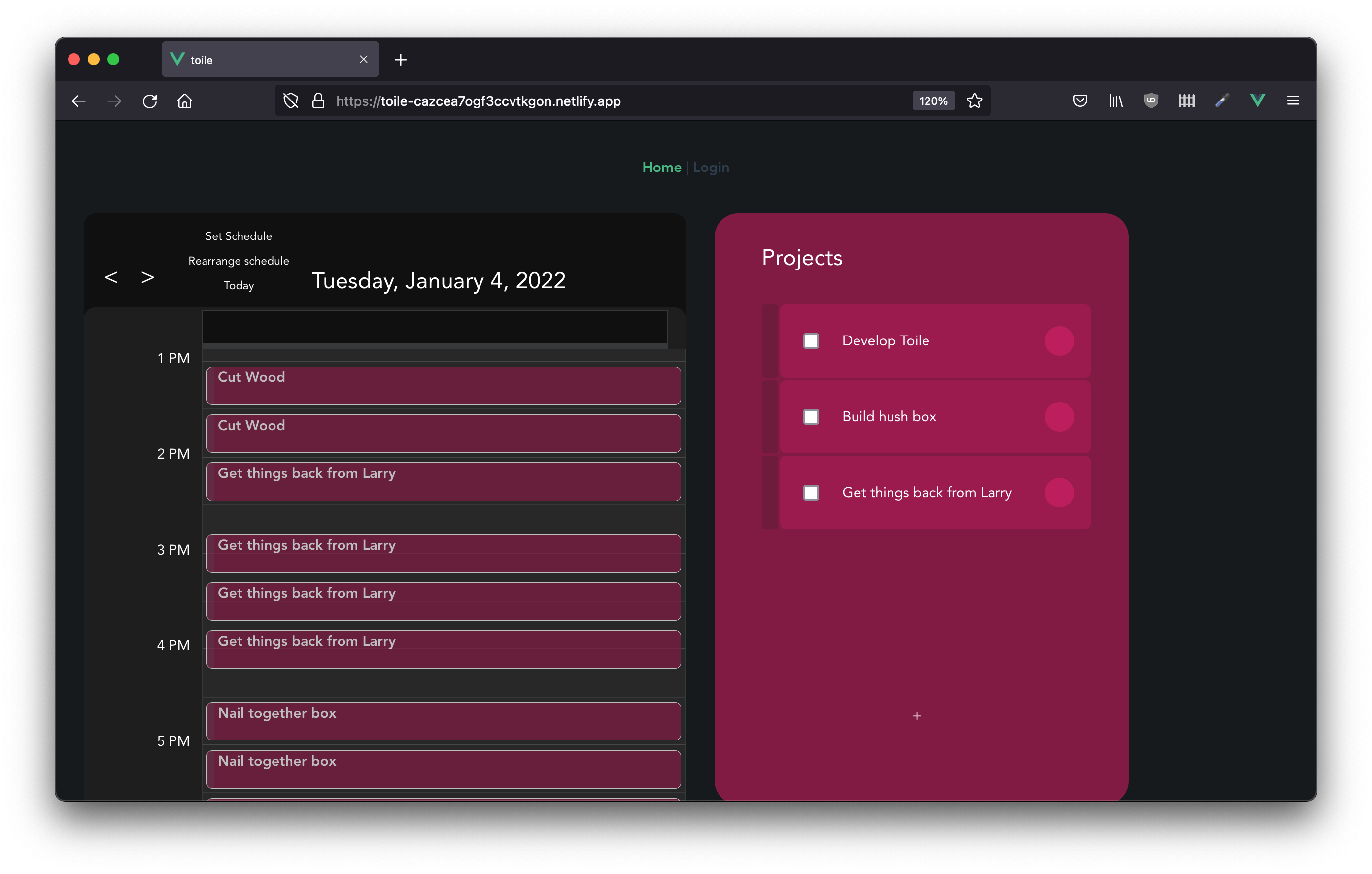
This is a bit of a contrived example, (and you'd probably need to work out a good time with Larry) but it illustrates how to create more of a web of tasks (or toile in french)
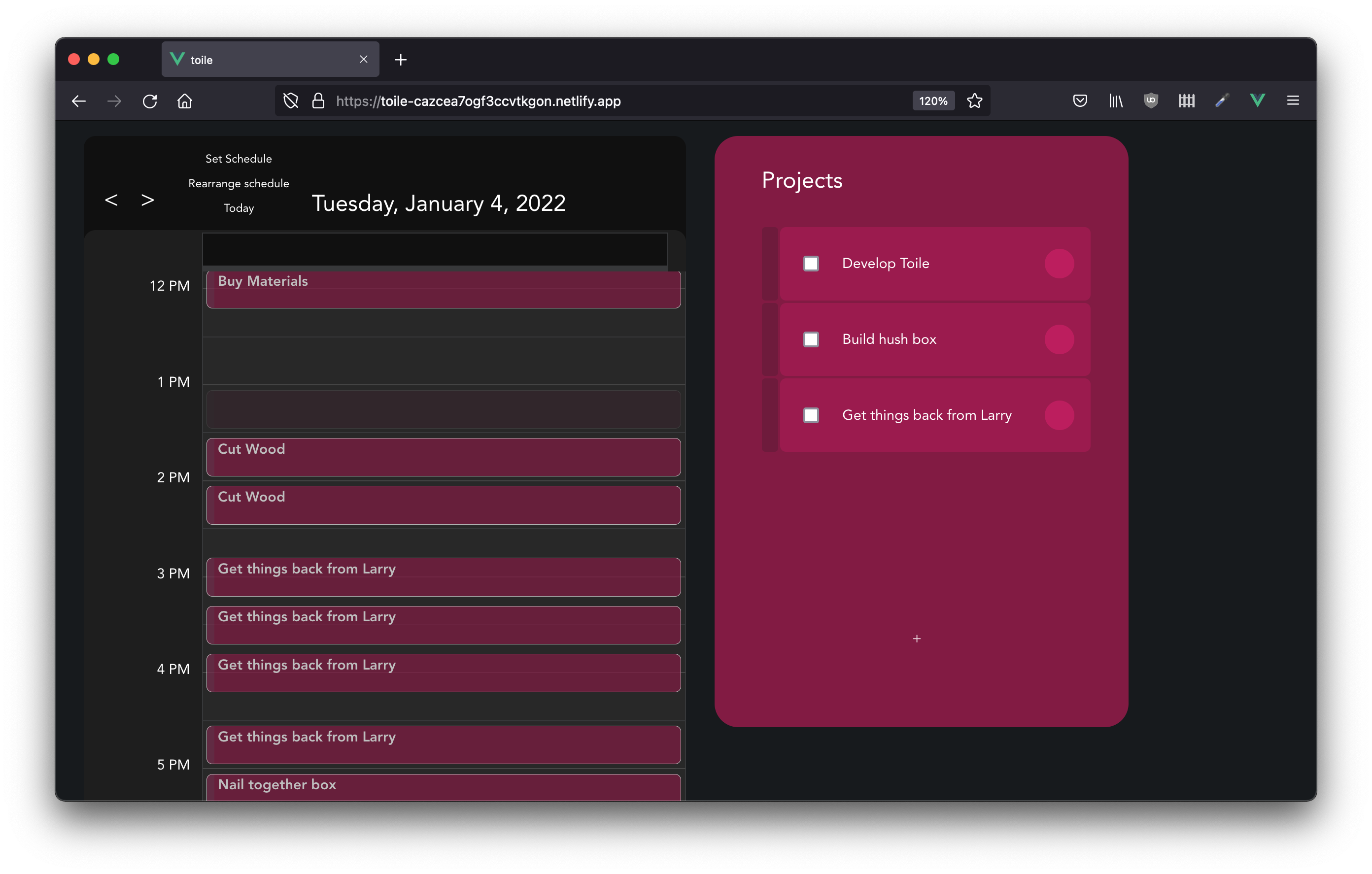
It is also possible to indicate that a timeslot should be left empty. Right now this is done by clicking on the timeslot:
- User Registration
- Calendar importation / set time event support
- Pomodoro timer integration with actual time worked tracking
- Project collaboration
- Travel time calculation
- Items checked off of list are still scheduled
- persistence of order changes/prerequisite setting