Configuration
To use this bot, if you don't already have a Discord Bot you will be required to create an application on the Discord Developer Portal.
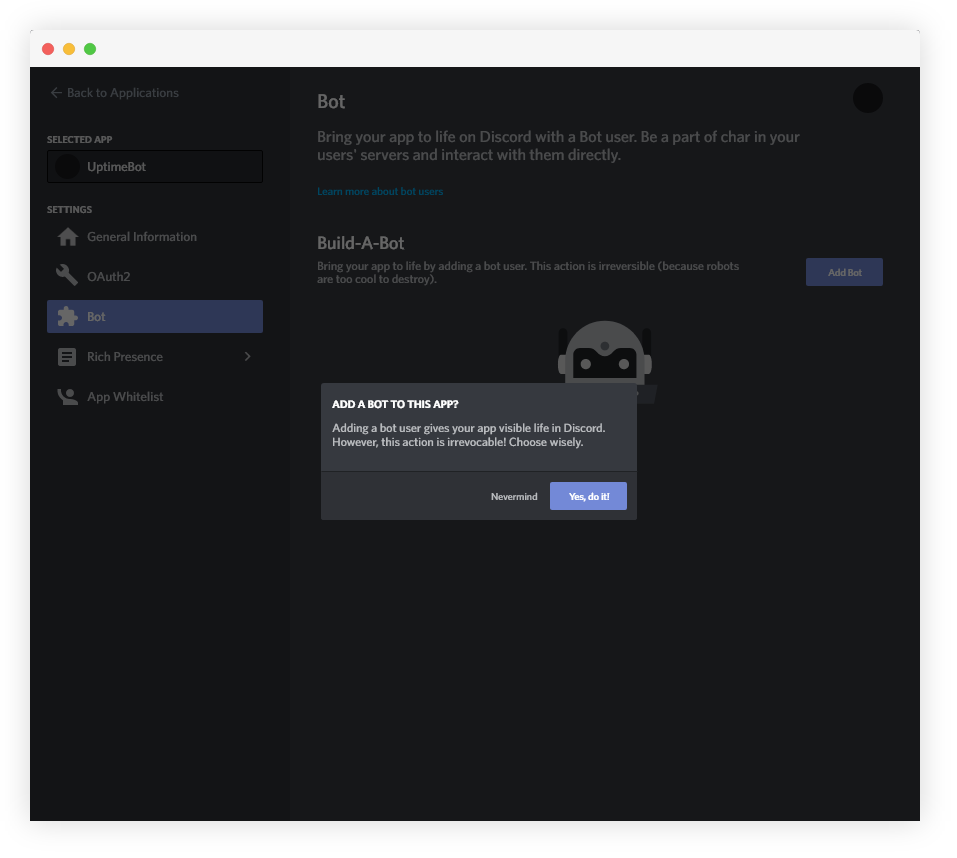
Enter your new application and under the bots section, select "Add Bot". When prompted for confirmation, select "Yes, do it!"
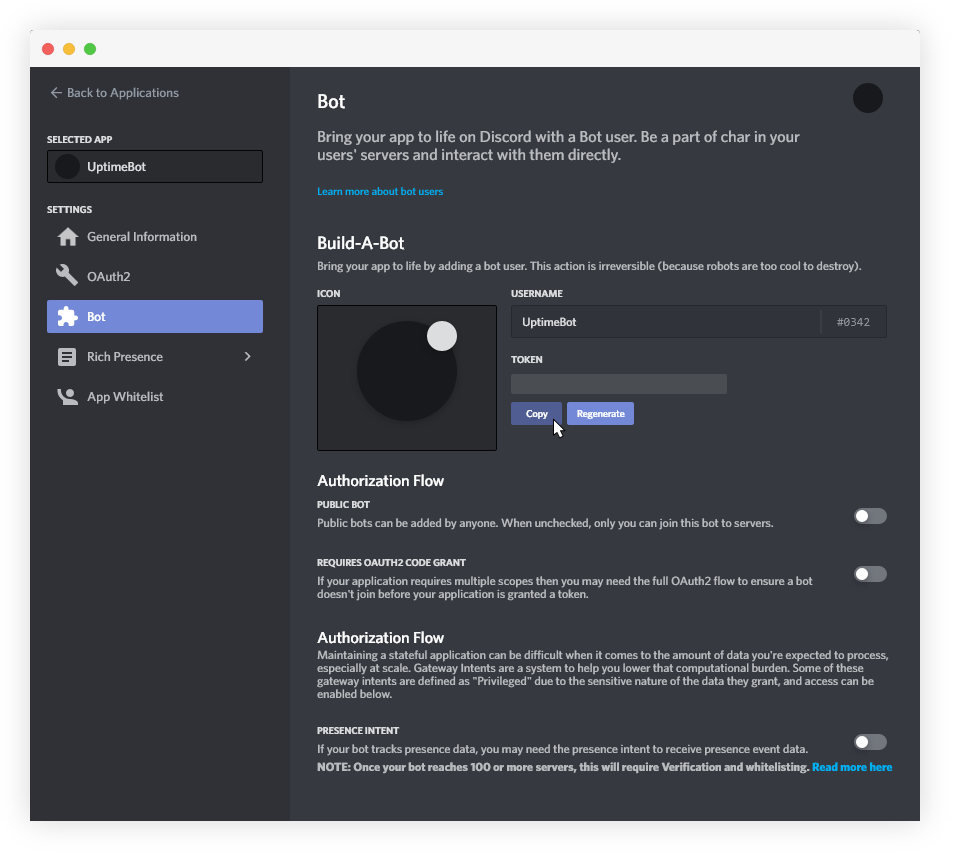
Once the bot account is created, you will need to copy its token.
Create a file named .env
Your .env file should look something like this:
discordBotToken=<botToken>
discordAuthorID=<yourDiscordID>
discordWebHookURL=<discordWebHookURL>

requestSecret=<yourAuthSecret>
uptimeRobotToken=<uptimeRobotAPIToken>
When you hit start everything should startup fine.
Projects made on the Repl.it Free Plan will only stay running 1 hour after the last request was made so additional steps are needed to keep the bot online permenantly. To achieve constant uptime you will need to step up a ping to the Flask Web Server approximately every 5 minutes.
Go to UptimeRobot and create an accout, if you dont have one. After verifying your account, click "Add New Monitor".
- For Monitor Type select "HTTP(s)"
- In Friendly Name put the name of your bot
- For your url, put the url of the website made for your repl.
- Select any alert contacts you want, then click "Create Monitor"

- For all embed parametes, see the Discord Webhook Documentation
- For the API Documentation, visit the UptimeRobot RESET API Docs.
 |
Using the UptimeRobot v2 API |