
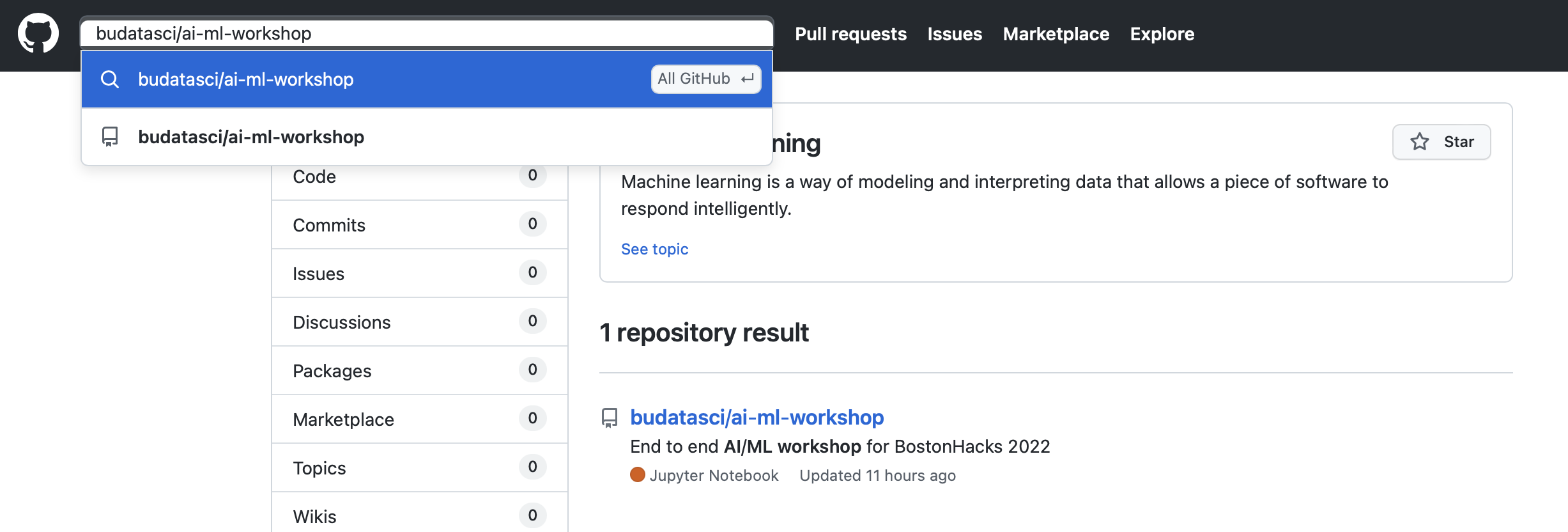
Search "bucssatech/ai-ml-workshop" in Github
Clone a Repository:
You can clone a repository from GitHub to make it easier to add or remove files, and push larger commits. When you clone a repository, you copy the repository from GitHub to your local computer.
How to Clone a Repository:
- On GitHub.com, navigate to the main page of the repository.
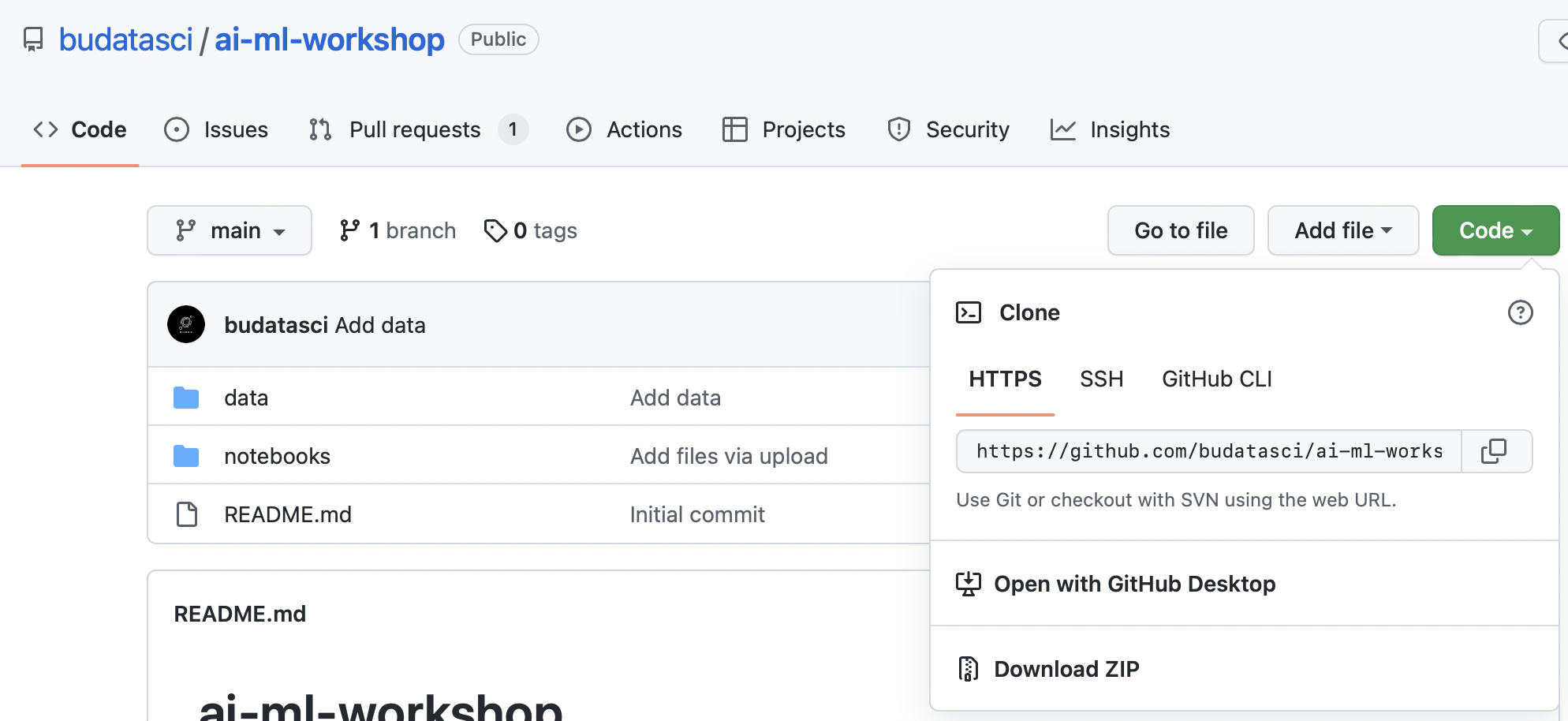
- Above the list of files, click Code
-
Copy the URL for the repository.
This workshop git clone HTTPS: https://github.com/budatasci/ai-ml-workshop.git
-
Open Terminal.
-
Change the current working directory to the location where you want the cloned directory
-
Type git clone, and then paste the URL you copied earlier.
$ git clone https://github.com/budatasci/ai-ml-workshop.git -
If this is your first git commit, you will need to configure your git username and email address. You can do this by typing the following commands:
 git config --global user.name "Your Name"
 git config --global user.email "
if you don't know your user name and email address, you can type the following command:
 git config --global user.name
 git config --global user.email