- This simple implementation aims to control a Wi-fi Mesh router to save energy and reduce exposure to electromagnetic radiation. Furthermore, using some RTOS functionalities, the system ensures that the ESP32 remains connected and that the relay remains in the state provided for the situation. The system also allows the ESP32 to go into deep sleep mode, waking up at a pre-set time.
- 1 ESP32
- 1 Relay
- Wifi
First, you must read the IP which the ESP32 connected to your local network in order to access the web page responsible for controlling the relay.

You should see the next:
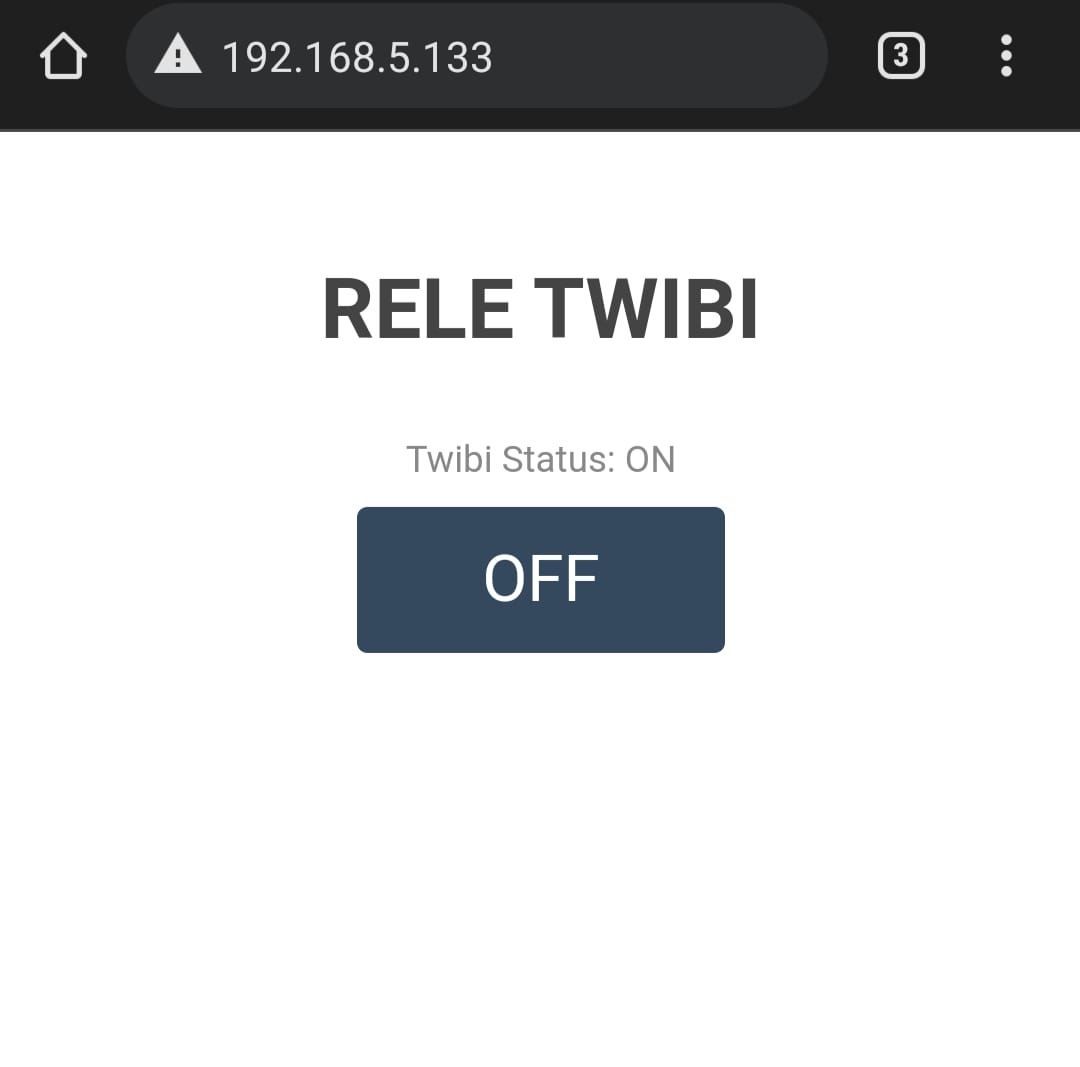
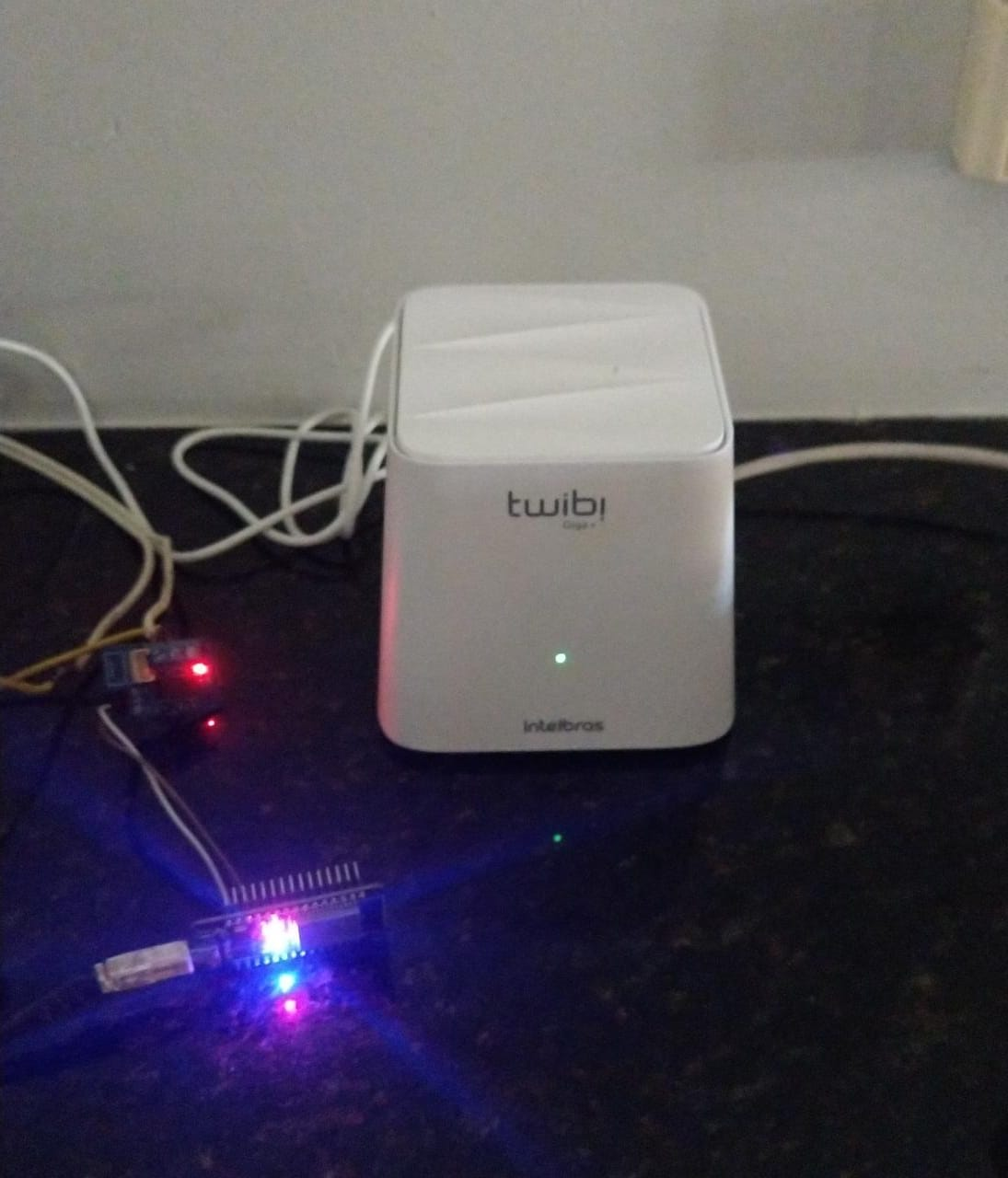
And the result should be:
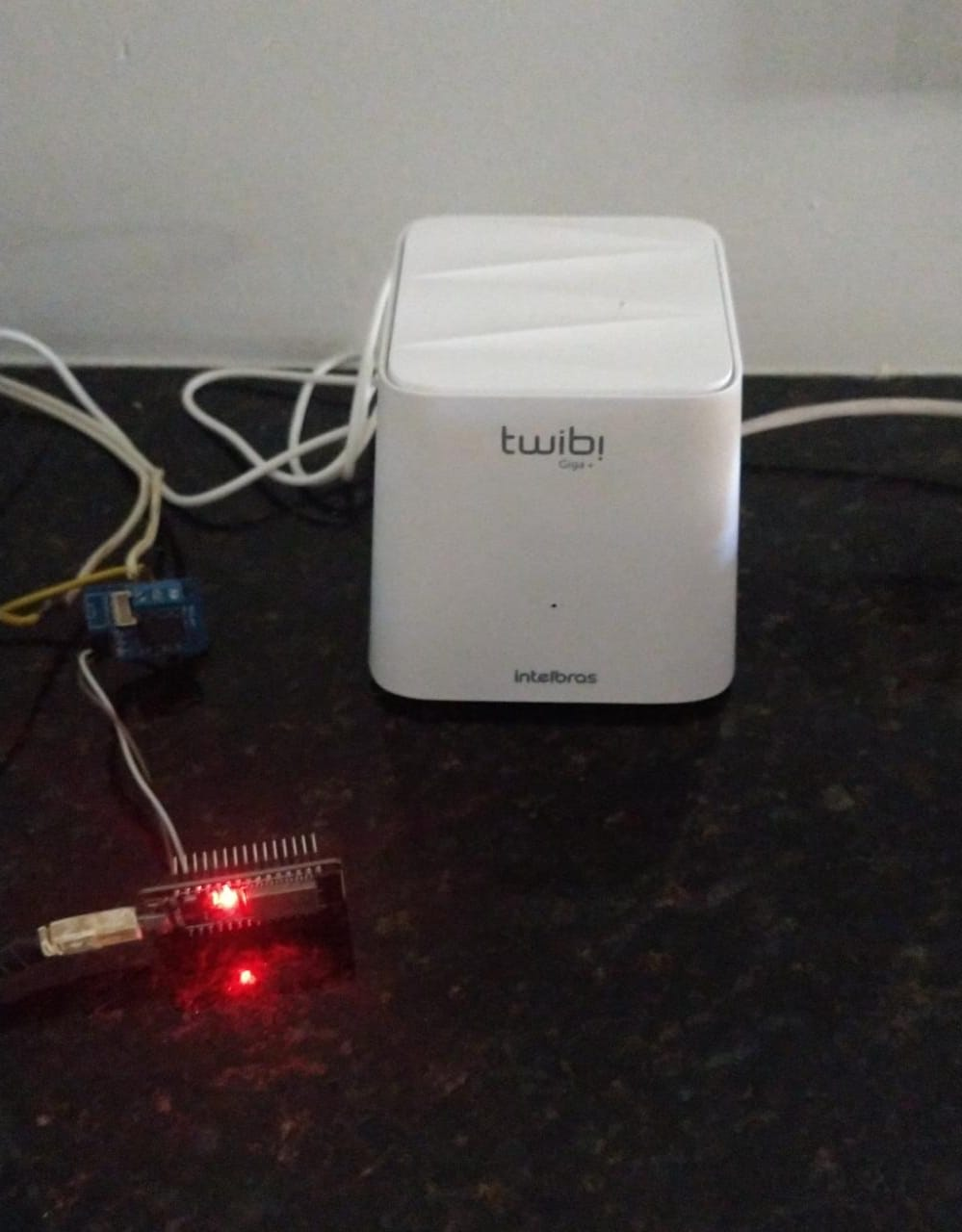
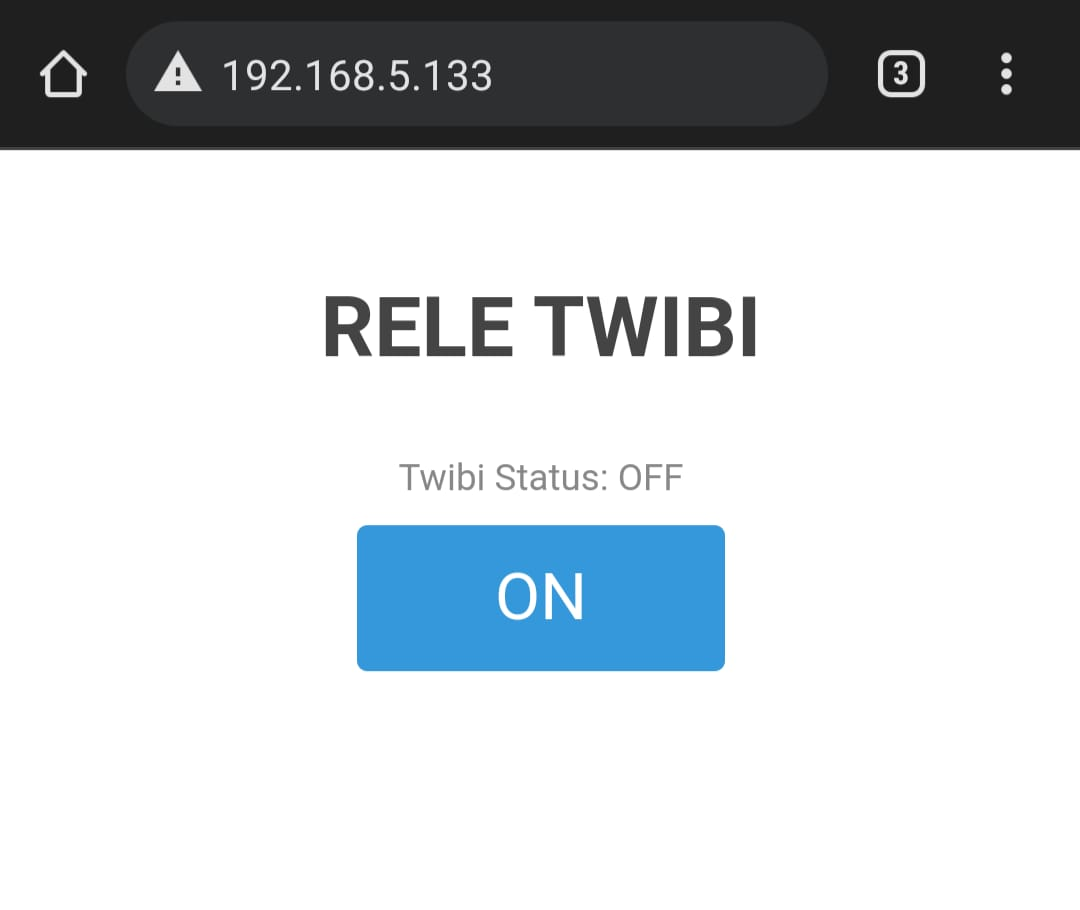
And if you click on "OFF" at the web page, it turns off:
And the Web page will show:
In ext_manager.h it's possible to configure the time that the relay will turn on on its own. The Relay Output Pin used here is GPIO15.
#define HORA_WAKEUP_FROM_OFF    7
#define RELAY_OUTPUT_PIN 15
In ext_manager.cpp its possible to configure the time zone:
configTime(-10800, 0, "pool.ntp.org");
To activate deep sleep mode, type in your browser (without the "):
"your-ESP32-IP"/sleepoff
The ESP32 will go into deep sleep and will wake up every 30min to check if its time to wake up for good, otherwise he will sleep again. You can change it in ext_manager.cpp
esp_sleep_enable_timer_wakeup(1800000000);