
Autodesk Maya 2020 plug-in to import LBA2 (Little Big Adventure 2) models and animations, it should work with previous versions but wasn't tested yet.
Requires the game data! Buy it from gog.com
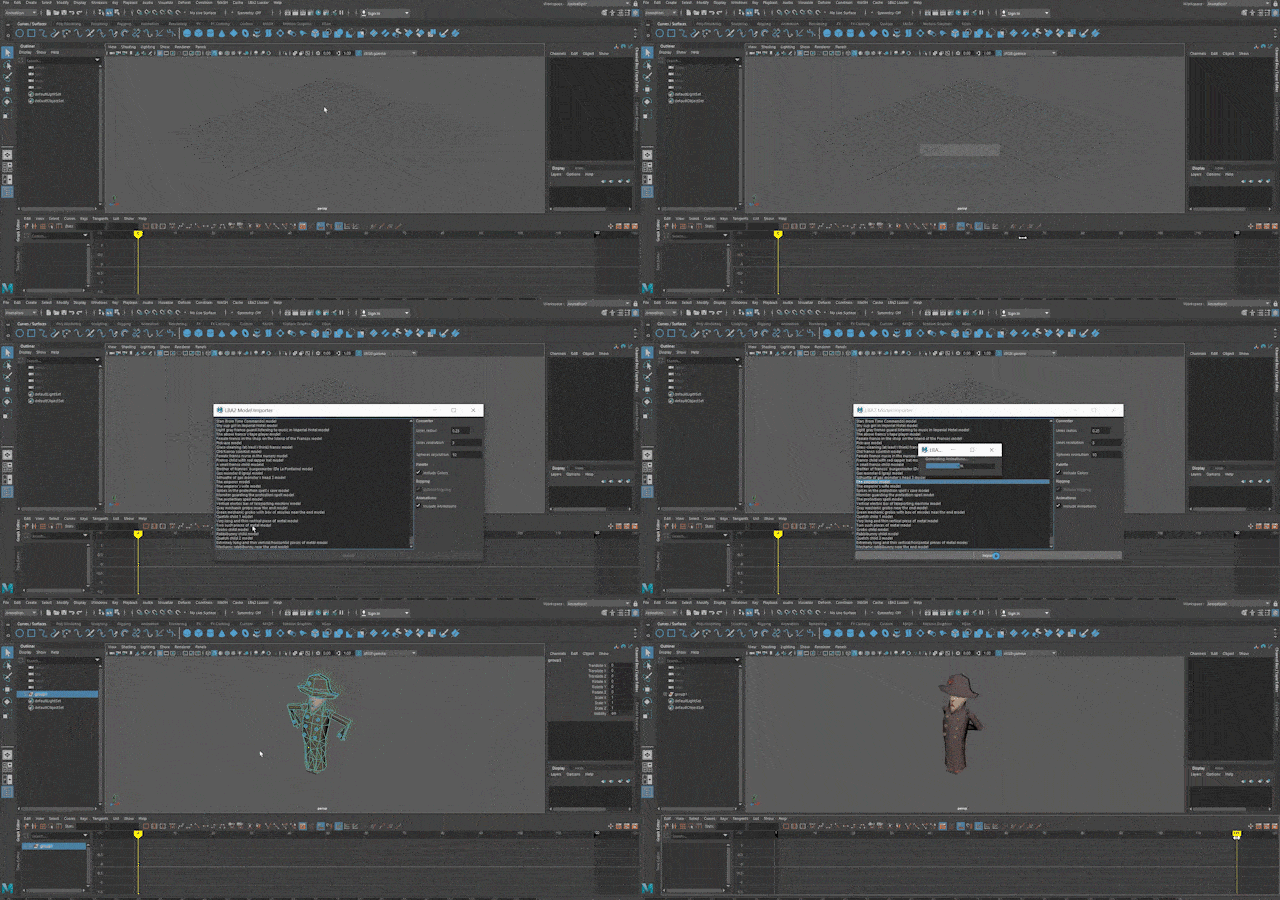
There are multiple ways to install a Maya plug-in, I believe this may be the easiest one:
- Download the lba2Maya folder and place it in a known location.
- Open Maya 2020, go to Windows > Settings/Preferences > Plug-in Manager
- With the Plug-in Manager open, click on Browse and open the file lba2maya.py in the folder previously downloaded
I tried to make this plug-in as intuitive as I could, but here are some instructions:
-
Before importing models, you need to open LBA2 Loader > Select LBA2 Folder...
-
Then, go to the root folder of your LBA2 installation and select it
-
With the LBA2 folder loaded, you are now able to open the Importer Menu by going to LBA2 Loader > Import Model
There are some options there that can be messed with, so it's important to know about the inner workings of this plugin:
Due to the low resolution displays used by the time this game was released, they could use simple pixel lines to represent thin objects, and apparently plain circles to represent round objects, I had to translate this ingenious techniques to make it work by creating spheres instead of circles, and cylinders instead of lines. You can tweak the line and sphere generator values, but I believe the current settings may be good enough.
- Fix some rotation issues
- Add a global scale setting
- find a better way to organize the imported mesh and joints
- This plugin makes use of @vegard's .HQR reader from his LBA1 to Blender Importer.
- The character names list was provided by Battler in this wiki page.