A lightweight, customizable React chatbot component that seamlessly integrates with the Austial platform for AI-powered customer conversations.


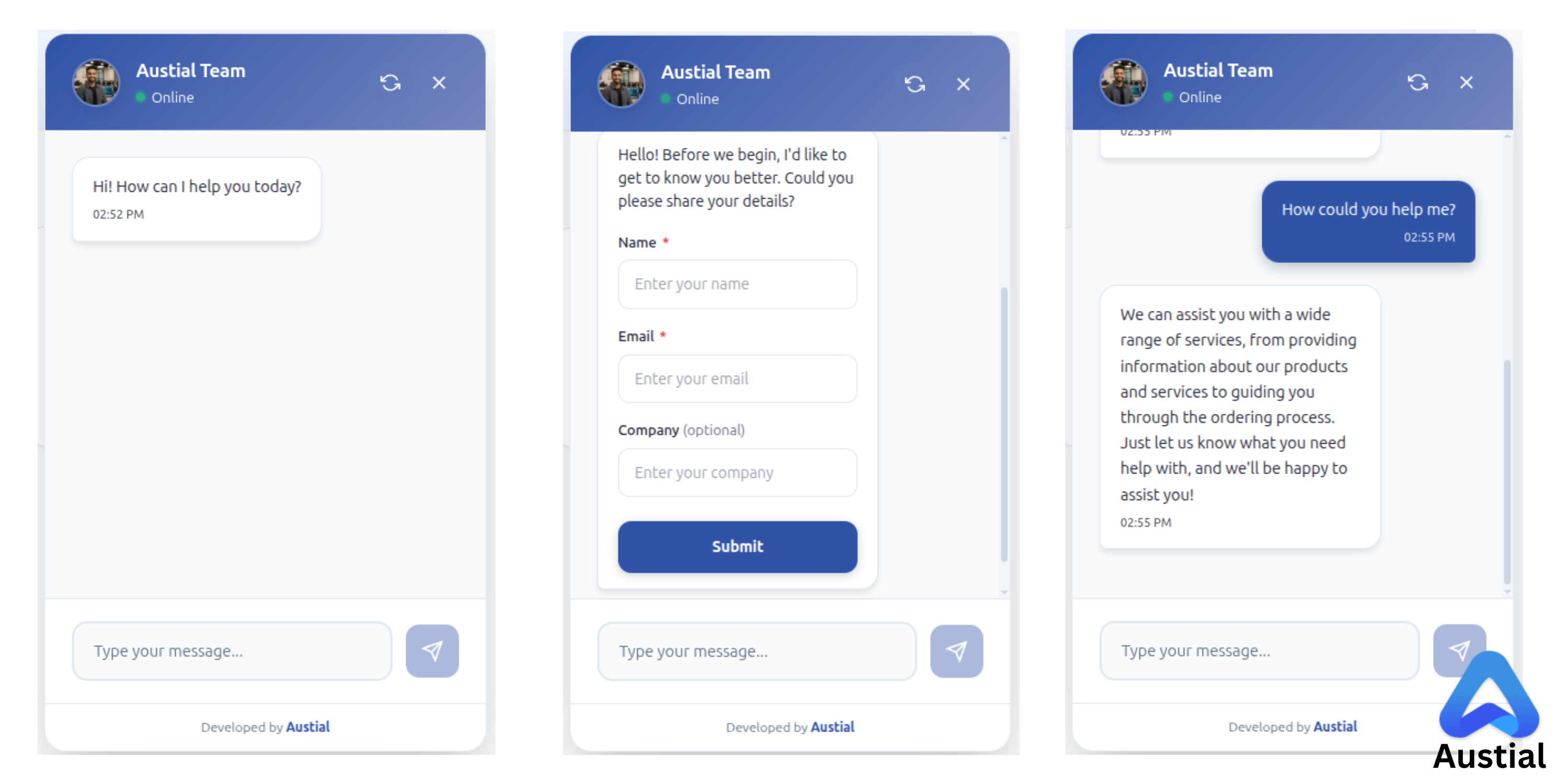
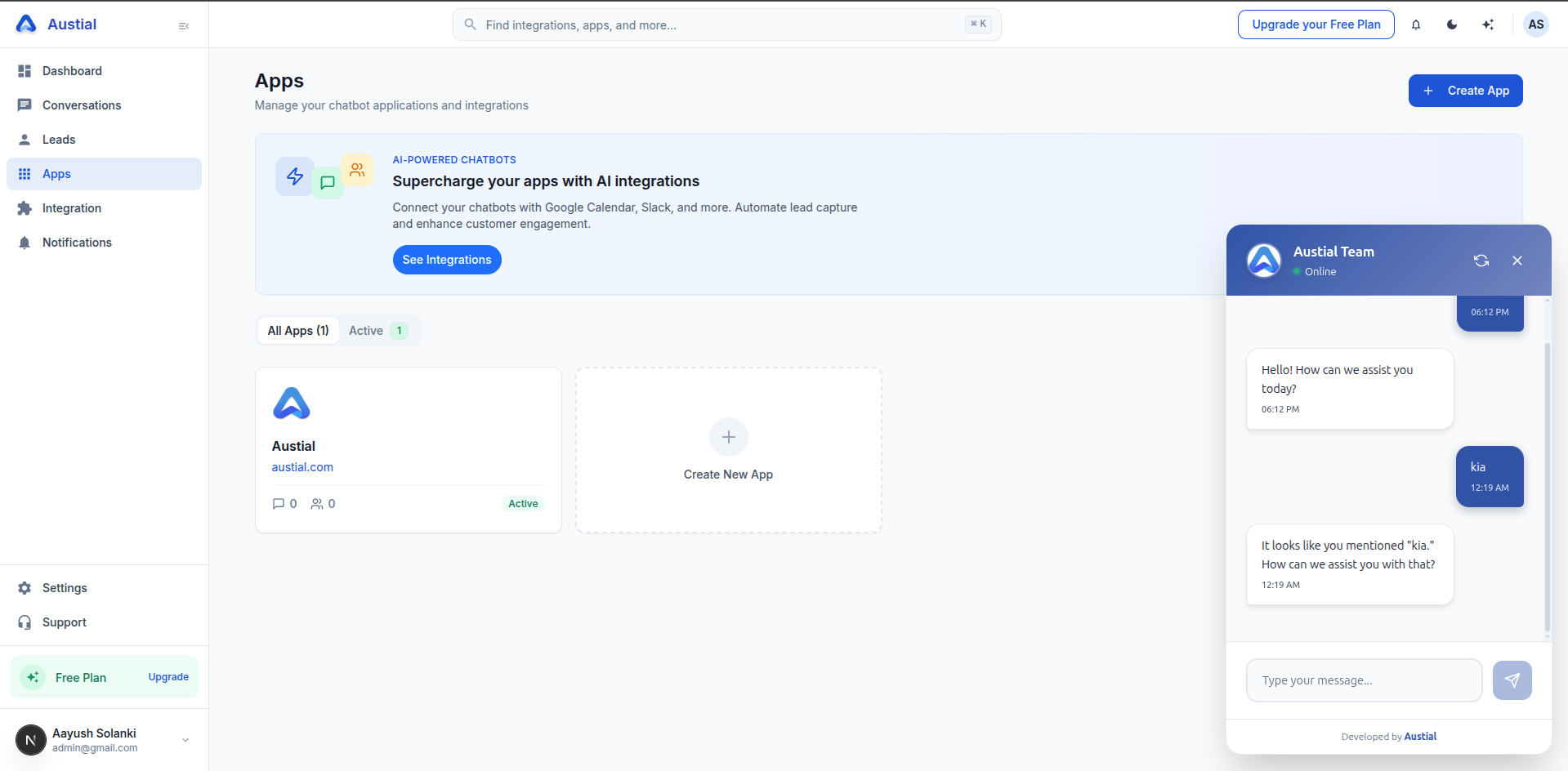
- Easy Integration - Use as npm package or script tag
- Cloud-Configured - All settings managed via Austial dashboard
- Responsive Design - Works seamlessly on all devices
- Secure - API key authentication with configurable security settings
Before using this widget, you need to:
- Sign up at Austial
- Create a chatbot in your Austial dashboard
- Get your credentials:
- Business ID
- API Key
All chatbot configurations (appearance, behavior, knowledge base, AI instructions, etc.) are managed through the Austial dashboard.
npm install @austial/chatbot-widget<script src="https://unpkg.com/@austial/chatbot-widget@latest/dist/austial-chatbot.iife.js"></script>import { Chatbot } from '@austial/chatbot-widget'
import '@austial/chatbot-widget/dist/style.css'
function App() {
return (
<Chatbot
config={{
businessId: 'your-business-id',
apiKey: 'your-api-key',
}}
/>
)
}<!DOCTYPE html>
<html>
<body>
<h1>My Website</h1>
<script src="https://unpkg.com/@austial/chatbot-widget@latest/dist/austial-chatbot.iife.js"></script>
<script>
window.AustialChatbot.init({
businessId: 'your-business-id',
apiKey: 'your-api-key',
})
</script>
</body>
</html>The widget only requires two parameters:
{
  businessId: string // Your unique business identifier from Austial
  apiKey: string // Your API key from Austial dashboard
}
All other configurations are managed through your Austial Dashboard:
- Business Information - Name, description, branding
- Chatbot Settings - Bot name, avatar, welcome message, placeholder text
- UI Interface - Colors, position, themes, styling
- Knowledge Base - Upload files and documents for AI training
- AI Instructions - Custom prompts and behavior rules
- Security - Access control, rate limiting, domain restrictions
- Analytics - Conversation insights and performance metrics
The widget connects to the Austial platform to:
- Fetch your chatbot configuration automatically
- Process user messages with AI
- Store conversation history
- Apply your custom knowledge base
- Enforce security settings
Visit www.austial.com to:
- Create and manage chatbots
- Configure appearance and behavior
- Upload knowledge base files
- Customize AI instructions
- View analytics and conversations
- Manage API keys and security
window.AustialChatbot.init({
  businessId: 'your-business-id',
  apiKey: 'your-api-key',
})window.AustialChatbot.destroy()- Chrome (latest)
- Firefox (latest)
- Safari (latest)
- Edge (latest)
Full TypeScript definitions are included:
import type { ChatbotConfig, Message } from '@austial/chatbot-widget'- Website: www.austial.com
- Dashboard: www.austial.com/dashboard
- Documentation: GitHub Repository
- Issues: GitHub Issues
- Email: info@austial.com
MIT © Austial