⚡ Glass-Engineered Multi-System Control Plane ⚡ 玻璃拟态多系统控制中枢
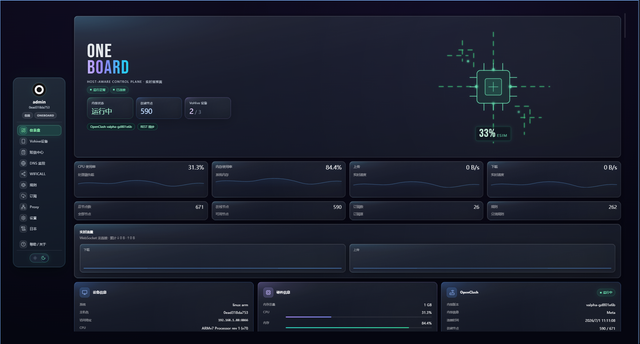
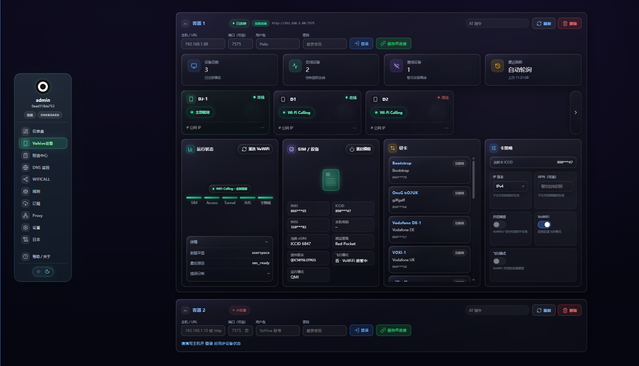
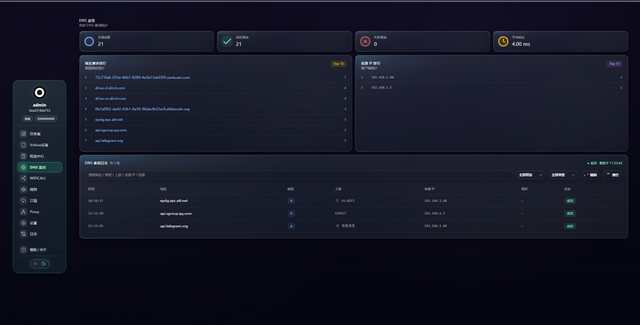
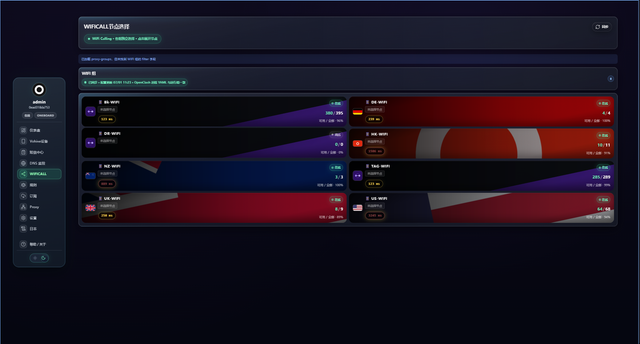
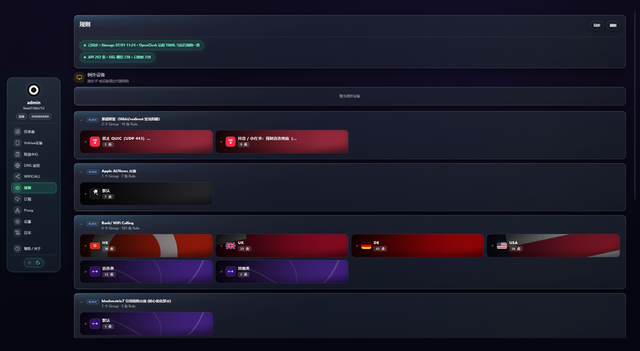
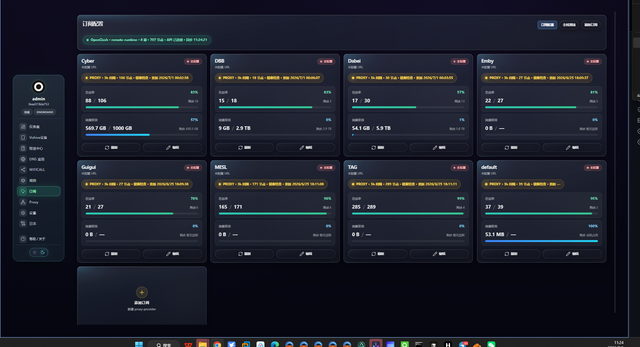
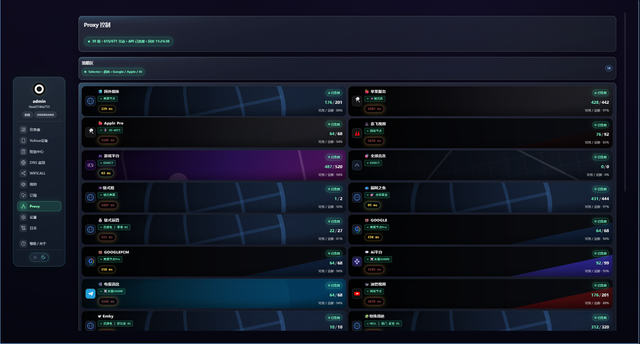
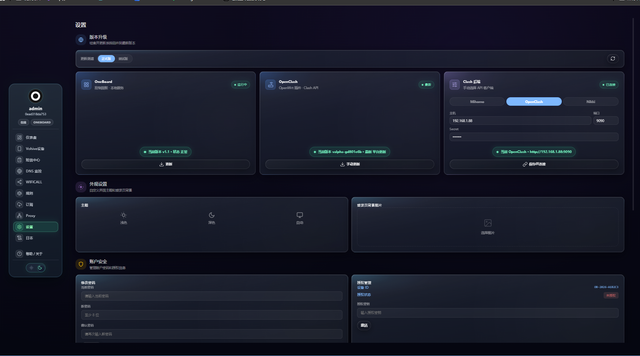
那天晚上的一个情景再现。
你在 Vohive 切节点,又打开 ZashBoard 去改规则,再去 Mihomo / Clash 面板确认状态,最后还要进 YAML 手动补配置。
整个流程很熟悉,但也很割裂:
- 每个工具都能用
- 但没有一个是整体系统
- 状态不统一
- 操作不闭环
- YAML 永远躲不掉
于是一个很直接的想法出现了:
既然这些系统都已经成熟,那为什么不能把它们统一成一个控制层?
不是再做一个面板,而是做一个真正的:
Multi-System Control Plane(多系统控制中枢)
OneBoard 就是在这种思路下诞生的——一个把 Mihomo / VoHive / OpenClash / Docker 统一到同一操作空间的控制平台。
- Multi-backend orchestration (Mihomo / VoHive / Clash)
- Real-time traffic & device monitoring
- SIM / eSIM lifecycle control
- Messaging center integration (SMS)
- Smart proxy routing engine
- Glass UI (light & dark mode) + iOS 26 liquid-glass mobile experience
- Docker multi-architecture deployment
- ARM / x86 / NAS / OpenWrt support
- Auto backend switching (no stale state)
docker pull ghcr.io/asrtroh-netizen/oneboard:latest

docker run -d --name oneboard --restart unless-stopped \
  -p 8866:8866 ghcr.io/asrtroh-netizen/oneboard:latest
访问 / Open: http://YOUR-IP:8866
一行远程安装,自动识别 CPU 架构并选择安装方式(需要路由器可访问 GitHub):
wget -O install.sh https://github.com/asrtroh-netizen/oneboard/releases/latest/download/install.sh
sh install.sh remote| 架构 | 安装方式 |
|---|---|
| x86_64 / amd64 | 预编译二进制(无需安装 Node.js) |
| aarch64 / arm64 | 预编译二进制(无需安装 Node.js) |
| armv7 | 预编译二进制,缺席时自动回退 Node 通用包 |
| MIPS 及其他 | Node 通用包(先 opkg update && opkg install node) |
也可以先手动下载 Releases 资产再本地安装:
sh install.sh auto      # 自动:优先二进制,回退 Node 包
sh install.sh binary    # 强制二进制模式
sh install.sh node # 强制 Node 模式- 每个 Release 附
SHA256SUMS,可用sha256sum -c SHA256SUMS校验完整性 - OpenWrt 默认端口
18080,配置在/etc/onebord/onebord.env - 服务管理:
/etc/init.d/onebord start|stop|restart(procd 守护,崩溃自拉起)
Docker : http://YOUR-IP:8866
OpenWrt: http://ROUTER-IP:18080
Username: admin
Password: admin
- 首次登录会强制修改默认密码
- 登录接口内建暴力破解防护:同一 IP 连续失败 5 次起锁定,指数退避最长 15 分钟
- 会话默认 7 天有效并滚动续期,重启服务不掉线
Frontend  : Vue 3 + Vite
Backend   : Node.js Gateway (zero-framework, ESM)
Adapters  : Mihomo / VoHive / Clash
Tests     : node:test (server modules)
Deployment: Docker multi-stage build / OpenWrt binary & Node bundle
Linux · NAS · OpenWrt · ARM · x86 · HomeLab
- 不建议直接暴露公网
- Mihomo / VoHive 需手动配置
- 网络问题优先检查 DNS / 路由
8866  (Docker)
18080 (OpenWrt)
You are not just using a dashboard. You are operating a control plane. 你不是在使用一个面板,你是在操作一个系统级控制中枢。
Running · Stable · Production Ready · Multi-platform
asrtroh-netizen Built for fun → Became serious → Now it controls networks. TG: https://t.me/OneBoardX
- Mihomo: https://github.com/MetaCubeX/mihomo
- Clash / OpenClash: https://github.com/Dreamacro/clash + https://github.com/vernesong/OpenClash
- VoHive: https://github.com/iniwex5/vohive-release
OneBoard = Control the Invisible