



Zentry is a Free and Open Source desktop application & a browser extension designed to boost your productivity by blocking distracting websites and applications. Take control of your focus, combat procrastination, and make your study or work sessions more efficient.
Initially a project made during Explore & Design - Google Developer Groups Kutaisi Hackathon 2025
git clone https://github.com/anrj/zentry.gitcd zentryThe main app is built with Node.js and Electron.js, so make sure the necessary dependencies are installed.
https://nodejs.org/en/download
- You need to install the dependencies for the desktop app.
cd app
npm iWarning
There is a bug in the project that prevents the electron executable build to work as intended. Instead run the project with npm
cd app
npm start
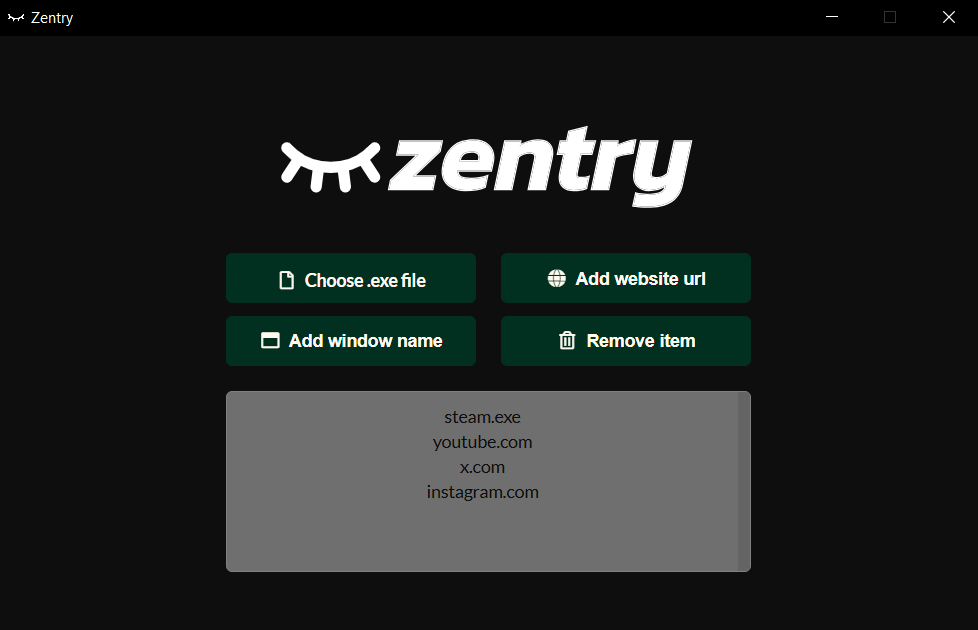
You have to install the web extension to be able to block web pages and see the motivational messages.
Note
The extension is not currently published to the Chrome web store as the review process takes upto 3 days, well exceeding the hackathon time window. It has to be installed as an unpacked extension.
-
Enable Developer Mode through the browser extensions page Navigate to
chrome://extensions/and enable Developer Mode (should be at the top right corner of the page). -
Select
load unpackedand choose theextensiondirectory from the repository.
Important
The extension is operated through the desktop app, make sure to refresh it when adding new content filters.
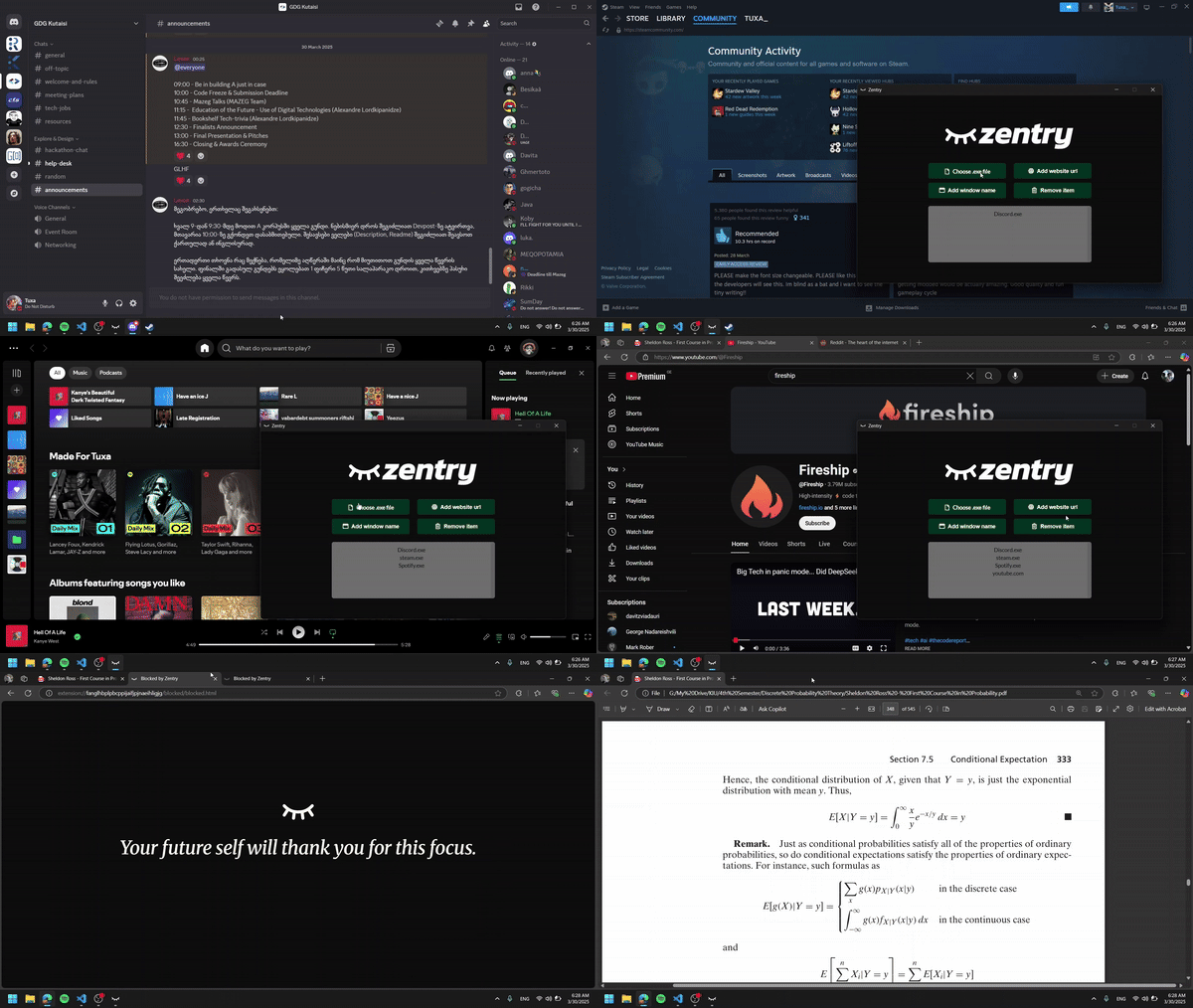
That should be it! Have a productive study session! ⭐