



OURO (OUROboros) is a Python package that checks your code for circular (cyclic) imports.
Currently, ouro only supports absolute imports
The name "ouro" is derived from the term "ouroboros", a symbol from ancient mythology depicting a snake consuming its own tail, representing the concept of infinity and cyclicality. This name was chosen for its apt metaphorical representation of the package's functionality. Just as the ouroboros symbolizes a cycle, the "ouro" package checks for circular imports in Python. The connection to Python, a language named after a type of snake, further reinforces this symbolic link.
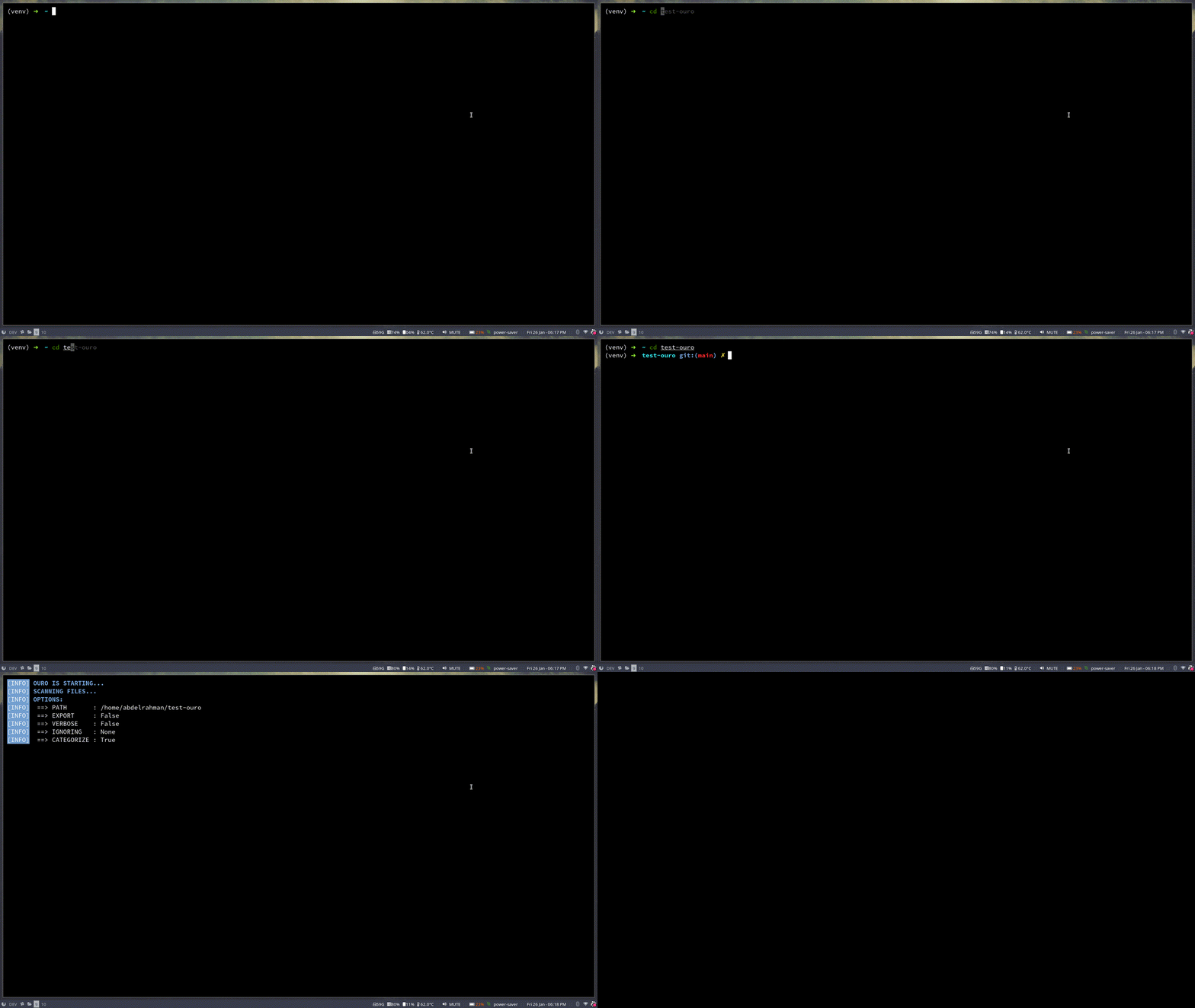
You can install ouro in multiple ways, as follows.
pip install ouropoetry add ouro-
Clone this repo
git clone https://github.com/abdelrahman0w/ouro
Or you can download it as a zip file
-
Naviage to the repo directory
cd ouro -
Once you have a copy of the source, you can install it as follows:
-
Using
makemake install
-
Using
pippip install . -
Or directly from the
setup.pyfilepython setup.py install
-
-
Navigage to your project
cd path/to/your/project -
Run
ouroouro
ouro [-h] [-v] [--verbose] [--no-categorize] [-e] [-i IGNORE [IGNORE ...]] [path]<path> path to the Python project to be checked (default: current working directory)
-h, --help show this help message and exit
-v, --version show version number and exit
--verbose increase output verbosity (print report to console)
--no-categorize don't categorize cycles (mark all cycles as critical)
-e, --export export the report to a json file
-i. --ignore list of files, directories, or glob patterns to ignore
Check pre-commit for instructions
-
Sample usage in
.pre-commit-config.yamlfile:Add ouro to repos as follows:
- repo: https://github.com/abdelrahman0w/ouro
    rev: v0.2.0
    hooks:
    - id: ouro
Current features are checked
- CLI tool for checking circular imports in a Python code
- Get the context of the import to ignore imports within a function scope
- Ignore
.gitdir in case of git repo - Ignore paths and patterns in
.gitignorefile - Ability to ignore a file name, directory name, or a glob pattern
- Show imports in context with file name and line number
- Support for absolute imports
- Support for relative imports