Star Wars The Old Republic & R2D2 inspired Light theme for Home Assistant
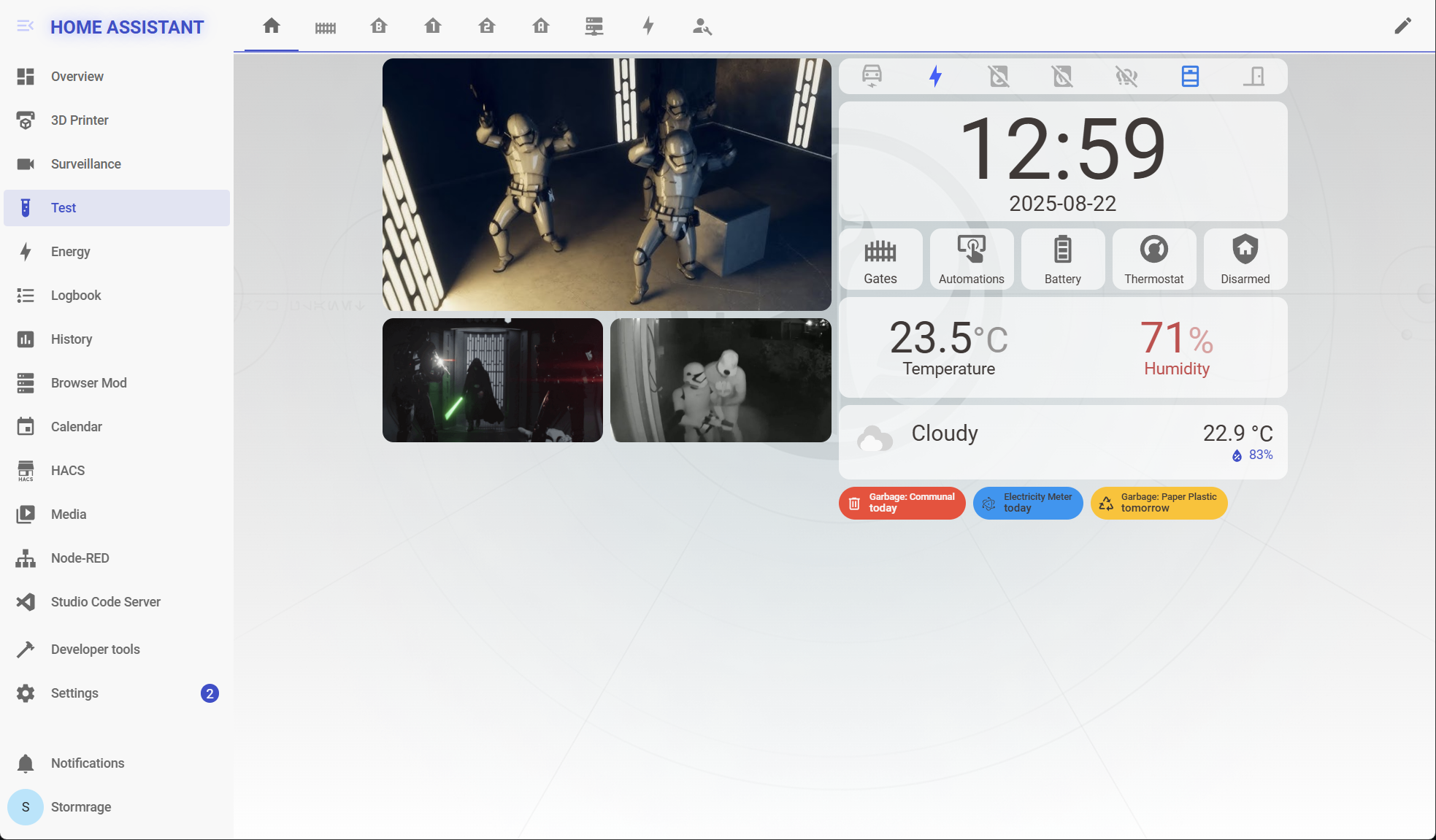
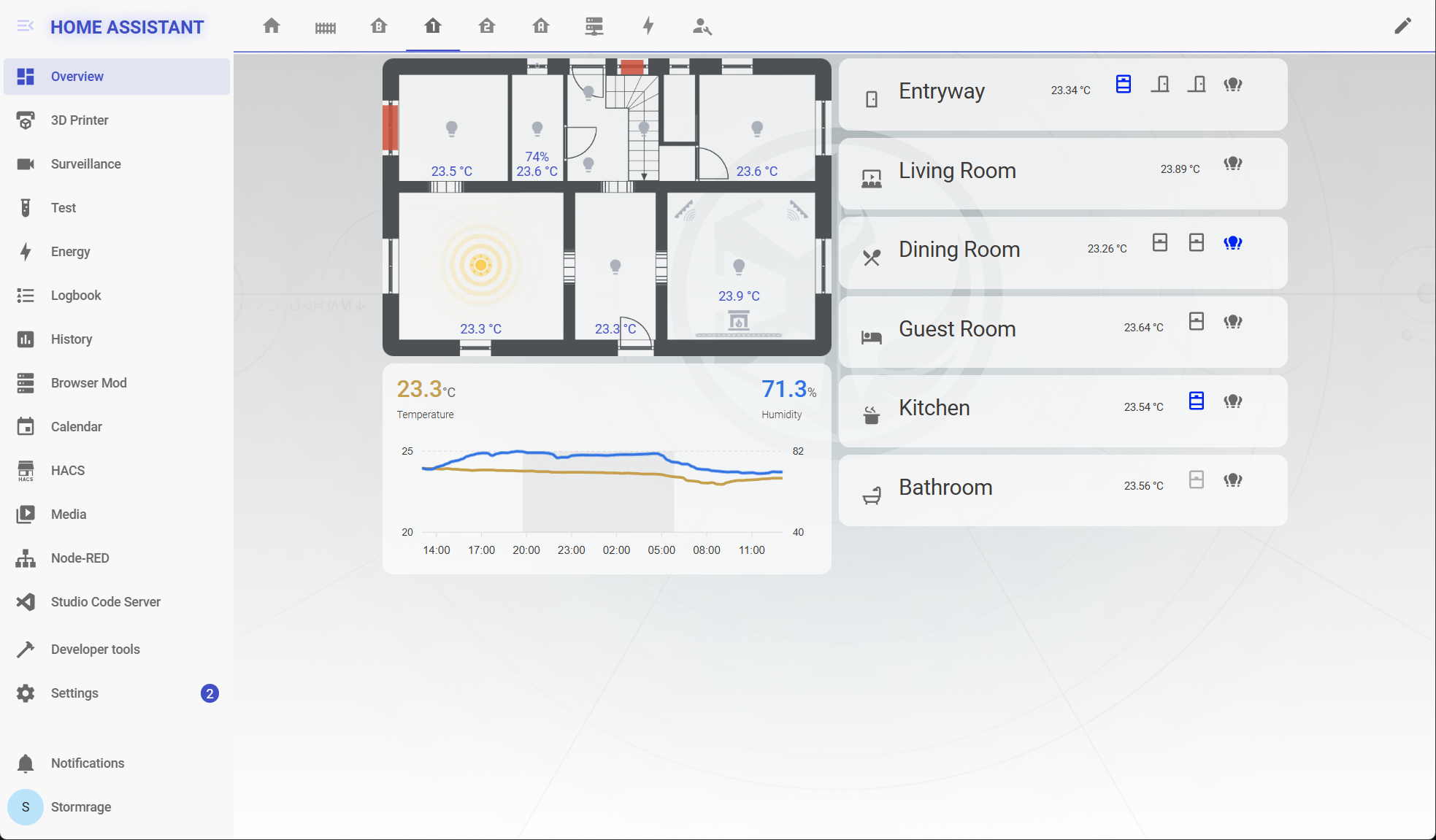
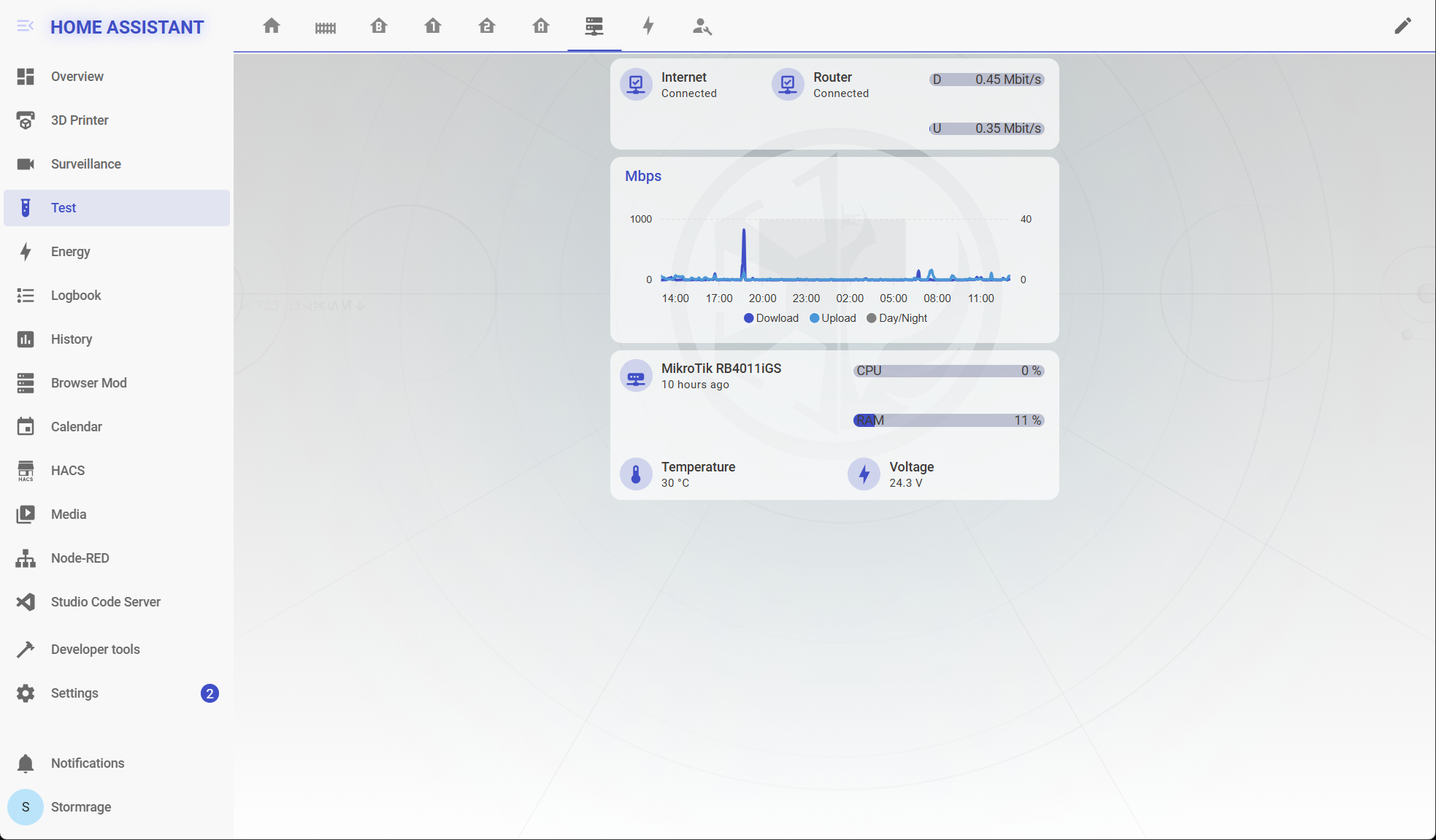
- Make sure that under the configuration.yaml file you have the following:
frontend:
  themes: !include_dir_merge_named themes
- Under the Home Assistant Config folder, create a new folder named themes
- Restart Home assistant to apply the changes.
- Go into the Community Store (HACS)
- Search for Star Wars Light
- Open the theme
- Press Install
- Restart Home Assistant
- In the Home assistant themes folder, create a file named
star_wars_light.yaml - In this GitHub repo, go into the themes folder, open the
star_wars_light.yamlfile and copy the content - Paste the content in the
star_wars_light.yamlfile created under your Home Assistant themes folder
- Add allowed external directory to your
configuration.yaml
homeassistant:
  allowlist_external_dirs:
    - "/config/www"
- Copy the
star_wars_light_bg.pngfrom yourthemesfolder to/www/images/ - In the file named
star_wars_light.yamlsearch forcard-mod-viewsection and replace the url with/local/images/star_wars_light_bg.png. - Restart Home Assistant to apply configuration changes and to load the folder contents
- Open your Home Assistant Profile
- Under, Themes, select the new Star Wars Light
- Open Developer Tools
- Go to Services
- Under Service enter
frontend.set_theme - Under Name, enter
Star Wars Light - Enable Mode and set it to
light - Click on Call Service
- Repeat steps 1 to 6 but change the Mode to
dark