




Community Emergency Preparedness — Mobile App
Companion Flutter app for the ReadyBlock web platform.
Empowers neighborhoods to prepare for, respond to, and recover from emergencies — block by block.
Video Walkthrough · Live Web App · Web App Repo
ReadyBlock was born from Hurricane Helene, which knocked out power, water, and cell service across Asheville, NC for two weeks in September 2024. This Flutter mobile app was built during a 24-hour hackathon as part of the HatchThis startup incubator, extending the React web app to native mobile with full feature parity.
Both apps share the same Firebase backend, Firestore security rules, and Cloud Functions.
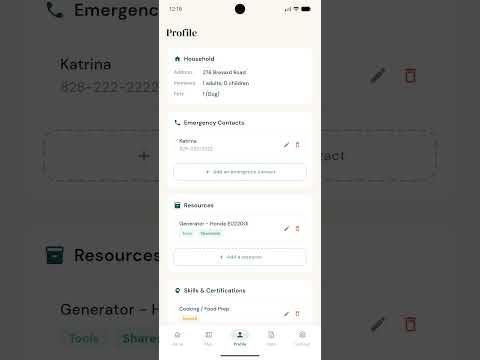
Watch the walkthrough on YouTube Shorts
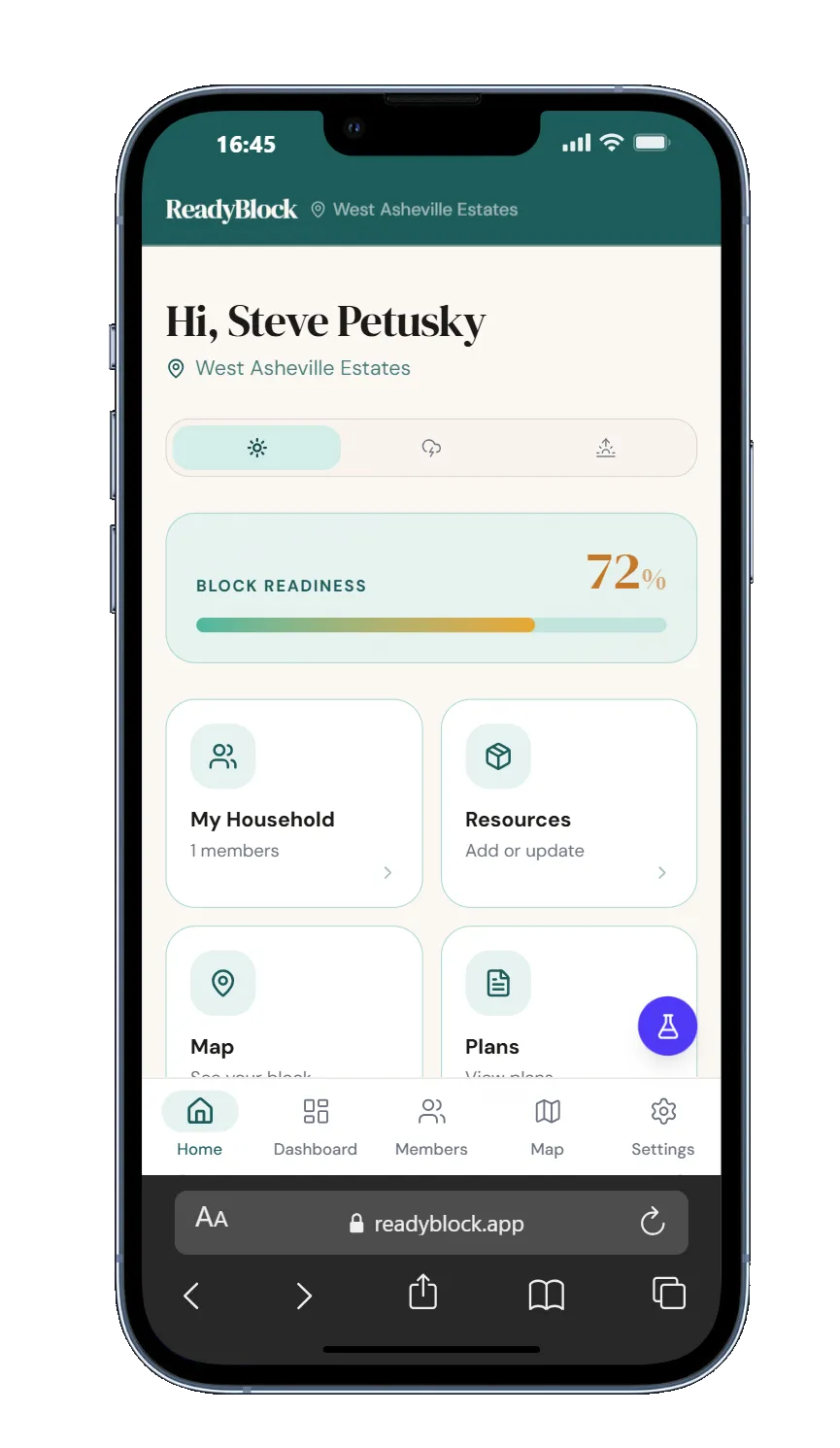
Resident Home |
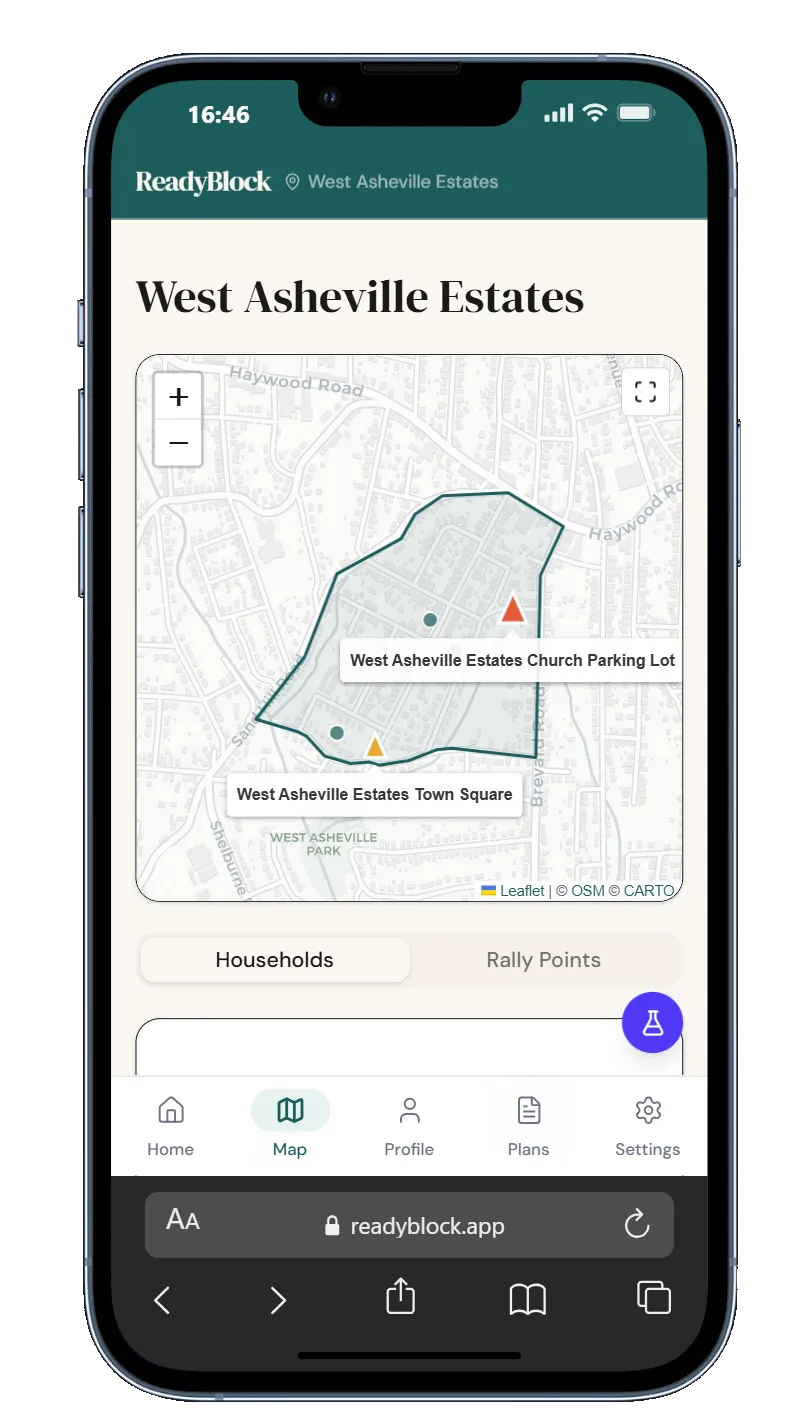
Map — Rally Points |
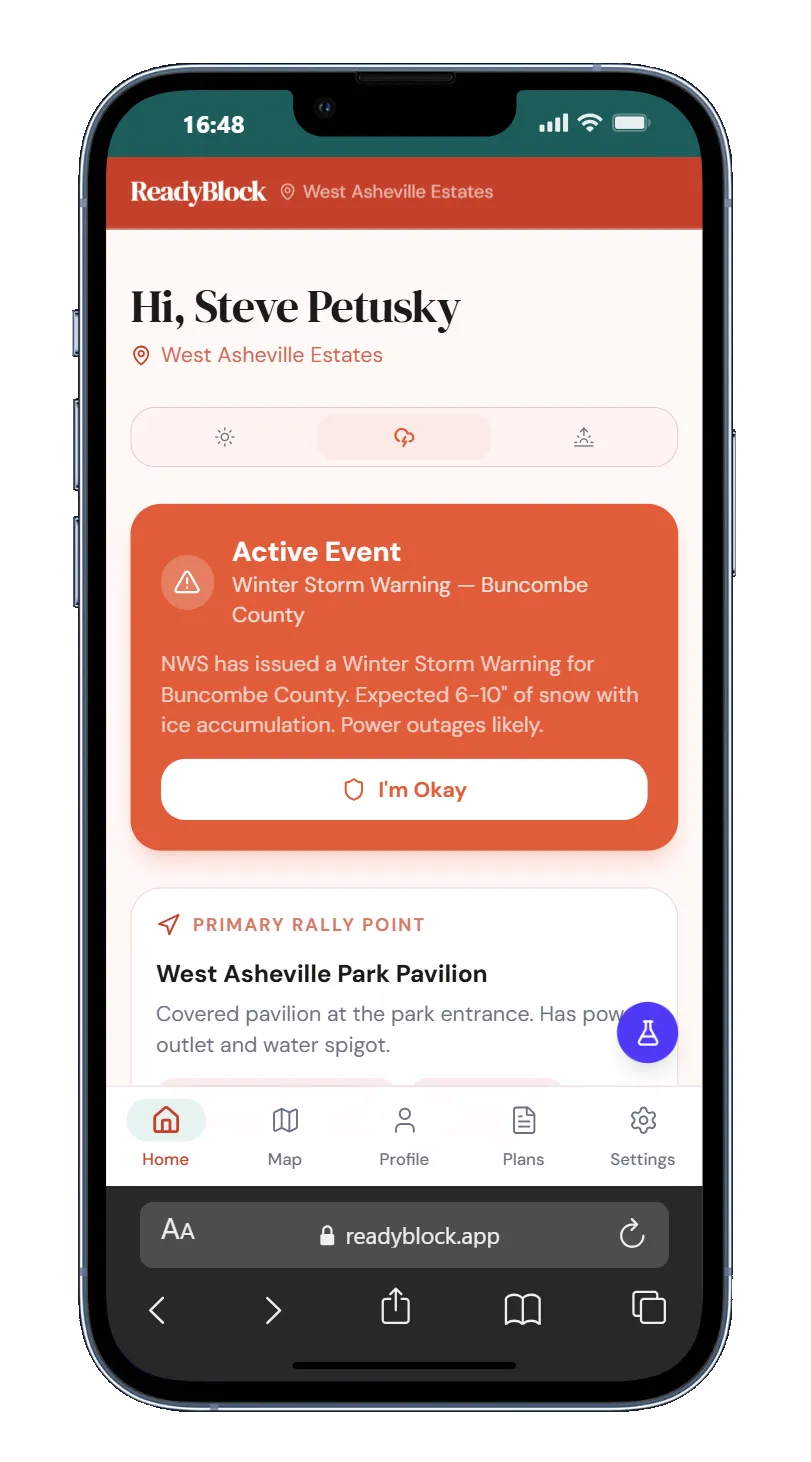
Storm Mode |
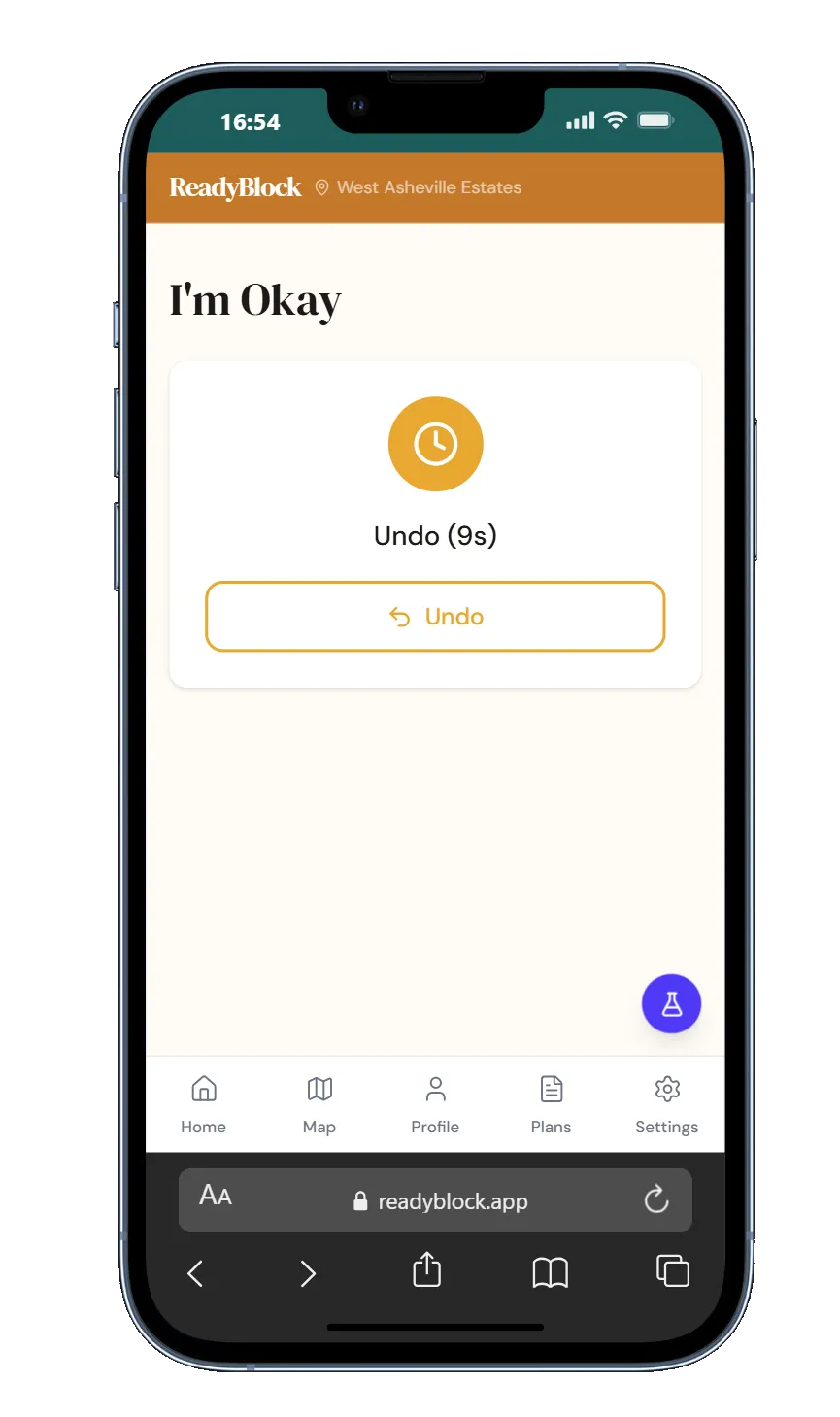
I'm Okay Check-In |
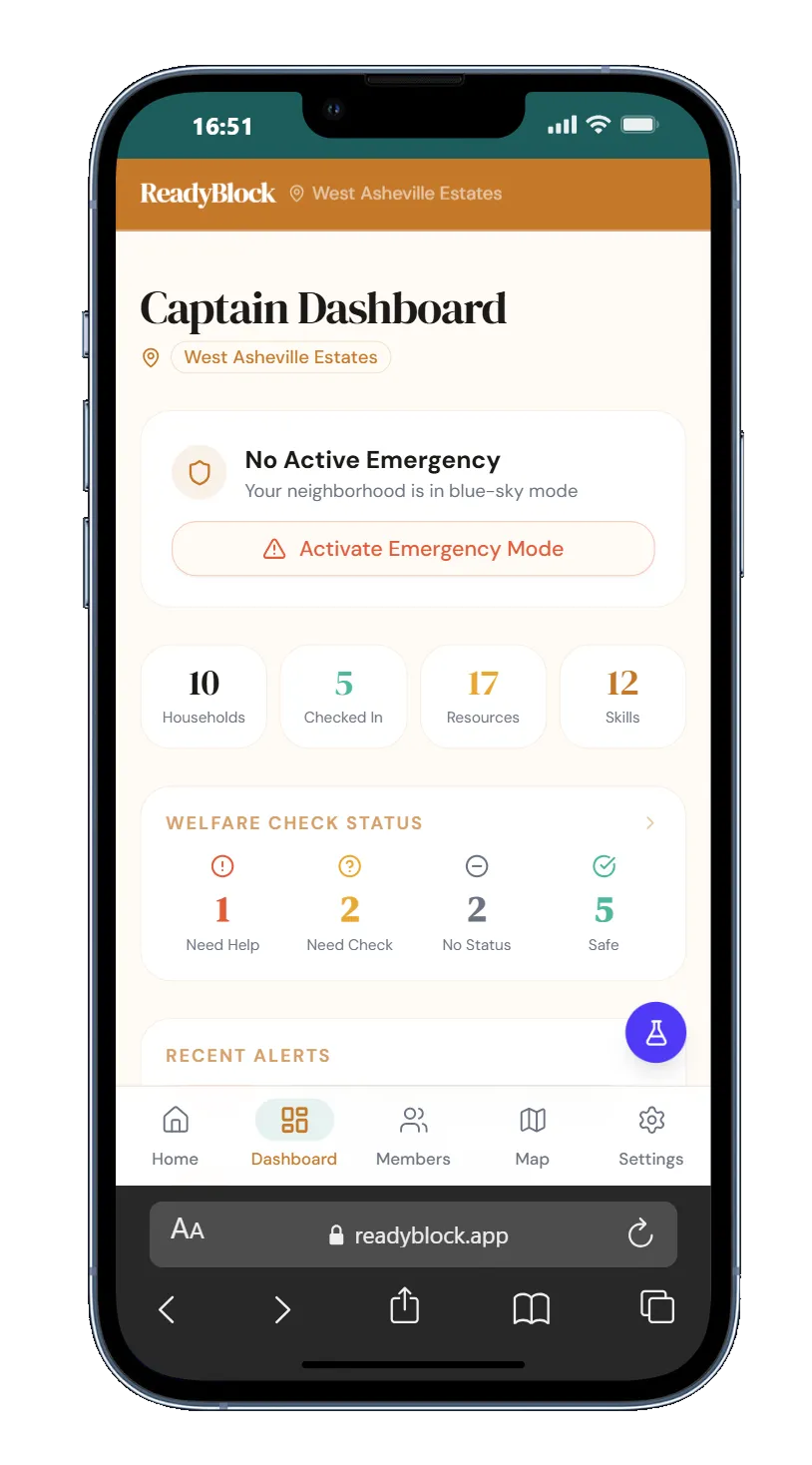
Captain Dashboard |
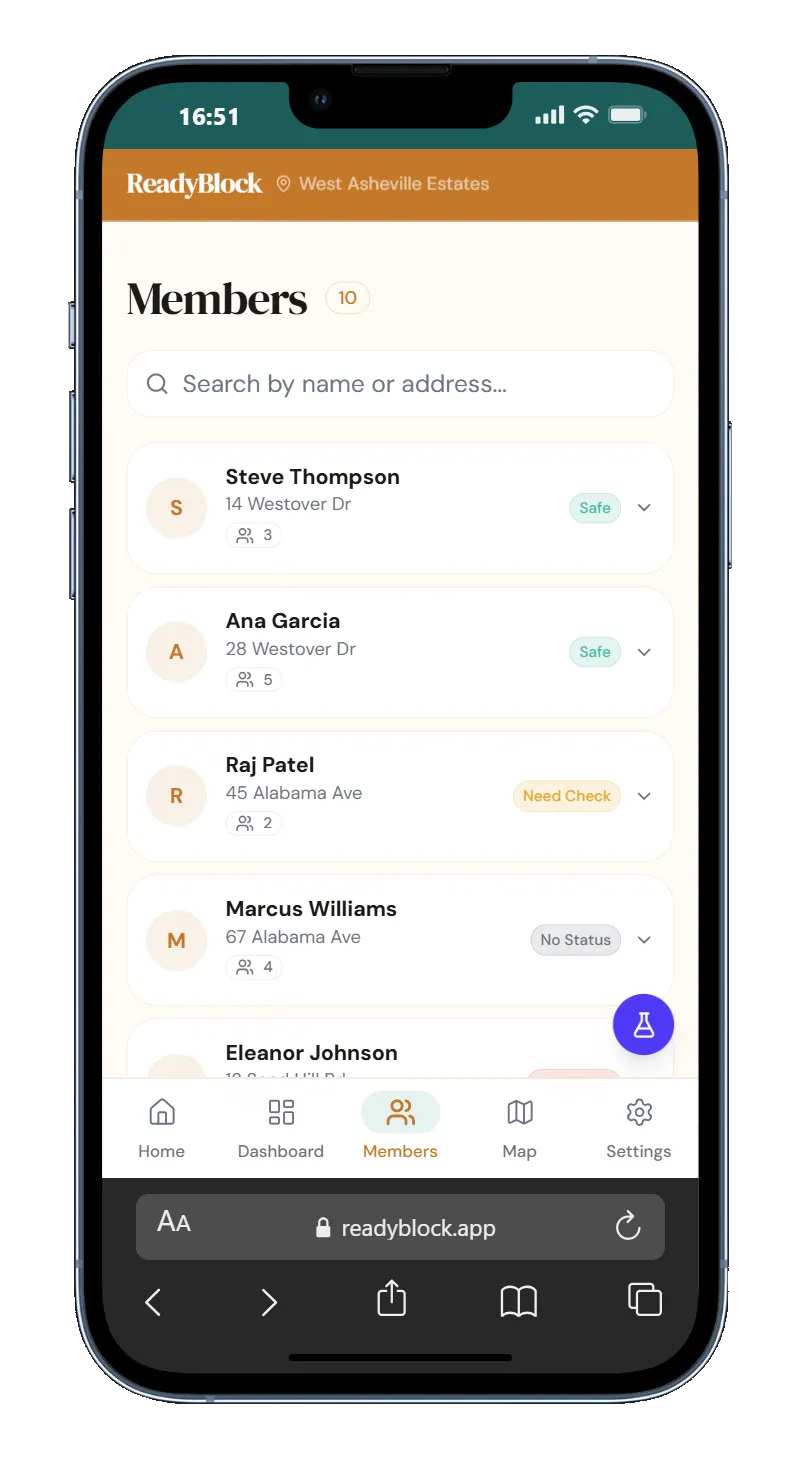
Members — Welfare |
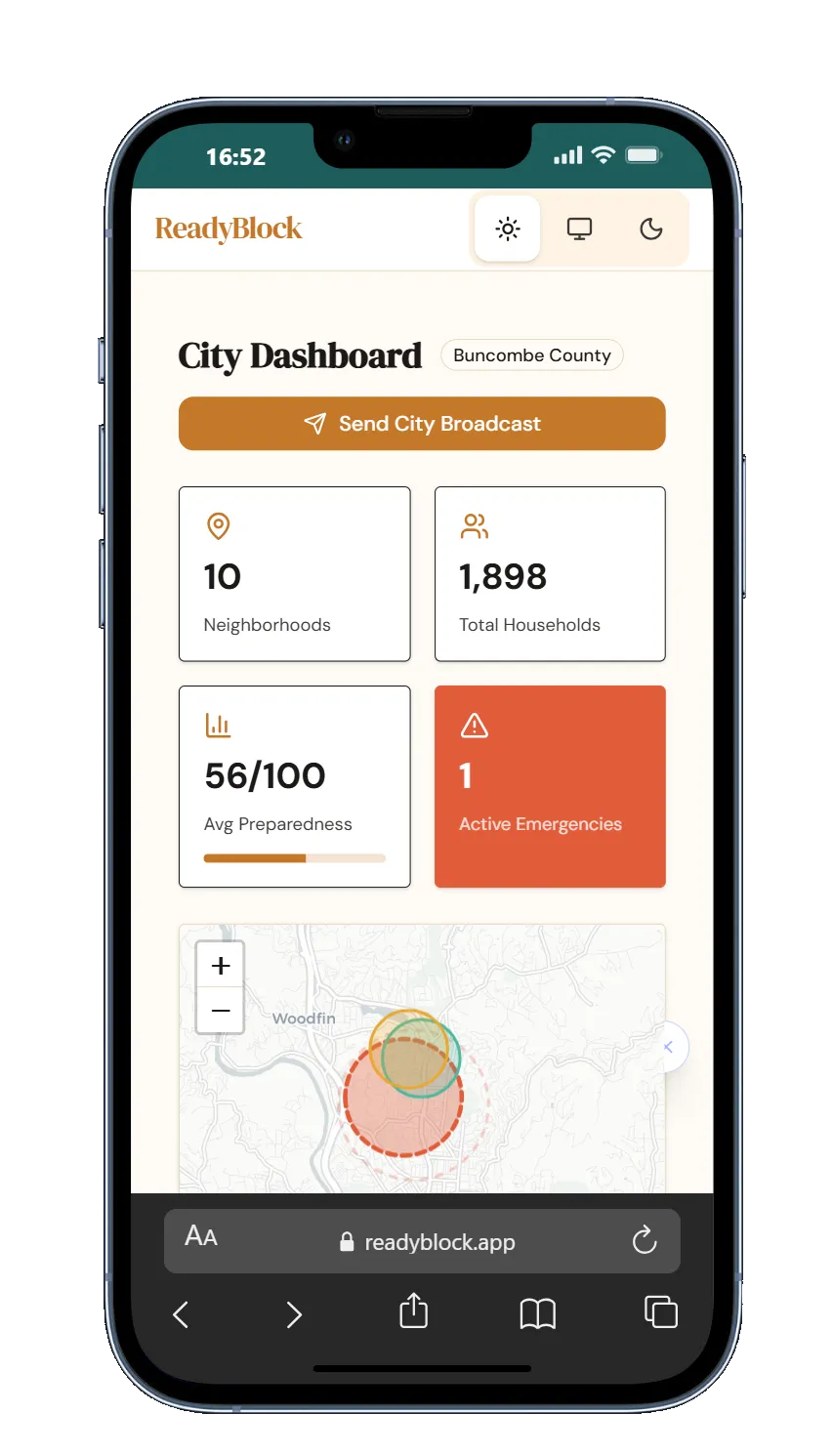
City Admin |
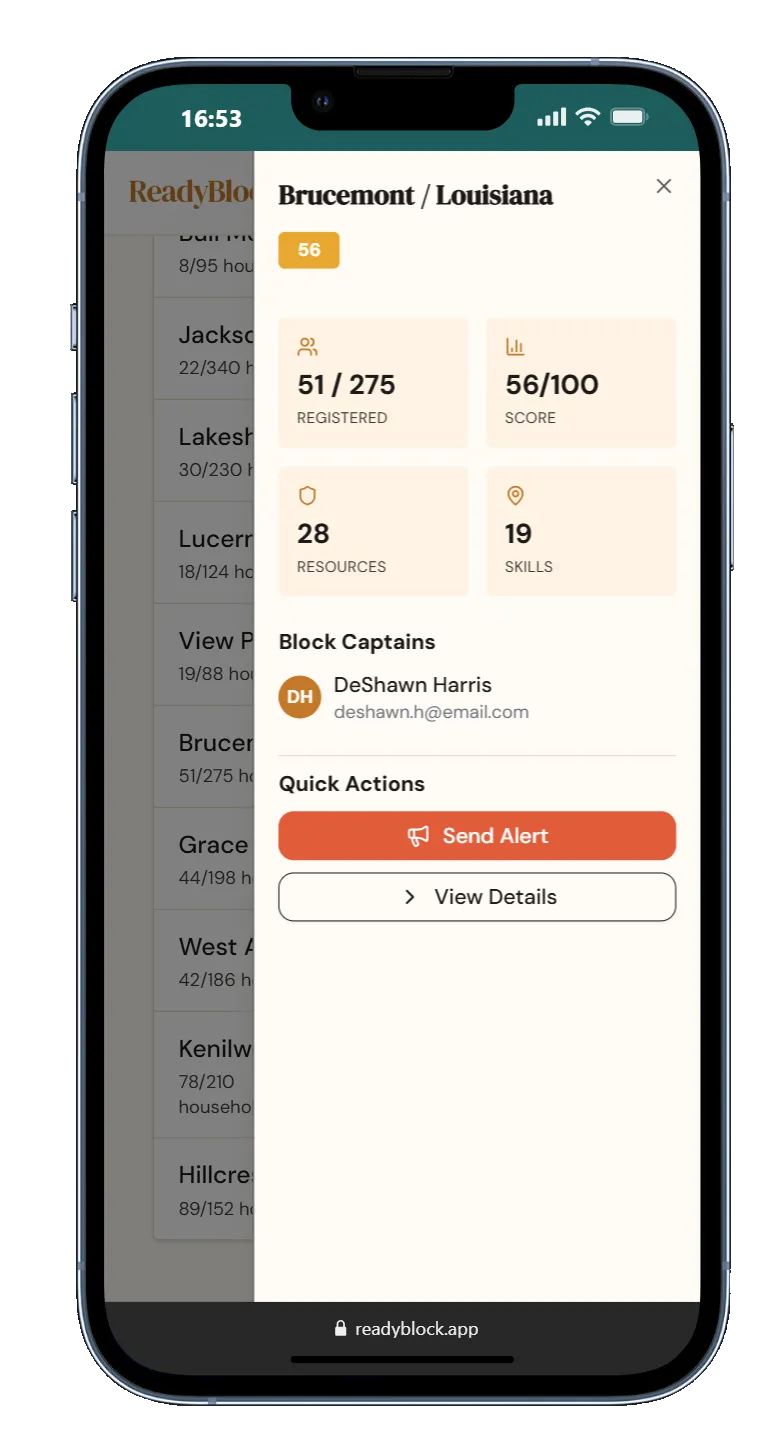
Neighborhoods |
Screenshots are from the web app — the Flutter app implements the same screens and features with native mobile navigation.
ReadyBlock connects households within a neighborhood into a real-time preparedness network. Residents register their household, log emergency resources and skills, designate rally points, and can instantly notify loved ones they're safe with the "I'm Okay" feature.
This Flutter app provides full mobile parity with the React web app, sharing the same Firebase backend and Firestore security rules.
|
Dashboard Block readiness score, setup progress tracker, neighborhood stats, and resource inventory at a glance. |
Interactive Map OpenStreetMap-powered neighborhood view with household pins, boundary polygon, and rally point markers. |
|
I'm Okay One-tap safety check-in with countdown timer. Queues SMS/email to designated contacts — works offline. |
Profile Management Household info, emergency contacts, shareable resources, and skills/certifications — all synced to Firestore. |
|
Bilingual (EN/ES) Full English and Spanish support with persistent locale preference. Every screen translates in real-time. |
Privacy Controls Granular sharing scope (coordinator only, neighbors, or private) for sensitive medical and mobility data. |
|
Dark Mode Custom "Storm" dark theme alongside "Blue Sky" light mode, with system-auto detection. |
Role-Based UI Adaptive navigation for residents, coordinators (block captains), and city/county admins. |
| Layer | Technology |
|---|---|
| Framework | Flutter 3.41 / Dart 3.11 |
| State Management | Provider + ChangeNotifier |
| Backend | Firebase Auth, Cloud Firestore, Cloud Functions |
| Maps | flutter_map 7.0 + OpenStreetMap tiles |
| Typography | Google Fonts (DM Serif Display, DM Sans) |
| Persistence | SharedPreferences (theme, locale) |
| i18n | Custom LocaleProvider with translation maps |
lib/
├── main.dart                    # App entry, Firebase init, MultiProvider setup
├── firebase_options.dart        # FlutterFire config (auto-generated)
│
├── models/                      # Immutable data classes with Firestore serialization
│   ├── app_user.dart            # User model with role hierarchy
│   ├── household.dart           # Household, EmergencyContact, Resource, Skill
│   ├── neighborhood.dart        # Neighborhood with boundary, rally points
│   ├── rally_point.dart         # Rally point with supplies list
│   ├── emergency_event.dart     # Emergency event model
│   └── welfare_check.dart       # Welfare check-in model
│
├── services/                    # Firestore CRUD + stream abstractions
│   ├── auth_service.dart        # Firebase Auth wrapper
│   ├── household_service.dart   # Households, contacts, resources, skills
│   ├── neighborhood_service.dart
│   ├── emergency_service.dart
│   └── welfare_service.dart
│
├── providers/                   # ChangeNotifier state management
│   ├── auth_provider.dart       # Auth state + user session
│   ├── household_provider.dart  # Household data + neighborhood resources
│   ├── neighborhood_provider.dart
│   ├── welfare_provider.dart
│   ├── emergency_provider.dart
│   ├── theme_provider.dart      # ThemeMode persistence
│   └── locale_provider.dart     # EN/ES locale with SharedPreferences
│
├── screens/
│   ├── auth/
│   │   └── login_screen.dart    # Sign in / sign up with gradient background
│   ├── shell/
│   │   ├── app_shell.dart       # Role-based navigation shell
│   │   ├── bottom_tab_bar.dart  # Custom animated tab bar
│   │   └── top_nav_bar.dart     # Admin top navigation
│   ├── resident/
│   │   ├── dashboard_screen.dart  # Home with readiness, progress, stats
│   │   ├── map_screen.dart        # Leaflet map with boundary + pins
│   │   ├── profile_screen.dart    # Household profile CRUD
│   │   ├── settings_screen.dart   # Theme, language, privacy controls
│   │   ├── plans_screen.dart      # Emergency action plans
│   │   ├── im_okay_screen.dart    # Safety check-in flow
│   │   └── im_alive_screen.dart   # Placeholder for future feature
│   ├── coordinator/               # Block captain views
│   │   ├── dashboard_screen.dart
│   │   ├── members_screen.dart
│   │   ├── welfare_screen.dart
│   │   ├── emergency_mode_screen.dart
│   │   └── drill_screen.dart
│   └── admin/                     # City/county admin views
│       ├── overview_screen.dart
│       └── neighborhoods_screen.dart
│
├── widgets/                     # Shared UI components + theme definitions
│   ├── readyblock_theme.dart    # ReadyBlockColors + light/dark ThemeData
│   ├── status_badge.dart
│   ├── stat_card.dart
│   ├── section_header.dart
│   ├── emergency_banner.dart
│   └── rally_point_card.dart
│
└── l10n/
    └── translations.dart        # EN + ES translation maps (~200 keys each)
This app shares Firestore security rules with the web platform:
- Authentication — Firebase Auth required for all operations
- Household isolation — Users can only read/write their own household data
- Neighborhood scoping — Resource and skill queries require
neighborhoodIdfilter matching the user's assigned neighborhood - Sensitive data — Medical/mobility info stored in a
sensitivesubcollection with owner-only access - Role hierarchy —
householdMember→householdAdmin→blockCaptain→neighborhoodCaptain→cityCountyCaptain
- Flutter SDK 3.24+ (install)
- Firebase project with Auth + Firestore enabled
- Android Studio or Xcode for emulator/simulator
# Clone the repo
git clone https://github.com/SirPsycho828/ReadyBlock-Flutter.git
cd ReadyBlock-Flutter

# Install dependencies
flutter pub get

# Configure Firebase (requires FlutterFire CLI)
flutterfire configure

# Run on connected device or emulator
flutter runThe app connects to the same Firebase project as the ReadyBlock web app. Firebase config is in lib/firebase_options.dart (auto-generated by FlutterFire CLI, excluded from version control for security).
# Android APK
flutter build apk --release

# iOS (requires Xcode + Apple Developer account)
flutter build ios --releaseReadyBlock uses a custom color system inspired by natural preparedness themes:
| Token | Light | Dark | Usage |
|---|---|---|---|
blockTeal |
#1D5C5C |
— | Primary brand, CTA buttons |
signalTeal |
— | #4DB8A0 |
Dark mode primary |
paper |
#FAF7F2 |
— | Light scaffold background |
stormDeep |
— | #0D2B2B |
Dark scaffold background |
coral |
#E05C3A |
#E05C3A |
Alerts, destructive actions |
amber |
#F59E0B |
#FBBF24 |
Warnings, "You" marker |
Typography: DM Serif Display for headings, DM Sans for body text.
- ReadyBlock Web App (React) — React + Vite + Firebase PWA — live demo
- Video Walkthrough — YouTube Shorts demo of the app in action
- Shared Firebase backend with Firestore rules, Cloud Functions, and seed data
This project is proprietary. All rights reserved.