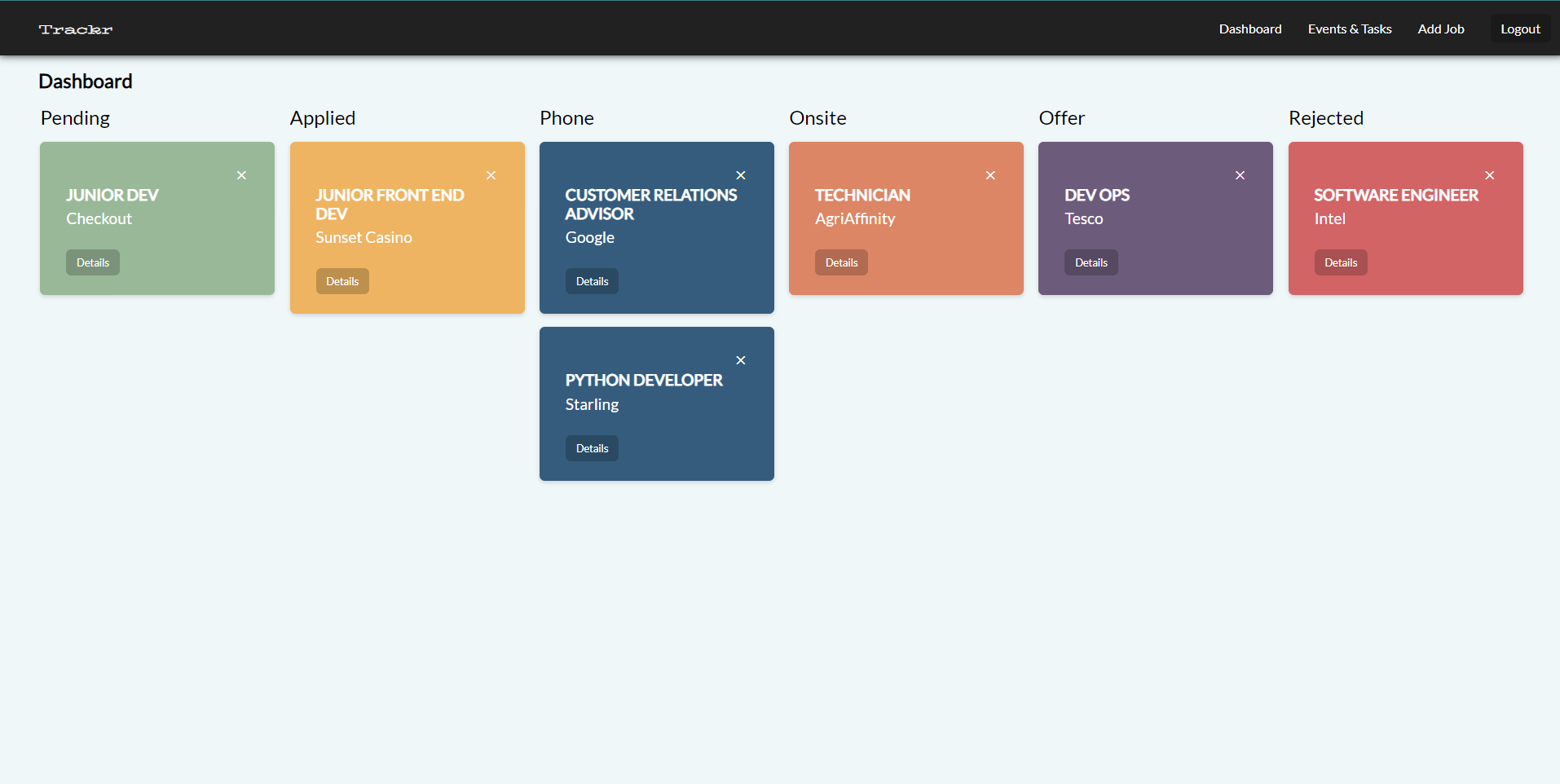
Trackr is an easy to use web app built to help you track applications during the job seeking process.
-
Create multiple User Accounts
-
Each stage of the application tracked and shown in its own section
-
Each job card directs to a details page for that job
-
Create a list of todos for each job
-
Create events for each job and save to any of the following external calendars:
- Apple
- Outlook
- Yahoo
- Front End
- React
- Firebase
- Back End
- Express.js
- Firebase
- Database
- MongoDB
- Mongoose
- clone the repository
- create a firebase project (javascript), save your firebase details in the client/.env file
- add a firebase service account (NodeJs) and save this file in the server/firbase-config folder as serviceAccount.json
- start MongoDB and add the required variables to server/.env file
- If you are using a specific port to run the server, make the required change to the baseUrl in client/serves/ApiClientService.js file
- cd into the server folder and run
npm i - cd into the client folder and run
npm startand go tohttp://localhost:3000/