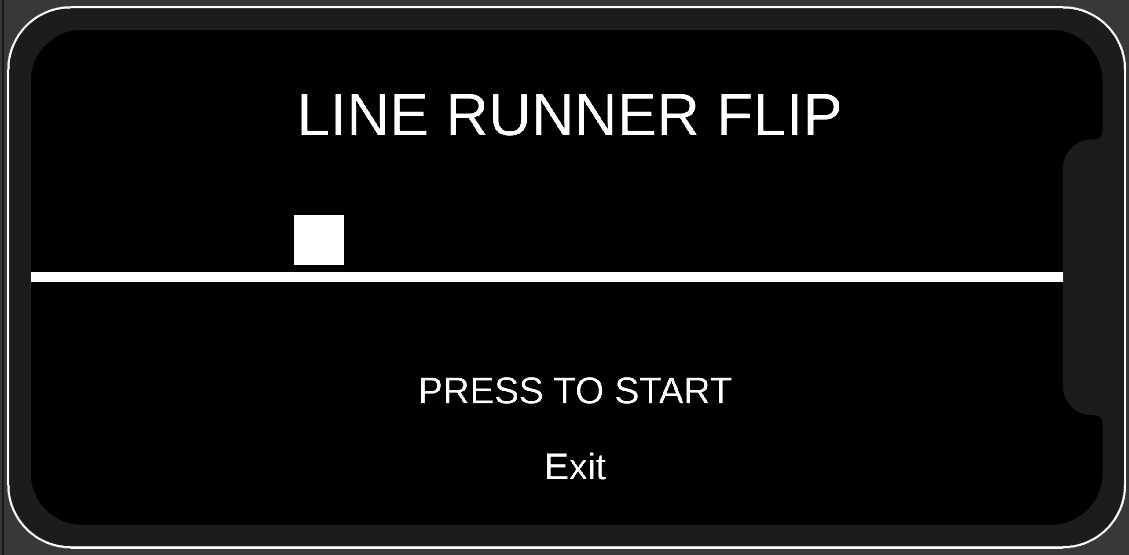
Line Runner mobile game using the Unity Enigne and C#
To run this game you need the following programs:
Once you have downloaded Visual Studio Code and .NET Framework 4.7.1. Open Visual Studio Code and install the following extensions
-
C# from Microsoft (You need .NET Framework 4.7.1 to make it work in Unity)
-
Unity Code Snippets from Kleber Silva
Once you have download and install the Unity hub run it and follow the following steps:
-
Open Unity Hub. It will ask you to install an Editor CLICK SKIP
-
Clone this repository to your computer
-
In Unity Hub go to Projects->Open->Patch/to_project/
-
Install the project Editor version
When you install the Editor you can choose between. If you have an Iphone choose IOS Buid Support or if you have a Android choose Android Build Support and the OpenJDK, Android SDK & NDK Tools as well
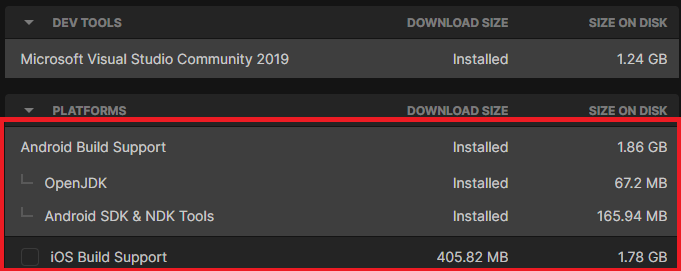
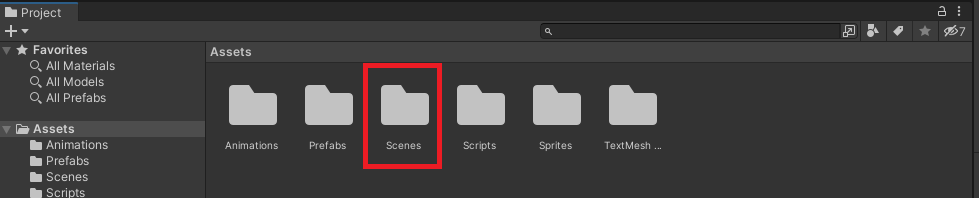
When the Editor and the modules are downloaded and install you can now open the project. If the Scene in the Hierachy list on the top left corner is untitled
go to Asset->Scenes and double click and the Game scene
To play the game go to Game tap and change it to Simulator. when on the tap right next to it you can choose the device you want to play on

When you install the Unity Editor it should automatic install Visual Studio Installer and the necessary Workloads. If it failed to do so:
-
Open Visual Studio Installer and click Modify
-
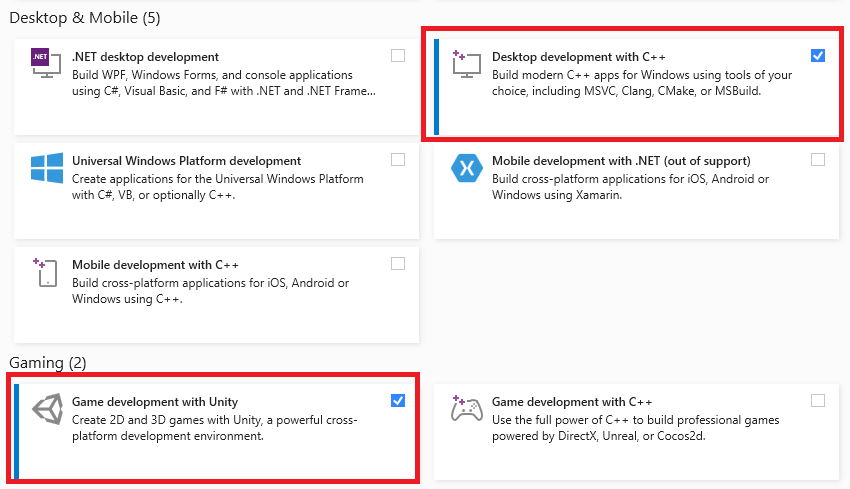
Select Desktop development with C++ with the Optional and Game development with Unity
- For the Desktop development with C++ Optional you only need MSVC v142 - VS 2019 C++ 64x/x86 build tools and Windows 10 SDK (10.0.16299.0).
- Now click Modify