Students and teams submit Python agents that compete in game simulations — leagues, live leaderboards, an in-browser editor and instant per-round feedback. This repo is the self-hosted, single-deployment build: one admin account, no sign-up flow, no billing, everything on your own machine.
git clone https://github.com/SanjinDedic/agent_games.git
cd agent_games
docker compose up --build
That's the entire install. Docker is the only prerequisite — the committed .env ships
working local defaults, so there is nothing to configure before the first run.
Want it hosted? Agent Games for Schools (agentgames.io) is the managed platform built on this codebase — the same games, plus the teaching material around them:
- Short courses — sequenced Python courses that build the skills each game rewards
- Interactive lessons — worked examples and exercises that run and check themselves in the browser
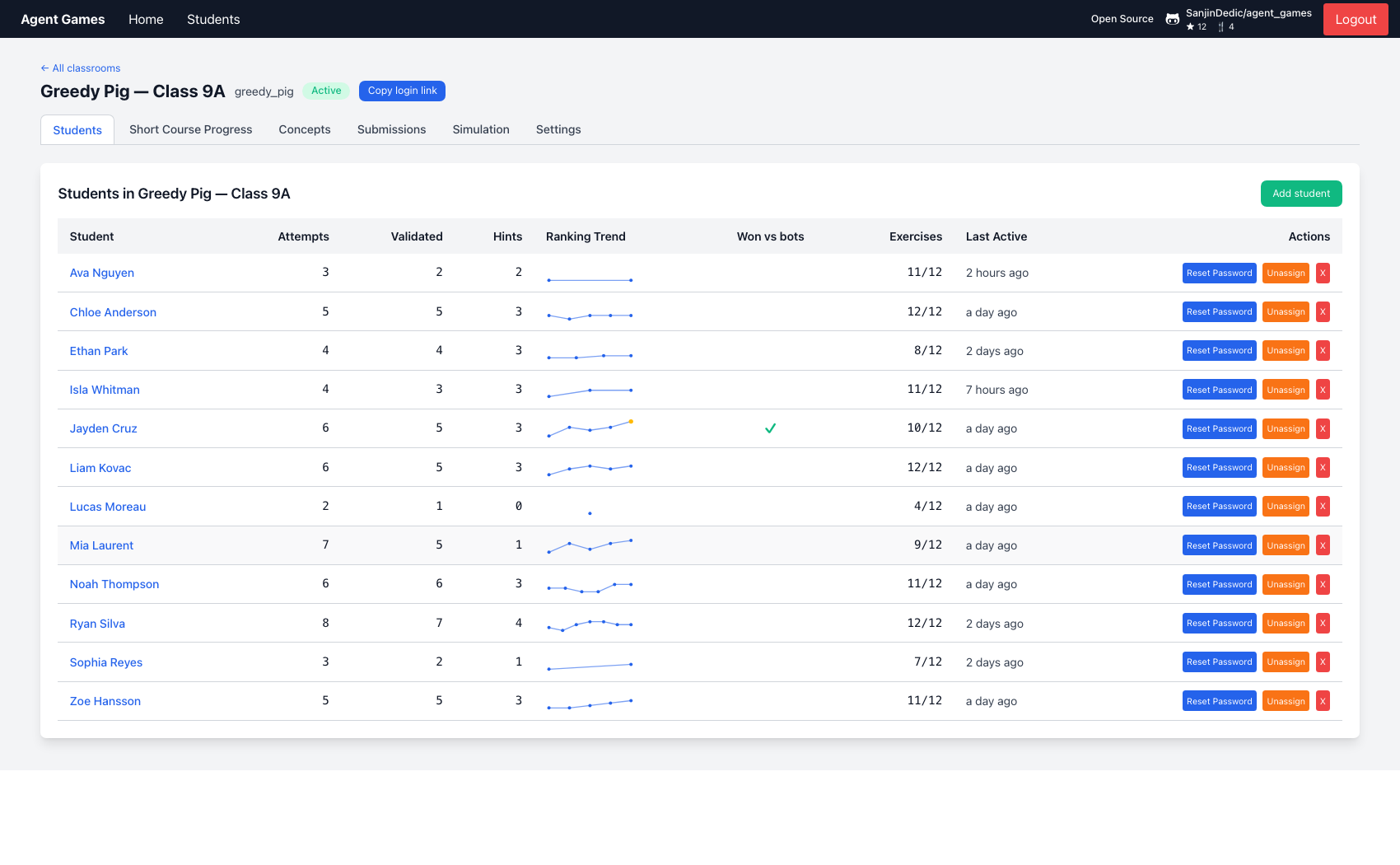
- Student assessment — attempts, submissions, hints and concepts mastered, per student, as reportable evidence
- Improved cyber security — student code runs in the student's own browser with an isolated serverless fallback; managed database, encrypted in transit, backed up nightly
- Nothing to run — many teachers and classrooms under one institution account, patched and upgraded for you

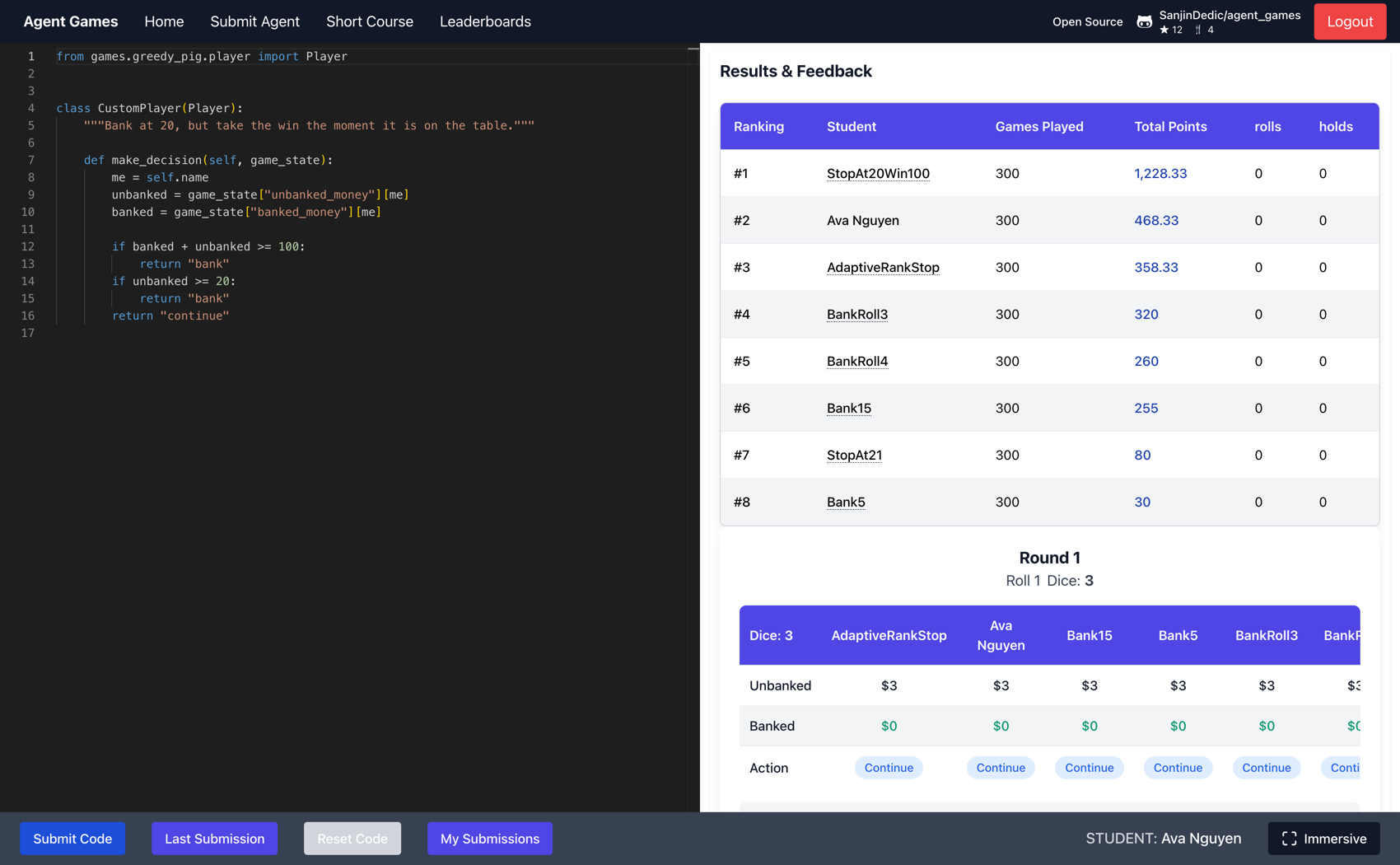
Adding a new game? See backend/games/README.md — drop 3 files in
backend/games/<name>/and 1 manifest folder infrontend/src/AgentGames/Feedback/games/<name>/. Auto-discovered on both sides.
Prerequisites: Docker. Nothing else — no Python toolchain, no Node, no database install.
-
Clone and start
git clone https://github.com/SanjinDedic/agent_games.git
cd agent_games
docker compose up --build
The first build takes a few minutes; later starts are seconds. On boot,
backend/entrypoint.shbuilds the schema and applies every SQL migration before the API comes up, so there is no manual database step. -
Open the app
URL What it is http://localhost:3000 Frontend (React SPA, Monaco editor) http://localhost:8000 API (FastAPI) http://localhost:8000/docs Interactive API docs -
Claim the deployment
A fresh install has no accounts at all. Open http://localhost:3000/Login — because nobody has claimed it yet, the page shows a first-run setup form instead of a login form. The name and password you enter become the one admin account (
POST /auth/setuprefuses to run a second time). -
Create a league and add teams
From the admin Home page: create a league, pick a game, add teams. Each team gets a login and a join link; teams write their agent at
/AgentSubmissionand every submission is validated and simulated immediately.
By default SEED_SAMPLE_DATA=true puts a couple of example leagues and TeamA/B/C in the
database so there is something to click on straight away. Set it to false in .env for an
empty install.
docker compose logs -f api     # View logs
docker compose down            # Stop all services
docker compose down -v         # Stop and delete database data (fresh install next boot)
docker compose restart api # Re-run init_db + migrationsEverything lives in .env at the repo root (committed, dev-safe defaults):
| Variable | Default | Purpose |
|---|---|---|
SITE_MODE |
competition |
Vocabulary for the whole UI: classroom (teacher/classroom/student) or competition (organizer/league/team) |
SITE_NAME / SITE_ICON |
Agent Games / unset |
Site name and a branding emoji-or-image-URL, served by GET /config |
SECRET_KEY |
dev value | JWT signing key — change this before exposing the app to anyone |
POSTGRES_PASSWORD / DATABASE_URL |
local_pw |
Database credentials; change both together |
SEED_SAMPLE_DATA |
true |
Seed example leagues and teams on boot |
HINT_COOLDOWN_SECONDS / SUBMISSIONS_BETWEEN_HINTS |
0 / 1 |
How often a team can ask for an AI hint |
AI features are optional and BYO-key. Hints and plagiarism detection are off until an admin pastes a provider key (OpenAI, Anthropic or Google) into the API Keys page; keys are stored in your database, never in the repo.
Running it for a real class or competition on a small VPS works the same way — the same
docker compose up, with SECRET_KEY, POSTGRES_PASSWORD and DATABASE_URL changed and
port 3000/8000 put behind a reverse proxy.
The suite runs entirely in containers — the same command CI runs:
docker compose -f docker-compose.yml -f docker-compose.test.yml run --rm test-runnerA single file, or coverage:
docker compose -f docker-compose.yml -f docker-compose.test.yml run --rm test-runner \
  pytest backend/tests/integration/routes/auth/test_auth.py -v

docker compose -f docker-compose.yml -f docker-compose.test.yml run --rm test-runner \
  pytest --cov=backend --cov-report=term backend/tests/
Browser tests (Playwright, three stages covering submission, simulation and admin progress):
./run_playwright_tests.sh all.github/workflows/tests.yml runs the backend suite and a frontend production build on
every push to main and every pull request.
Games are auto-discovered from backend/games/*/ and frontend/src/AgentGames/Feedback/games/*/.
Drop the required files, restart services, and the new game lights up across the API,
validator, simulator, league dropdown, homepage and feedback rendering — no edits to
factories, registries, or config.
Full walkthrough: backend/games/README.md
Submitted code never runs in the API process: an AST safety check rejects the obvious attacks up front, then the code is queued to a Celery worker container capped at 500MB RAM and 50 processes, with a fresh process per task and hard time limits — so one team's infinite loop or memory bomb can't touch anyone else's run.





All Python services use lightweight two-stage Alpine builds. Dependencies are compiled in a builder stage and only the virtual environment is copied into the final image, keeping containers at ~400MB (API) compared to ~1.6GB for the full Debian-based Python image.


AGPL-3.0 — see LICENSE.