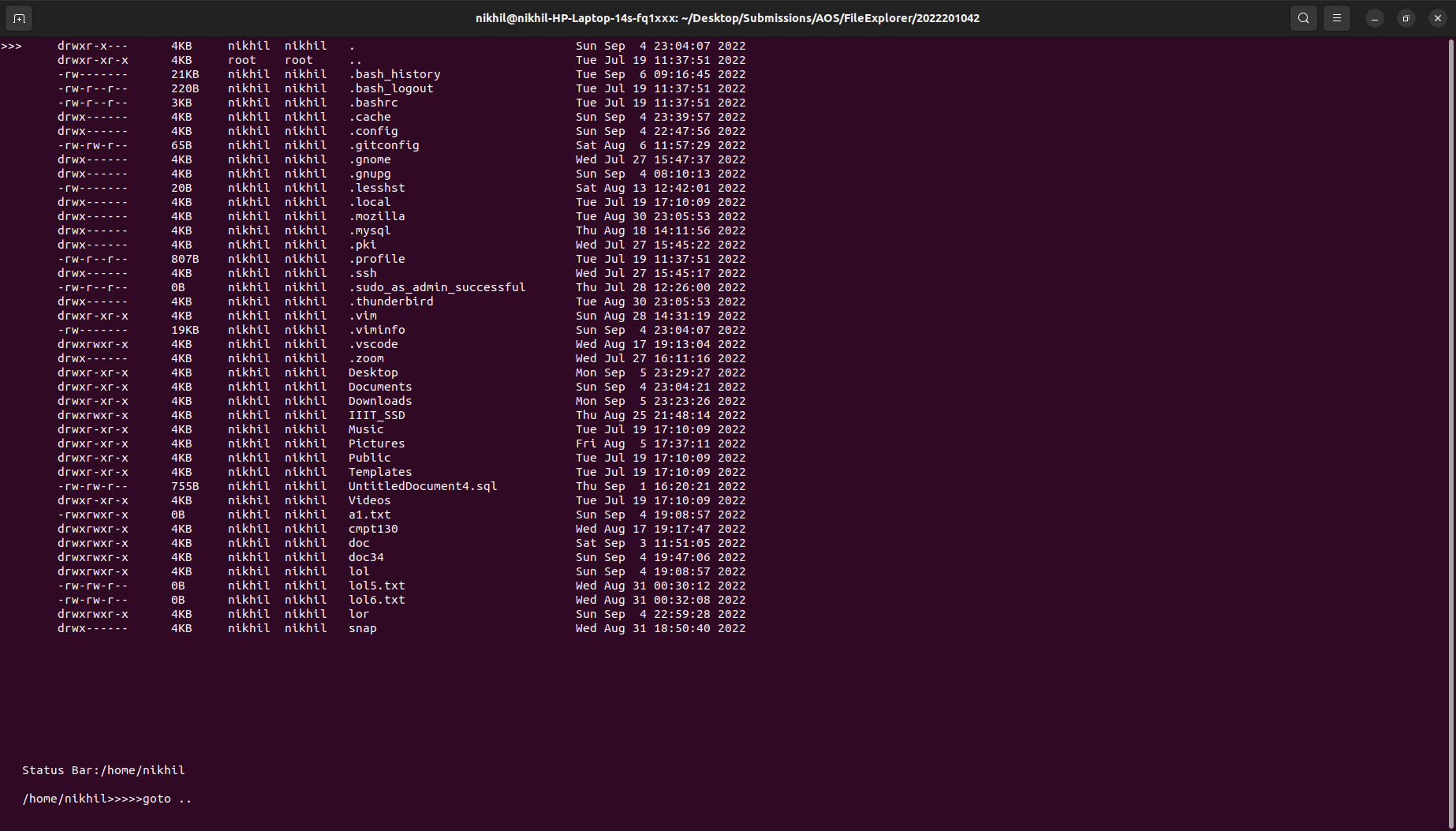
There are two modes in this File Explorer
1)Normal mode
 h key for home
q key for quit
left key for back
right key for forward
backspace key for moving to parent directory
up key for moving cursor upwards
down key for moving cursor downwards
: for Command mode
2)Command mode
 Copy –
‘copy <source_file(s)> <destination_directory>’
Move –
‘move <source_file(s)> <destination_directory>’
Rename –
‘rename <old_filename> <new_filename>’
Create File –
‘create_file <file_name> <destination_path>’
Create Directory –
‘create_dir <dir_name> <destination_path>’
Delete File –
‘delete_file <file_path>’
Delete Directory –
‘delete_dir <dir_path>’
Goto –
‘goto <dir_path>’
Search –
'search <file_name>’
or
‘search <directory_name>’
Quit–
'quit'
ESC for Normal mode