- Download and extract this repo
- Open the root folder and run the powershell script
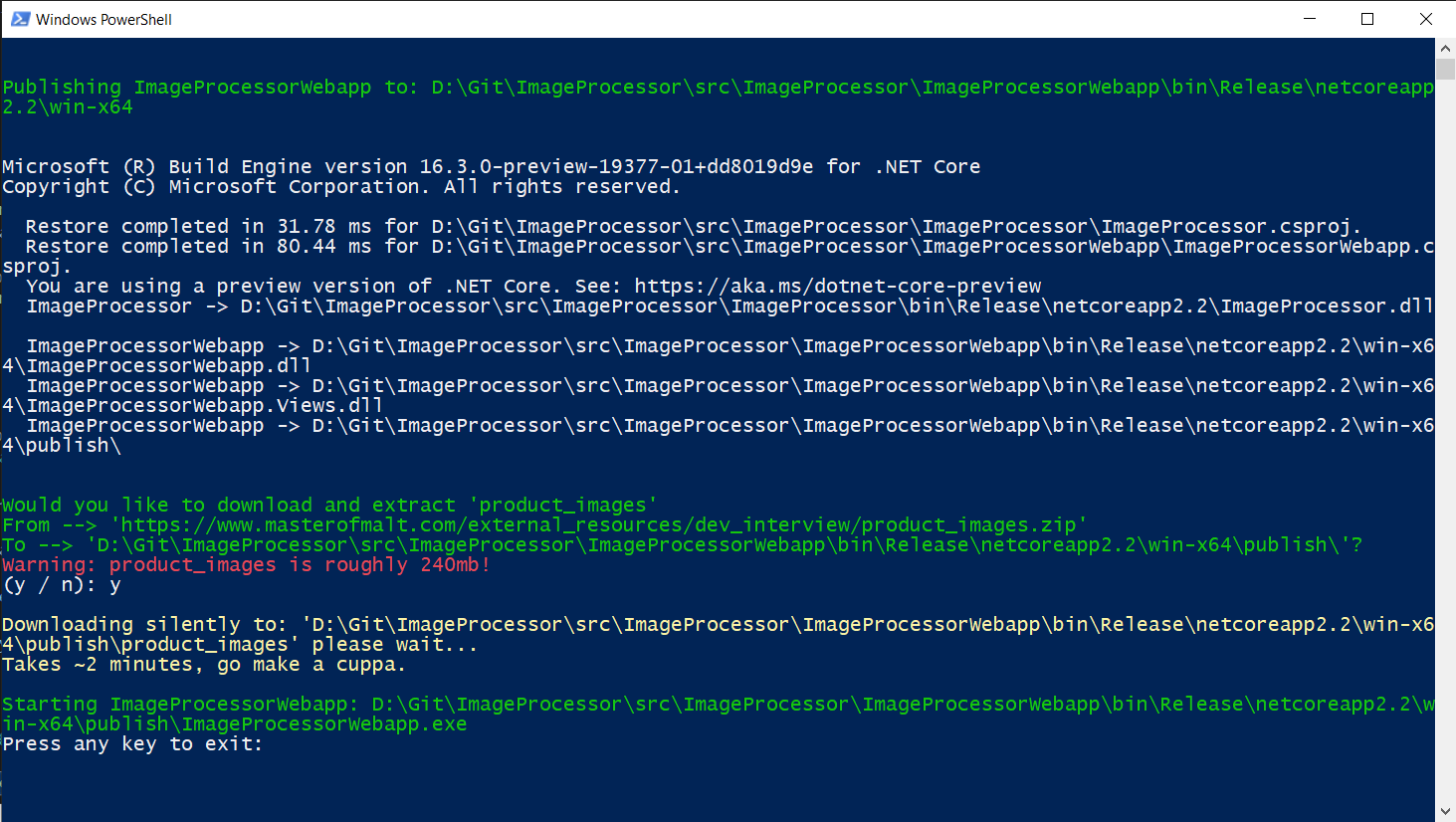
run.ps1 - Follow the prompts in the powershell script, the script will:
- Publish the webapp project with it's dependencies
- Ask if you'd like the
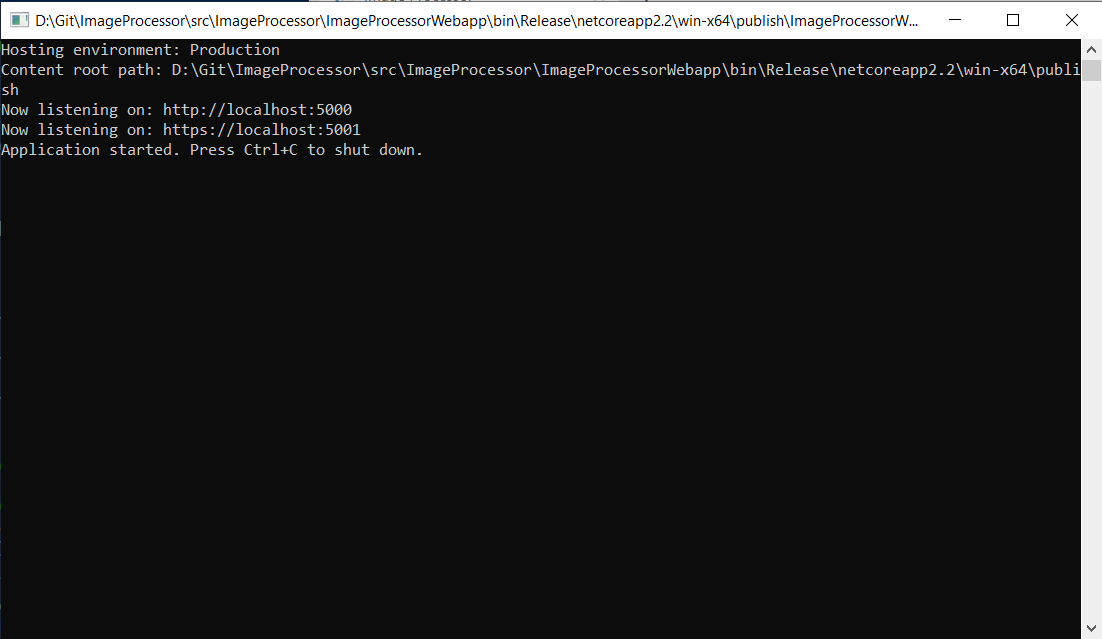
product_imagesto be downloaded and extracted into the correct place (this is optional as it's a 240mb download, if you selectnit'll prompt you were to put the images manually) - Start up the webapp and your default browser to
http://localhost:5000
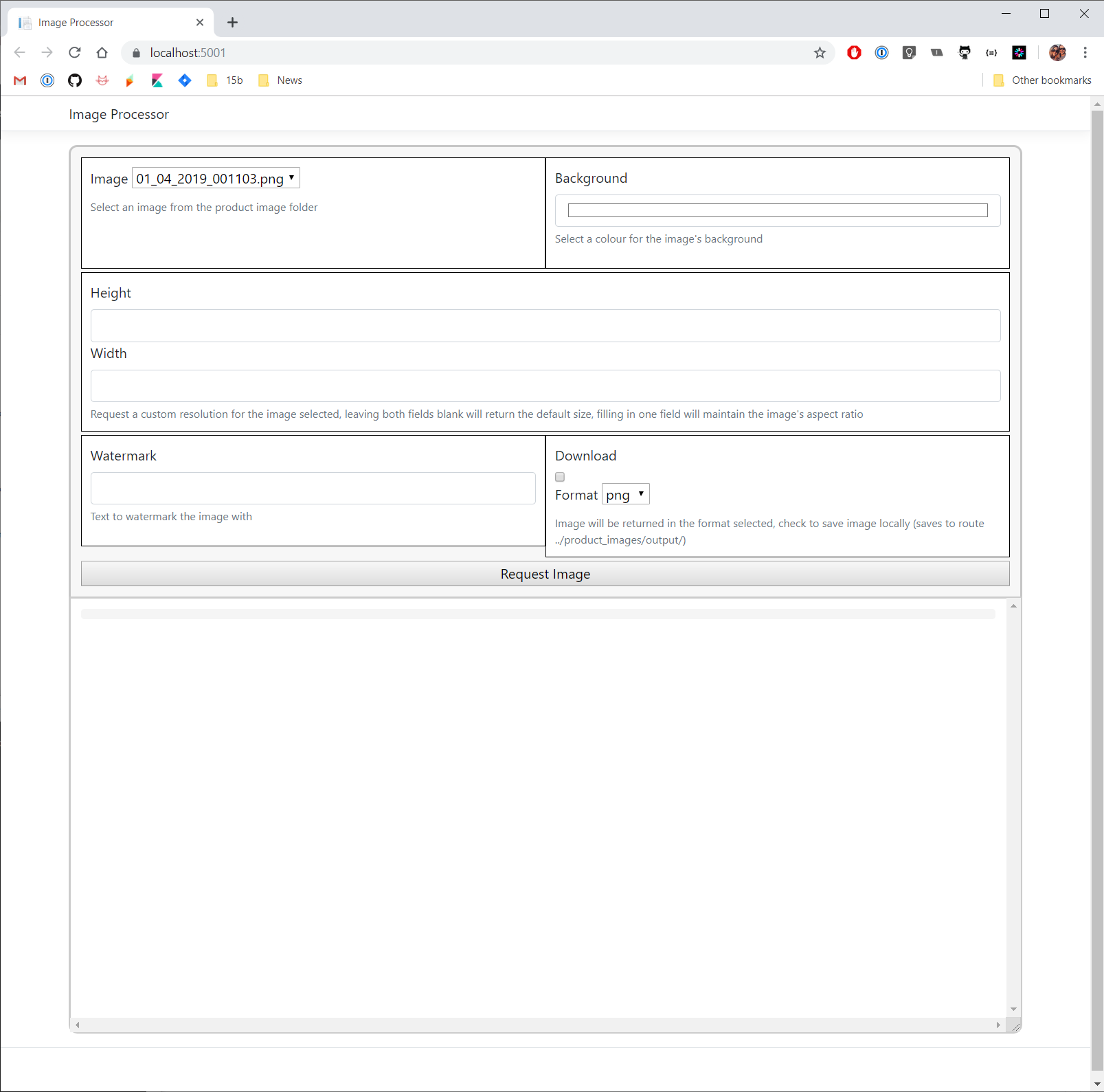
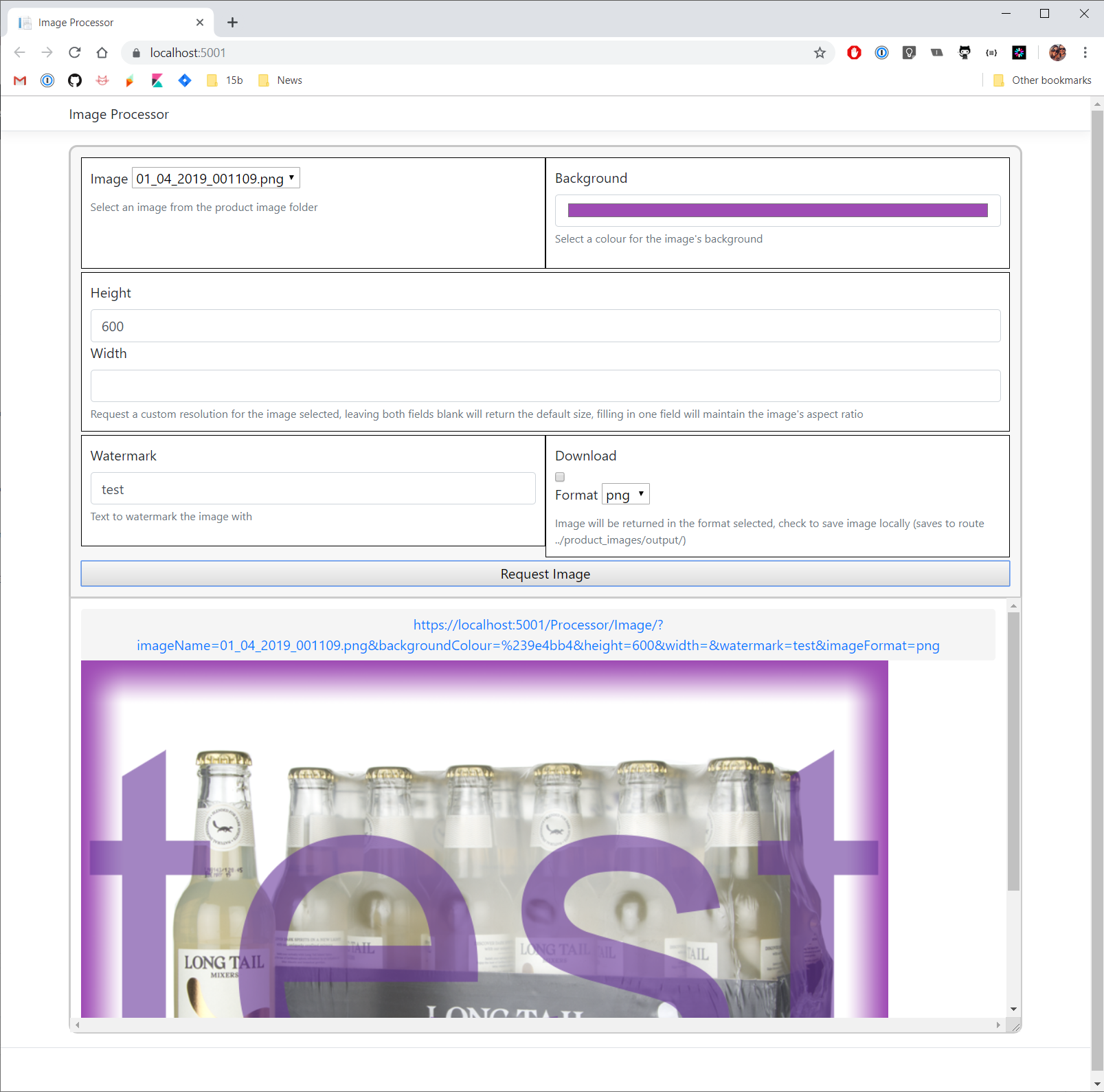
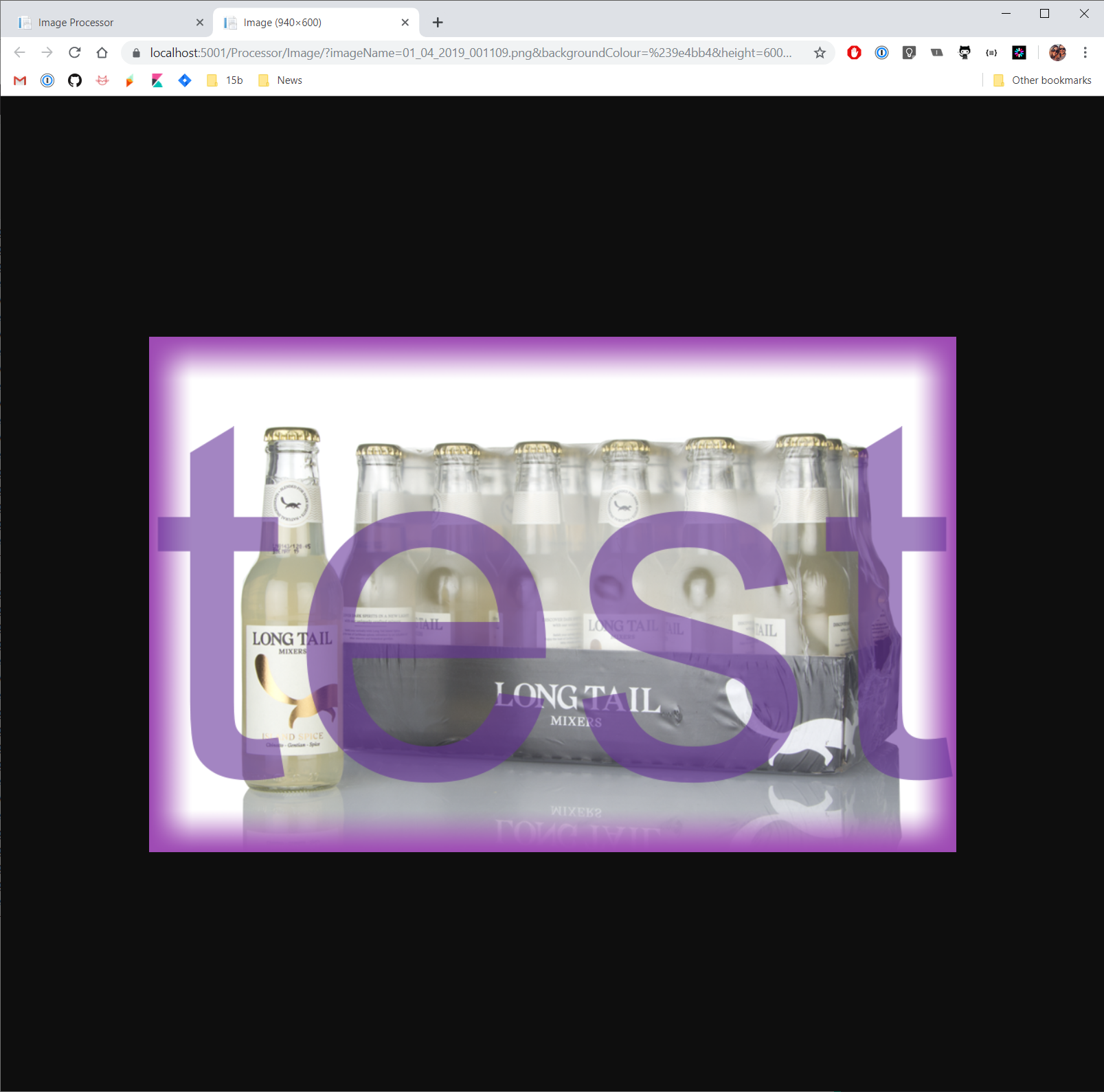
Localhost:5000 should provide you a simple page to pick images and make adjustments. When you're happy with your selection just hit the Request Image button. The link provided can be clicked to open in a new window, the query string isn't shortened in any way and made easy to change to request different variations.