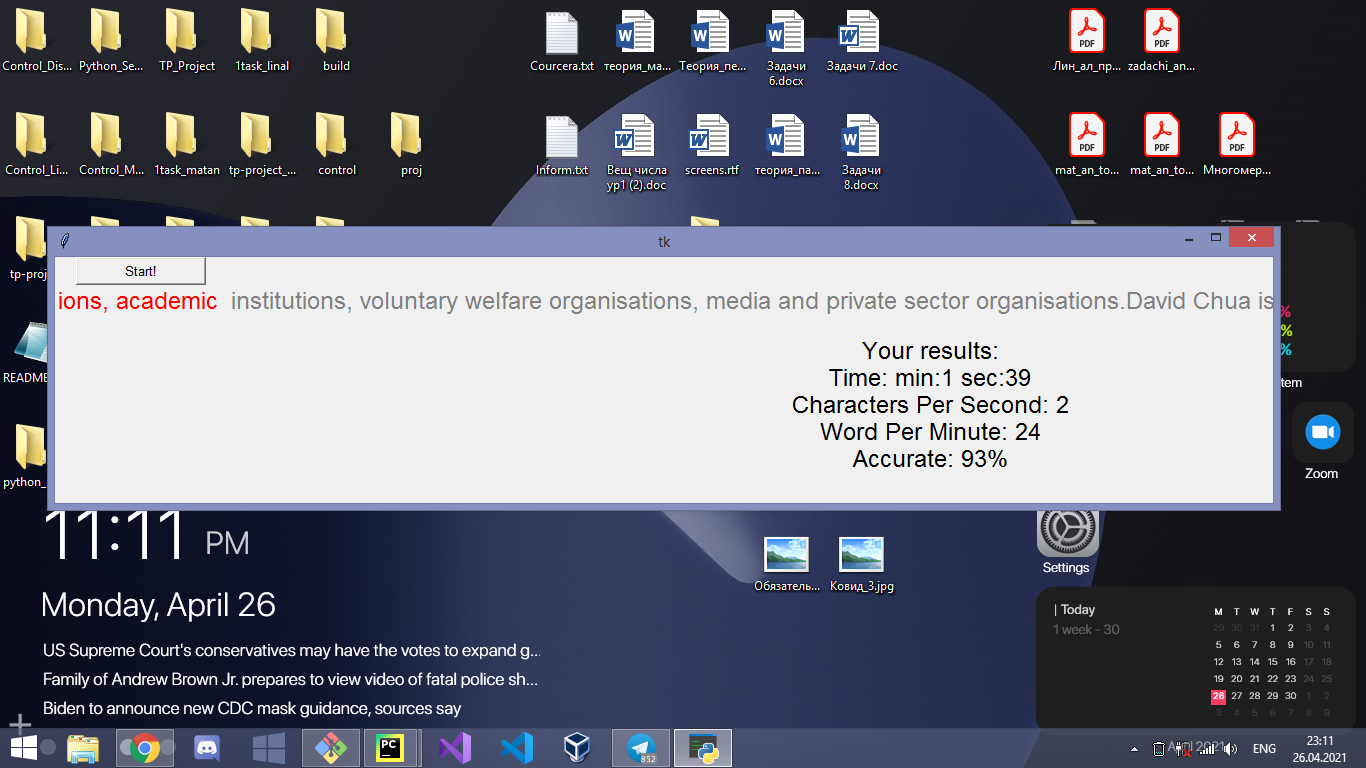
Typing Trainer is a Python project for training your typing speed. Written in python. It works simply, it parses a random page from Wikipedia and then you need to type text into an invisible input box. The input box automatically checks the correction of the entered data. While you are typing - the program takes measurements, and when you press the Stop button, it prints the results and the input field stops working until you press the Start button.
First you clone it to your directory.
git clone https://github.com/Dustin-RS/Typing-Trainer.gitThen you are entry to the Typing-Trainer/TypingTrainer directory
cd Typing-TrainerUse the package manager pip to install wikipedia, then use use your python interpreture.
pip install wikipedia
python main.py
Or it could be python3, depends on which system you are interpreture it.
If you are a collaborator it means that you could make any changes.
The beginning of the program.
 The first launch of the program.
 An example of statistics.
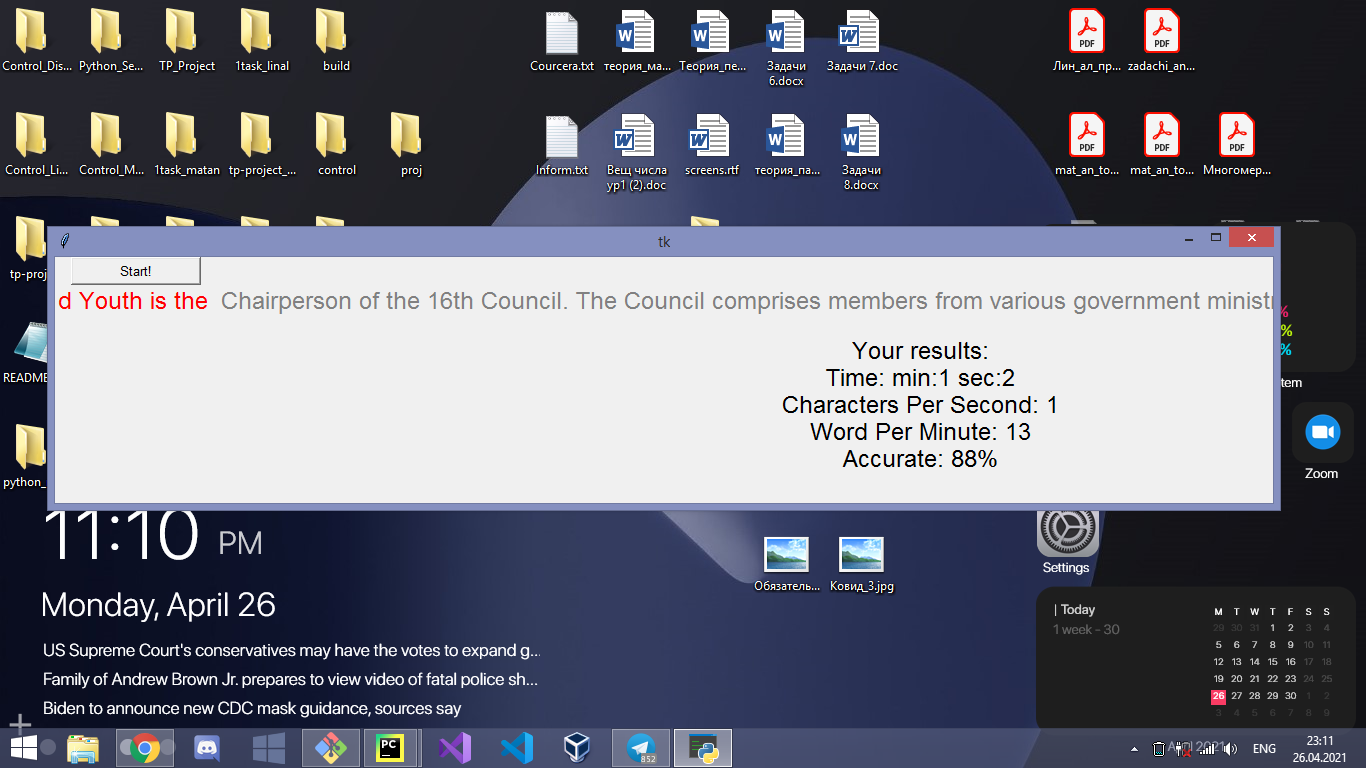 Notice, that data are saving from previous try.