Adding the Anycubic ACE to the U1 printer



https://www.youtube.com/watch?v=sk9fGzlz-C4
To use this you must install this version of the extended firmware
The original version provided by paxx12 does not have the edits required to run this script.
The extended firmware adds many features and fixes which you can read about HERE
You can use NTAG 213,215 and 216 rfid tags for this mod, in the app navigate to settings and enable Ace Format to create tags that the ace can read.
App to write rfid tags for the U1: U1-RFID - Github
The android app is available on google play

To enable the ace mod use a web brower and navigate to http://PRINTER-IP/firmware-config/ and you will find the Ace Mod options

To update the ace mod use a web brower and navigate to http://PRINTER-IP/firmware-config/ and you will find Updater in the Ace Mod options
Select Update Now and the script will check for updates and apply them
These are the default config values found in /extended/mods/ace_device.cfg, you do not need to modify these unless there is an issue.
[ace_device]
ace_type: 1

# these are the serial connection options and should not need to be modified

serial: /dev/serial/by-id/usb-ANYCUBIC_ACE_1-if00
baud: 115200


# speeds, 100 seems to be the maximum speed the ace will allow

feed_speed: 90
load_speed: 100
retract_speed: 25


# feeder mode allows you to leave the original U1 feeders on the printer
# and connect the ace to the U1 feeders on the sides of the printer.
# this allows you to still use the side spools if you needed.
# setting this to True will enable that functionality

enable_feeder_mode: False


# feed assist, setting this to False will disable feed assist

enable_feed_assist: True


# disable u1 rfid reader, setting this to True will disable the internal rfid reader of the printer
# this will stop the printer detecting spools on the sides of the printer while loading with ace.

disable_u1_rfid: False


# force generic vendor for all spools detected by rfid.
# this allows the filament to be selected in snapmaker orca with default generic filaments.

force_generic: False


# max temp for dryer

max_dryer_temperature: 55


# slot 1 2 3 4 are the individual numbered feeders/extruders
# this allows for different settings per slot


# the feed length is the distance from the ace to the u1
# the script detects the filament hitting the u1 sensor
# this only needs to be modified if the filament does not reach the u1 feeder

feed_length_slot1: 1000
feed_length_slot2: 1000
feed_length_slot3: 1000
feed_length_slot4: 1000


# the load length is the distance from the u1 feeder to the extruder
# these values should be fine unless you have extended the tubes

load_length_slot1: 850
load_length_slot2: 850
load_length_slot3: 850
load_length_slot4: 850


# the retract length is how far the ace retracts the filament when you
# unload the filament from the u1 touch screen menu
# if you do not like the loose filament on the spool set these values to 100 which
# is enough to clear the extruder but should not cause the loose filament issue shown in the video

retract_length_slot1: 100
retract_length_slot2: 100
retract_length_slot3: 100
retract_length_slot4: 100
The filament dryer can be enabled or disabled from the fluidd or mainsail web ui using macros in the macro list or by using the following gcode commands in the console.
Starts the dryer for 240 minutes at 55 degrees celsius.
ACE_START_DRYING TEMPERATURE=55 DURATION=240
Stops the dryer, there is a cooldown time before the dryer stops after running this command.
ACE_STOP_DRYING
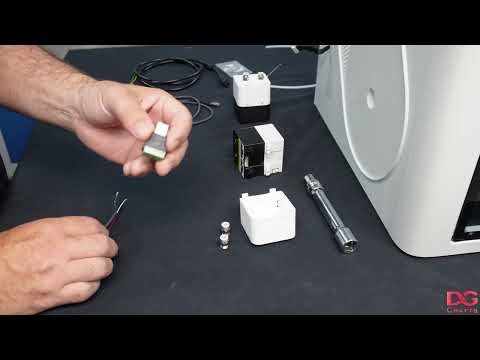
https://www.youtube.com/watch?v=DQsblPD1qpk

If you wish to use the side feeders then this is how you set them up.
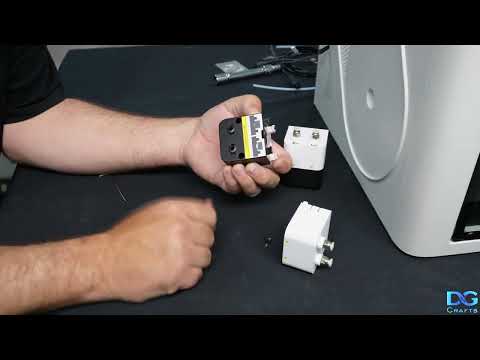
https://www.youtube.com/watch?v=H58NYWm1mIg
Thankyou to the following people
paxx12 for the extended firmware enabling the ability to mod the U1
https://github.com/paxx12/SnapmakerU1-Extended-Firmware
Jookia for the raw data dumps from the ace
https://github.com/printers-for-people/ACEResearch
utkabobr for the python routines to keep the ace alive and responding
https://github.com/utkabobr/DuckACE/
BlackFrogKok for the edit locations in the filament_feed.py to disable the factory feeders
https://github.com/BlackFrogKok/SnapAce/