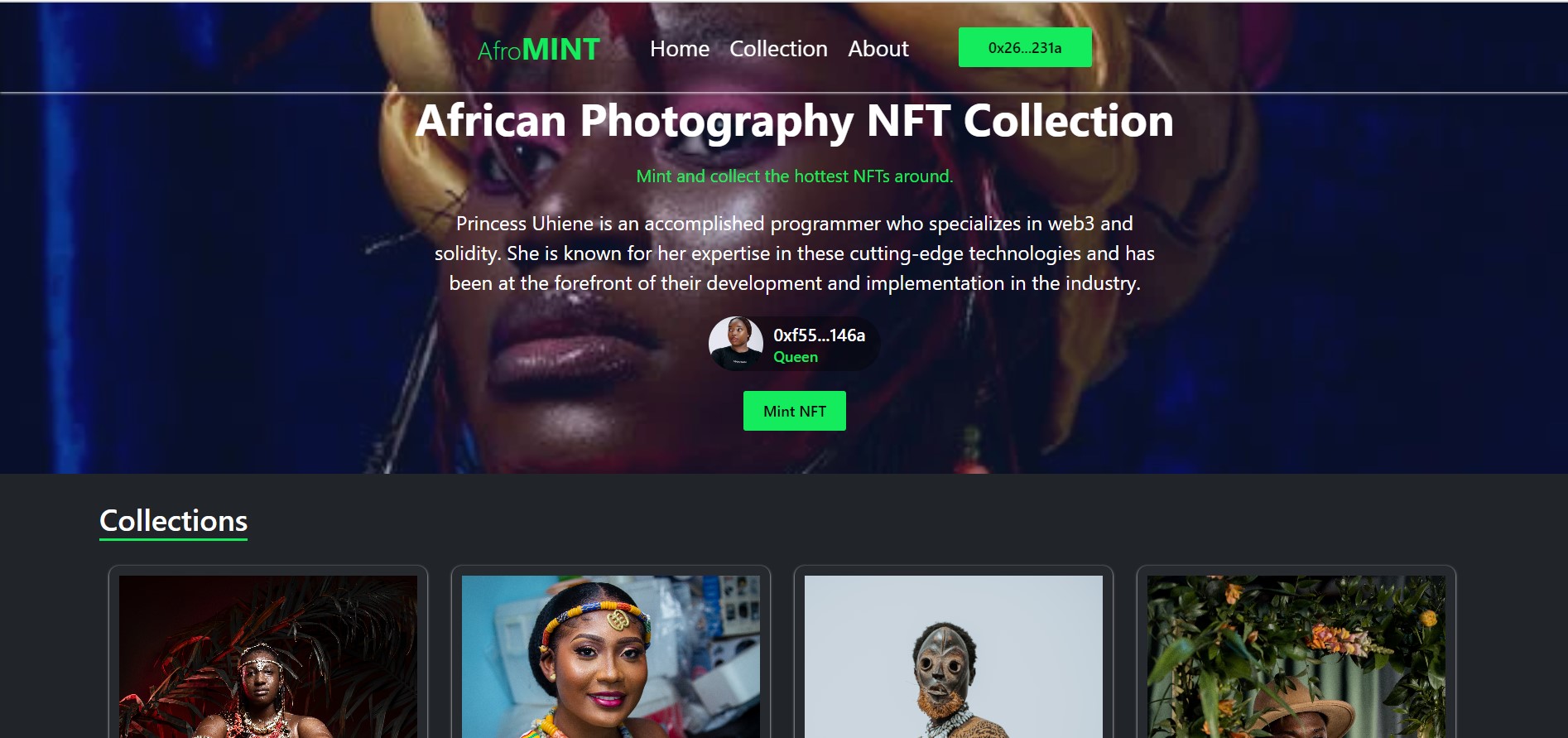
Demo

Use the following steps to run this project:
- Install xampp on your computer.
- Start the xampp services (Apache, MySQL).
- Open localhost/phpmyadmin
- Create a database called
afromint - Download this SQL file and import it into the
afromintdatabase.
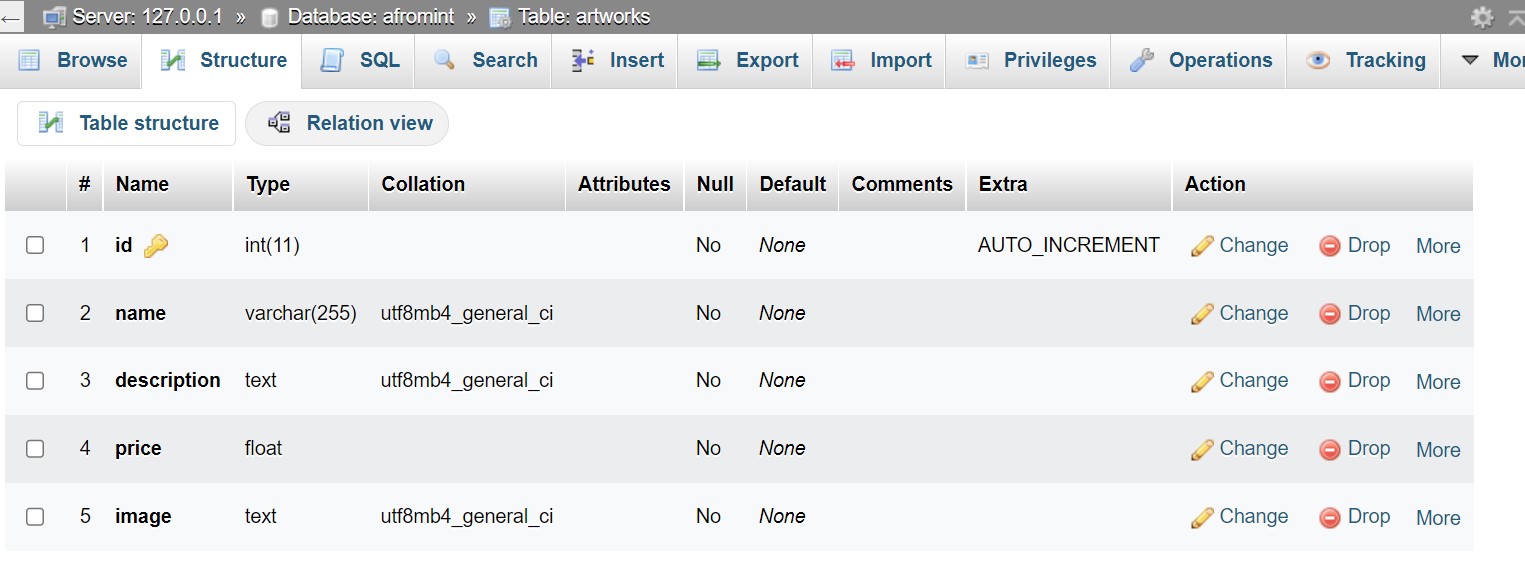
If done correctly your file structure should look like the image below.
On your workspace clone this Github project using the codes below.
# Make sure you have the above prerequisites installed already!
git clone https://github.com/Uhiene/AfroMint_Hackathon_Challenge.git afroMint
cd afroMint # Navigate to the new folder.
yarn install # Installs all the dependencies.
- Install composer on your computer.
- Using your terminal navigate to the
afroMintproject folder. - Run
composerupdate to install thelaraveldependencies.
- Visit verbwire and sign up for an account.
- On the dashboard, navigate to the API Keys tab and copy your secret Key.
- On the Deploy tab, create a Simple NFT Contract, and copy contract address
- Paste these two keys in your environment variable, see the step below.
Use the following steps to create and update your **.env** file.
-
Create a
.envfile at the root of your project. -
Copy and paste the contents from this file into your
.envfile -
Replace the keys below with the ones from Verbwire.
    VERBWIRE_API_KEY=*******************************************
    VERBWIRE_CONTRACT=******************************************
    DB_CONNECTION=mysql
    DB_HOST=127.0.0.1
    DB_PORT=3306
    DB_DATABASE=afromint
    DB_USERNAME=root
    DB_PASSWORD=''
Your database connections should remain the same unless it is secured.
Open two terminals on the project folder.
On the first terminal run the code below.
php artisan serve #terminal 1
On the second terminal run the code below.
yarn dev #terminal 2
Copy the link on the first terminal.

Open your browser and paste the address.